
BFF AI
All-in-one AI platform combining tools for working with text, images, audio, and code.

Overview
BFF AI Neural Network Description
BFF AI is a versatile online platform that combines several artificial intelligence tools in a single interface. Instead of switching between different services for each task, users get one unified workspace. Here you can write texts, create images from descriptions, convert speech to text and back, and generate program code.
The platform works through a browser and requires no additional software installation. It is designed for a wide range of users — from beginners just getting familiar with neural network capabilities to professionals who need a comprehensive tool for everyday work tasks.
Unified ecosystem of tools
The key idea behind BFF AI is to bring all popular neural network use cases together in one place. Instead of buying a subscription to one service for image generation, another for text work, and another for audio, users get access to all these features at once. This simplifies workflows and saves time on learning different interfaces.
Modern technology without the complexity
BFF AI uses current artificial intelligence models for content generation, but strives to hide technical complexity behind an intuitive interface. Simply choose the tool you need, formulate your task — and get the result. This approach makes technology accessible to people without specialized training.
BFF AI Features
| Feature | Value |
|---|---|
| Type | Universal platform with AI assistant |
| Categories | Writing assistants, text content generators, neural networks for blog writing |
| Developer | BFF AI Labs |
| Platform | Website, works online |
| Free plan | Yes, available |
| Starting plan price | Available on the official website |
| Premium plan price | Available on the official website |
| Monthly visits | 8.8K |
Who is BFF AI neural network for?
The platform is aimed at users whose work or creativity involves content creation and automation of routine tasks.
Blog authors and content creators
People who regularly publish articles, social media posts, or run their own blogs will find in BFF AI a tool for quickly creating drafts and generating ideas. The text function helps structure thoughts and reduce writing time.
Presentation and visual specialists
Anyone preparing presentations for study or work will benefit from the image generator. It allows you to quickly get illustrations from verbal descriptions, eliminating the need for lengthy searches for suitable stock photos.
Working with audio materials
The voice-to-text feature is useful for transcribing interviews, creating notes from voice recorders, or capturing work ideas. The reverse conversion — text to voice — can be used for voice-over materials.
Developers and programming beginners
The code generator helps automate writing typical code fragments. This can be useful both for experienced programmers looking to speed up routine work and for beginners learning the basics of development.
How to use BFF AI neural network?
The platform workflow is designed to be as simple as possible and requires no specialized knowledge.
Step 1: Registration
To get started, you need to register on the service's official website. This is a standard procedure that grants access to your personal account. Registration is required to save user request history and settings.
Step 2: Choosing a tool
After logging in, users are presented with a choice of available tools: text assistant, image generator, audio module, and code generator. Users select the appropriate section depending on their current task.
Step 3: Setting the task and getting the result
The platform interface is intuitive: simply formulate a request in natural language or click the corresponding button — and the neural network will begin the task. The result appears right in the browser window and can be copied or downloaded.
Key BFF AI Features
BFF AI provides users with five key tools covering a wide range of tasks.
AI assistant for text creation
The text module helps write drafts, correct typos, and make text more coherent. It handles both short social media posts and complex structured documents. It is a universal tool for working with written content.
Online image generation
To get an image, simply describe the desired picture verbally — the neural network will create it automatically. This is useful for preparing presentation illustrations, creating memes, or in situations where there is no time to search for suitable stock photos.
Voice-to-text conversion
This feature allows you to dictate thoughts, ideas, or interviews, and the neural network will convert them into written form. This approach is suitable for transcribing audio recordings, creating notes, and working with documents.
Text-to-voice conversion
The reverse function — speech synthesis from text. Users can write text and get it voiced in audio format.
Code generation
The built-in assistant for developers automates writing program code. Users describe the task, and the neural network suggests an appropriate code fragment.
BFF AI Advantages
The platform has a number of tangible benefits that make it attractive to users.
All necessary functions in one place
The main advantage of BFF AI is its versatility. One service replaces several separate programs for working with text, images, audio, and code. This saves financial resources and simplifies the workflow, eliminating the need to switch between tabs.
Routine automation
The platform noticeably speeds up routine tasks. Writing drafts, finding illustrations, or transcribing audio happens faster than doing it manually. This frees up time for more important tasks.
Use of modern AI technologies
BFF AI is built on current artificial intelligence models, which ensures decent generation quality and makes the service a useful tool for creative and work tasks.
BFF AI Disadvantages
Despite its functionality, the service has some limitations that are important to know in advance.
Generation accuracy requires adjustment
Neural network results are not always perfect. Sometimes generated text or images require manual refinement. This is normal for modern AI tools, but you should be prepared that part of the result may need editing.
Privacy concerns
Data that users send to the server is processed in the cloud. This may raise concerns for those working with sensitive information. Before uploading important materials, it is worth checking the service's privacy policy.
Internet dependency
BFF AI works exclusively online — through the website. Without a network connection, the platform cannot be used. This imposes limitations on working while traveling or in places with unreliable internet.
What tasks does BFF AI solve
The platform covers four main areas where users most often need help from artificial intelligence.
Writing articles and blog content
The text assistant allows you to quickly prepare a draft post or an entire article, structure material, and fix stylistic errors.
Generating illustrations for presentations and social media
The built-in image generator creates pictures for slides, posts, and announcements directly from your description, without the need to search stock sites.
Audio transcription and speech conversion
A recording from a voice recorder, interview, or lecture can be automatically converted into a text document — convenient for creating meeting minutes or notes.
Automating code writing
The code generator helps solve typical programming tasks, speeding up development and reducing monotonous work.
BFF AI Pricing
The service operates on a hybrid distribution model.
Free plan
Basic platform features are available for free. This allows you to get acquainted with the neural network's capabilities and understand how well it suits your tasks without initial investment.
Paid plans
For users who need more features or want to remove limitations, two paid plans are available:
- Starter plan — price available on the official website.
- Premium plan — price available on the official website.
Detailed information about what is included in each paid plan is available on the service's official website.
BFF AI Terms of Use
To get started with the platform, registration on the website is required. The service operates online, so a constant internet connection is needed. No other special conditions or requirements are stated. Overall, the usage rules are standard for similar cloud AI services.
BFF AI Availability
The platform is available through the official website in any modern browser. No specialized software installation is required — any device with internet access is sufficient. The service operates remotely, ensuring availability from anywhere in the world with a network connection.
How BFF AI differs from alternatives
There are many AI tools on the market, and BFF AI has both similarities and differences from them.
Comparison with multi-purpose competitors
Platforms like Gemini, ChatGPT, or DeepSeek also generate texts and respond to requests. However, BFF AI places greater emphasis on combining heterogeneous functions — from graphics to audio — in a single interface. While ChatGPT is primarily a conversational assistant, BFF AI positions itself as a multifunctional work environment.
Difference from niche services
Unlike tools focused on a single specific task (for example, only image generation or only audio recording), BFF AI offers a comprehensive solution. Platforms like Notion.AI are embedded in larger ecosystems for notes and project management, whereas BFF AI is a standalone full-cycle service.
Pricing positioning
BFF AI's pricing approach with a free plan and affordable paid packages makes it an attractive option for individual users and small teams who are not ready to overpay for enterprise solutions.
Conclusion
BFF AI is a universal platform that will become a useful tool for those seeking a comprehensive solution for working with text, images, audio, and code. The service's main advantage lies in concentrating several functions in a single interface, allowing users to avoid spreading their efforts across different programs and handle routine tasks faster. The availability of a free plan provides an opportunity to test the platform without financial investment and evaluate its effectiveness. At the same time, it is worth noting that generation results sometimes require manual refinement, and the service cannot operate without an internet connection. Overall, BFF AI represents a solid example of a modern multifunctional assistant designed for a wide range of users.
Frequently asked questions
See also


A platform for creating and interacting with AI characters, each with their own personality and story.


Online service with artificial intelligence that automatically creates presentations on a given topic.


AI platform for fast website creation and small business process management.
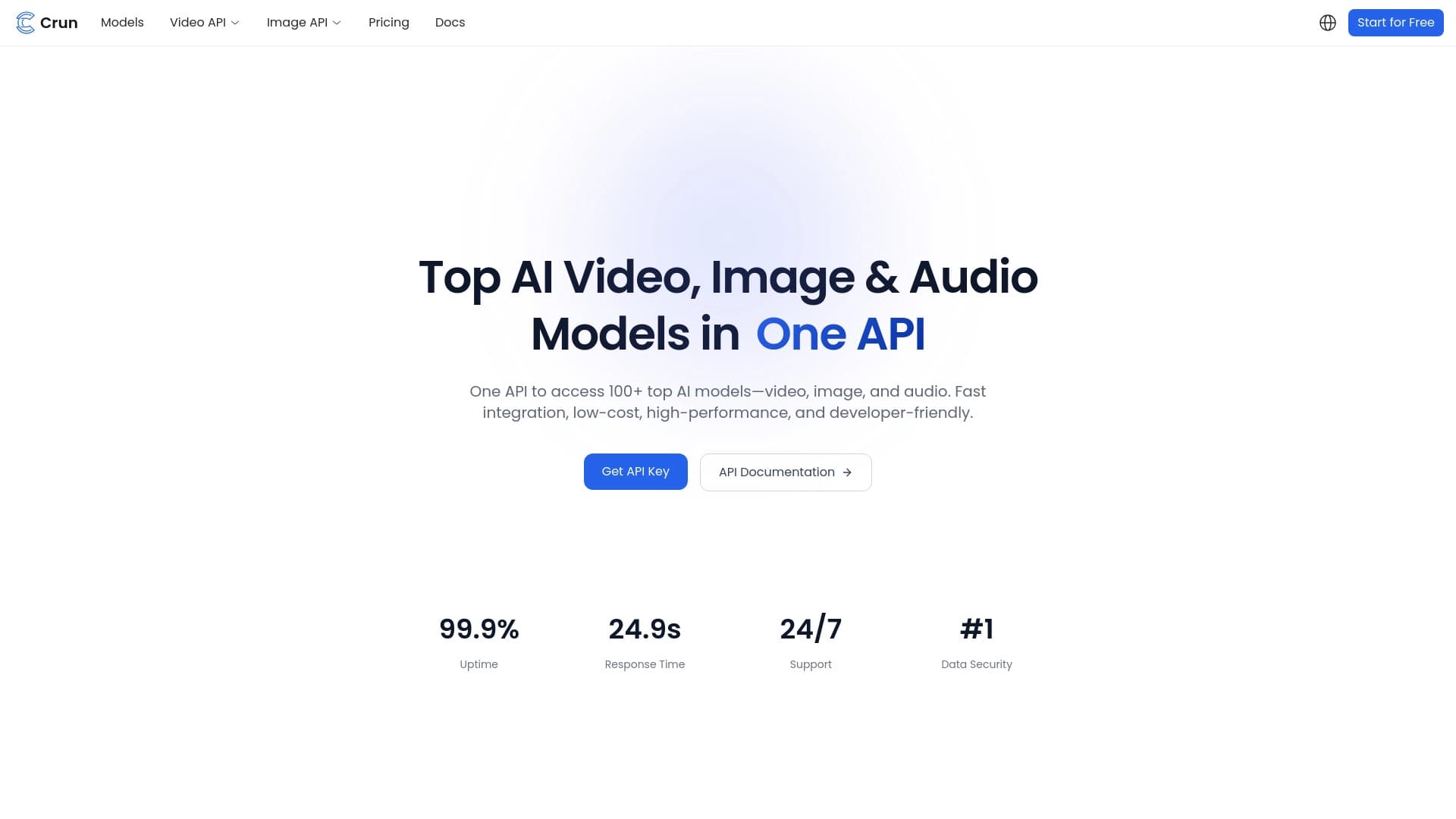
Unified API for accessing over 100 popular AI models for developers.


AI assistant for creating short summaries of videos, PDF documents, and web pages.
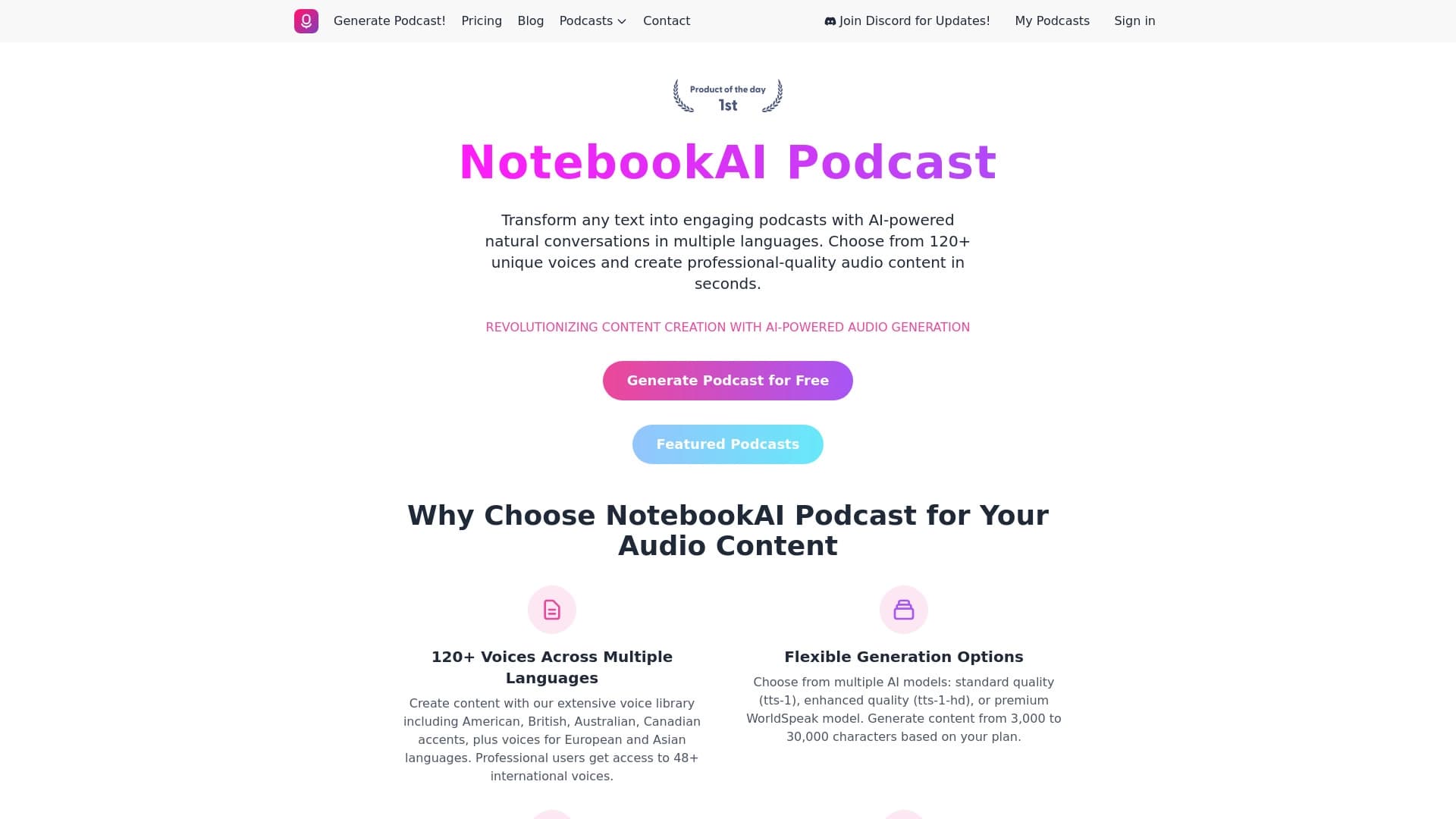

A service for turning text into podcasts with naturally sounding voices in different languages.

AI-powered platform for generating and enhancing images, videos, and logos in real time.


AI-powered platform for automated API security testing and vulnerability discovery in code and cloud infrastructure.