
Beanbag AI - Chrome Extension
Chrome extension that automatically collects contact information from LinkedIn profiles for lead generation.
Overview
Description of the Beanbag AI Neural Network - Chrome Extension
Beanbag AI is a specialized Chrome browser extension that solves the routine task of finding contacts on LinkedIn. Instead of manually browsing profiles in search of an email or phone number, the tool does this automatically. The extension analyzes open pages and collects available contact information into a single database for later use in outreach campaigns.
The solution is focused on accelerating routine processes: finding potential clients, building a database for cold emails, and automating the first touch with a lead. The service operates on a freemium model — after registration, users receive free credits for testing, while a paid subscription is required for serious volumes.
Beanbag AI - Chrome Extension Features
| Feature | Value |
|---|---|
| Type | Browser extension |
| Category | Lead generation tools |
| Platforms | Chrome |
| Developer | Beanbag AI |
| Free tier available | Yes (with free credits) |
| Monthly visits | 388.9K |
Who is the Beanbag AI - Chrome Extension neural network for?
Sales and marketing professionals
The tool will be useful for sales managers and marketers working in the B2B segment. The extension allows you to quickly build a list of contacts for cold calls or email campaigns, saving hours of manual searching.
Recruiters and HR specialists
For recruiters, the extension is valuable for quickly obtaining contact details of potential candidates without leaving the LinkedIn page. This simplifies the initial contact process and reduces the time to fill a vacancy.
Entrepreneurs and small teams
Business owners and small sales departments looking for B2B leads can also use the extension to quickly collect contacts. The freemium model allows you to evaluate the tool without upfront investment.
How to use the Beanbag AI - Chrome Extension neural network?
Step 1: Installation and registration
To get started, you need to install the extension from the Chrome Web Store. After installation, you will need to create an account. Free credits are awarded upon registration, which can be spent on test contact collection.
Step 2: Collecting contacts
After activating your account, you go to LinkedIn or another supported platform. Simply open profiles one by one — the extension automatically extracts phone numbers and email addresses in the background, saving them to your account.
Step 3: Using the data
The collected data can be exported or used directly in the service interface to launch multi-channel outreach campaigns. The system allows you to filter the database by specified criteria and send personalized messages.
Key features of Beanbag AI - Chrome Extension
Automatic contact collection
The main function of the extension is extracting phone numbers and emails from LinkedIn profiles, as well as from other partner sites. The process happens in real time while you browse pages.
Lead generation and filtering
The tool allows you to maintain a lead database, filtering companies and people by specified parameters. You can select contacts by geography, industry, or position, building targeted lists for outreach.
Multi-channel outreach
Beanbag AI supports sending messages through multiple channels, not just email. This allows you to build touchpoint sequences with potential clients and increase the likelihood of a positive response.
Advantages of Beanbag AI - Chrome Extension
Time savings and automation
The key advantage is speed. The extension eliminates the need to manually search for contacts, saving time on profile research. Just click on the desired page, and the data appears automatically.
Global reach and data freshness
The tool provides access to contacts from around the world. The developers claim the data is fairly fresh, which increases the chance of successfully connecting with a client. This is especially important for quickly scaling sales.
Outreach versatility
The ability to work with multiple communication channels is a significant advantage. You are not limited to email alone, which expands your toolkit for reaching out to leads and increases campaign effectiveness.
Disadvantages of Beanbag AI - Chrome Extension
Data quality
Not all contacts in the database are up to date. For lesser-known companies, data may be outdated or incomplete. This can lead to wasted time on non-existent numbers or addresses.
Free tier limitations
Free credits run out quickly. For full-fledged work, especially for commercial purposes, a paid subscription is required, the cost of which can be significant for small teams or individual professionals.
Privacy concerns
When working with international markets, difficulties may arise related to compliance with privacy laws (e.g., GDPR). Using the tool requires an understanding of the legal risks involved in data collection.
What tasks does Beanbag AI - Chrome Extension solve?
Finding and attracting new clients
The main task is accelerating the search for B2B clients. The extension helps quickly gather contacts for initial outreach and build a database of potential buyers.
Automating lead collection
The tool automates the process of collecting contacts from LinkedIn and other platforms, turning it from a manual and labor-intensive process into an almost passive one.
Scaling sales and recruiting
Thanks to fast data collection and multi-channel outreach setup, the extension allows you to scale the efforts of your sales, marketing, or recruiting team without proportionally increasing workload.
Beanbag AI - Chrome Extension Pricing
The service operates on a subscription model. Users have access to a free plan with a limited number of credits for testing. For commercial use, two paid tiers are offered:
- Standard plan — available at a monthly subscription fee.
- Premium plan — available at a higher monthly subscription fee.
Terms of use for Beanbag AI - Chrome Extension
Registration is required to get started. After creating an account, the system awards free credits (e.g., 5 phone numbers and 25 emails), which are enough to get familiar with the interface and evaluate the speed of operation. For active contact collection and full use of outreach features, you need to purchase a paid subscription on one of the tiers.
Availability of Beanbag AI - Chrome Extension
The extension is available for the Google Chrome browser. The service interface and marketing materials are translated into Russian, making it convenient for Russian-speaking users. The developers do not specify regional restrictions, but the tool is stated to work with data worldwide.
How Beanbag AI - Chrome Extension differs from alternatives
Unlike universal AI platforms such as ChatGPT, Jasper AI, or Polymer, which solve a wide range of tasks from text generation to data analysis, Beanbag AI is a narrowly specialized tool for one specific scenario: finding B2B client contacts.
The main difference is deep integration with LinkedIn. The extension works directly within the social network's interface, automatically picking up data from open profiles. In contrast, universal tools require setup or lack such direct integration.
It is also worth noting that, unlike analytical tools (Julius AI, Albert AI) and data processing services (Powerdrill AI), Beanbag AI is focused not on analysis but on direct action — collecting and subsequently communicating with leads through multi-channel outreach.
Conclusion
Beanbag AI is an effective and easy-to-use Chrome extension that significantly speeds up the process of finding B2B leads. It will be useful for sales managers, marketers, and recruiters who want to automate contact collection and reduce time spent on routine operations. The tool has its limitations, such as potentially outdated data and the need for a paid subscription for serious volumes, but for teams focused on rapid growth, it can become a valuable addition to their toolkit.
Pricing
Frequently asked questions
See also

Generate advertising UGC videos with virtual actors without real filming.
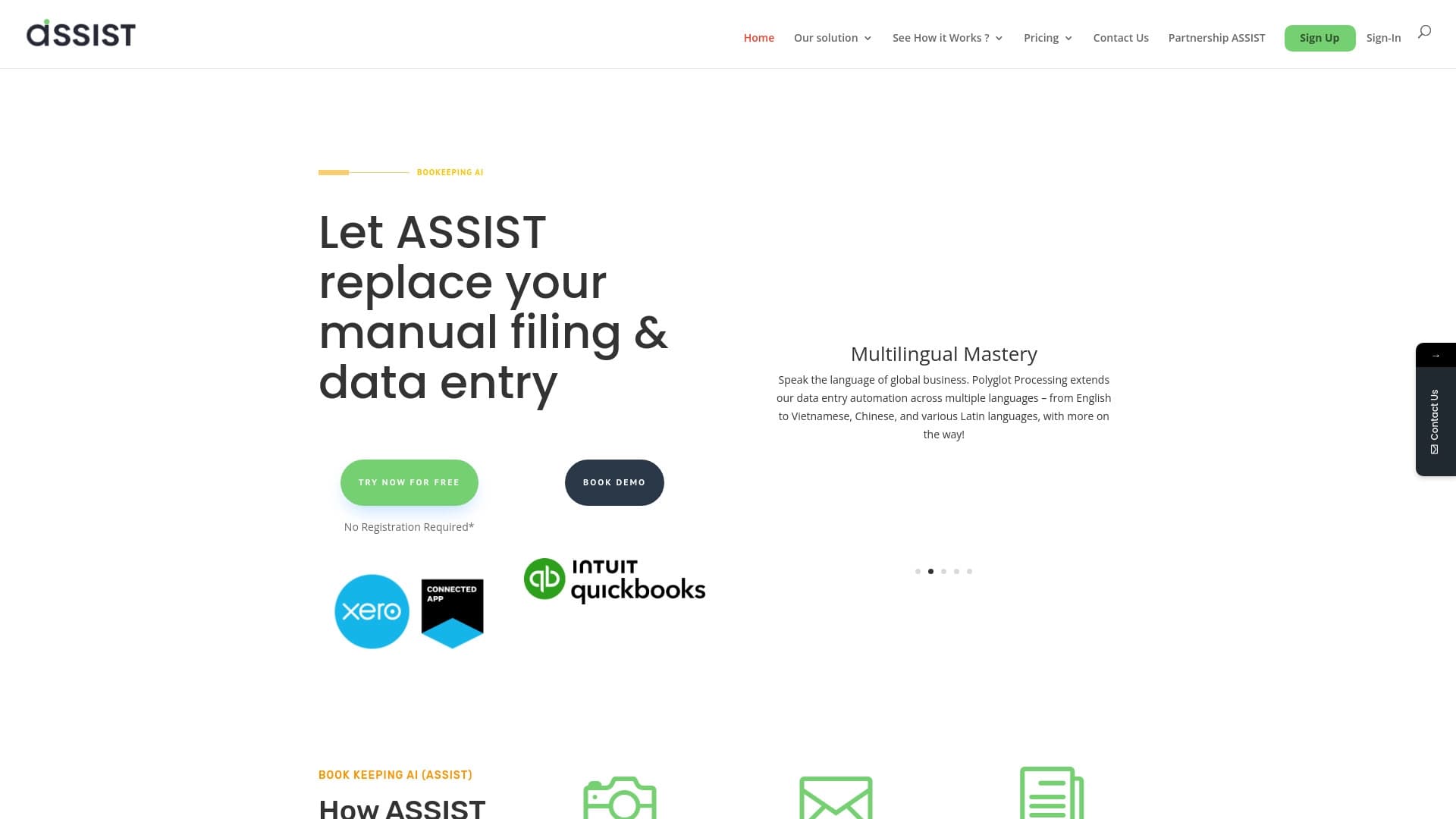

AI tool for automatic data extraction from financial documents and integration with accounting systems.


A tool for generating 3D models based on text descriptions, images, or sketches.
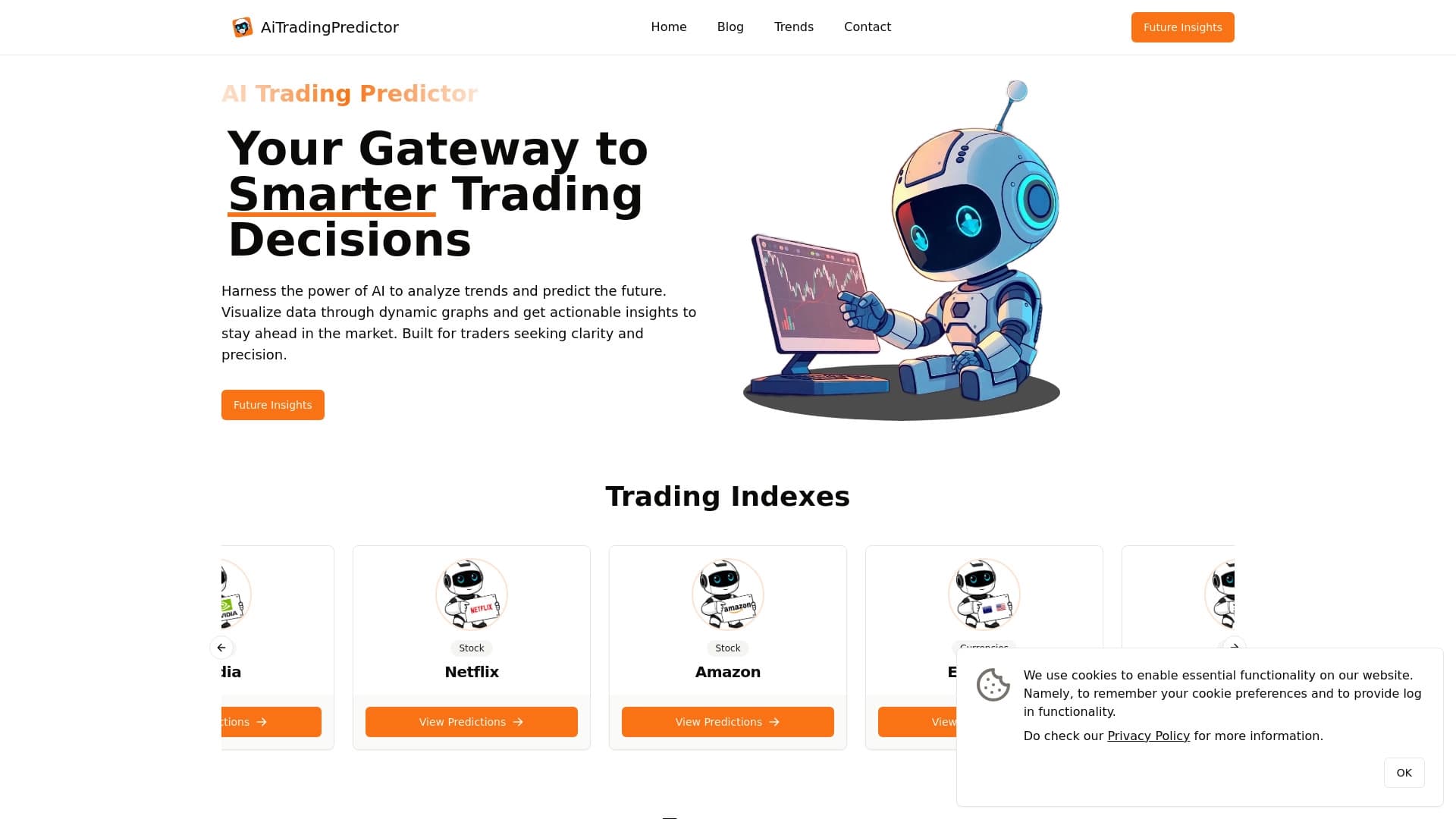
Free AI service for forecasting price movements of stocks, cryptocurrencies, and commodities.


Russian-language GPT-based AI chatbot for information retrieval and text generation.


Neural network for fast video generation and editing from text descriptions, images, and references.


AI-powered platform for generating and editing images and videos.

Service for animating photos and creating videos with digital avatars using artificial intelligence.