
Auto Continue ChatGPT
Расширение для Chrome, которое автоматически нажимает кнопку «Продолжить генерацию» в ChatGPT, избавляя от необходимости делать это вручную.
Обзор
Auto Continue ChatGPT
Описание нейросети Auto Continue ChatGPT
Auto Continue ChatGPT — это расширение для браузера Chrome, которое автоматизирует нажатие кнопки «Продолжить генерацию» в ChatGPT. Инструмент решает проблему прерывания длинных диалогов: когда нейросеть достигает лимита ответа, расширение самостоятельно нажимает кнопку продолжения, позволяя диалогу идти дальше без участия пользователя.
Разработчиком расширения выступает Toolify. Оно доступно по модели freemium — есть бесплатная версия с базовыми функциями, а также платные тарифы для тех, кому нужны расширенные возможности автоматизации. Инструмент особенно полезен при работе с большими объёмами текста, длительных сессиях с нейросетью или в ситуациях, когда не хочется отвлекаться на механику чата.
Характеристики Auto Continue ChatGPT
| Характеристика | Значение |
|---|---|
| Тип | Расширение для браузера |
| Категории | Инструменты для создания чат-ботов, Помощники для соцсетей, Инструменты для автоматических ответов, Генераторы ответов на основе ИИ |
| Платформы | Chrome |
| Разработчик | Toolify |
| Модель распространения | Freemium (бесплатный тариф с ограниченными функциями) |
| Ежемесячные посещения | 603.2K |
| Дата публикации | 7 Ноября 2025 |
Для кого подходит нейросеть Auto Continue ChatGPT?
Пользователи, ведущие длинные диалоги с ChatGPT
Расширение в первую очередь предназначено для тех, кто регулярно общается с ChatGPT в продолжительных сессиях. Если ваши диалоги часто упираются в лимит ответа и требуют постоянного нажатия кнопки «Продолжить», Auto Continue ChatGPT избавит от этой рутины.
Специалисты, работающие с большими текстами
Журналисты, копирайтеры, исследователи и студенты, которым нужно генерировать объёмные материалы с помощью нейросети, оценят возможность не отвлекаться на механику чата. Инструмент позволяет сосредоточиться на содержании, а не на кликах.
Те, кто хочет сократить количество рутинных действий
Любой пользователь ChatGPT, уставший от постоянного подтверждения каждой новой порции текста, может установить расширение и забыть о кнопке «Продолжить генерацию».
Как использовать нейросеть Auto Continue ChatGPT?
Установка расширения
Расширение устанавливается в браузер Chrome через магазин расширений. Процесс установки стандартный: найти Auto Continue ChatGPT в каталоге и добавить его в браузер.
Включение автоматического режима
После установки необходимо перейти в настройки расширения и включить опцию Auto Continue. После активации расширение начнёт автоматически отслеживать появление кнопки «Продолжить генерацию» в ChatGPT и нажимать её без участия пользователя.
Работа в автоматическом режиме
Когда вы ведёте диалог в ChatGPT и нейросеть достигает лимита ответа, расширение самостоятельно нажимает кнопку продолжения. Вам остаётся только читать ответы и реагировать на них — никаких лишних кликов.
Основные функции Auto Continue ChatGPT
Автоматическое нажатие кнопки «Продолжить генерацию»
Главная и единственная функция расширения — автоматическое нажатие кнопки, которая появляется после того, как ChatGPT исчерпал лимит текущего ответа. Расширение отслеживает её появление и срабатывает мгновенно.
Поддержание диалога без участия пользователя
Благодаря автоматическому нажатию диалог с нейросетью не прерывается. Пользователю не нужно сидеть перед экраном и ждать появления кнопки — расширение делает это самостоятельно, позволяя заниматься другими делами.
Преимущества Auto Continue ChatGPT
Беспрерывная переписка без подтверждения каждой порции текста
Расширение обеспечивает непрерывный поток ответов от ChatGPT. Вам больше не нужно каждый раз подтверждать, что вы хотите продолжить — диалог идёт сам собой.
Ускорение работы за счёт автоматизации кликов
Автоматизация избавляет от необходимости держать руку на мышке и ждать появления кнопки «Продолжить». Это ускоряет работу, особенно при генерации длинных текстов или проведении продолжительных сессий.
Снижение количества рутинных действий
Расширение берёт на себя механическую часть работы, позволяя сосредоточиться на содержании диалога. Вы тратите меньше времени на управление чатом и больше — на суть общения с нейросетью.
Недостатки Auto Continue ChatGPT
Потеря контроля над направлением разговора
Из-за автоматизации можно не успеть вовремя остановить поток текста. ChatGPT может уйти не туда, а расширение продолжит нажимать кнопку «Продолжить», что приведёт к генерации ненужного или нерелевантного контента.
Возможные конфликты с другими расширениями браузера
Расширение может конфликтовать с другими установленными расширениями, особенно теми, которые связаны с искусственным интеллектом или управлением страницей. Это может привести к некорректной работе как Auto Continue ChatGPT, так и других инструментов.
Бесполезная генерация текста и расход ресурсов
Диалог может продолжаться даже тогда, когда он уже не нужен. Если пользователь отвлёкся или решил завершить сессию, расширение всё равно будет нажимать кнопку «Продолжить», создавая лишний текст и тратя ресурсы.
Какие задачи решает Auto Continue ChatGPT
Автоматическое продолжение длинных диалогов с ChatGPT
Расширение решает задачу ручного подтверждения каждой новой порции текста. Вам не нужно постоянно нажимать кнопку «Продолжить генерацию» — инструмент делает это автоматически, позволяя вести длительные диалоги без перерывов.
Экономия времени при работе с большими текстами
При генерации объёмных материалов или проведении сложных обсуждений каждая секунда на счету. Auto Continue ChatGPT экономит время, избавляя от необходимости следить за появлением кнопки и кликать по ней.
Избавление от постоянного контроля за кнопкой «Продолжить»
Расширение снимает необходимость постоянно следить за интерфейсом чата. Вы можете отвлечься от экрана или заниматься другими задачами, пока нейросеть генерирует ответы.
Цены Auto Continue ChatGPT
Расширение распространяется по модели freemium. Доступен бесплатный тариф с ограниченным функционалом. Для тех, кому нужны расширенные возможности, предусмотрены два платных тарифа:
- Базовый тариф — 499 рублей в месяц. Включает базовые функции автоматического продолжения.
- Премиум тариф — 999 рублей в месяц. Предоставляет все функции авто-продолжения и приоритетную поддержку.
Условия использования Auto Continue ChatGPT
Для использования расширения требуется браузер Chrome и установка самого расширения из магазина. После установки необходимо включить опцию Auto Continue в настройках. Расширение работает только при активном сеансе ChatGPT в браузере.
Доступность Auto Continue ChatGPT
Расширение доступно как дополнение для браузера Chrome. Оно работает онлайн — для корректной функции требуется активное интернет-соединение и открытая вкладка с ChatGPT. Инструмент не имеет десктопной или мобильной версии за пределами браузерного расширения Chrome.
Чем отличается Auto Continue ChatGPT от аналогов
Специализация на одной задаче
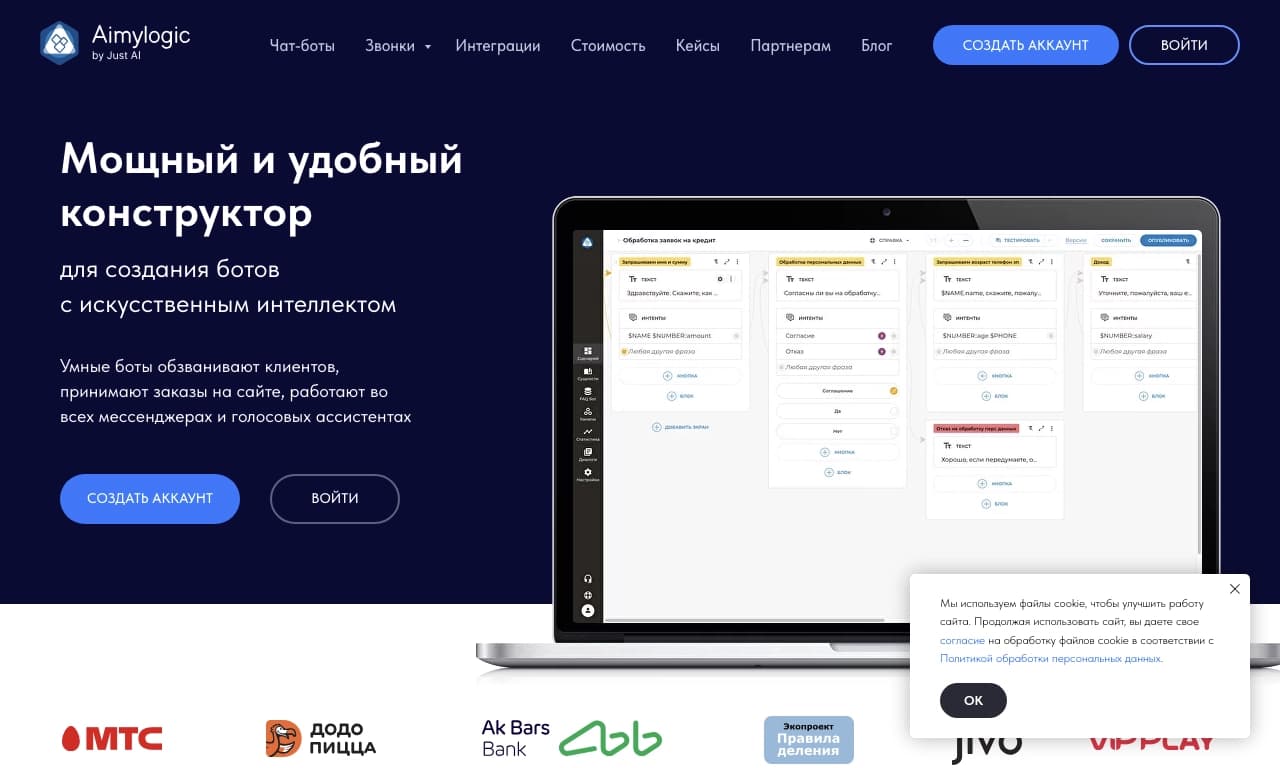
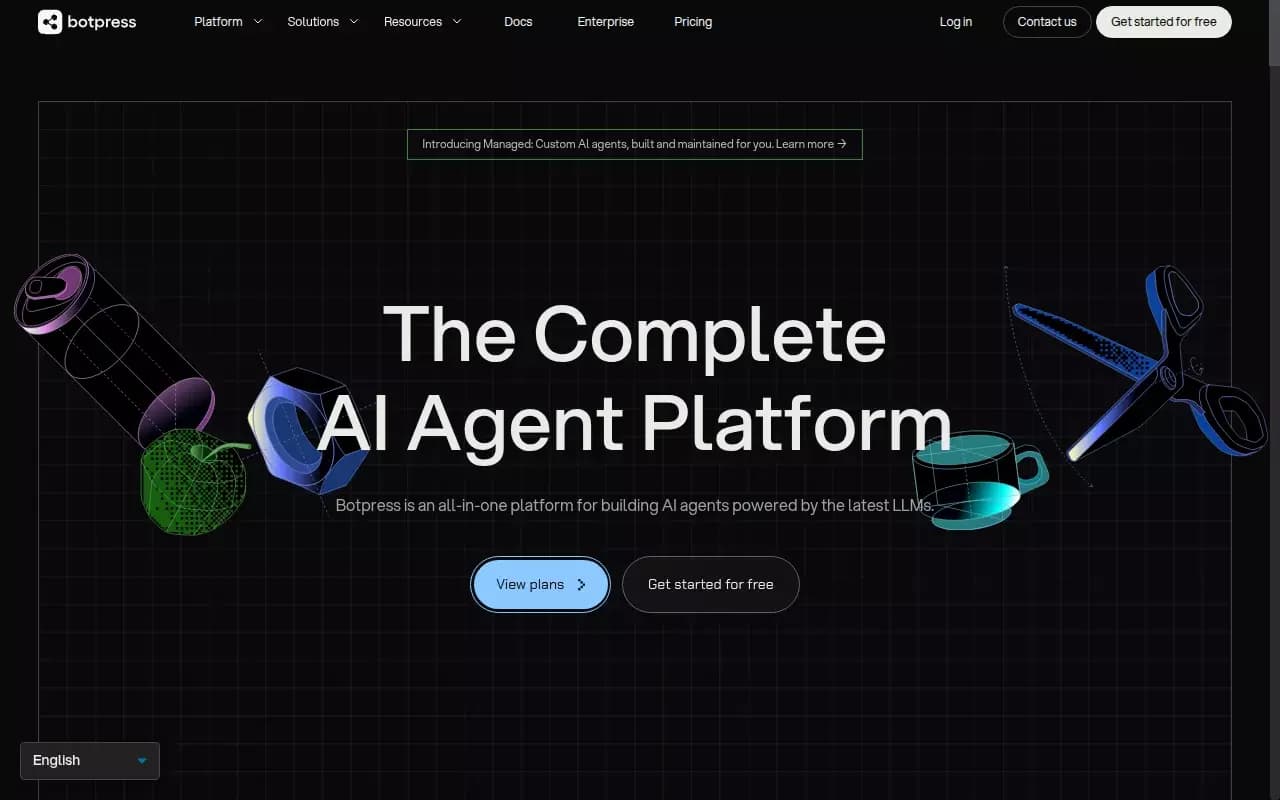
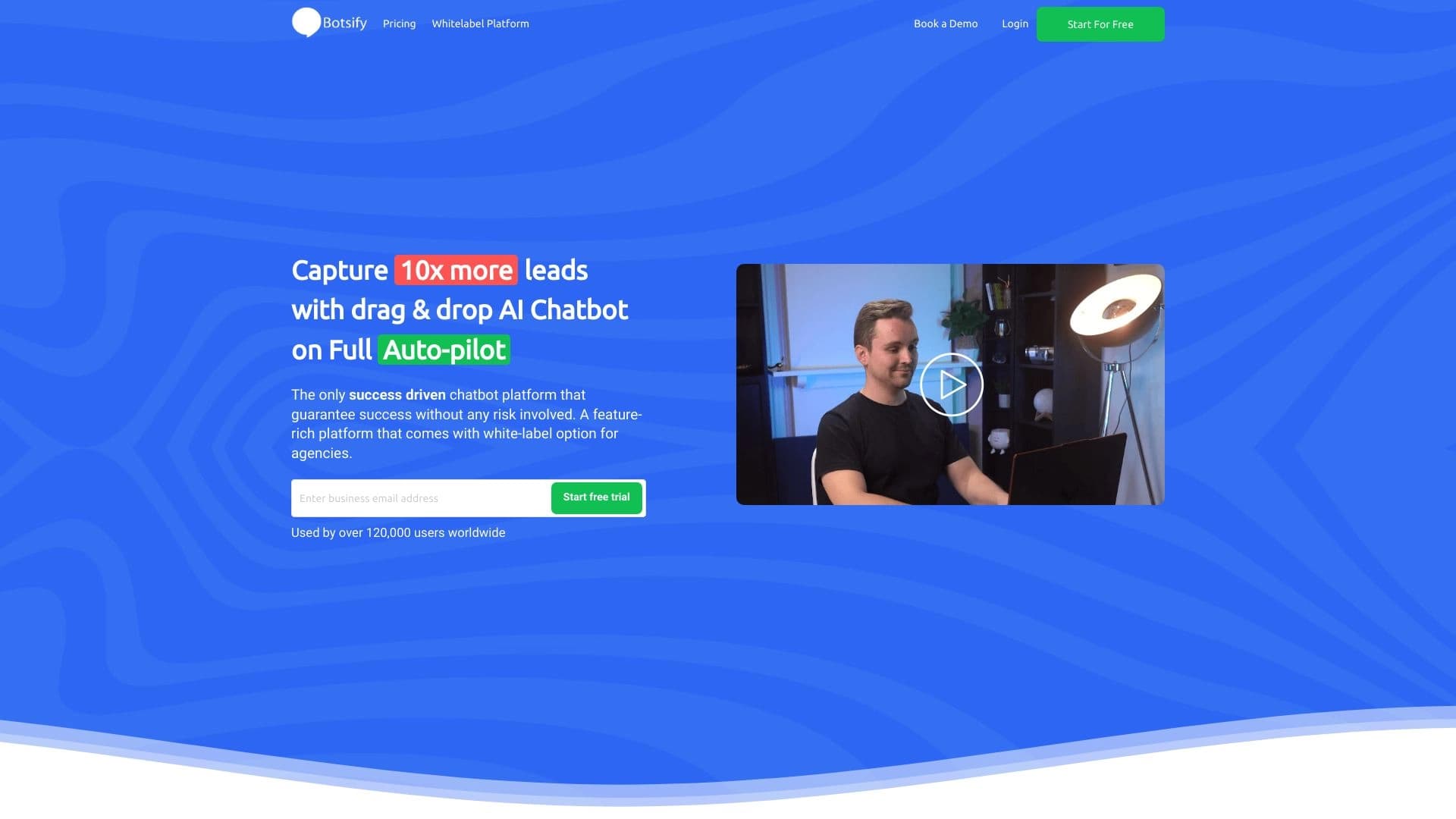
В отличие от многих аналогов (Leadtex, Botmother, Aimylogic, SaleBot, Botpress, Botsify), которые представляют собой полноценные платформы для создания чат-ботов и автоматизации общения в соцсетях, Auto Continue ChatGPT решает только одну конкретную задачу — автоматическое нажатие кнопки «Продолжить генерацию» в ChatGPT. Это делает инструмент узкоспециализированным и простым.
Простота использования
Аналоги часто требуют настройки сценариев, интеграций и обучения ботов. Auto Continue ChatGPT работает по принципу «установил и забыл» — не нужно ничего настраивать, кроме включения опции в настройках.
Ограниченная сфера применения
Главное отличие от аналогов — узкая направленность. Если Botmother или Botpress позволяют создавать сложные системы автоматизации общения, то Auto Continue ChatGPT работает исключительно внутри ChatGPT и только для одной цели — автоматического нажатия кнопки продолжения.
Заключение
Auto Continue ChatGPT — это простое и узкоспециализированное расширение для Chrome, которое автоматизирует нажатие кнопки «Продолжить генерацию» в ChatGPT. Оно полезно для тех, кто ведёт длинные диалоги с нейросетью или работает с большими объёмами текста, так как избавляет от рутинных кликов и позволяет сосредоточиться на содержании. У инструмента есть бесплатная версия с ограниченными функциями, а также платные тарифы для расширенных возможностей. Однако стоит учитывать риски: возможную потерю контроля над направлением беседы, конфликты с другими расширениями и бесполезную генерацию текста при невнимательности пользователя.
Тарифы
Часто задаваемые вопросы



Смотрите также


Многофункциональный ИИ-ассистент для чата, генерации текста и изображений, перевода и помощи в программировании.


Браузер со встроенными ИИ-инструментами для общения с нейросетями, генерации текстов и изображений, перевода и суммаризации страниц.


Платформа для управления проектами с функциями постановки задач, отслеживания времени и контроля загрузки сотрудников.


Open-source AI-агент для разработки, который помогает генерировать, дорабатывать и отлаживать код прямо в IDE.


Платформа для создания и общения с AI-персонажами, у каждого из которых свой характер и история.


Платформа-агрегатор, объединяющая различные AI-инструменты и языковые модели с оплатой только за фактическое использование.


Инструмент, встраиваемый в Microsoft Word, который с помощью нейросетей автоматизирует создание, редактирование и анализ юридических контрактов.


Платформа на основе искусственного интеллекта для генерации юридических документов, анализа контрактов и получения правовой информации.