

Audiotype - Audio Transcription and Video Subtitles
Online service for automatic transcription of audio and video into text and creating subtitles.
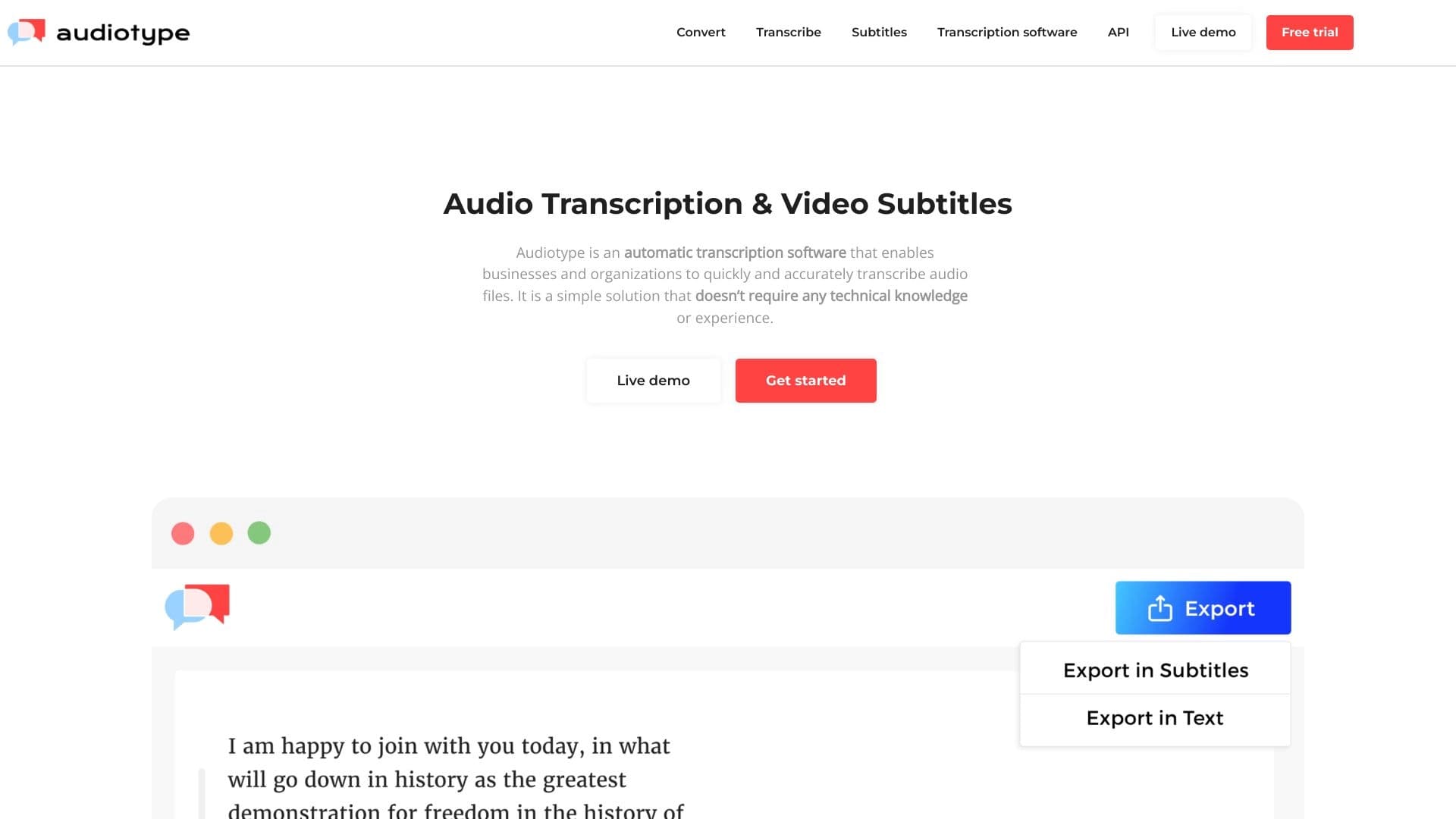
Overview
Audiotype is an online service that automatically converts audio and video files into text. Instead of manually transcribing interviews, lectures, or meetings, users upload a file to the service, and the neural network handles speech recognition on its own. In addition to plain text, the utility generates subtitle tracks in SRT and VTT formats, which can be added to videos on YouTube or in online courses.
The service focuses on speed and simplicity: according to the developers, it supports over 36 languages, with recognition accuracy ranging from 80% to 95%. One of Audiotype's key advantages is that no registration is required — to get started, you simply open the website and upload a file. This makes the tool a convenient solution for one-off tasks or for users who don't want to create accounts on every new web service.
Audiotype — Audio Transcription and Video Subtitles: Key Features
| Feature | Value |
|---|---|
| Type | Website (web service) |
| Categories | Audio and video recording tools, audio transcription, subtitle generators, speech recognition, AI content detection, advertising |
| Developer | Audiotype |
| Monthly visits | 388,900 |
| Supported languages | Over 36 (including English, Spanish, French, German) |
| Recognition accuracy | 80–95% |
| Free plan | Yes |
| Registration | Not required |
Who is Audiotype — Audio Transcription and Video Subtitles for?
Journalists and editors
Journalists often have to work with large volumes of recorded interviews. Audiotype lets them quickly get a text version of a conversation, making it easy to search for quotes without having to listen to audio files multiple times.
Students and educators
Lectures and seminars can be easily turned into notes. Students can save class transcripts to prepare for exams, while educators can create text versions of their materials for distance learning.
Companies and organizations
Transcribing meetings, negotiations, and calls saves employees time. The service is suitable for keeping meeting minutes or archiving important discussions in text form.
How to use Audiotype — Audio Transcription and Video Subtitles
1. Upload a file
To get started, go to the service's website and upload an audio or video file. No account creation is needed — the process starts right after you select a file on your computer.
2. Automatic processing
The neural network processes the uploaded file on its own. No special settings or parameters are required to start the process — recognition happens fully automatically.
3. Get the result
Within a few minutes, the service provides the finished text. You can copy it or save it as a plain text document. If you're working with video, you can also download a subtitle file in SRT or VTT format.
Key features of Audiotype — Audio Transcription and Video Subtitles
Audio and video transcription
The service's main function is converting audio tracks into text. The tool recognizes speech in both audio files and videos, extracting dialogues and monologues from them.
Multi-language support
The service works with more than 36 languages. This makes it suitable for international projects or for people speaking different languages, without needing to find a separate tool for each case.
Subtitle creation
Users can export the result not only as continuous text but also as subtitles. SRT and VTT files are compatible with most video players and video hosting platforms, such as YouTube.
Advantages of Audiotype — Audio Transcription and Video Subtitles
High accuracy and speed
According to the developers, recognition accuracy reaches 80–95%. The service handles recordings whose quality is far from ideal, saving time on manual checking and error correction.
Full automation
The transcription process requires no manual setup or user involvement. All you need to do is upload a file — the neural network handles everything else, without requiring you to navigate a complex interface.
No registration required
To use Audiotype, you don't need to create an account, verify your email, or remember passwords. This simplifies one-off use and lowers the barrier to entry.
Drawbacks of Audiotype — Audio Transcription and Video Subtitles
Challenges with imperfect audio
The neural network may make errors when recognizing speech with heavy background noise, non-standard accents, or many people speaking at once. In such cases, manual editing of the transcript will be required.
Privacy concerns
Files are uploaded to third-party servers for processing. If your audio recording contains sensitive information, this could create risks related to its storage and access by third parties.
Format limitations
The service does not support all possible file formats. If you're using a rare or non-standard codec, you may need to convert the file to a more common format beforehand.
What tasks does Audiotype — Audio Transcription and Video Subtitles solve?
Transcribing lectures and interviews
The tool is suitable for converting any monologues or dialogues into text format — from lectures and seminars to personal interviews and podcasts.
Creating subtitles for video content
The subtitle generation feature solves the task of adding text tracks to online courses, webinars, and YouTube videos, making content more accessible to a wider audience.
Processing large volumes of audio
Automation allows for quickly processing large amounts of audio recordings that would be difficult to transcribe manually due to the sheer volume of work.
Audiotype — Audio Transcription and Video Subtitles: Pricing
The service offers three pricing plans:
| Plan | Price |
|---|---|
| Free | Free |
| Professional | Paid monthly subscription |
| Business | Paid monthly subscription |
The free plan is designed for getting familiar with the service and testing its capabilities. The paid plans are likely intended for more intensive use or provide extended limits and features, although the source data does not disclose the detailed differences between them.
Terms of use for Audiotype — Audio Transcription and Video Subtitles
Registration is not required to use the service. All you need is internet access and to open the Audiotype website. All uploaded files are processed on the service's servers, which may raise questions about data security and privacy.
Availability of Audiotype — Audio Transcription and Video Subtitles
Audiotype is a fully web-based service that works online. No additional software installation is required — you can use its functionality from any device with a browser and an internet connection. The service supports over 36 languages, and according to the source data, these include English, Spanish, French, and German.
How Audiotype — Audio Transcription and Video Subtitles differs from alternatives
No registration as a key differentiator
Unlike many competitors that require mandatory account creation to access functionality, Audiotype lets users jump straight to uploading a file and getting results. This significantly speeds up the task and saves time.
Price-to-features ratio
Audiotype offers a broad set of core features (speech recognition in 36 languages and subtitle creation) with a fairly low entry barrier. At the same time, it's important to note that high recognition accuracy is not guaranteed for complex recordings, and in such cases, the result may require additional refinement.
Conclusion
Audiotype is a simple and fast online tool for automatically transcribing audio and video files into text and creating subtitles in SRT and VTT formats. The service is attractive due to its lack of mandatory registration, support for more than 36 languages, and automated processing workflow. It handles most everyday tasks well, such as transcribing interviews, lectures, or meetings. However, it's worth keeping its limitations in mind: errors may occur with complex audio tracks featuring noise or many simultaneous speakers, and privacy concerns may arise when uploading sensitive files to third-party servers. Nevertheless, for quickly getting a text version of a recording, Audiotype is a convenient and accessible solution.
Frequently asked questions
See also


A multifunctional AI assistant for generating texts, images, and audio.


AI-powered service for automatically creating “faceless” short videos for TikTok, YouTube Shorts, and other platforms.

A neural network for document analysis that extracts key information, creates summaries, and answers questions about the contents of uploaded files.

A platform for content creators that combines link management, email marketing, an online store, and analytics in a single visual editor without coding.


Service for turning static images into videos with singing and lip-syncing using AI.

Online tool for swapping faces in photos, videos, and GIFs without registration or watermarks.
Music generator from text descriptions with style and mood customization, as well as export of individual tracks.


AI platform for automatic workday planning, task management, and prioritization.