

Audiogest
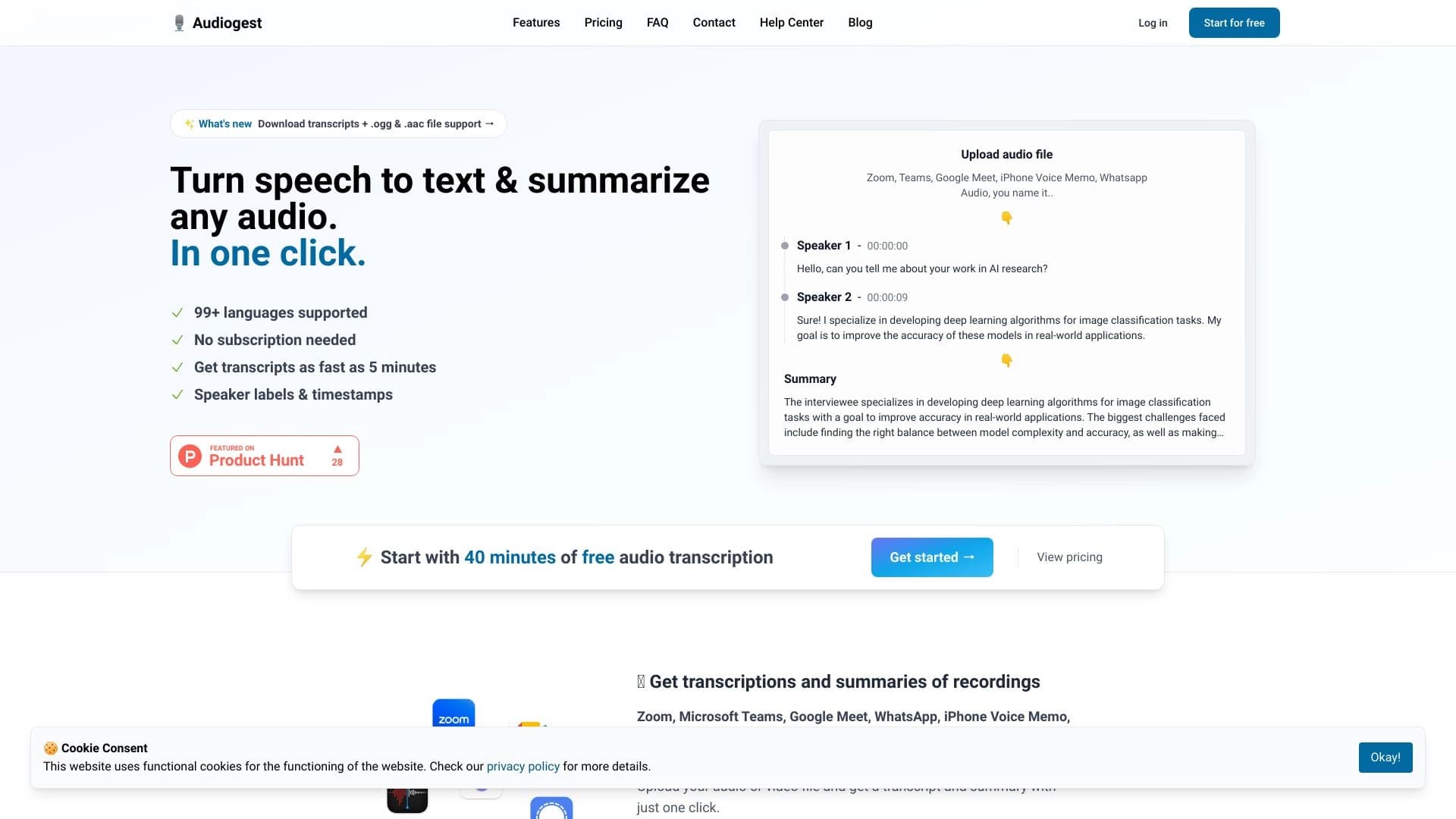
Audiogest is a neural network for converting audio to text and creating concise summaries.
Overview
Audiogest Neural Network Description
Audiogest is a specialized web service powered by artificial intelligence that solves two main tasks: converting audio files into text and automatically creating concise summaries of the content. Instead of manually listening to long recordings and taking notes, users simply upload a file to the website — the neural network recognizes speech, generates a transcript, and additionally produces a condensed summary of key points. This makes the service especially useful for those who regularly work with lectures, interviews, podcasts, and business meetings.
A key feature of Audiogest is its broad language support: the system understands more than 99 languages, including English, Spanish, German, French, and others. Additionally, no additional software installation is required to use the service — the entire process happens through the browser on the official website.
Audiogest Features
| Feature | Value |
|---|---|
| Type | Audio transcription and summarization tool |
| Categories | Summarization, audio transcription, speech recognition, noise reduction, audio enhancement |
| Platform | Web-based |
| Supported languages | More than 99 languages |
| Supported formats | MP3, M4A, WAV, WebM, and other popular formats |
| Free tier available | Yes (limited number of minutes) |
| Developer | Audiogest |
| Monthly visits | 182.8K |
Who is Audiogest suitable for?
Students and researchers
Audiogest is a helpful assistant for students who need to process large amounts of lecture material. Instead of spending a long time listening to audio recordings, they can get structured text and a brief summary of key points. For researchers, the service helps organize interviews and field notes, saving hours of manual transcription.
Journalists and content creators
For journalists working with interview recordings or press conferences, Audiogest makes it quick to obtain quotes and key talking points from speakers. Podcast and video content creators can use transcripts to prepare episode descriptions, subtitles, and show notes without interrupting their main production workflow.
Business users
Professionals who regularly attend meetings and conferences can use the service to record agreements and decisions. The automatic dialogue summary helps quickly refresh the context of a discussion without having to listen to the entire recording again.
How to use Audiogest?
Step 1: Upload a file
To get started, go to the service's official website and upload an audio or video file. The system accepts files in popular formats: MP3, M4A, WAV, WebM, and several others. The interface requires no software installation — just access to a browser and the internet.
Step 2: Processing and getting results
After uploading, the artificial intelligence automatically begins speech recognition. Within a few minutes, the user receives a full text transcript of the audio, as well as an automatically generated brief summary of the content. The service supports materials in more than 99 languages, including major European and Asian languages.
Key Features of Audiogest
Audio-to-text conversion
The service's core function is accurate transcription of spoken language into written text. This saves users from the laborious task of manual typing and provides quick access to the content of any audio recording.
Automatic summary generation
Audiogest doesn't just transcribe audio — it also analyzes the content, identifying the main ideas and formulating a concise summary. This is especially valuable when working with long recordings, where you need to quickly grasp the essence without listening to the entire material.
Multi-language support
The service covers more than 99 world languages, making it a versatile tool for international users. This allows processing materials in foreign languages without needing to bring in additional translators.
Audiogest Advantages
Time savings
The main advantage of the service is a significant saving of time. Instead of hours of manual transcription, users get a finished text and summary within minutes of uploading the file.
Instant summaries
The ability to immediately get a brief overview of any audio material is a unique feature of Audiogest. This allows users to quickly decide which recordings require detailed study and which can be set aside or skipped.
Language versatility
Support for more than 99 languages makes the service accessible to a wide global audience. Users can work with materials in their native language or process foreign sources without additional tools.
Audiogest Limitations
Dependence on audio quality
Like most speech recognition systems, Audiogest is sensitive to the quality of the original recording. Background noise, echo, overlapping voices, or poor diction can lead to transcription errors. For best results, it's recommended to use clean recordings with clear speech.
File size limits
The service imposes limits on the size of uploaded files, which can be inconvenient when processing long recordings. Users with large volumes of audio material may need to split files into several parts.
Difficulties with specialized vocabulary
Audiogest may struggle with rare terms, highly specialized vocabulary, unusual accents, or slang expressions. In such cases, the output may require manual correction.
What tasks does Audiogest solve?
Transcribing podcasts, lectures, and interviews
The primary purpose of the service is to turn any spoken material into written text. Podcasts, lectures, meetings, interviews, conferences — all these formats can be processed with Audiogest to get a text version of the recording.
Automatic generation of brief summaries
The second key task is generating concise summaries of audio files. Instead of listening to an hour-long lecture, you can read a two-minute summary and understand the core message of the material. This is especially useful when working with large volumes of audio information.
Audiogest Pricing
The service offers several pricing plans that differ in the amount of available minutes and the set of features:
- Free plan — designed for exploring the service's capabilities and includes a limited number of processing minutes.
- Standard plan — provides an increased minute limit for regular use.
- Professional plan — includes maximum limits and advanced features for active users.
Terms of Use for Audiogest
Data privacy
The service follows a principle of temporary file storage: uploaded audio materials are not stored for long periods and are typically deleted within 24 hours after processing. Only the account owner has access to uploaded recordings, ensuring a certain level of privacy.
Registration and subscription
A subscription is not required to use the free plan. A paid subscription is needed to access extended limits and additional features. Although the registration process is not explicitly described on the website, it will likely be required to manage your account and payments.
Audiogest Availability
The service is available via the website and requires no additional software installation. Audiogest supports more than 99 languages, including English, Spanish, German, French, Italian, Portuguese, and many others. No information about regional restrictions or VPN requirements is stated on the official page, suggesting open access for users from different countries.
How Audiogest Differs from Alternatives
Several audio processing services are available on the market, including competitors like Cleanvoice and Audo Studio. Unlike many alternatives, Audiogest focuses not only on high-quality transcription but also on automatically generating meaningful summaries. This two-component approach — transcription plus summary — allows users to get not just "raw" text, but a structured, ready-to-use result.
Another distinction is the broad language coverage (more than 99 languages), making the service competitive for an international audience. Additionally, the availability of a free tier allows potential users to test the tool before deciding to purchase a subscription.
Conclusion
Audiogest is a functional and convenient AI tool for quickly transcribing audio files and obtaining automatic summaries. The service is useful for students, journalists, researchers, and anyone who regularly works with audio materials in different languages. Thanks to support for more than 99 languages, a web-based interface with no software installation required, and an accessible free tier, Audiogest represents a practical solution for optimizing work with spoken recordings. At the same time, users should keep in mind that the quality of results depends on the original audio and that there may be file size limitations.
Pricing
Frequently asked questions
See also


AI-powered platform for automated video clip creation, editing, and translation.
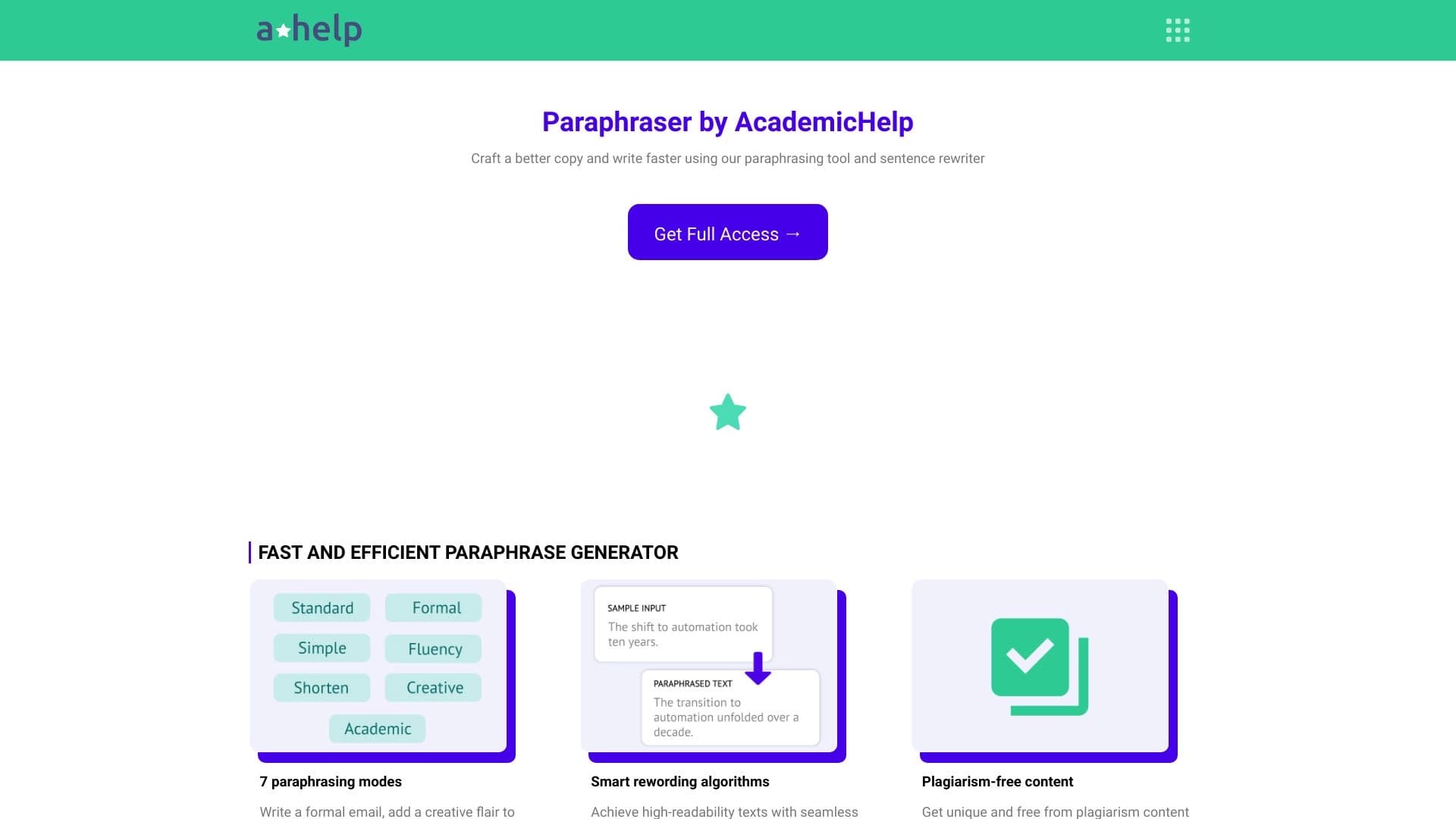

Online service for text paraphrasing with seven modes, helping you create unique content.
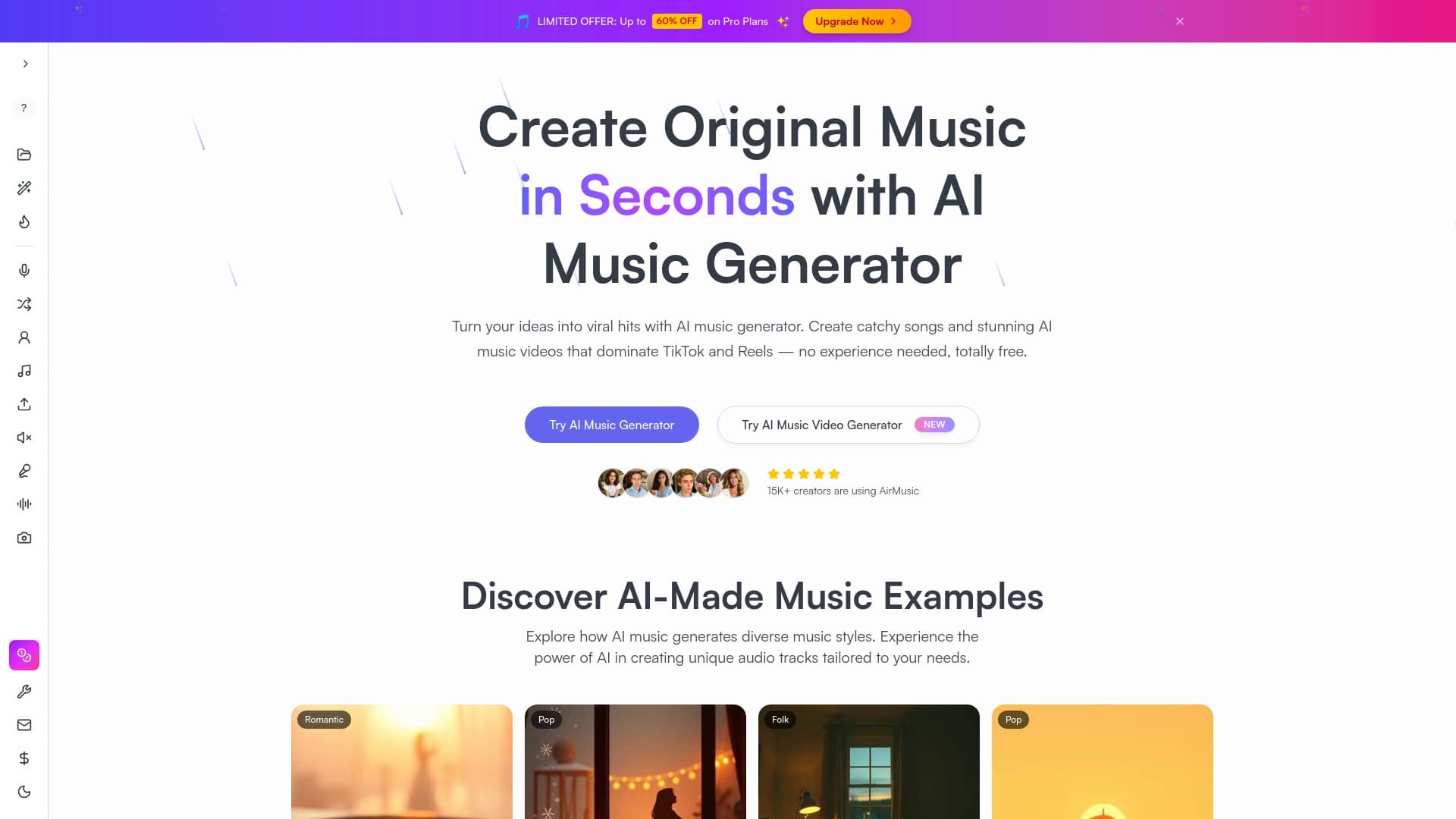
Music generator from text descriptions with style and mood customization, as well as export of individual tracks.


AI-powered online platform for quickly creating text content, including blogs, articles, and social media posts.


Online service with artificial intelligence that automatically creates presentations on a given topic.


Universal AI assistant that analyzes videos and web pages, answers questions, and creates summaries.


Open neural network for solving complex problems in mathematics, programming, and logic.

Online service for creating and customizing birthday invitations and congratulations using artificial intelligence.