

Audio Note
Converts voice notes into text using AI and formats them into various types of content.
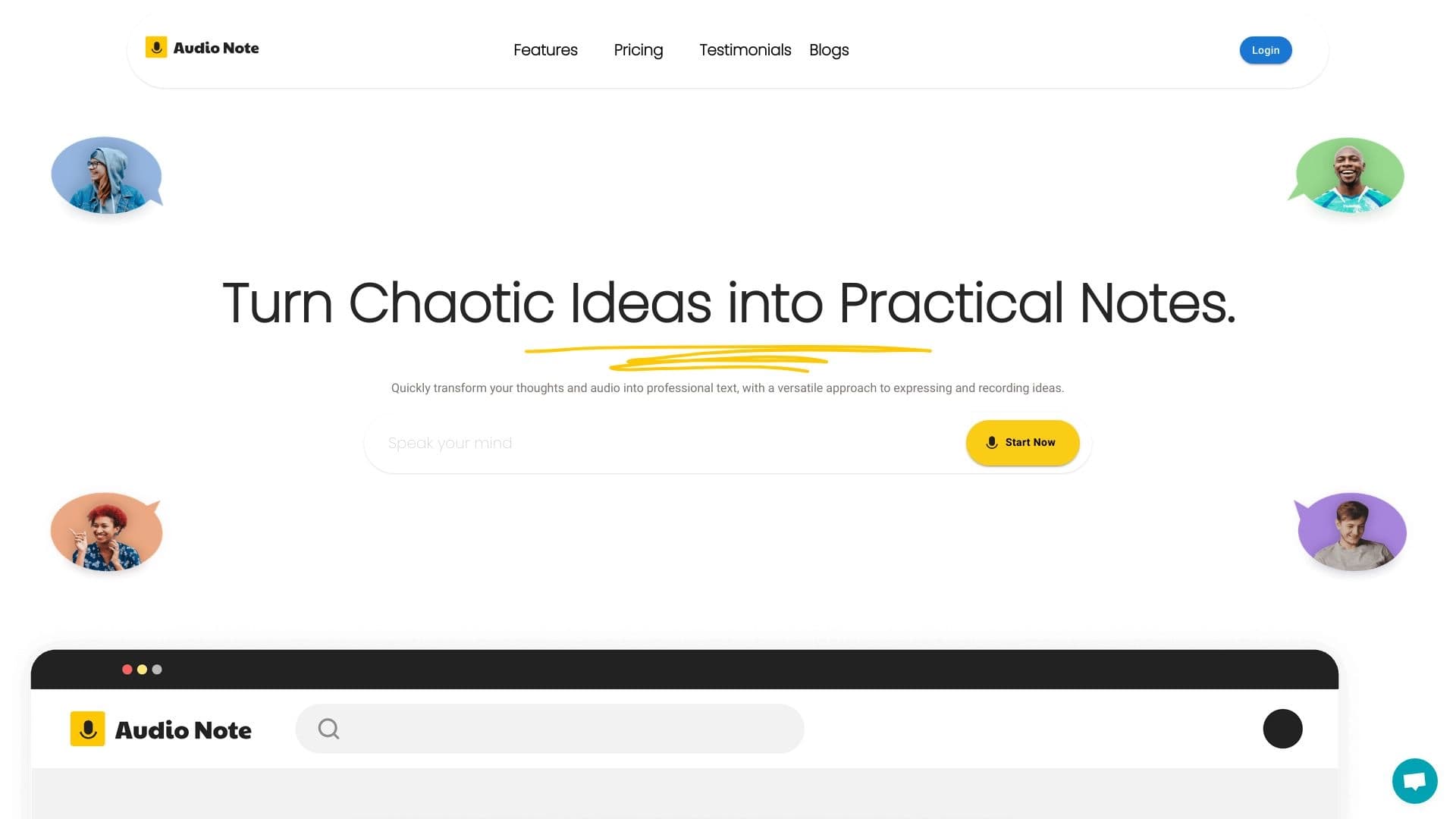
Overview
Audio Note AI Description
Audio Note is an online service and mobile app that solves a long-standing problem: spoken speech often outpaces typing, and valuable ideas get lost. Instead of manually typing notes, you simply speak — and the neural network handles all the routine work of converting speech into text.
The key feature is that the service doesn't just create a "raw" transcript. Built-in AI allows you to reformat the resulting text into various ready-made formats — from a simple to-do list to a structured social media post or a business email. This turns the app into a versatile assistant for content work. The service supports more than ten languages, making it suitable for users worldwide.
Audio Note Features
| Feature | Value |
|---|---|
| Type | AI transcription note-taking app |
| Categories | Notes & protocols, Audio transcription, Writing assistants, Text paraphrasing generators, Text content generators |
| Developer | Audio Notes AI Inc. |
| Supported languages | More than 10 languages |
| Website | audionotesai.com |
| Monthly website traffic | 388.9K |
| Free tier available | Yes |
| Platforms | iOS, Android |
| Distribution model | Freemium |
Who Is Audio Note AI For?
The tool is designed for a broad audience that regularly needs to capture thoughts, ideas, and work-related moments in text form.
Entrepreneurs and Business Professionals
For entrepreneurs, Audio Note is a way to quickly capture ideas without interrupting their workflow. Instead of writing thoughts in a notebook or trying to remember them, you can simply dictate a voice note after a meeting or negotiations. The AI immediately converts speech into structured text that can be turned into a task plan or sent to colleagues.
Students and Researchers
For students, the app helps record lectures and interviews. Instead of taking notes by hand, you can simply record audio and then get a clean text version. This frees up time for active listening and understanding the material.
Content Creators and Bloggers
For bloggers running podcasts or channels, the app is valuable because it allows quickly turning scattered thoughts into ready-to-publish content. A dictated idea can be automatically reformatted into a tweet, a LinkedIn post, or an email — you just need to choose the right template.
How to Use Audio Note AI
Working with the service is built on the "speak — get finished text" principle. Everything happens in a few simple steps and requires no special technical skills.
Step 1: Record or Upload Audio
Open the app and press the record button to dictate your thought, idea, or note. You can also upload existing audio files — for example, a recording of a meeting or interview. The neural network processes both live speech and uploaded files.
Step 2: Choose a Text Format
Once your speech has been converted to text, you can choose from available formats: a to-do list, a social media post, an email, a tweet, and more. The AI automatically rewrites your speech in the chosen style, preserving the meaning while adapting the structure to the specific task.
Step 3: Edit and Organize
The resulting notes can be edited directly in the app. Sorting and search across saved texts are also available here — this lets you quickly find the information you need days or weeks later.
Key Features of Audio Note
- Voice-to-text conversion. The service's core function is automatic speech transcription with high speed and accuracy, including fast speech and various accents.
- AI text reformatting. The key difference from simple voice recorders: the resulting text can be rewritten into various formats (task list, tweet, LinkedIn post, email, etc.) with one button press.
- Uploading existing audio files. The ability to work not only with live recordings but also with pre-prepared audio — for example, podcasts or call recordings.
- Support for more than 10 languages. The service understands several major world languages, making it versatile for international users.
- Note library management. All created texts are stored in the app and can be edited, searched, and sorted.
Audio Note Advantages
Saves Time and Effort
The app eliminates the need for manual typing. Ideas are captured the moment they arise, without the need to be distracted by the keyboard. This is especially valuable for those who are often on the go or used to thinking out loud.
Preserves Important Thoughts
Human memory is imperfect — fleeting thoughts are easily lost. Audio Note helps you not forget important ideas by turning them into written text that can always be reviewed and used later.
Versatility of Use
The same note can be used for different purposes. You dictated an idea — now you can turn it into an action plan, a social media post, or a business letter without spending time rewriting each version by hand.
Audio Note Disadvantages
Speech Recognition Errors
Transcription accuracy can decrease in the presence of background noise, hesitations, and strong accents. In such conditions, recognition errors may occur, and part of the text will need to be corrected manually. The developers are constantly working on improving the algorithms, but this cannot be completely avoided yet.
Limited Template Selection
Currently, only basic text reformatting options are available, and users cannot create their own templates or customize existing ones. The developers promise to expand this capability in the future.
Internet Connection Required
The service works only online and has no offline mode. This can be inconvenient when traveling or in areas with unstable network connections.
What Problems Does Audio Note Solve?
Quickly Capturing Ideas on the Go
The app's main task is to let users record thoughts at any moment without waiting for a convenient opportunity. You can dictate an idea on the way to work, in traffic, or during a walk.
Transcribing Meetings and Conferences
The service allows recording work meetings and sessions, getting text versions for further analysis and distribution among participants. This simplifies documenting agreements and decisions.
Keeping a Personal Journal and Notes
The app is also suitable for personal use: keeping a voice journal, recording reflections, or simply noting daily events. The text remains structured and easy to reread.
Preparing Content for Publication
Audio Note helps quickly turn raw thoughts into publication-ready content. Less than a minute can pass from a dictated idea to a social media post — the AI independently reformats the text to meet the platform's requirements.
Audio Note Pricing
The service operates on a freemium model, offering both a free tier and paid subscriptions with expanded capabilities.
Free Plan
The free version includes voice notes up to 1 minute long, unlimited text notes, and AI-powered text rewriting. This is enough for a basic introduction to the service and short recordings.
Basic Tier
The basic tier includes core voice recording and speech-to-text features, suitable for light regular use.
Professional Tier
The annual professional tier unlocks voice notes up to 30 minutes long, unlimited voice and text notes, and the full AI text rewriting functionality. This is the optimal choice for active users.
Terms of Use for Audio Note
To use the service, you need an iOS or Android device with internet access. You can record directly in the app or upload existing audio files.
It's important to note that the service has no offline mode — all operations require a stable internet connection. The app can be used for free with limitations on voice note duration, or you can purchase a paid subscription to remove these restrictions. All saved notes are stored in your user account and can be edited, sorted, and searched at any time.
Audio Note Availability
The app is available on two major mobile platforms — iOS and Android — covering virtually all smartphone users. Working through a web browser on a computer is possible via the audionotesai.com website, where basic information about the service is also available.
Registration and a stable internet connection are required for use. Multilingual support (more than 10 languages) makes the service accessible to users from different countries.
How Audio Note Differs from Alternatives
Comprehensive "Voice → Ready Content" Approach
Unlike simple transcribers and voice recorders, Audio Note combines speech recognition with intelligent text processing. Many alternatives offer only basic transcription, leaving the formatting task to the user. Here, the built-in AI can immediately turn a note into a post, letter, or task list.
Mobile-First Design
The app was originally developed for use on smartphones and tablets, which sets it apart from desktop transcription services. This makes it convenient for capturing thoughts "on the go."
Limitations Compared to Competitors
Compared to some modern alternatives such as Gemini or ChatGPT, Audio Note lags in template customization flexibility and has more limitations in recognition accuracy in noisy environments. However, for its niche — quick voice notes with reformatting — it offers a balanced solution at an accessible price.
Conclusion
Audio Note is a convenient mobile app that solves the everyday task of turning spoken thoughts into ready-to-use texts. The combination of voice transcription and intelligent reformatting sets it apart from simple voice recorders and note-taking apps. The service will be useful for entrepreneurs, students, content creators, and anyone who values their time and doesn't want to lose important ideas. Despite some limitations — internet dependency, possible recognition errors, and fixed templates — the app offers a solid balance of functionality and price, and the free tier lets you evaluate its capabilities without any investment.
Frequently asked questions
See also


AI platform for automating video editing, including face replacement, video translation, and avatar creation.
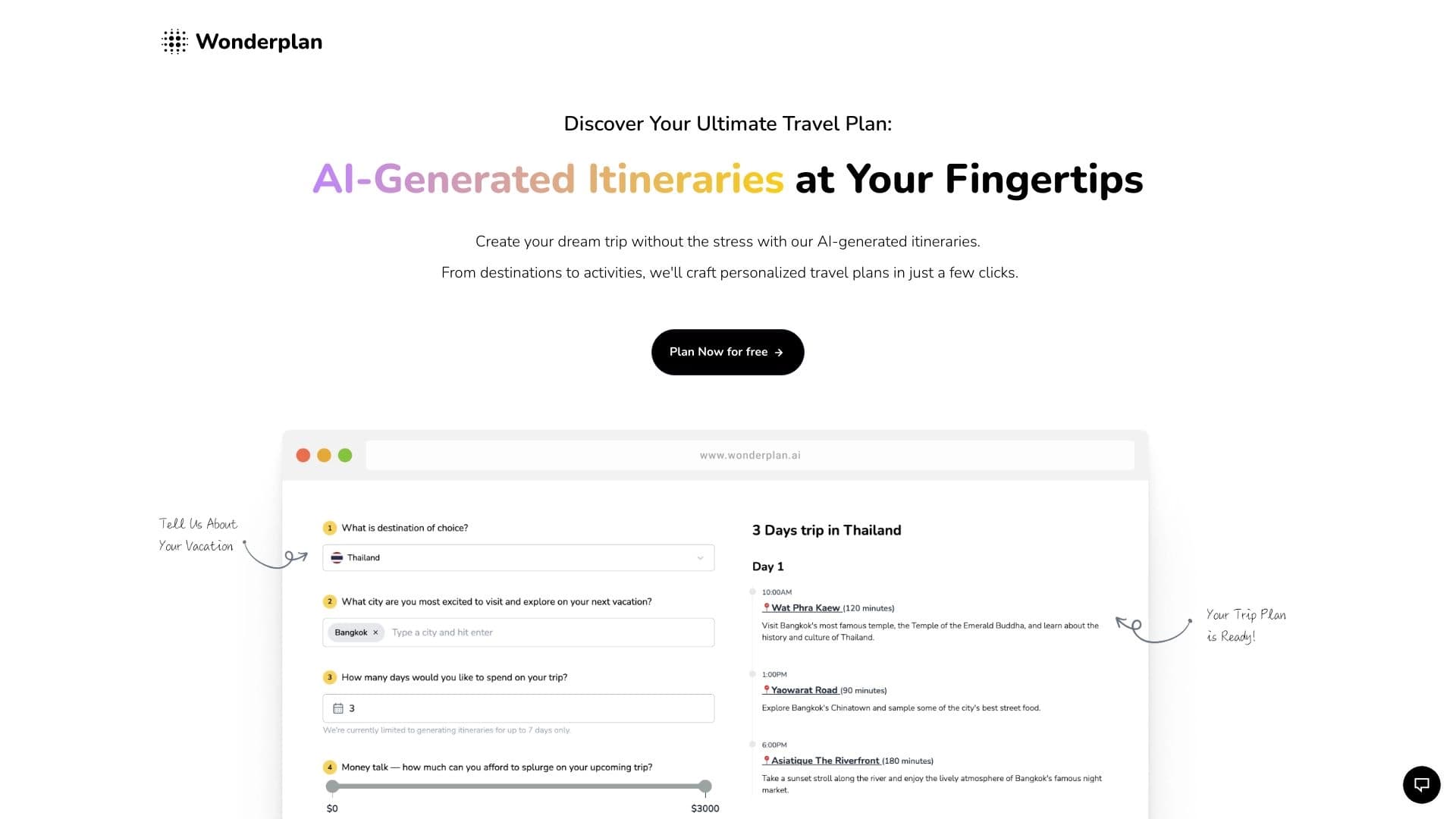

An AI travel planning assistant that creates detailed itineraries based on preferences, budget, and trip duration.


Trending video, post, and ad creative generator based on ideas, images, and text prompts.

Service for animating photos and creating videos with digital avatars using artificial intelligence.
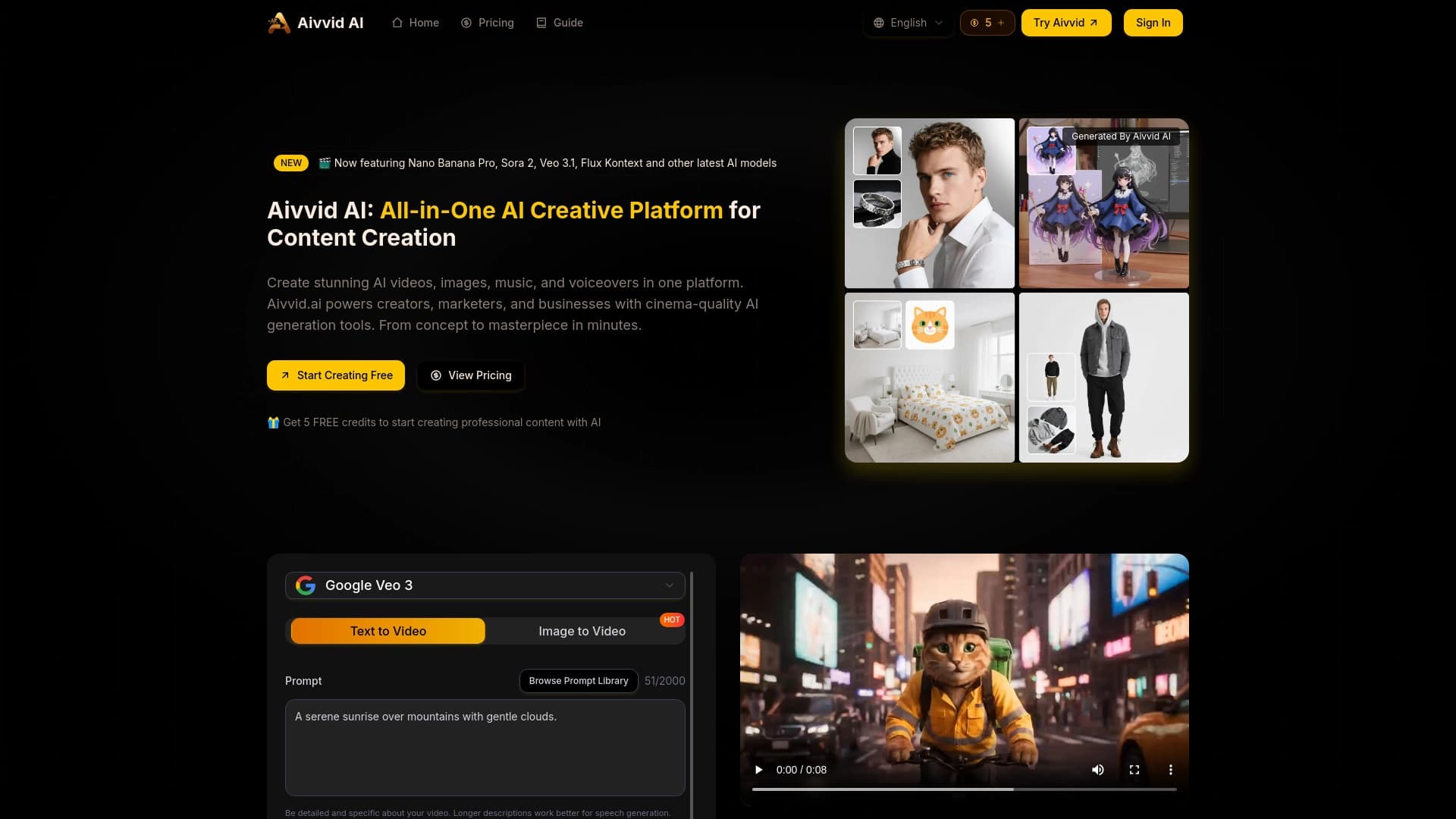
Service for generating videos from text descriptions and images using modern neural networks.


AI Slide Studio is an AI-powered service for quickly creating customizable presentations on a given topic.


A platform for creating and interacting with AI characters, each with their own personality and story.
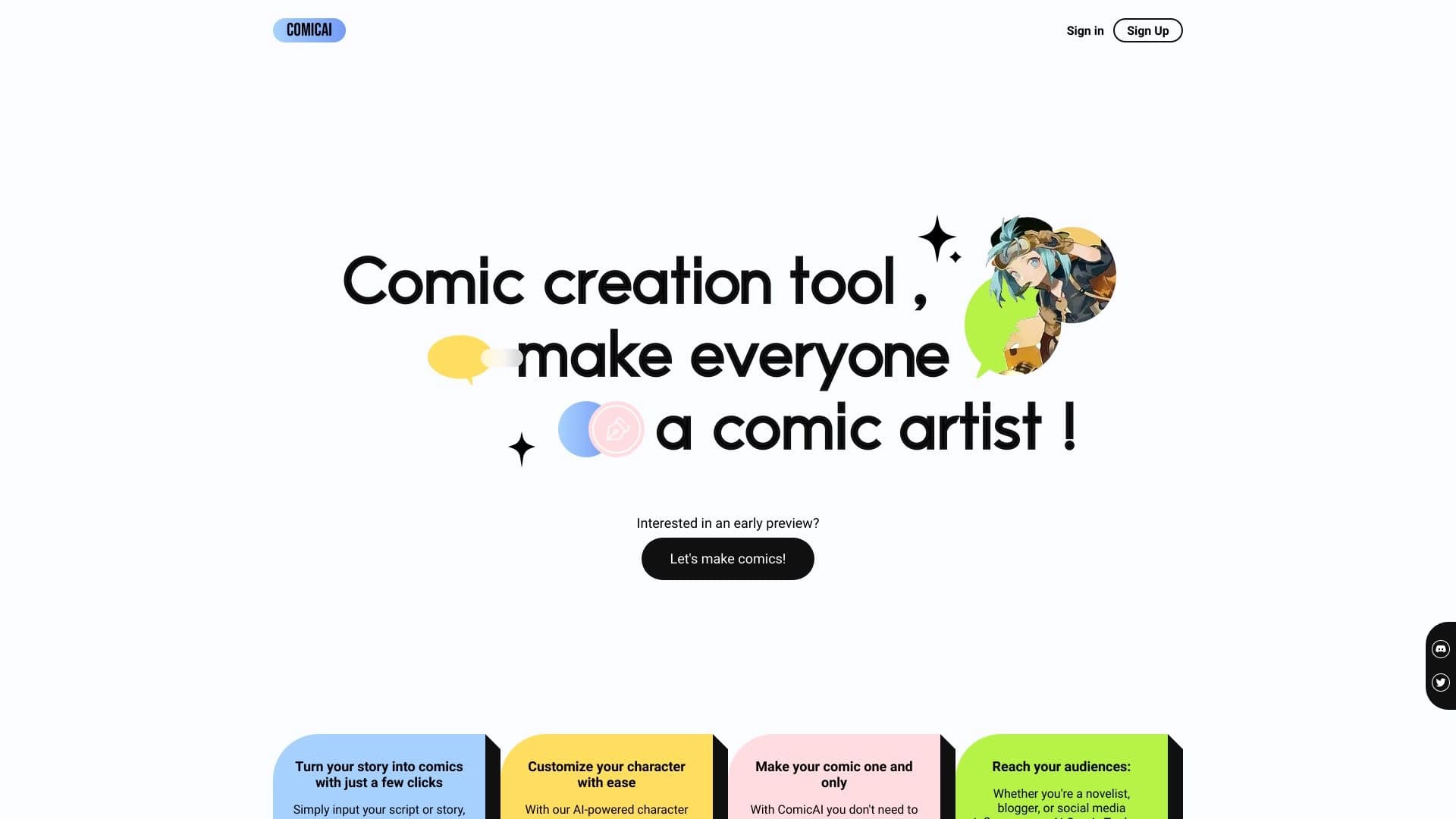
AI tool for automatically creating comics and manga from text scripts and stories.