

Atlas
A tool for visualizing code structure and dependencies as an interactive dynamic map.
Overview
Atlas
About Atlas
Atlas (CodeAtlas) is a developer tool that lets you visualize code structure and dependencies between modules as an interactive dynamic map. The service solves one of the most labor-intensive tasks in development: understanding how code in large projects is organized and interconnected.
Instead of manually working through hundreds of files and modules, developers get a visual project map showing connections between components. This simplifies navigation across the codebase, helps quickly find problem areas, and makes it easier to plan refactoring or optimization.
The tool is especially valuable for large projects, where code hierarchy and interdependencies can be extremely hard to grasp without visualization. Atlas makes this picture clear and easy to analyze.
Atlas characteristics
| Characteristic | Value |
|---|---|
| Type | Code visualization tool |
| Category | AI Developer Tools, AI Knowledge Base, AI Knowledge Management |
| Platform | Web |
| Site | codeatlas.xyz |
| Date added to catalog | January 9, 2025 |
| Distribution model | Not specified |
Who is Atlas for?
Developers and software engineers
The tool's main audience is developers and software engineers who work with code daily. For them, Atlas becomes an additional navigation tool that helps them understand project structure faster, find the modules they need, and see how changes in one component may affect others.
Technical leads and project managers
For technical leads and project managers, Atlas is useful as a way to keep control over the overall architecture of the codebase. The visual dependency map helps assess project complexity, plan refactoring, and make informed decisions about the evolution of the architecture.
How to use Atlas?
Step 1: Registration and login
To get started with Atlas (CodeAtlas), register on the platform and log in to your account. The service is available as a web application, so no additional software installation is required.
Step 2: Upload a repository
After logging in, upload your project's repository. The service uses the uploaded code to analyze it and build a dependency graph.
Step 3: Analyze and explore the map
Once code analysis is complete, you get an interactive dependency map. By exploring the relationships between modules, you can spot problem areas and use those insights for refactoring and optimizing the code structure.
Key features of Atlas
Visual dependency graph
Atlas builds a code dependency graph that clearly shows which modules are connected to each other. This makes it easy to quickly assess the scale and complexity of relationships in a project.
Interactive code map
The code map is interactive: you can navigate around it, look at individual components and their connections, and examine the project structure in detail in a convenient visual format.
Dynamic analysis and insights
The service performs dynamic code analysis and provides insights into how components relate to each other. This data helps identify potentially problematic areas and decide whether optimization is needed.
Atlas benefits
Better code understanding
Visualizing the code structure makes it much easier to understand, especially in large projects with many modules and connections.
Simplified maintenance and refactoring
Understanding the connections between code components directly simplifies maintenance. Refactoring becomes safer and more efficient because developers can see which parts of the code are affected by changes.
Help with project management
For project managers and tech leads, the tool provides a clear picture of the architecture, helping them manage codebase evolution and plan work to improve it.
Atlas limitations
No data on the tool's disadvantages is available in public sources. It is worth noting that the service requires uploading a code repository to the platform, which may raise concerns for teams working with confidential projects. Information about the security measures applied to uploaded code is not included in the original data.
What problems does Atlas solve?
Understanding complex codebases
Atlas's main goal is to help developers understand complex codebases where relationships between modules are difficult to trace without clear visualization.
Visualizing code dependencies
The tool handles building the dependency graph, so developers do not have to manually analyze connections between components.
Refactoring and structure optimization
Insights from the code map make it possible to plan and perform refactoring, optimize code structure, and eliminate problem areas.
Atlas pricing
Pricing information for Atlas (CodeAtlas) is not specified in available sources. No data is available on a free plan or subscription costs. For current pricing details, we recommend contacting the official website of the service.
Atlas terms of use
Detailed terms of use are not specified in available sources. What is known is that users need to register and upload a code repository. Information about the privacy policy and security measures regarding uploaded code is absent from the original data.
Atlas availability
Atlas (CodeAtlas) is available as a web application. All you need is a browser and an internet connection — no additional software installation is required. No regional or platform restrictions are mentioned in available sources.
How Atlas differs from alternatives
A visual map instead of static reports
The main difference between Atlas and other code analysis tools such as CodeScene, Sourcegraph, or Codacy is its focus on an interactive visual dependency map. Instead of static reports and lists of issues, users get a dynamic map they can directly navigate and explore to understand relationships.
Emphasis on visual perception
While many competing tools focus on automated code quality and security checks, Atlas focuses specifically on structure visualization. This makes it especially useful for getting familiar with a new codebase, analyzing architecture, and planning refactoring.
Conclusion
Atlas (CodeAtlas) is a useful tool for developers working with large and complex codebases. By presenting code structure and module dependencies as an interactive dynamic map, the service significantly simplifies project navigation, eases maintenance, and makes refactoring more informed and safer. The tool is valuable for individual developers as well as for technical leads and project managers who need to understand the overall architecture of a codebase. Although some information, including pricing and security policy, remains undisclosed, the concept of visual code analysis makes Atlas a solution worth attention in its niche.
Frequently asked questions
See also

Open-source AI agent for developers, available in the terminal, IDE, and as a desktop application.

AI-powered code editor that analyzes your entire project and helps you write, rewrite, and optimize code.
AI assistant for programmers, working through your own API key and supporting popular language models.
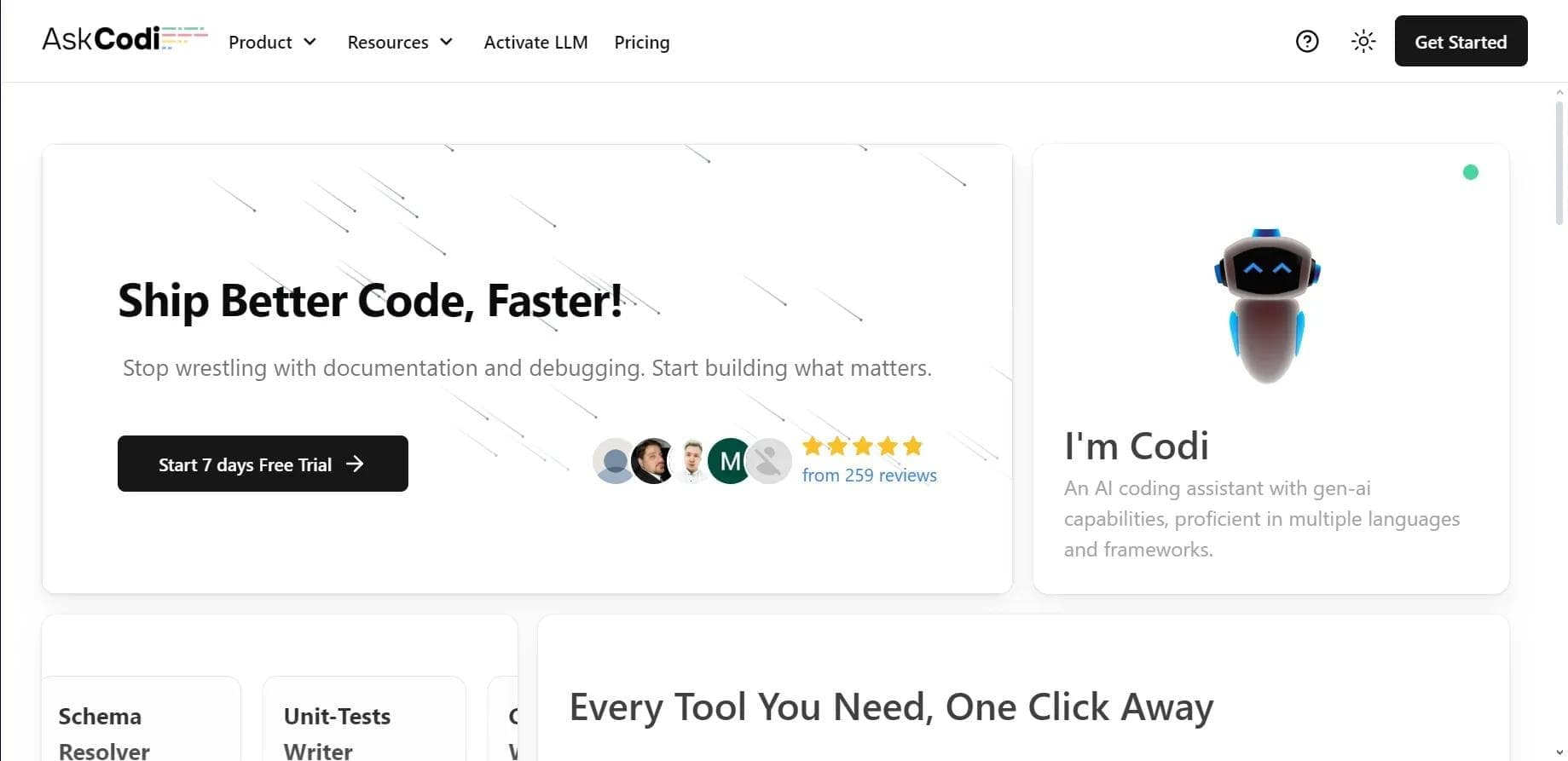

AI assistant for developers that generates, explains, and refactors code, as well as creates documentation and tests from natural language descriptions.
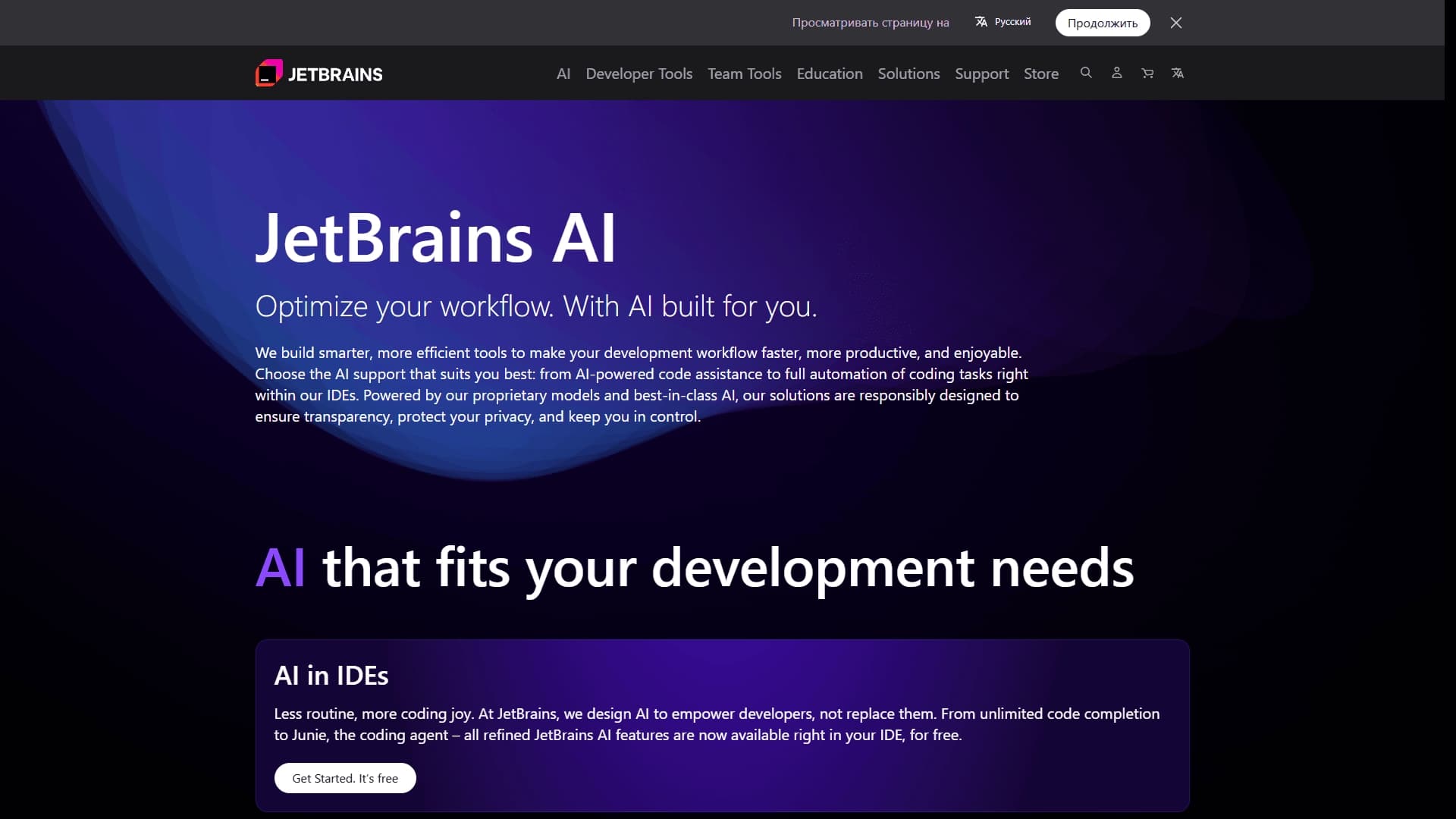
A set of AI tools built into JetBrains IDEs to help with writing, refactoring, and understanding code.
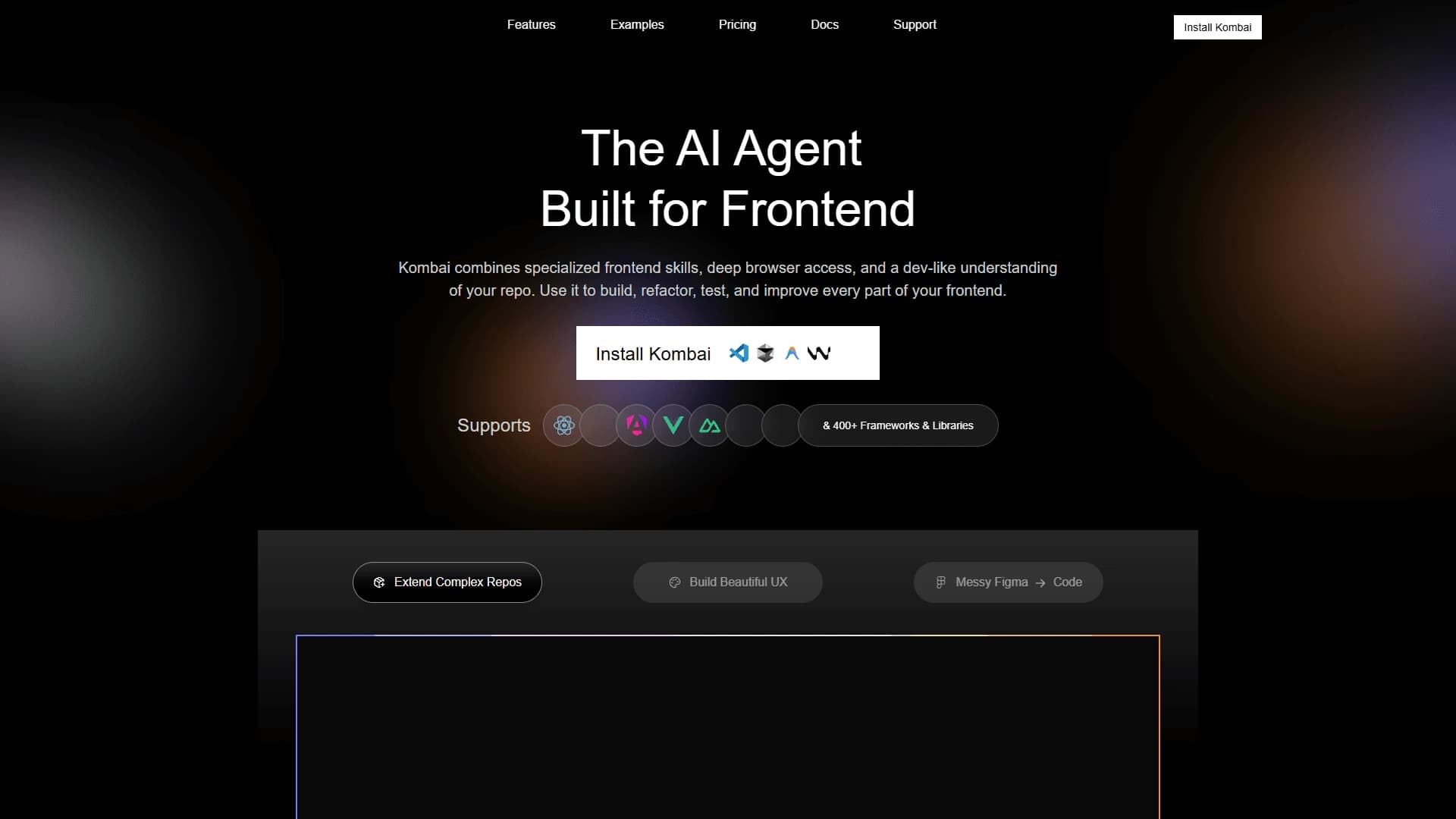
AI tool for automatically converting layouts from Figma into HTML, CSS, and React components, as well as for creating and refactoring interfaces.

Neural network for generating, explaining, and fixing program code in various programming languages.

AI assistant for developers that automates routine programming tasks.