

ArchiVinci
AI tool for turning sketches, photographs, and 3D models into photorealistic architectural visualizations.
Overview
ArchiVinci
Description of the ArchiVinci neural network
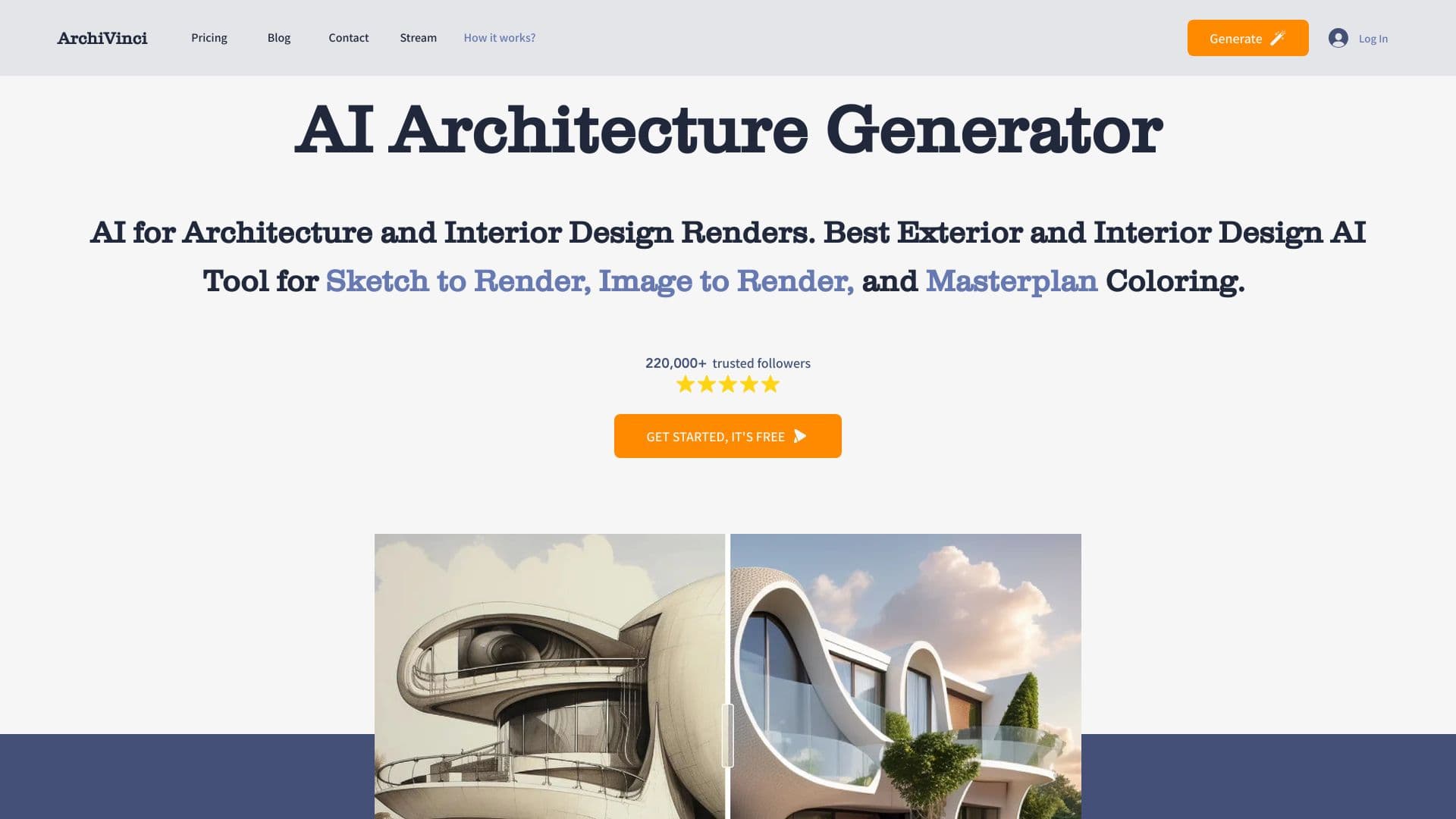
ArchiVinci is a cloud-based AI tool for architectural visualization that turns hand sketches, photos, draft renders, and 3D models into photorealistic images. The service works right in the browser, so you don’t need a powerful computer or complex professional software installation.
The main goal of the neural network is to speed up the visualization process: instead of labor-intensive 3D modeling, the user simply uploads a source image and gets a finished realistic render in seconds. The tool covers a wide range of tasks, from furnishing rooms and changing styles to creating master plans and landscape solutions.
How it works
ArchiVinci’s working principle is built on image-to-image transformation. The user uploads a sketch, draft render, or ready-made image, and the neural network processes it in the cloud and produces a photorealistic result. Optionally, the project can be refined by following the service’s intelligent recommendations.
What scenarios the service covers
The tool supports visualization of interiors, exteriors, landscapes, and master plans. It also helps select interior elements, facades, and plants with consideration for climate and style, and offers project customization. It’s important to understand that ArchiVinci is not intended for precise drawings — it complements an architect’s professional software rather than replacing it.
ArchiVinci characteristics
| Characteristic | Value |
|---|---|
| Type | AI rendering of architecture, interiors, and landscapes, designer assistant |
| Categories | Image generation, Interior design, Design generation, Architecture |
| Platform | Web (cloud-based, works in browser) |
| Distribution model | Freemium |
| Transformations | Image → image |
| Free plan | Yes (limited number of transformations and basic features) |
| Rating | 4.3 / 5.0 (stars), editorial rating 9.2 out of 10 |
| Developer | ArchiVinci |
| Regional availability | May require a VPN in some regions |
Who is ArchiVinci suitable for?
Professionals in design and architecture
ArchiVinci is primarily designed for architects, interior designers, and developers. For them, the service becomes a fast visualization tool that accelerates work on concepts and client presentations.
Students and beginners
The tool is also suitable for students at specialized universities and beginners who want to create architectural visualizations without complex professional software. Ease of use and cloud-based operation make the service accessible even on low-end laptops and tablets.
Remote teams
Thanks to its browser-based architecture, ArchiVinci is convenient for distributed teams and working on the go — no powerful local computer or graphics workstation is needed for processing.
How to use ArchiVinci?
Uploading a source image
To get started, upload a sketch, draft render, ready-made photo, or 3D model to the service. The tool also recognizes hand-drawn images and turns them into architectural projects. Using a text description to generate a visualization is also supported.
Processing and refinement
After uploading, the neural network processes the image in the cloud and produces a photorealistic result in seconds. The finished project can be refined using AI suggestions — change colors, furniture, landscape, and experiment with variations without resorting to complex 3D modeling.
Getting the final visualization
As a result, the user gets a finished visualization that can be used for presentations, client work, or further refinement. The key requirement for a high-quality result is clear, high-quality source images.
Main features of ArchiVinci
Visualization of interiors, exteriors, and landscapes
The service turns sketches and drafts into photorealistic renders of interiors, facades, and landscapes. It supports quick furnishing of rooms with furniture and decor, as well as style changes — from modern and concrete to country.
Working with master plans and layouts
ArchiVinci visualizes master plans and urban planning concepts: it colors schemes, adds materials and surroundings, and creates realistic master plans for presenting large-scale projects.
Tips and intelligent recommendations
The tool automatically selects design elements with consideration for climate and style, and also suggests project refinements. In the landscape section, for example, you can specify the climate and style, and the AI will select suitable plants.
3D model transformation
ArchiVinci converts models from popular programs — SketchUp, Blender, or 3Ds Max — into realistic visualizations. The service also lets you generate multiple design variations for a single project, which is convenient for comparing alternatives.
ArchiVinci advantages
Speed and simplicity
The service’s main advantage is the speed of generating visualizations. After uploading a sketch, the user gets a realistic project in a couple of minutes without complex 3D modeling or manual detailing. This makes the tool almost fully automatic, speeding up work and reducing the number of errors.
Accessibility without powerful hardware
Processing is done in the cloud via a browser, so the service works on low-end laptops and tablets without a powerful GPU. This is convenient for distributed teams, working on the go, and users without expensive hardware.
Flexible customization and variety
The tool makes it easy to quickly iterate through alternative design options, change colors, furniture, and landscape, and get several alternatives for one project. Even a simple sketch can be turned into a detailed presentation visualization.
ArchiVinci disadvantages
Accuracy limitations
The service does not create precise dimensioned drawings and is not intended for detailed design. Complex and unusual shapes may be processed with errors, requiring manual corrections. In the early stages of a project, the tool’s effectiveness may be lower, so professional projects will require additional refinement.
Dependence on source quality
The quality of the result strongly depends on the uploaded image: with blurry or unclear sources, the visualization may come out blurry. Complex requests can also lead to distortions.
Limited style uniqueness
For standard tasks, projects can look similar to each other, and achieving a fully unique authorial style is difficult. In addition, ArchiVinci rather complements professional architectural software than replaces it — this is important to keep in mind when planning your workflow.
What tasks does ArchiVinci solve?
Creating visualizations from sketches and models
The service’s main task is fast architectural visualization of photos, sketches, and 3D models without complex professional software. The tool turns architectural drafts into detailed projects covering exterior, interior, and master plans.
Generating style variations
ArchiVinci helps quickly create style variations of interiors and exteriors, as well as generate multiple design options for one project. This speeds up work on early concepts and client presentations.
Automating routine processes
The tool automates routine design processes — from selecting interior elements and facades to choosing plants with consideration for climate and style. This saves time and lets the user focus on more important tasks.
ArchiVinci pricing
Information about pricing varies across sources. According to some, the service operates on a freemium model: a free plan is available with a limited number of transformations and basic features. According to others, it offers one-time purchases without subscriptions, including three-day access, an annual package, and team solutions for multiple users.
Paid options also include a professional plan with full access and a business plan with the maximum set of features and priority support. The exact cost and current list of plans may change, so final prices should be checked on the service’s official website.
ArchiVinci terms of use
ArchiVinci works as a web platform, so all you need is a browser and an internet connection — no need to install software or have a powerful computer. Image processing is done in the cloud, making the service convenient for users with weaker hardware.
It’s important to consider the tool’s limitations: it is not designed for creating precise dimensioned drawings, and the quality of the result directly depends on the quality of the uploaded source images. ArchiVinci is positioned as a complement to professional architectural software, not as a full replacement.
ArchiVinci availability
The service is available through the official website www.archivinci.com and runs on a web platform in the browser. The site’s monthly traffic is estimated at around 388,900 users.
Please note that access to the service may be restricted in certain regions and may require a VPN. Information about the availability of a free plan varies across sources, so it’s best to check the current terms of use directly on the tool’s website.
How ArchiVinci differs from alternatives
The main difference of ArchiVinci is the combination of visualization speed and accessibility without powerful hardware. Unlike tools that require local 3D modeling and professional software, ArchiVinci processes images in the cloud in a browser and works even on low-end laptops and tablets. The service covers a wide range of tasks — from interiors and facades to master plans and landscapes — and makes it easy to quickly iterate through alternative design options.
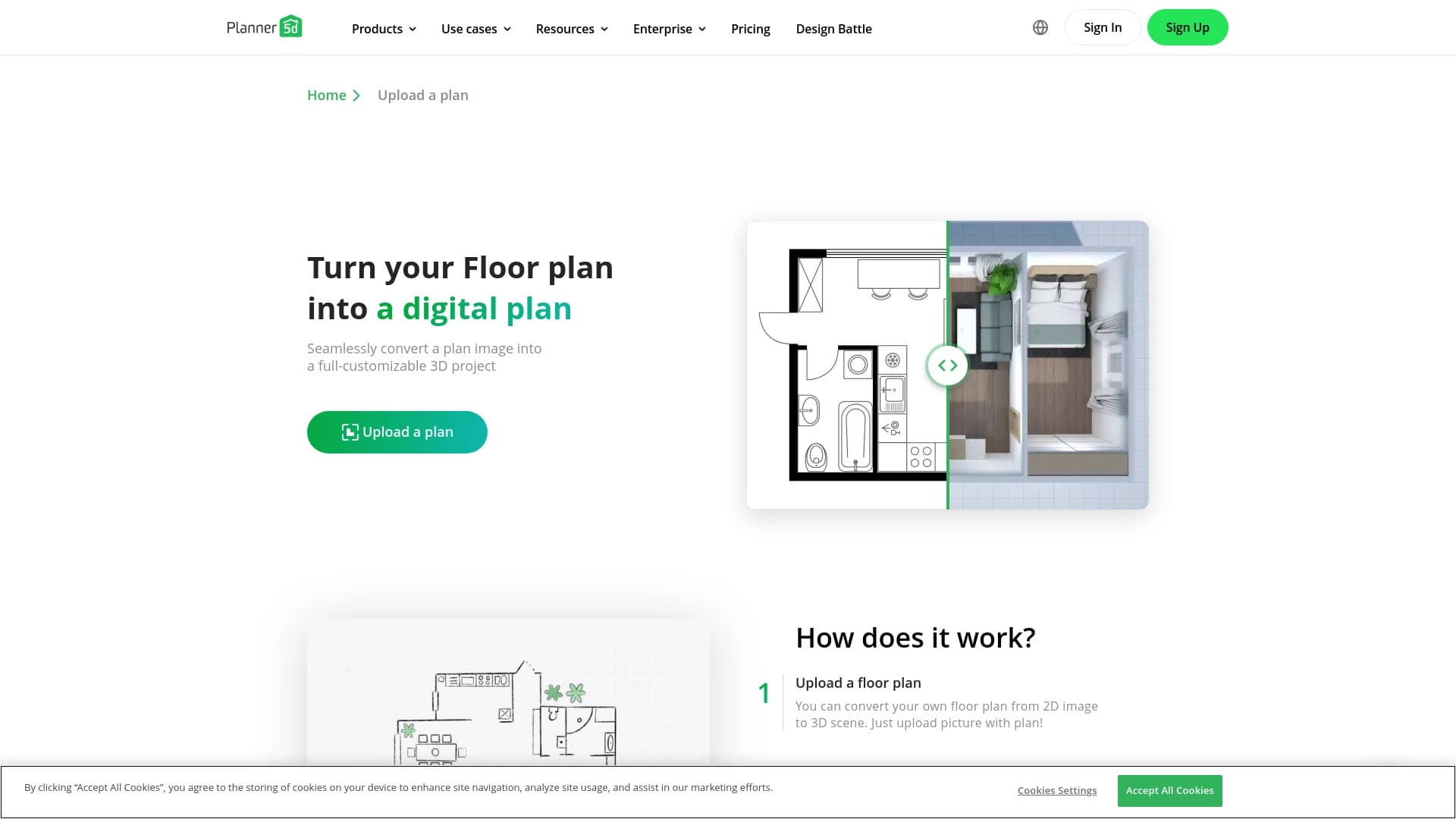
At the same time, ArchiVinci is not focused on creating precise drawings, and in this respect it differs from full-fledged architectural CAD systems. The service complements professional tools by allowing faster visualization of concepts. Alternatives mentioned in sources include Deroom AI, Planner 5D, Leonardo.ai, Midjourney, Genroom, RoomGPT, and other generative tools for images and interiors. In a direct comparison, the choice between them depends on the specific task: sometimes detailed refinement is more important, sometimes speed and simplicity — and ArchiVinci focuses precisely on speed and a minimal entry barrier.
Conclusion
ArchiVinci is an AI tool for fast architectural visualization that lets architects, designers, and beginners produce photorealistic renders from sketches, photos, and 3D models without complex 3D modeling or powerful hardware. Working in the cloud in a browser, the service quickly creates visualizations of interiors, exteriors, landscapes, and master plans, helps select design elements with consideration for climate and style, and offers project refinement. Its main value lies in speed and the ability to quickly iterate through alternative options, while its main limitation is the lack of precise drawings and the dependence of the result on source quality. Therefore, ArchiVinci should be seen as an effective complement to an architect’s professional software, not as a replacement for it.
Frequently asked questions




See also

A service that automatically generates enhanced photos for dating site profiles.

AI-powered platform for generating and enhancing images, videos, and logos in real time.


AI anime image generator from text descriptions with template selection.


AI platform for creating text and visual content, oriented toward marketing tasks.


AI-based platform for creating and editing product images and videos for e-commerce sellers.


A tool for generating 3D models based on text descriptions, images, or sketches.


Web service for generating images from text descriptions and communicating with virtual characters.
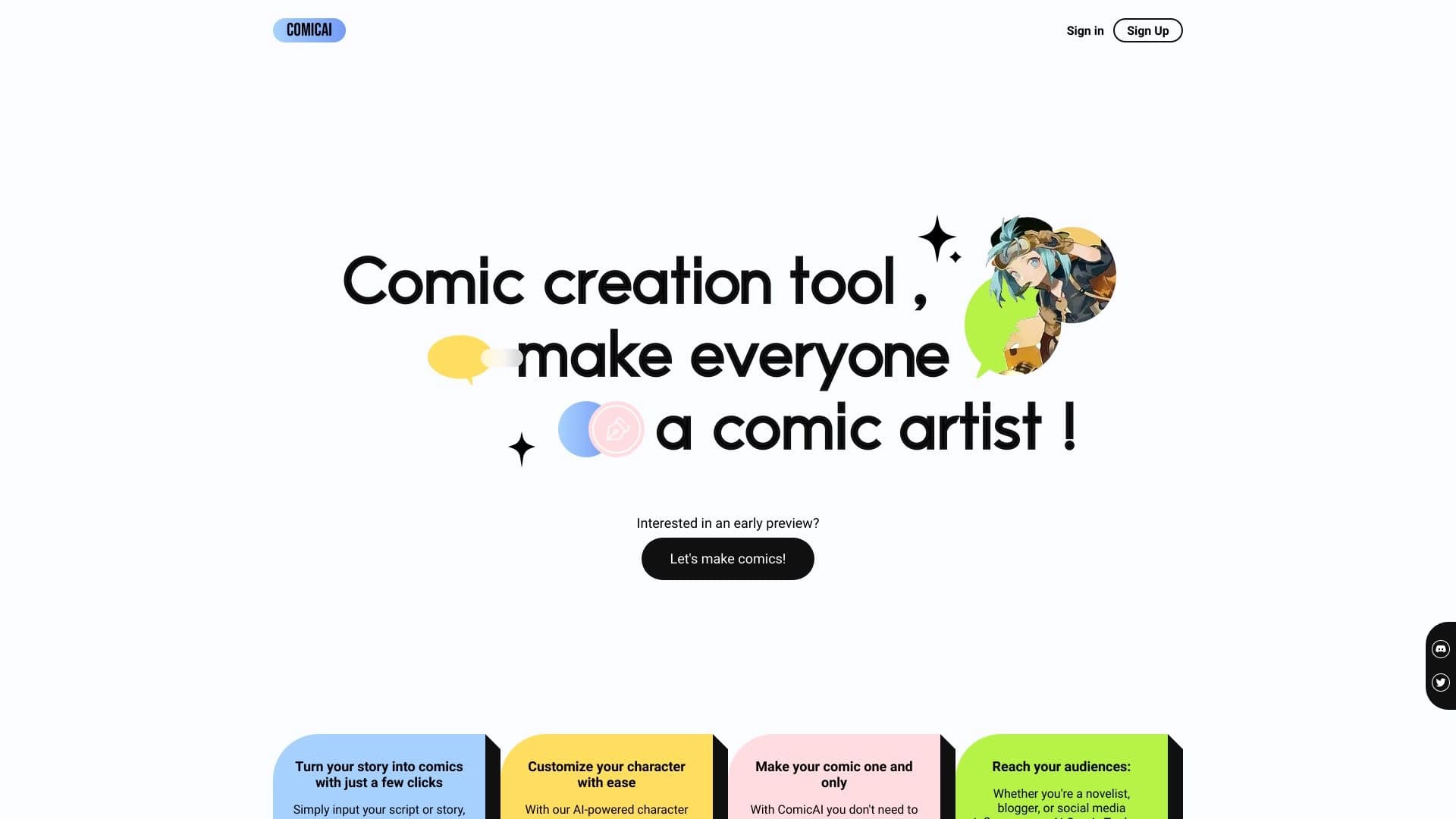
AI tool for automatically creating comics and manga from text scripts and stories.