

AirBrush
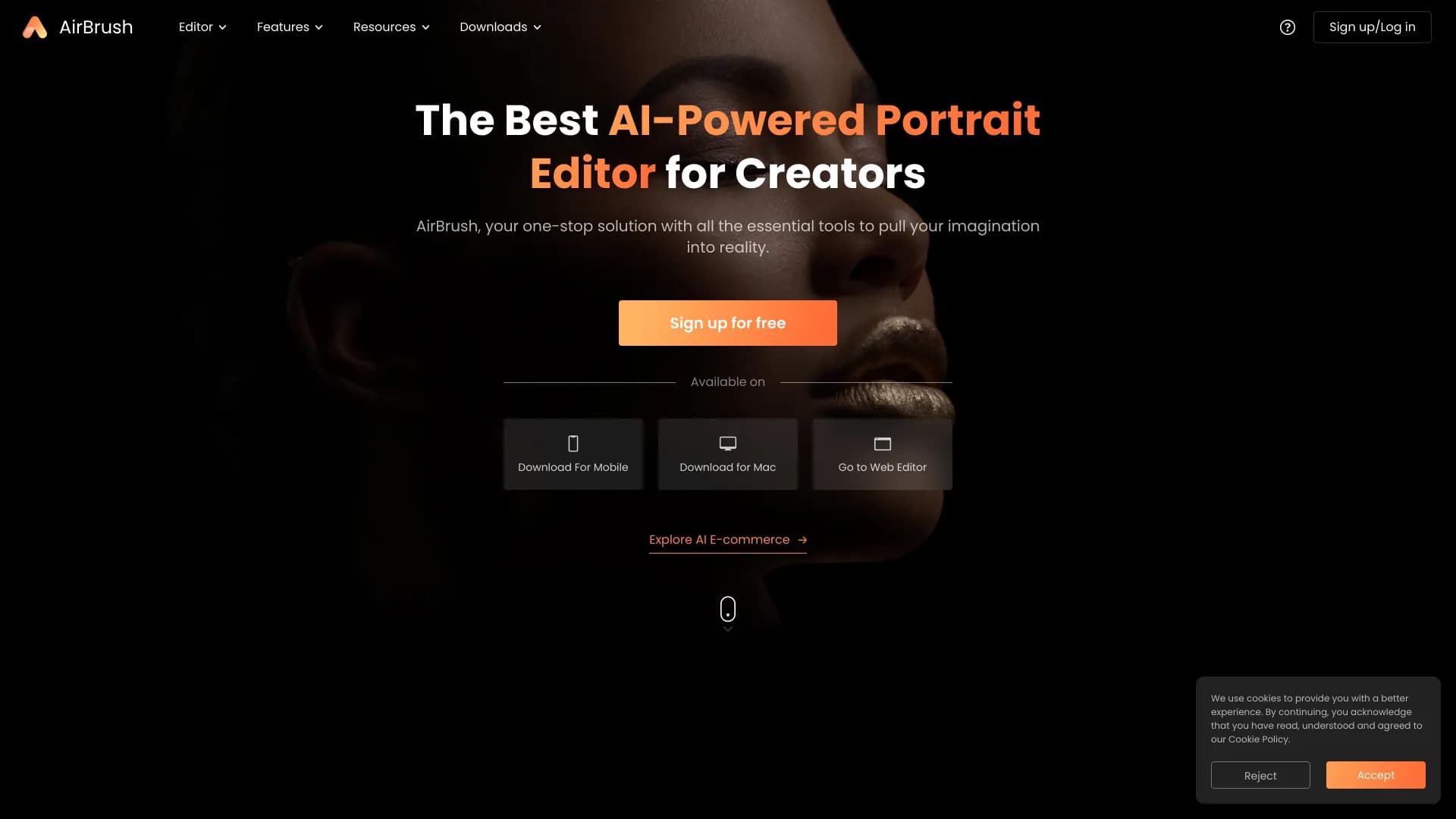
AI-инструмент для ретуши и улучшения фотографий, а также генерации изображений по текстовому описанию.
Место в рейтингах
Обзор
AirBrush
Описание нейросети AirBrush
AirBrush — это многофункциональный AI-инструмент, объединяющий два ключевых направления: редактирование портретных фотографий и генерацию изображений по текстовому описанию. С одной стороны, сервис автоматически ретуширует кожу, убирает дефекты, меняет фон и обрабатывает целые серии снимков. С другой — позволяет вводить текстовый запрос на любом языке и за считанные секунды получать готовую картинку в различных стилях.
Инструмент доступен на компьютере и мобильных устройствах, работает в веб-версии, а также в виде приложений для Android и iOS. Редактор построен по принципу «описал — получил»: не требуется специальных техник составления промтов или навыков ретуши. При этом все созданные изображения можно использовать в коммерческих целях без дополнительных доплат, что делает сервис удобным решением для создателей контента, фотографов и владельцев малого бизнеса.
Характеристики AirBrush
| Характеристика | Значение |
|---|---|
| Тип | AI-редактор фотографий и генератор изображений |
| Категории | Редактирование изображений, генерация изображений, удаление фона, улучшение фото, генерация аватаров |
| Платформы | Web, Android, iOS, Mac |
| Бизнес-модель | Freemium |
| Бесплатный тариф | 20 изображений в месяц (генерация), основные функции редактирования |
| Стоимость подписки | От $9 в месяц (500 кредитов), базовый тариф 499 руб/мес, премиум 999 руб/мес |
| Разработчик | Pixocial Technology (Singapore) Pte. Ltd. |
| Ежемесячные посещения | 2,4 млн |
| Оценка редакции | 9.3 из 10 |
| Доступ из России | Только с VPN |
| Требуется регистрация | Нет для многих онлайн-инструментов |
Для кого подходит нейросеть AirBrush?
Новички в генерации изображений
Сервис не требует специальных технических знаний: достаточно ввести текстовое описание, и система сама сгенерирует картинку. Отсутствие необходимости осваивать сложные техники промтов делает инструмент доступным для тех, кто только начинает работать с нейросетями.
Фотографы, блогеры и создатели контента
Для соцсетей, семейных альбомов, коммерческих портретов и фото на документы AirBrush позволяет быстро приводить снимки в порядок. Сервис подходит тем, кому нужно получать обработанные портреты без глубоких профессиональных навыков ретуши и без установки дополнительного ПО.
Фрилансеры и малый бизнес
Инструмент полезен фрилансерам и владельцам малого бизнеса, которые нуждаются в обложках, стоковых фотографиях, логотипах и уникальных изображениях для коммерческого использования. Коммерческие права на все созданные работы без доплат делают его привлекательным для практических задач.
Как использовать нейросеть AirBrush?
Генерация изображений
Введите текстовое описание желаемого изображения на любом языке. Сервис за считанные секунды сгенерирует готовую картинку в выбранном стиле — без необходимости применять специальные техники промтов.
Редактирование фотографий
Откройте сервис, загрузите фото и выберите нужный инструмент — например, сглаживание кожи, удаление дефектов или замену фона. Примените правки, просмотрите результат и, при необходимости, доработайте его вручную, после чего сохраните готовый снимок.
Пакетная обработка
Для массовой обработки загружайте сразу много изображений, например фотосессию, свадьбу или портфолио. Выберите автоматическую ретушь — и через несколько минут получите ровные, готовые к использованию снимки, не разбираясь в сложных программах редактирования.
Основные функции AirBrush
Генерация изображений
Сервис создаёт изображения из текстового описания (text-to-image) за секунды. Поддерживаются разные стили: от гиперреализма и аниме до логотипов, фэнтези и абстрактных фонов. Также доступны создание оригинальных стоковых фотографий, NFT, рисунков и других дизайнов.
Инструменты портретной ретуши
Редактор предлагает автоматическую ретушь кожи и коррекцию цвета, удаление дефектов и лишних предметов, отбеливание зубов, а также наложение фильтров. Имеются функции смены или размытия фона, удаления фона и подготовка фото на документы онлайн.
Улучшение и обработка изображений
Доступны пакетная обработка снимков, настройка параметров обработки вручную, апскейлинг изображений (в платной версии) и сохранение истории генераций. Дополнительно поддерживается функция face swapping — замена лиц на существующих изображениях, а также создание consistent персонажей через Character Design.
Преимущества AirBrush
Высокая скорость работы
Генерация изображений выполняется за секунды, а не минуты, а обработка больших объёмов фотографий происходит быстро за счёт ИИ. Инструмент работает на телефоне и компьютере, не тормозит и не требует установки дополнительного ПО.
Простота и доступность
Интуитивно понятный интерфейс подходит пользователям с любым уровнем опыта. многие онлайн-инструменты не требуют регистрации и кредитной карты. Бесплатная версия генерации не содержит водяных знаков.
Коммерческие права
Все сгенерированные изображения можно использовать в коммерческих целях без каких-либо доплат. Это особенно ценно для тех, кто нуждается в уникальных снимках и материалах для бизнеса или контента без риска нарушения авторских прав.
Недостатки AirBrush
Ограничения бесплатной версии
Бесплатная версия генерации ограничена 20 изображениями в месяц, а некоторые функции редактирования доступны только по платной подписке. Ценовая политика в целом описывается как непрозрачная — информация о тарифах и триале публично представлена не полностью.
Качество автоматической обработки
Персонализация не всегда находится на должном уровне: нейросеть может не учитывать индивидуальные особенности человека, такие как веснушки или шрамы, работая по шаблону. Иногда автоматическая ретушь перебарщивает, давая эффект «кукольного лица».
Ограничения по работе
Сервис не подходит для офлайн-работы и сложной ручной ретуши, требующей полного контроля над каждым этапом обработки. Для работы ряда функций необходимо стабильное интернет-соединение. Кроме того, доступ из России возможен только через VPN.
Какие задачи решает AirBrush
Ретушь и улучшение фотографий
Инструмент решает задачи автоматической ретуши портретов и селфи, удаления дефектов (прыщи, красные глаза, пятна), отбеливания зубов и общего повышения качества снимков. Он подходит для подготовки фото на документы (паспорт, права) и улучшения внешности на фото без навыков редактирования.
Массовая обработка
Сервис справляется с пакетной обработкой большого количества изображений: фотосессий, свадебных снимков, портфолио и семейных альбомов. Автоматическая ретушь позволяет за несколько минут получить ровные, готовые к использованию фотографии.
Генерация контента
AirBrush помогает создавать уникальные изображения по текстовому описанию: обложки, стоковые фотографии, персонажей для игр, логотипы, абстрактные фоны. Также доступны замена и удаление фона, замена лиц на изображениях и подготовка маркетинговых материалов для соцсетей и проектов графического дизайна.
Цены AirBrush
Сервис работает по модели freemium. В бесплатной версии доступны 20 изображений в месяц при генерации без водяных знаков, а также основные функции редактирования фотографий.
Платные тарифы варьируются в зависимости от направления и региона: платная подписка генерации стоит от $9 в месяц за 500 кредитов и добавляет такие функции, как апскейлинг. В редакторе изображений базовый тариф составляет 499 руб/мес (расширенные инструменты), а премиум — 999 руб/мес (все профессиональные функции и доступ к новым возможностям). Отмечается, что некоторые функции доступны только по подписке, однако детальная страница с ценами и условиями триала публично представлена не полностью.
Условия использования AirBrush
Для работы ряда функций сервиса требуется стабильный интернет-соединение, особенно когда речь идёт об онлайн-инструментах. При этом многие онлайн-инструменты не требуют регистрации и кредитной карты. Подробные условия использования на странице отдельно не указаны, однако доступ из России возможен только с использованием VPN.
Доступность AirBrush
Сервис доступен на нескольких платформах: веб (работает на телефоне и компьютере), а также в виде приложений для Android, iOS и Mac. Официальный сайт — airbrush.com. При этом доступ из России возможен только через VPN.
Чем отличается AirBrush от аналогов
Главное отличие AirBrush — сочетание двух направлений в одном инструменте: и генерация изображений по текстовому описанию, и профессиональная портретная ретушь. Большинство конкурентов специализируются только на одном из них. Дополнительно выделяются высокая скорость генерации (секунды вместо минут), отсутствие водяных знаков даже в бесплатной версии и полные коммерческие права на все созданные изображения без каких-либо доплат. Широкая доступность на различных платформах — от веб-версии до мобильных приложений — также выгодно отличает сервис от ряда узкоспециализированных аналогов.
Заключение
AirBrush — это универсальный AI-инструмент, объединяющий быструю генерацию изображений по текстовому описанию и автоматическую ретушь портретных фотографий. Сервис ориентирован на новичков и профессионалов, предлагает бесплатный тариф без водяных знаков и полные коммерческие права на созданные работы. При этом у инструмента есть и недостатки: ограничение бесплатной версии, не всегда корректная работа с индивидуальными особенностями внешности и зависимость от стабильного интернет-соединения. В целом AirBrush — практичное решение для создателей контента, фотографов и малого бизнеса, которым нужны быстрые и качественные результаты без глубоких технических знаний.
Тарифы
Часто задаваемые вопросы


Смотрите также

AI-инструмент для обработки изображений товаров и генерации профессиональных фотографий с виртуальными моделями.
AI-инструмент для автоматического удаления фона с изображений прямо в браузере.


Сервис для автоматической расшифровки аудио и видео в текст с поддержкой более 100 языков.


Платформа для автоматизации разработки ПО с помощью визуального конструктора ИИ-агентов.


Сервис для виртуальной примерки одежды с помощью ИИ.


Онлайн-инструмент для создания дипфейков и редактирования изображений с помощью ИИ.

Онлайн-сервис для создания реалистичного клона голоса по короткой аудиозаписи и озвучивания текста.

Сервис для создания персонализированных аватаров и фотосессий с помощью ИИ на основе загруженных селфи.