

AIEditor
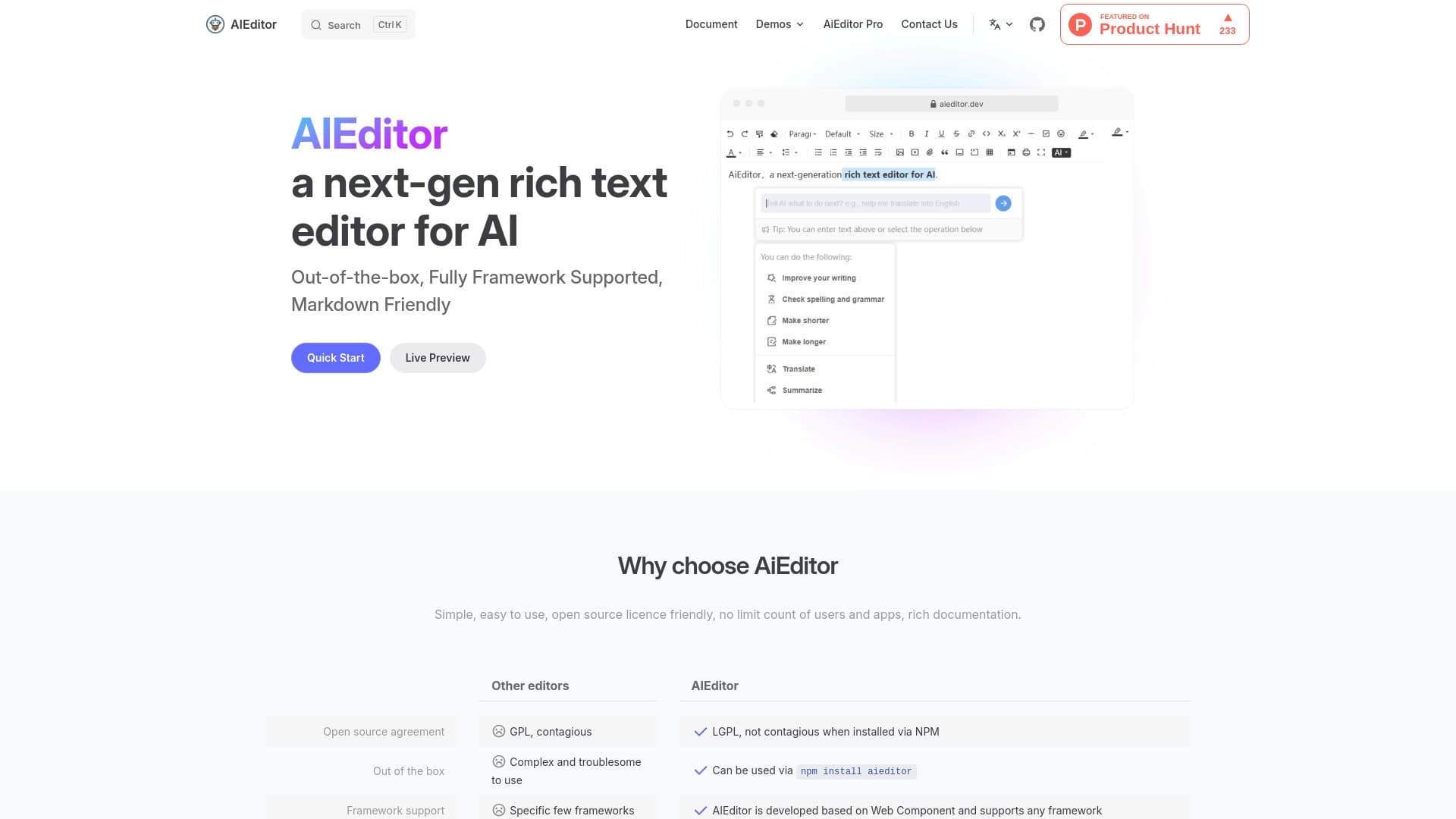
AIEditor is an open-source text editor with Markdown support and AI features for checking, condensing, expanding, and translating text.
Overview
AIEditor Neural Network Description
AIEditor is a next-generation open-source text editor built for developers and teams who need modern text tools directly in a web interface. The project's key feature is built-in artificial intelligence capabilities that allow checking spelling and grammar, condensing or expanding text, translating, and summarizing content without switching between services.
The editor works with Markdown out of the box and supports real-time markup rendering. This makes it convenient both for technical specialists accustomed to markup and for regular users who want to see a clean result. Architecturally, AIEditor is built as a set of web components, allowing it to be embedded in projects on any popular frontend framework — from React and Vue to Angular and Svelte.
Deployment flexibility deserves special attention: the editor can be used as an online service or installed on your own server. The second option is critical for companies with high data privacy requirements, allowing documents to be stored within the organization's perimeter.
AIEditor Characteristics
| Characteristic | Value |
|---|---|
| Type | Rich text editor with AI support |
| Category | Proofreading and editing |
| Platforms | Web, private server deployment |
| License | Open-source, no restrictions on users or applications |
| Frameworks | React, Vue, Angular, Svelte, and others |
| Markdown Support | Yes, with real-time preview |
| Integration | Via npm, with documentation and examples |
| Collaboration | Yes, real-time commenting and editing |
| AI Features | Spelling check, condensing, expanding, translation, summarizing |
| Developer | AiEditor Technologies |
Who Is AIEditor Suitable For?
Web Application Developers
AIEditor is primarily a tool for programmers who want to add a text editor with AI features to their products. Thanks to npm integration and support for all popular frameworks, implementation takes just a few minutes. The developer gets a ready-made component with extensive customization options rather than needing to build an editor from scratch.
Content Creators and Editorial Teams
Bloggers, copywriters, and technical writers can use AIEditor for comfortable work with long texts. Markdown support simplifies content structuring, and the AI assistant helps quickly proofread text, condense, or expand individual fragments without losing meaning.
Corporate Users
Companies working on collaborative documents will appreciate real-time co-editing features with comments and a flexible access rights system. The ability to deploy the editor on your own server addresses security concerns and compliance with internal data processing policies.
How to Use AIEditor?
Quick Start for Developers
To integrate the editor into an existing project, simply install the package via npm and perform basic configuration. The developer needs only a few lines of code for the editor to work in the application. For non-trivial scenarios — such as connecting custom LLM API keys or creating specific configurations — detailed documentation with ready-made examples is provided.
Using the Online Version
If deployment is not required, you can open the editor directly in the browser and start working without installation. Markdown markup is displayed immediately in formatted form. AI features are activated on command: the editor automatically checks spelling and grammar, and at the user's request condenses, expands, translates, or summarizes text.
Team Work
For collaborative editing, users can invite colleagues to a shared document. The commenting system allows discussing changes in real time without leaving the editor. Flexible access rights configuration ensures control over who can view, edit, or leave comments.
Key AIEditor Features
Editing with Markdown Support
AIEditor supports classic formatting and Markdown syntax. Real-time preview allows seeing the final document appearance without switching modes. This greatly speeds up work with technical documentation, articles, and notes.
AI Tools for Text Work
The built-in artificial intelligence automatically checks spelling and grammar. At the user's command, the neural network can condense text to a brief summary, expand it with added details, translate it into another language, or create a summary. It is important to note that the AI requires quality source text to work properly — otherwise, errors in results are possible.
Collaborative Editing and Integration
The editor supports simultaneous work by multiple users on a document, including comments and discussions. Thanks to web components, AIEditor easily integrates into non-standard architectures. Private deployment allows keeping all data under organizational control.
AIEditor Advantages
Open License and No Restrictions
The open-source license imposes no restrictions on the number of users or applications into which the editor is embedded. This is especially important for products with uncertain future growth that can scale without additional licensing costs.
Ease of Integration and Multi-Framework Support
AIEditor connects via npm and is compatible with any popular frontend framework. Web components allow integrating the editor even into highly specialized projects without changing the existing architecture. Full setup takes just a few minutes.
Privacy and Data Control
The ability to deploy the editor on your own server guarantees that documents never leave the company's infrastructure. For organizations with strict security requirements, this is not just an advantage but a mandatory condition of operation. Advanced AI tools remain fully functional in this setup.
AIEditor Disadvantages
Demanding on Source Text Quality
AI editing features produce the best results on well-structured and properly formatted texts. Poorly prepared material can lead to errors in context understanding, and the neural network's results will require manual review.
Difficulties with Highly Specialized Texts
AIEditor may make errors when working with complex specific topics — for example, legal or medical documents saturated with professional jargon. In such cases, careful proofreading of AI results is required before use.
Customization Limitations
Although the editor provides extensive configuration options, deep customization for unique and specific business processes may prove difficult. For standard scenarios, the editor is convenient, but non-standard cases may require additional development.
What Problems Does AIEditor Solve?
Creating Intelligent Documents
AIEditor allows embedding a text editor with AI capabilities into documentation applications. This is especially relevant for internal corporate portals, knowledge bases, and document management systems where automatic text quality checking is important.
Developing AI Assistants and Chat Interfaces
The editor serves as a foundation for creating chat interfaces and AI assistants that require formatted output and the ability to edit generated text. Markdown support ensures correct display of complex structures — lists, tables, and nested elements.
Educational Materials and Collaborative Projects
For educational institutions and teams working on projects, AIEditor simplifies the preparation of educational materials with grammar checking and automatic summarizing. Collaborative editing with comments allows teachers and students to work in one space in real time.
AIEditor Pricing
AIEditor offers a free tier with core features — a basic set of AI tools and Markdown support. For users who need additional integrations and priority technical support, a starter plan is available. The professional plan unlocks full access to all features, including private deployment on your own server and support for enterprise clients.
Since the project is distributed under an open-source license, the editor's base code is available for free without restrictions on the number of users or applications.
AIEditor Terms of Use
AIEditor is distributed under an open license that does not restrict the number of users or applications. To work with the editor, you need to install the package via npm and perform basic configuration. To use AI features, connecting your own LLM API keys will likely be required — this capability is provided by the editor's architecture.
For private server deployment and work with extended integrations, registration on the official website may be required. The open-source version imposes no usage restrictions, but for corporate support, subscribing to a paid plan is recommended.
AIEditor Availability
AIEditor is available as a web application directly on the aieditor.dev website and can also be deployed on your own server for private use. Interface languages and regional restrictions are not officially specified, suggesting the product's universality. The resource's monthly audience is approximately 46,200 visits, indicating steady interest in the tool.
How AIEditor Differs from Alternatives
The main difference between AIEditor and competitors is the combination of open source code and a full-featured set of AI tools. Many open-source editors offer only basic formatting capabilities without built-in neural networks, while proprietary solutions with AI features restrict users with licensing terms and do not allow deploying the system on your own server. AIEditor bridges this gap by providing both flexibility and functionality.
An additional advantage is compatibility with all popular frontend frameworks through web components. This is rare even among commercial alternatives. The ability to deploy privately while retaining all AI features also sets AIEditor apart from cloud services that do not allow controlling document storage.
Conclusion
AIEditor is a well-thought-out open-source editor that meets the needs of two audiences at once: developers looking for a ready-made component to embed in their products, and users who need a modern tool with AI features for everyday work. Markdown support, collaborative editing, flexible deployment options, and built-in neural network tools make it a universal solution for a wide range of tasks. The only important condition is the user's willingness to work on the quality of source texts, since the accuracy of AI features directly depends on it.
Frequently asked questions
See also

AllChat is a universal platform that combines several popular language models in a single interface for communication, image generation, file analysis, and code execution.

AI platform for voice synthesis and cloning that converts text into realistic speech.
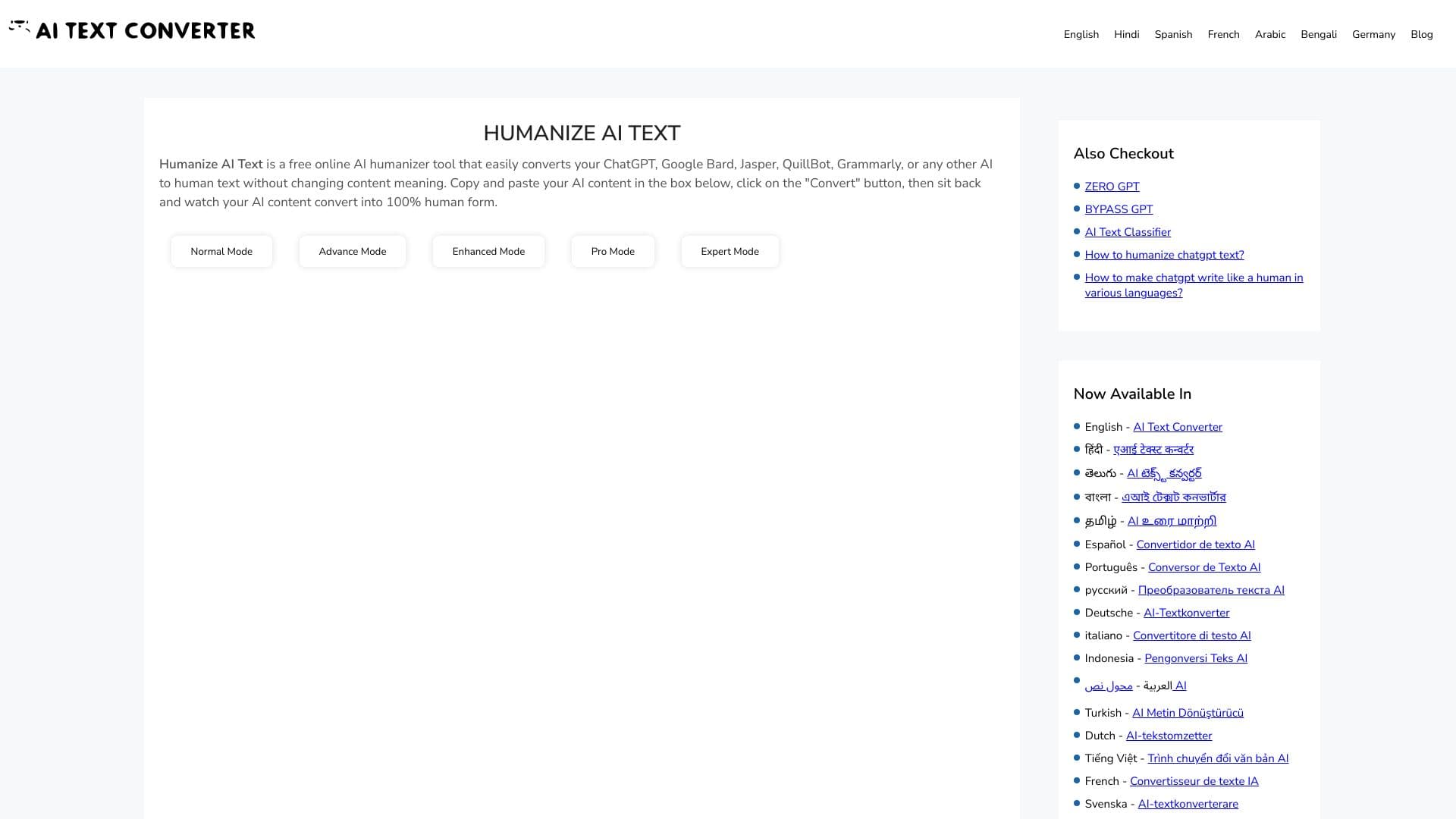
Web service for making AI-generated texts look more natural and human.


Web service for generating images from text descriptions and communicating with virtual characters.

Web platform for communication and role-playing with AI characters.

Terminal AI agent for programming that dynamically adapts to developer tasks.
Web simulator for practicing supportive communication with a person experiencing anxiety.


AI-powered platform for generating legal documents, contract analysis, and obtaining legal information.