
AI Voice Cleaner
Онлайн-сервис для очистки аудио и видео от фонового шума и эха с помощью ИИ.

Обзор
Описание нейросети AI Voice Cleaner
AI Voice Cleaner — это онлайн-сервис, который автоматически удаляет фоновый шум, гул, эхо и другие помехи из аудио- и видеозаписей. Вместо ручной настройки фильтров и эквалайзеров пользователь просто загружает файл — нейросеть сама анализирует дорожку, находит лишние звуки и вычищает их. Дополнительно инструмент умеет анализировать структуру речи: он находит длинные паузы и убирает их, делая диалог или монолог заметно динамичнее. Сервис работает прямо в браузере с популярными форматами — MP3, WAV, MP4, MOV — и не требует регистрации для базовой обработки.
Характеристики AI Voice Cleaner
| Характеристика | Значение |
|---|---|
| Тип | Онлайн-инструмент |
| Категории | Аудиоредактирование, Улучшение качества аудио |
| Веб-сайт | voicecleaner.ai |
| Бесплатный тариф | Есть, без регистрации |
| Поддерживаемые форматы | MP3, WAV, MP4, MOV, AVI |
| Входные данные | Аудио- и видеофайлы |
| Условия использования | Без регистрации и ввода банковских данных |
Для кого подходит нейросеть AI Voice Cleaner?
Подкастеры и блогеры
AI Voice Cleaner подходит тем, кто регулярно записывает подкасты, интервью или видео на телефон или диктофон. Вместо долгой чистки дорожки в редакторе можно загрузить файл в сервис и получить готовый результат за пару минут. Особенно это полезно при записи в неидеальных условиях — в кафе, на улице или в квартире с работающей техникой.
Специалисты по голосовым коммуникациям
Инструмент пригодится тем, кто ведет созвоны, записывает скринкасты или озвучку для видео. Удаление гулов, шорохов и эха делает речь разборчивее, а автоматическое вырезание длинных пауз избавляет от ручного монтажа.
Копирайтеры и редакторы
Если в работе приходится расшифровывать интервью или чистить клиентские голосовые записи, сервис помогает ускорить процесс. Загрузил файл, получил чистую дорожку — и можно монтировать или отдавать заказчику.
Как использовать нейросеть AI Voice Cleaner?
Весь процесс работы с сервисом занимает минимум шагов и не требует специальных навыков.
Шаг 1: Загрузка файла
Перейдите на сайт voicecleaner.ai и загрузите аудио или видеофайл. Поддерживаются записи с диктофона, видеоредактора или мессенджеров — конвертация перед загрузкой не нужна.
Шаг 2: Автоматическая обработка
После загрузки нейросеть сама анализирует дорожку, определяет фоновый шум, эхо и длинные паузы в речи. От пользователя не требуется вручную настраивать параметры или указывать частоты помех.
Шаг 3: Прослушивание и сохранение
Результат можно сразу прослушать в браузере и сравнить с оригиналом. Если всё устраивает — сохраните файл на устройство. Регистрация для базовой обработки не требуется.
Основные функции AI Voice Cleaner
Очистка звука от фонового шума
Главная функция сервиса — удаление посторонних звуков в один клик. Нейросеть убирает гул, шорохи, эхо и другие помехи, которые мешают восприятию речи.
Удаление длинных пауз
Инструмент анализирует структуру речи и находит длинные заминки. Вместо полного удаления фрагментов, сервис заменяет их короткой тишиной — речь остается естественной, но без затянутых пауз.
Работа с популярными форматами
Сервис поддерживает MP3, WAV, MP4, MOV и AVI. Это покрывает практически все сценарии: от голосовых заметок на телефоне до видеофайлов с камеры.
Преимущества AI Voice Cleaner
Простота запуска
Для начала работы не нужно создавать аккаунт, подтверждать почту или вводить банковские данные. Загрузили файл — получили результат.
Скорость обработки
Загрузка, очистка и экспорт занимают минимум действий. Это заметно быстрее, чем настраивать фильтры в стационарных аудиоредакторах.
Универсальность форматов
Сервис работает напрямую с файлами, не требуя предварительной конвертации. Можно загрузить сырую запись из диктофона, видеоредактора или мессенджера — инструмент сам разберется с форматом.
Недостатки AI Voice Cleaner
Сервис ориентирован на быстрое массовое улучшение звука, а не на тонкую настройку. Если требуется филигранная работа с отдельными частотами, ручная регулировка уровней или сложный ремастеринг, возможностей встроенных алгоритмов может не хватить. Детальные параметры обработки не раскрываются, поэтому пользователь не может влиять на специфику работы нейросети. Также стоит учитывать, что качество результата зависит от исходной записи: слишком поврежденные дорожки (сильные искажения, перегрузка микрофона) инструмент может не восстановить полностью.
Какие задачи решает AI Voice Cleaner
Чистка записей подкастов и интервью
Сервис убирает фоновый шум с записей подкастов, интервью и созвонов, делая голоса участников четкими и разборчивыми.
Удаление гулов и эха из голосовых записей
Инструмент эффективно справляется с типовыми бытовыми помехами: гул холодильника, шум улицы, эхо от пустой комнаты.
Улучшение разборчивости речи
Для скринкастов и озвучки видео важно, чтобы каждое слово было слышно четко. AI Voice Cleaner убирает посторонние звуки, которые могут перебивать речь.
Автоматическое вырезание пауз для монтажа
Вместо ручного поиска и склейки тишины в редакторе, нейросеть автоматически находит длинные паузы и сокращает их, делая запись плотнее по хронометражу.
Цены AI Voice Cleaner
Информация о ценообразовании сервиса в исходных данных не раскрывается. Известно, что базовая обработка файлов доступна бесплатно и не требует регистрации. Актуальные условия платных тарифов, если они есть, нужно уточнять на официальном сайте voicecleaner.ai.
Условия использования AI Voice Cleaner
Для базовой обработки аудио и видео файлов не требуется регистрация, предоплата или ввод банковских данных. Пользователь может загрузить файл, получить очищенный результат и скачать его без создания аккаунта. Это отличает сервис от многих конкурентов, которые даже пробную обработку предлагают только после оформления подписки.
Доступность AI Voice Cleaner
Сервис работает как веб-приложение и доступен через любой современный браузер. Установка дополнительного программного обеспечения на компьютер не требуется. Единственное условие — наличие стабильного интернет-соединения для загрузки файлов и скачивания результата.
Чем отличается AI Voice Cleaner от аналогов
Главное отличие AI Voice Cleaner — это сочетание бесплатного доступа без регистрации и узкой специализации. Многие аналоги (например, LALAL.AI, Moises, PhonicMind) предлагают очистку голоса от инструментов или разделение дорожек, но часто требуют создания аккаунта или оплаты для полноценной обработки. AI Voice Cleaner делает ставку на простоту: загрузил запись — получил чистый голос без лишних телодвижений. Дополнительно сервис умеет вырезать длинные паузы, что редко встречается у конкурентов в автоматическом режиме. В отличие от десктопных редакторов вроде Audacity, здесь не нужно разбираться в спектрограммах и фильтрах — нейросеть делает всю работу сама.
Заключение
AI Voice Cleaner — это простой и быстрый онлайн-инструмент для очистки голосовых записей от шума, гула и эха, а также для автоматического удаления длинных пауз. Сервис работает прямо в браузере с популярными аудио- и видеоформатами, не требует регистрации или оплаты для начала работы и ориентирован на пользователей, которым важна скорость получения результата без изучения сложных настроек.
Часто задаваемые вопросы
Смотрите также


Сервис на базе ИИ для автоматического создания «безликих» коротких видео для TikTok, YouTube Shorts и других платформ.

Онлайн-инструмент для замены лиц на фото, видео и GIF без регистрации и водяных знаков.

Платформа для создателей контента, объединяющая управление ссылками, email-маркетинг, онлайн-магазин и аналитику в одном визуальном редакторе без программирования.


Онлайн-сервис на базе ИИ для быстрого создания презентаций по заданной теме или загруженному документу.


Сервис для живых диалогов с ИИ, включающий генерацию текста, голоса и распознавание речи.
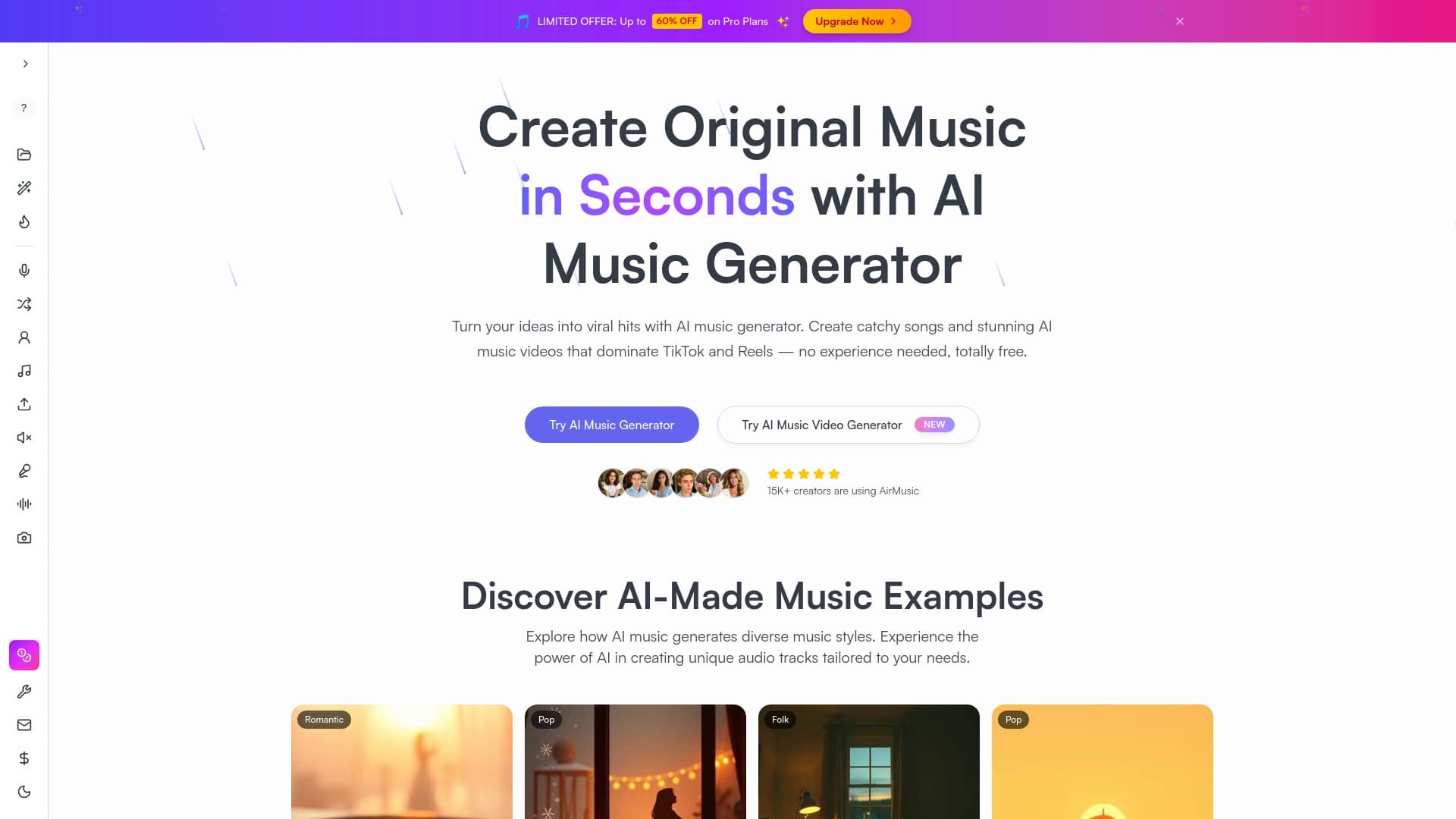
Генератор музыки по текстовому описанию с настройкой стиля и настроения, а также экспортом отдельных дорожек.


Сервис для превращения статичных изображений в видео с пением и синхронизацией губ с помощью ИИ.


Набор инструментов для генерации и редактирования видео с помощью ИИ, включая аватары, липсинк и клонирование голоса.