
AI Video Enhancer
Облачный сервис для улучшения качества видео: повышение разрешения, устранение размытия и шума, плавное движение до 4K.
Обзор
Описание нейросети AI Video Enhancer
AI Video Enhancer — это облачный сервис, предназначенный для автоматического улучшения качества видеоматериалов. Главная задача инструмента — быстрое приведение видео к современным стандартам четкости. Решение работает прямо в браузере, без необходимости устанавливать тяжелое программное обеспечение на компьютер.
Технология базируется на алгоритмах машинного обучения, которые анализируют каждый кадр и принимают решения о том, как его улучшить. Вместо ручной настройки параметров, пользователь получает готовый результат в несколько кликов. Сервис позиционируется как универсальный инструмент для работы с видео любого происхождения: от старых семейных архивов до свежих записей со стриминговых платформ.
Благодаря облачной архитектуре, вся вычислительная нагрузка ложится на серверы сервиса. Это означает, что производительность компьютера пользователя не влияет на скорость обработки, а финальное видео сохраняется в высоком качестве, готовое к публикации или просмотру на больших экранах.
Характеристики AI Video Enhancer
| Характеристика | Значение |
|---|---|
| Тип | Облачный сервис |
| Основное назначение | Улучшение качества видео |
| Максимальное разрешение на выходе | 4K |
| Ключевые возможности | Повышение разрешения, удаление размытия, шумоподавление, сглаживание движения |
| Модель распространения | Не указана |
| Способ доступа | Онлайн (через браузер) |
Для кого подходит нейросеть AI Video Enhancer?
Видеографы и операторы
Специалистам, работающим с камерами, сервис помогает исправить недочеты съемки: смазанные кадры, недостаточную резкость или зернистость при слабом освещении. Это позволяет отдавать клиентам более качественный материал без повторной съемки.
Контент-мейкеры и стримеры
Авторы, публикующие ролики на YouTube, Twitch или в социальных сетях, часто сталкиваются с необходимостью повысить качество записи экрана или веб-камеры. AI Video Enhancer делает стримы и ролики более четкими, что положительно сказывается на восприятии зрителями.
Владельцы архивных записей
Сервис эффективен для восстановления старых видеозаписей, сделанных на камеры с низким разрешением. Повышение четкости и удаление шумов позволяют «оживить» семейные видео, концертные записи или документальные кадры, делая их пригодными для просмотра на современных мониторах и телевизорах.
Как использовать нейросеть AI Video Enhancer?
Загрузка файла
Процесс начинается с загрузки исходного видео в облачный сервис. Пользователю достаточно выбрать файл на своем устройстве и загрузить его в интерфейс для дальнейшей обработки.
Автоматическая обработка
После загрузки нейросеть самостоятельно выполняет все необходимые операции: масштабирование до 4K, устранение дефектов изображения и коррекцию движения. Вмешательство пользователя на этом этапе не требуется.
Сохранение результата
По завершении обработки готовое видео доступно для скачивания в улучшенном качестве. Файл можно сохранить на устройство, использовать для монтажа или сразу опубликовать в интернете.
Основные функции AI Video Enhancer
Увеличение разрешения до 4K
Сервис повышает детализацию исходного видео, масштабируя картинку до ультравысокого разрешения. Картинка становится более четкой, что особенно заметно на больших экранах.
Шумоподавление
Алгоритмы эффективно удаляют цифровой шум — зернистость, которая появляется при съемке в условиях плохого освещения или на высоких значениях ISO. Это делает изображение чистым и гладким.
Устранение размытия
Нейросеть распознает смазанные участки кадра и восстанавливает их резкость. Эта функция особенно полезна при работе с динамичными сценами или неудачной фокусировкой.
Сглаживание движения
Технология уменьшает рывки и дрожание кадра, делая движение плавным. Видео становится более комфортным для просмотра, особенно на сценах с быстрыми перемещениями объектов или при съемке с рук.
Преимущества AI Video Enhancer
- Облачная архитектура: Обработка происходит на удаленных серверах, что не требует мощного компьютера или специального программного обеспечения.
- Скорость работы: Сервис нацелен на быстрое выполнение задач, экономя время пользователя по сравнению с ручными методами редактирования.
- Автоматизация всех этапов: Нет необходимости разбираться в тонкостях видеомонтажа — нейросеть выполняет комплексное улучшение за один проход.
- Универсальность: Подходит для разных типов контента: камерные записи, стримы, старые архивы.
Недостатки AI Video Enhancer
- Неизвестная ценовая политика: В исходных данных отсутствует информация о стоимости, что затрудняет оценку доступности сервиса для разных категорий пользователей.
- Ограниченная информация о модели: Не указано, по какой модели распространения работает сервис — это может быть как бесплатная версия с ограничениями, так и полностью платная подписка.
Какие задачи решает AI Video Enhancer
AI Video Enhancer ориентирован на комплексное улучшение видеоматериала, избавляя пользователя от рутинных действий в видеоредакторах. Основная задача — довести ролик до состояния, пригодного для профессионального использования или публичной демонстрации.
Инструмент решает проблему устаревших или неудачных записей. Вместо того чтобы переснимать материал или мириться с плохим качеством, пользователь может воспользоваться технологией для автоматического повышения разрешения, очистки от шума и стабилизации движения. Это упрощает работу с контентом, снятым в непростых условиях освещения или на непрофессиональную технику, делая процесс восстановления видео доступным каждому.
Цены AI Video Enhancer
Достоверные данные о тарифах и стоимости использования сервиса в настоящий момент отсутствуют. Каталог не располагает сведениями о наличии бесплатного тарифа, пробного периода или стоимости подписки. Для получения актуальной информации о ценах рекомендуется обратиться к официальному сайту разработчика или авторитетным обзорам.
Условия использования AI Video Enhancer
Поскольку модель распространения услуги не указана, открытым остается вопрос об условиях доступа к сервису. На данный момент невозможно подтвердить, требует ли сервис обязательной регистрации, предусматривает ли он бесплатный лимит на количество обрабатываемых видео или же функционирует исключительно по предоплате. Потенциальным пользователям стоит уточнить эти детали перед началом работы.
Доступность AI Video Enhancer
Сервис функционирует как облачное решение, что подразумевает доступ через веб-браузер на любом устройстве: стационарном компьютере, ноутбуке или планшете. Это обеспечивает кросс-платформенную совместимость, однако сведения о наличии официального мобильного приложения или дополнительных десктопных версий в открытых источниках не обнаружены. Основным условием для работы является стабильное интернет-соединение, обеспечивающее загрузку и скачивание видеофайлов.
Чем отличается AI Video Enhancer от аналогов
Ключевое отличие сервиса заключается в его позиционировании как полностью автоматизированного облачного инструмента. Многие альтернативные решения либо встраиваются в настольные видеоредакторы (что требует покупки лицензии и установки на ПК), либо предлагают лишь отдельные функции — например, только апскейлинг или только шумоподавление.
AI Video Enhancer объединяет четыре основные операции — масштабирование до 4K, деблюр, денойзинг и интерполяцию движения — в единый пакет, работающий удаленно. Это освобождает пользователя от необходимости использовать несколько программ для достижения комплексного результата. Кроме того, ставка на скорость обработки делает его удобным для задач, где важна оперативность получения готового файла. Однако из-за отсутствия детальной информации о модели распространения и ценах невозможно полноценно сравнить его с конкурентами по критерию стоимости.
Заключение
AI Video Enhancer — это облачный сервис, который решает типичные проблемы, связанные с качеством видеоматериала: низкое разрешение, размытость, шумы и неравномерность движения. Его главное преимущество — автоматизация всех этапов улучшения и ориентация на быстрый результат без необходимости разбираться в сложных настройках. Инструмент будет полезен как профессионалам, так и обычным пользователям, желающим привести свои записи к современному стандарту 4K. Однако для объективной оценки сервиса не хватает публичной информации о ценах и условиях доступа, которую рекомендуется получить напрямую от разработчика.
Часто задаваемые вопросы
Смотрите также

Набор мультимедийных AI-инструментов для редактирования и улучшения фото, видео и PDF-документов.

Веб-платформа для генерации изображений и кинематографичных видео с помощью ИИ, включающая инструменты для студийного редактирования.


Bleepify автоматически находит и заглушает нецензурные слова в видео и аудио.


Набор инструментов для генерации и редактирования видео с помощью ИИ, включая аватары, липсинк и клонирование голоса.


ИИ-ассистент для создания текстового контента, изображений и работы с голосом, ориентированный на русскоязычных пользователей.

Многофункциональная AI-платформа для создания контента, объединяющая синтез речи, генерацию текста, создание аватаров и редактирование видео.
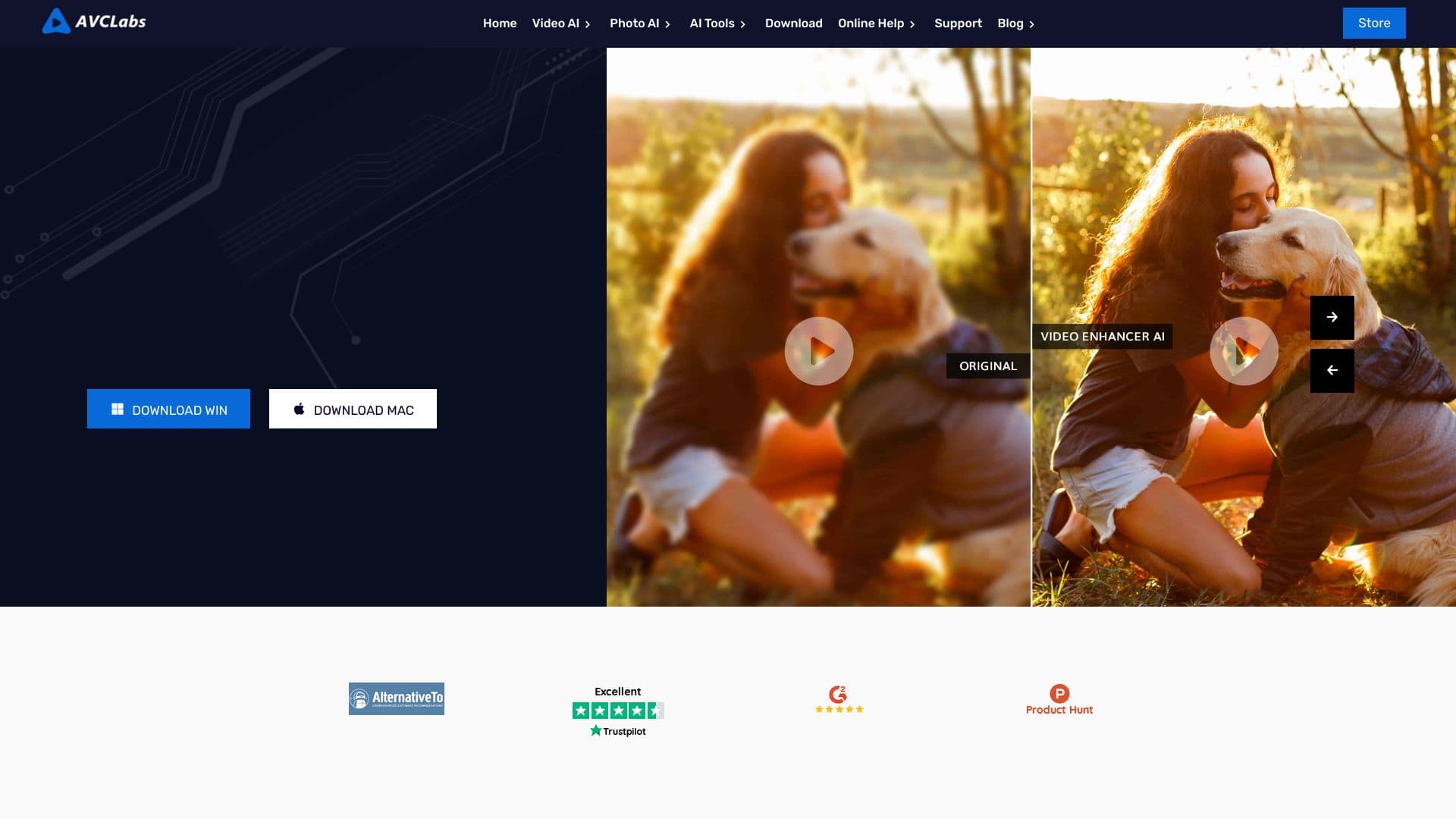

Десктопное приложение для Windows, которое повышает разрешение видео до 4K/8K и улучшает качество старых записей с помощью ИИ.


Сервис для превращения статичных изображений в видео с пением и синхронизацией губ с помощью ИИ.