
AI Video Cut
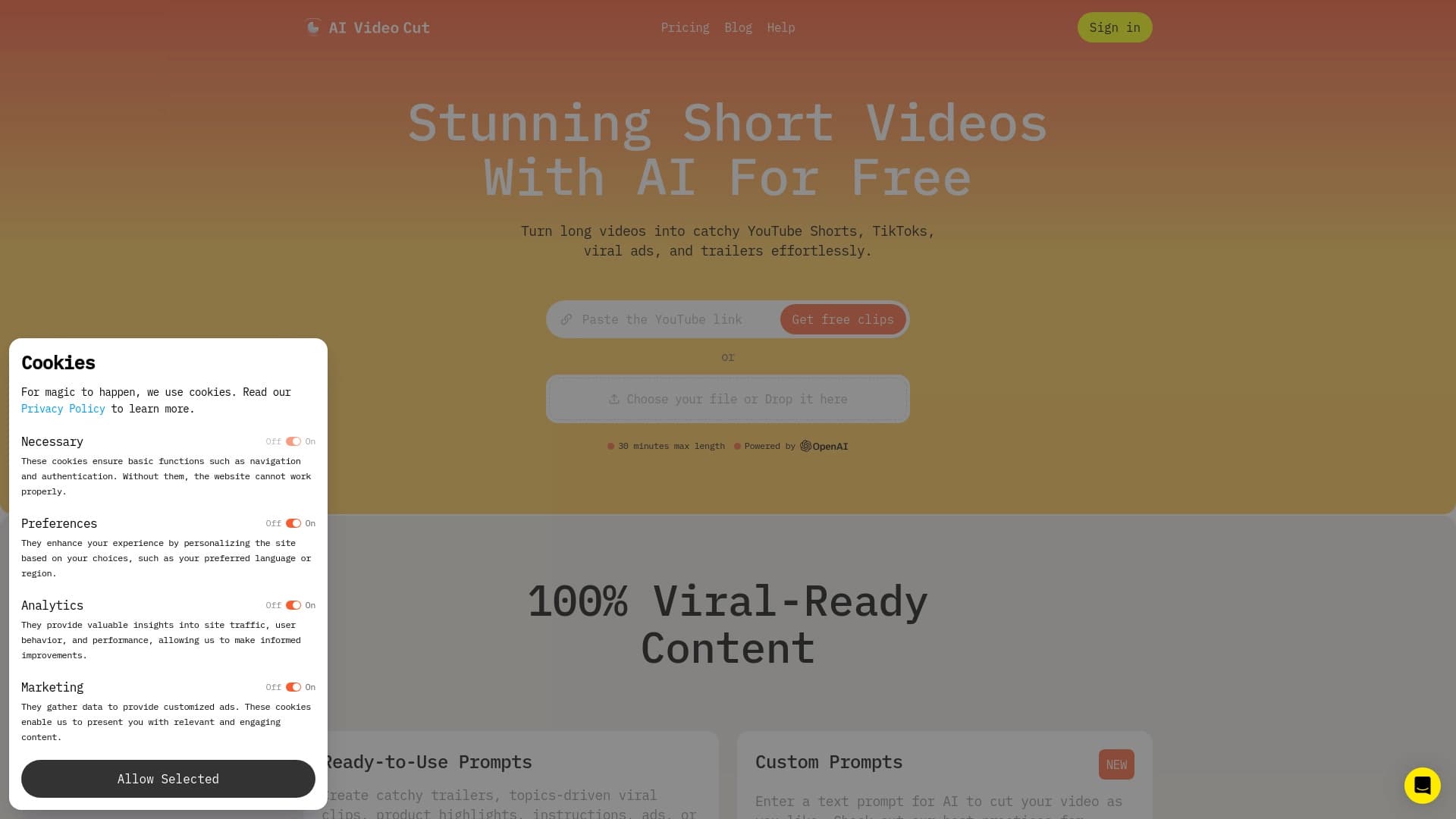
Сервис автоматически нарезает длинные видео на короткие клипы для соцсетей и добавляет субтитры.
Обзор
Описание нейросети AI Video Cut
AI Video Cut — это онлайн-сервис, который автоматизирует процесс переработки длинных видео в короткие вертикальные ролики. Вместо того чтобы вручную просматривать часы записи в поисках удачных моментов, пользователь загружает исходный файл, а нейросеть самостоятельно анализирует его и выделяет ключевые фрагменты.
Главная задача сервиса — снять с создателя контента рутину по монтажу. Система определяет семантически важные эпизоды по динамике речи, интонациям и структуре повествования, после чего нарезает их на отдельные клипы, готовые к публикации в TikTok, Instagram Reels или YouTube Shorts. Параллельно нейросеть генерирует субтитры из аудиодорожки, что делает ролики доступнее и увеличивает удержание зрителя.
Пользователю остаётся лишь выбрать настройки, при необходимости подправить результат и скачать готовый пакет клипов. Такой подход позволяет за считанные минуты получить десяток коротких видео из одного длинного подкаста, вебинара или стрима.
Характеристики AI Video Cut
| Характеристика | Значение |
|---|---|
| Тип | Онлайн-сервис |
| Категории | Промпт, инструменты для расшифровки аудио, генераторы субтитров, инструменты для записи видео, распознавание речи, генераторы видео по тексту, инструменты для e-commerce, управление YouTube, контент для TikTok, генераторы коротких видео, помощники для соцсетей, переработка контента, инструменты для подкастов, помощники для Instagram, создание рекламы |
| Разработчик | Omnisale GMBH |
| Ежемесячные посещения | 388.9K |
| Наличие бесплатного тарифа | Да (50 минут на пользователя) |
| Минимальная стоимость | 820 рублей в месяц |
| Сайт | aivideocut.com |
Для кого подходит нейросеть AI Video Cut?
Инструмент рассчитан на всех, кто регулярно работает с видеоконтентом и нуждается в его переработке для социальных платформ. Основная аудитория сервиса — специалисты, для которых скорость создания контента важнее тонкой ручной настройки каждого кадра.
Создатели контента и блогеры
Авторы YouTube-каналов, ведущие подкастов и стримеры могут без дополнительных усилий нарезать свои длинные выпуски на десятки коротких клипов. Это помогает поддерживать постоянное присутствие в лентах соцсетей без ежедневного многочасового монтажа.
Маркетологи и SMM-специалисты
Для продвижения брендов часто требуется адаптировать вебинары, презентации или обучающие видео под формат Stories и Shorts. AI Video Cut позволяет быстро получить рекламные и информационные ролики, а наличие субтитров повышает эффективность просмотра без звука, что критично в социальных сетях.
Как использовать нейросеть AI Video Cut?
Процесс работы с сервисом выглядит как последовательность из трёх простых шагов, не требующих специальных навыков монтажа. Основная работа выполняется алгоритмами, человек лишь контролирует результат.
Загрузка и настройка
Пользователь загружает исходное длинное видео в сервис. На этом этапе можно задать начальные параметры: выбрать тематику, указать желаемую длину будущих клипов или ввести текстовые подсказки (промпты), чтобы направить нейросеть в поиске нужных моментов.
Обработка видео
После загрузки нейросеть анализирует аудиодорожку и видеоряд. Система распознаёт речь, выделяет логически завершённые фрагменты и нарезает их. Параллельно создаются субтитры, которые накладываются на каждый клип. Этот этап занимает несколько минут.
Скачивание готовых роликов
После завершения обработки пользователю остаётся просмотреть полученные нарезки и скачать их себе на устройство. Каждый клип уже имеет субтитры и обрезан под вертикальный формат, поэтому его можно сразу загружать в соцсети без доработки.
Основные функции AI Video Cut
Сервис сфокусирован на трёх ключевых функциях, которые покрывают основные потребности при создании короткого контента. Они работают в связке, полностью заменяя ручной монтаж.
Автоматическая нарезка видео
Это ядро сервиса. Нейросеть анализирует исходный материал и сама определяет, какие моменты являются ключевыми. Нарезка происходит на основе речевой активности, смены тем и эмоциональных пиков. Система способна выделить несколько разных фрагментов из одного видео, которые затем можно отредактировать по отдельности.
ИИ-генерация субтитров
Сервис автоматически распознаёт речь из аудиодорожки и превращает её в текстовые субтитры. Распознавание работает достаточно качественно: ошибки встречаются редко, но при невнятной речи или специфическом акценте возможны неточности, которые требуют ручной правки. Субтитры накладываются на видео и имеют несколько настраиваемых стилей.
Адаптация под соцсети
Все сгенерированные клипы автоматически обрезаются под вертикальные форматы (9:16) и заточены под требования TikTok, Reels и YouTube Shorts. Пользователю доступна настройка длины ролика и стиля субтитров, что позволяет гибко подстраивать контент под конкретную платформу.
Преимущества AI Video Cut
Сервис имеет ряд сильных сторон, которые делают его полезным инструментом в арсенале контент-мейкера. Главное преимущество — экономия времени и сил при переработке контента.
Чёткая нарезка без ручной возни. Система эффективно выделяет наиболее значимые и динамичные моменты. Пользователю не нужно просматривать часы записи в поисках удачных эпизодов — нейросеть делает это автоматически и быстро.
Качественные субтитры. Распознавание речи работает хорошо, ошибки случаются редко. Это позволяет использовать сервис без необходимости перепроверять каждый клип на предмет опечаток.
Быстрый экспорт. Готовые клипы заточены под Instagram, TikTok и Shorts, а их скачивание происходит в пару кликов. Формат выходного файла корректно отображается на всех популярных платформах.
Недостатки AI Video Cut
Несмотря на удобство автоматизации, сервис имеет ряд ограничений, о которых стоит знать перед покупкой подписки.
Ограниченные настройки стиля. Пользователи отмечают, что в сервисе мало возможностей для настройки уникального стиля — недоступен полный контроль над брендовыми цветами, фирменными шрифтами и сложными шаблонами оформления. Для марки с жёсткими требованиями к визуалу этого может быть недостаточно.
Зависимость от исходного материала. При плохом качестве исходного видео результат работы нейросети также страдает: возможны падение детализации, блеклые цвета и общая «грязная» картинка. Сервис оптимизирует, но не исправляет исходник.
Ошибки распознавания речи. При невнятной речи, сильном акценте или наложении голосов ИИ допускает ошибки в субтитрах. В таких случаях требуется ручная правка текста, что съедает часть выигранного времени.
Какие задачи решает AI Video Cut
Сервис закрывает одну главную потребность — трансформацию длинного контента в короткий без использования профессиональных видеоредакторов. Это инструмент для быстрой утилизации уже готовых записей.
- Переработка длинных видео в короткие клипы. Подкасты, вебинары, стримы и лекции превращаются в целый пакет вертикальных роликов для TikTok, Shorts и Instagram Reels.
- Автоматическое создание субтитров. Экономит время на ручной расшифровке и наборе текста. Субтитры добавляются к каждому клипу автоматически.
- Масштабирование контента без ручного монтажа. Один длинный эфир может дать 10–15 коротких роликов, которые можно публиковать в течение нескольких недель, не тратя на это часы работы.
Цены AI Video Cut
AI Video Cut предлагает несколько тарифных планов, отличающихся лимитом обрабатываемых минут и набором доступных опций.
| Тариф | Стоимость | Лимит |
|---|---|---|
| Бесплатный | 0 ₽ | 50 минут на пользователя |
| Начальный | 820 ₽/мес | 150 минут видео |
| Профессиональный | 1640 ₽/мес | 300 минут и полный набор промптов |
Бесплатный тариф позволяет протестировать сервис и понять, подходит ли он под ваши задачи. Для регулярной работы разумным выбором будет платная подписка, так как 50 минут в месяц — это примерно один длинный подкаст или два вебинара.
Условия использования AI Video Cut
При использовании сервиса важно учитывать правила учёта трафика и управления подпиской.
Лимит минут. Расход минут считается по сумме длительности всех загруженных видео за месяц, а не по количеству созданных клипов. То есть если вы загрузили два видео по 60 минут, это потратит 120 минут из вашего тарифа, независимо от того, сколько коротких роликов из них получилось.
Управление подпиской. Отмена подписки выполняется через личный кабинет на сайте. Необходимо найти соответствующую кнопку в настройках аккаунта — после её нажатия списания прекратятся. Подписку можно активировать повторно в любой момент или сменить тарифный план.
Доступность AI Video Cut
Сервис доступен в виде веб-приложения по адресу aivideocut.com. Это означает, что для работы не требуется установка программного обеспечения или мощное железо — достаточно любого современного браузера.
Информация о поддержке конкретных языков и регионов на официальной странице не указана. Исходя из функционала (распознавание речи и субтитры), можно предположить, что система ориентирована на англоязычный контент, но возможность работы с другими языками не подтверждена разработчиком в открытых источниках.
Чем отличается AI Video Cut от аналогов
На рынке существует множество генераторов коротких видео и ИИ-сервисов для создания промптов. Ключевое отличие AI Video Cut заключается в его узкой специализации и подходе к обработке.
Многие аналоги, такие как FlowGPT, AIPRM или PromptPerfect, фокусируются на работе с текстовыми промптами для больших языковых моделей. Они помогают генерировать идеи и формулировки, но не занимаются непосредственно видеомонтажом. AI Video Cut же решает конкретную прикладную задачу: он принимает на вход видео и выдаёт готовые к публикации клипы.
По сравнению с универсальными инструментами для видеомонтажа с ИИ-функциями, AI Video Cut выигрывает в скорости и простоте. Пользователю не нужно разбираться в сложной логике работы таймлайна — вся работа происходит «в один клик». Однако за эту простоту приходится платить ограниченной гибкостью в настройке и кастомизации результата.
Прочие сервисы для переработки контента (например, Suno AI для музыки) решают совершенно иные задачи, поэтому их некорректно сравнивать с AI Video Cut напрямую. В сегменте полностью автоматизированной нарезки видео с субтитрами этот сервис занимает свою нишу с хорошо отлаженным алгоритмом и понятной ценовой политикой.
Заключение
AI Video Cut — это практичный онлайн-инструмент для автоматической нарезки длинных видео в короткие вертикальные клипы с автоматической генерацией субтитров. Сервис ориентирован на создателей контента, маркетологов и SMM-специалистов, которые хотят перерабатывать подкасты, вебинары и стримы без ручного монтажа. Наличие бесплатного тарифа с лимитом 50 минут позволяет протестировать функционал перед оплатой. Сервис не лишён недостатков: ограниченный набор настроек стиля, зависимость качества результата от исходного материала и возможные ошибки распознавания речи. Тем не менее для задач быстрой переработки контента и поддержания активности в соцсетях AI Video Cut является эффективным и простым решением.
Тарифы
Часто задаваемые вопросы
Смотрите также

Платформа-сообщество для поиска, публикации и обмена открытыми моделями генерации изображений на основе ИИ.
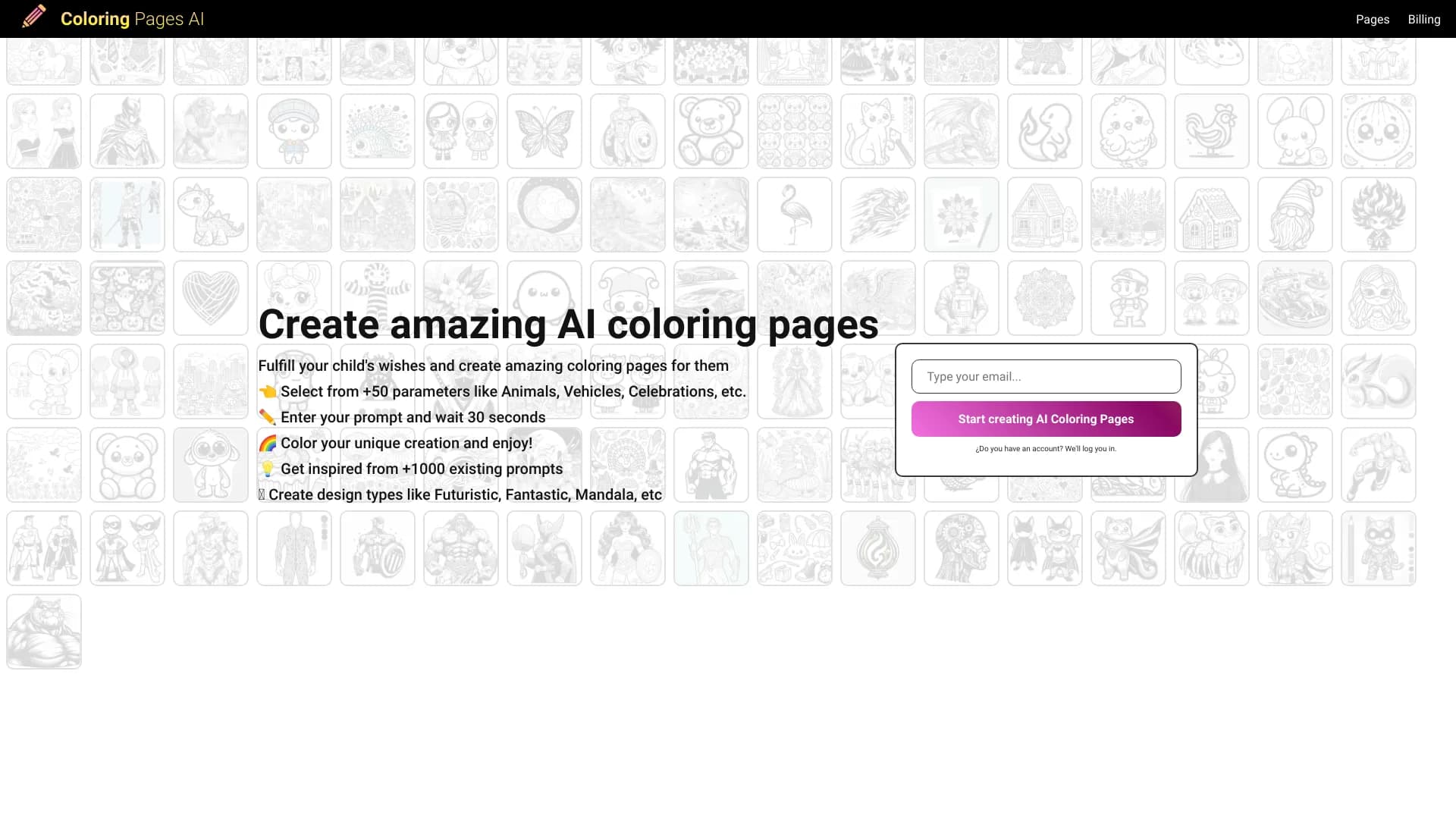

Генератор раскрасок, создающий контурные рисунки из фотографий или текстовых описаний.


Онлайн-сервис на основе нейросети для превращения обычных фотографий в стилизованные художественные портреты и аватары.
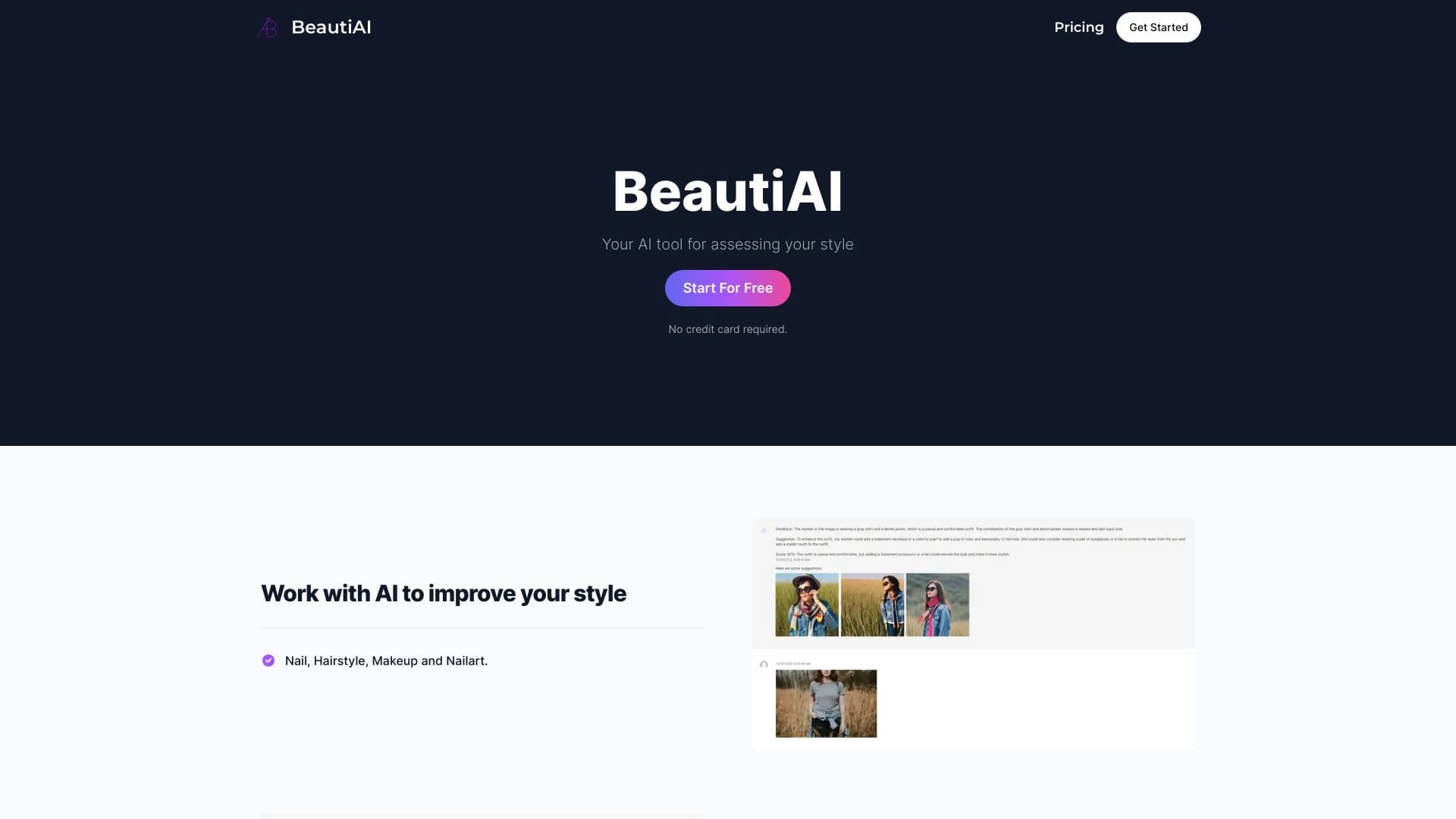
Сервис анализирует фотографии внешности и одежды, давая персонализированные советы по стилю.


Платформа на базе ИИ для автоматической генерации рекламных баннеров, текстов и видео, оптимизированных под конверсию.


Генератор трендовых видео, постов и рекламных креативов на основе идей, изображений и текстовых запросов.


Сервис для создания обложек музыкальных треков на основе анализа аудио.
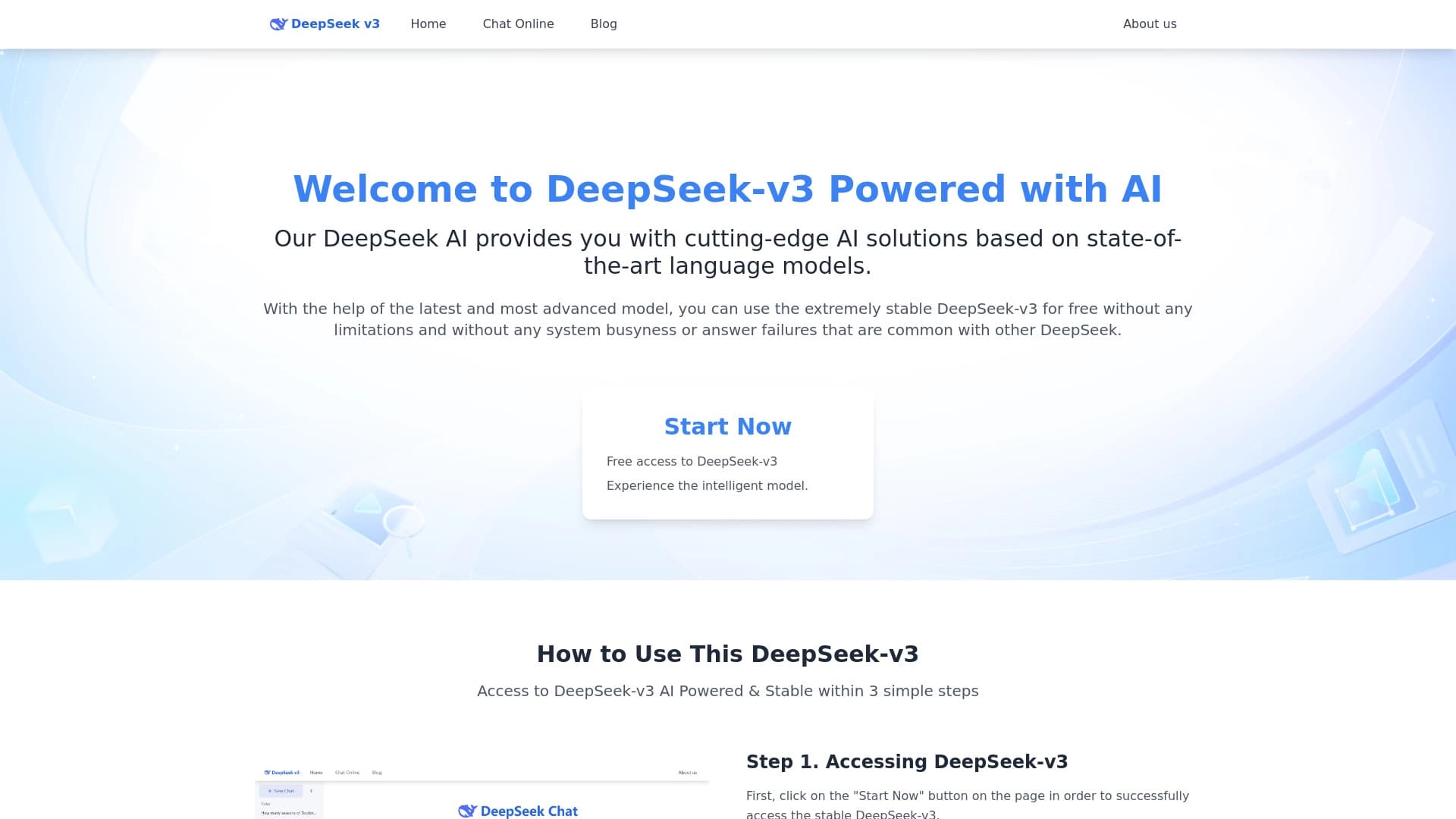
Бесплатная языковая модель с открытым исходным кодом, специализирующаяся на рассуждениях, математике и программировании.