

AI timeline maker
Tool for automatically creating visual timelines from text documents.
Overview
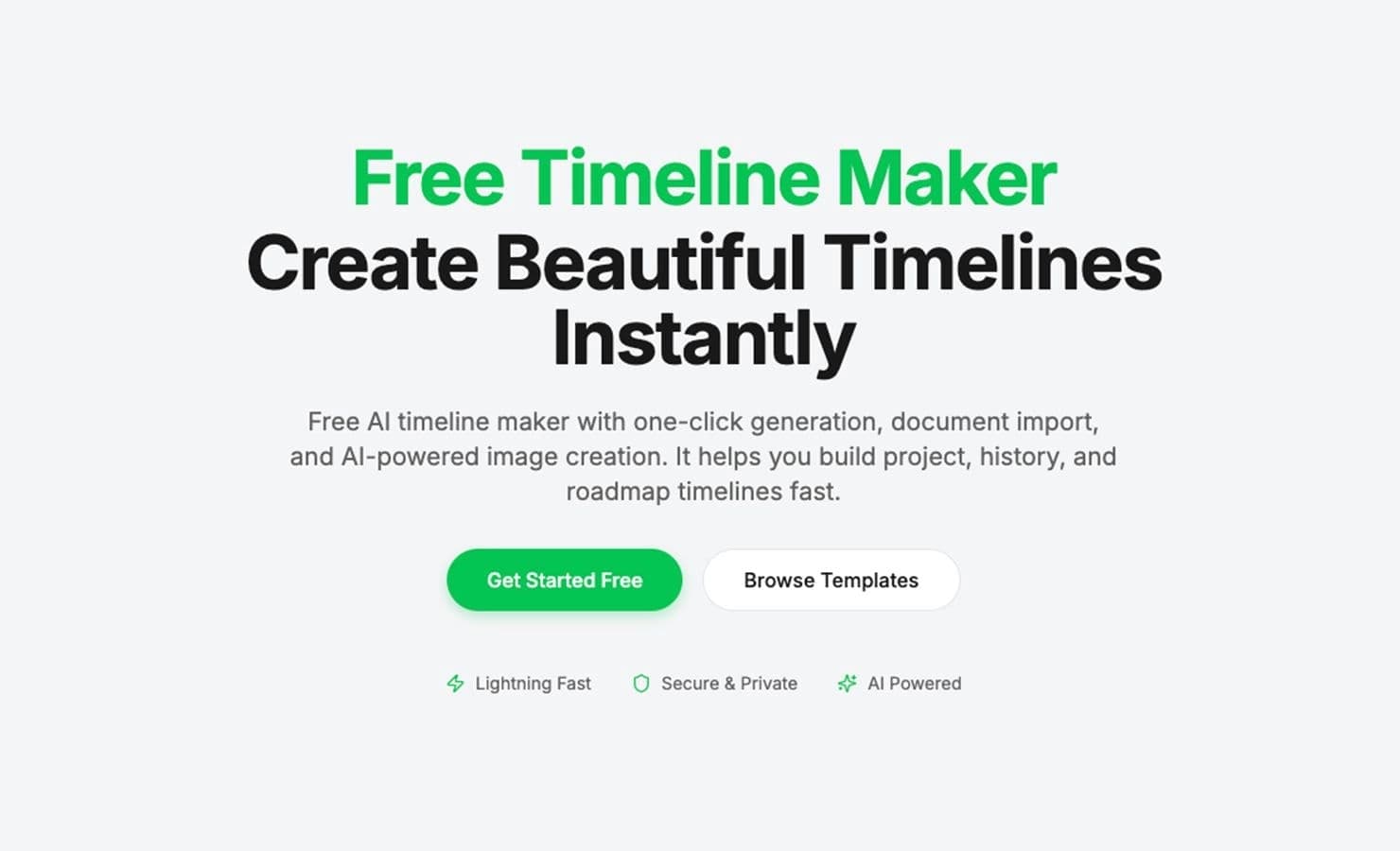
AI timeline maker is a specialized web service that automatically turns text materials into clear chronological diagrams. Instead of manually drawing schemes and arranging elements, the user simply uploads a document or enters text, and the neural network independently extracts key dates, events, and stages, arranging them into a structured visual timeline.
This approach significantly speeds up the timeline creation process and lets users focus on the content itself rather than technical implementation. The tool is designed for a wide range of users — from students to project managers — since it requires no special design or programming skills.
How automatic timeline building works
The core of the service lies in intelligent analysis of the source data. The neural network processes the text, identifying the sequence of events, their dates, and relationships, then generates a clean visual diagram. The user only needs to review the result and make adjustments if necessary.
Diagram customization and adaptation options
After the initial generation, the resulting timeline can be personalized for specific tasks. Customization covers visual parameters — element placement on the line, color accents, and other display details — allowing the diagram to be adapted to a corporate style or personal preferences.
Export to popular office formats
The finished timeline can be used in other applications and documents. The service supports export to several common formats, including PDF, PPT (PowerPoint), Word, and Excel, making the tool a practical link in the workflow of creating reports, presentations, and educational materials.
AI timeline maker features
| Feature | Value |
|---|---|
| Type | Timeline builder |
| Category | API and integrations |
| Free tier | Free (indicated in the title) |
| Website | timeline-maker.org |
| Distribution model | Not specified |
| Availability | Web service |
Who is AI timeline maker for?
The tool is aimed at those who regularly work with event chronologies and need to create visual plans. Thanks to its versatility and simple working principle, the service is useful in several key scenarios.
Project managers and business users
For project managers, AI timeline maker helps quickly structure work stages, visualize deadlines, and task sequences. It's a convenient way to communicate a plan to a team or client without spending time on complex formatting.
Educators and students
In education, the tool allows creating historical chronologies, timelines of literary works, or charts of scientific discoveries. Teachers can prepare visual aids, while students can structure and memorize event sequences for better material retention.
Presentation specialists
For anyone preparing materials for talks, the service becomes an assistant in creating visual support. Export to PPT allows quickly embedding the resulting diagrams into presentations, making information more accessible to the audience.
How to use AI timeline maker?
Ease of use is one of the main qualities of this builder. The workflow can be described in a few sequential steps that require no special technical knowledge.
Step 1: Upload source data
To get started, you need to provide the tool with source material. This can be a text description of events, an uploaded document, or direct input of the necessary information. The neural network analyzes the provided data and prepares it for visualization.
Step 2: Review and customize the result
After automatic diagram generation, it's worth carefully checking whether dates and events have been recognized correctly. At this stage, customization of the created timeline is available — you can change visual details so the diagram looks exactly as needed.
Step 3: Save and export the finished file
The final stage is saving the result. The resulting timeline can be downloaded in one of the supported formats (PDF, PPT, Word, Excel) for further use in documentation, presentations, or classes. Collaborative work on the project is also possible if needed.
Key features of AI timeline maker
The service's capabilities cover the full timeline workflow — from creation to distribution and collaborative editing. The main functions are grouped into four key areas.
Creating visual timelines from text or documents
The core of the service is building timelines from entered text or uploaded documents. The neural network handles the analysis and structuring of information, transforming scattered data into an organized diagram.
Export to PDF, PPT, Word, and Excel
Export functionality is closely tied to practical application. The ability to save results in various formats makes the tool compatible with most office systems and simplifies embedding diagrams into other documents.
Collaborative work support
The service allows organizing shared access to a project. Multiple users can work on creating a timeline together, which is convenient for team work on a plan or an educational assignment.
Customization of generated diagrams
User control over the appearance allows adapting the diagram to a specific case, adjusting display details for better readability and presentability of the material.
AI timeline maker advantages
This tool stands out in the market thanks to several practical qualities that make it a convenient and accessible solution for information visualization.
- Free builder: No usage fee is a significant advantage for students, educators, and small teams with limited budgets. The tool's accessibility allows experimentation and use without financial constraints.
- Suitable for plans, projects, and presentations: The service's versatility is one of its key qualities. It handles both corporate planning and educational tasks equally well, allowing materials to be created for a wide range of scenarios.
- High diagram creation speed: Process automation saves time — creating a complex visual scheme takes just minutes, matching or exceeding the result of painstaking manual work.
- Ease of learning: No entry barrier and a simple interface allow you to start working with the service almost instantly, without training or instructions.
AI timeline maker drawbacks
Like any tool, AI timeline maker has a number of limitations that may matter in professional use. Since the product's distribution model and pricing policy remain officially unspecified, the full list of downsides may be longer, but the main likely points can be outlined.
- Lack of information on technical details: Detailed data on handling large documents, accuracy of recognizing unstructured texts, or limits on uploaded file sizes is absent, which makes evaluation difficult for potential corporate clients.
- Unclear pricing and distribution model: Although the service is positioned as free, information about paid tiers, export restrictions, or limits is not provided, creating uncertainty for users with high functional requirements.
- Dependence on source text quality: The completeness and accuracy of timeline construction directly depend on how structured and detailed the input material is. If the text lacks dates or references to time periods, the resulting diagram may be incomplete.
What tasks does AI timeline maker solve?
The tool's application spans a wide range of scenarios where clearly displaying the sequence and chronology of events matters. The service covers needs in both professional and educational activities.
Visualizing timelines based on text or documents
The main task is to free the user from the routine work of designing a timeline. The tool automatically structures information and presents it in an easy-to-understand format.
Creating materials for plans, projects, and presentations
The service serves as a bridge between textual content and visual representation. It helps prepare high-quality visual materials that can be easily used in reports, educational programs, and business presentations.
AI timeline maker pricing
As of today, full pricing information for this service has not been officially disclosed. According to available data, the builder is positioned as a free tool, making its basic functionality accessible to all users. However, information about paid tiers with extended capabilities, trial periods, or corporate usage terms is absent — check the official project website at timeline-maker.org for current details.
AI timeline maker terms of use
Detailed information about the license agreement, rights to created content, and data processing policies is not available in public sources. Since the service's distribution model is marked as "unknown," potential users should carefully review the official terms and rules posted directly on the timeline-maker.org website before starting to work with the tool. This will help ensure the service is used correctly from the standpoint of business ethics and copyright.
AI timeline maker availability
AI timeline maker operates as a web service, providing access from any device with an internet connection. No additional software installation is required to get started — simply open the site in a browser, which is a convenient solution for users working across different devices and operating systems. The direct link to access it is timeline-maker.org.
How AI timeline maker differs from alternatives
The main difference from typical infographic builders lies in its automated working principle. While many alternatives offer only a blank canvas and a set of graphic elements for manually drawing timelines, AI timeline maker handles the core work of text analysis and assembles a finished diagram automatically.
Another distinguishing feature is its close integration with the office ecosystem. The ability to export directly to four popular formats (PDF, PPT, Word, and Excel) sets the tool apart from other solutions that often offer only image saving or a limited set of file types. The combination of a free distribution model and advanced automation features makes it a competitive solution for creating chronological diagrams.
Conclusion
AI timeline maker is a practical and free web tool that solves the important task of automatically converting text data into clear timelines. Its key advantages are diagram creation speed, ease of use, and flexible export to popular formats for further use in projects, presentations, and education. Despite some uncertainties in positioning and pricing terms, the tool's core functionality can become a valuable asset for managers, educators, and students who need quick, high-quality visual representation of any chronology.
Frequently asked questions
See also

A neural network for document analysis that extracts key information, creates summaries, and answers questions about the contents of uploaded files.

Catalog of neural networks and online tools for generating images, animations, and videos.


ComicLLM is an AI tool for creating comics from text descriptions or ready-made templates.

A platform for aggregating world news using AI to analyze and reduce bias.

Online service for text paraphrasing with seven modes, helping you create unique content.


AI service for automatically selecting music to match the mood of videos, images, or text, with legal licenses.

AI business name generator with domain availability checking.


AI platform for automating video editing, including face replacement, video translation, and avatar creation.