
AI Song Creator
Онлайн-генератор музыки и песен по текстовому описанию без регистрации.
Обзор
Описание нейросети AI Song Creator
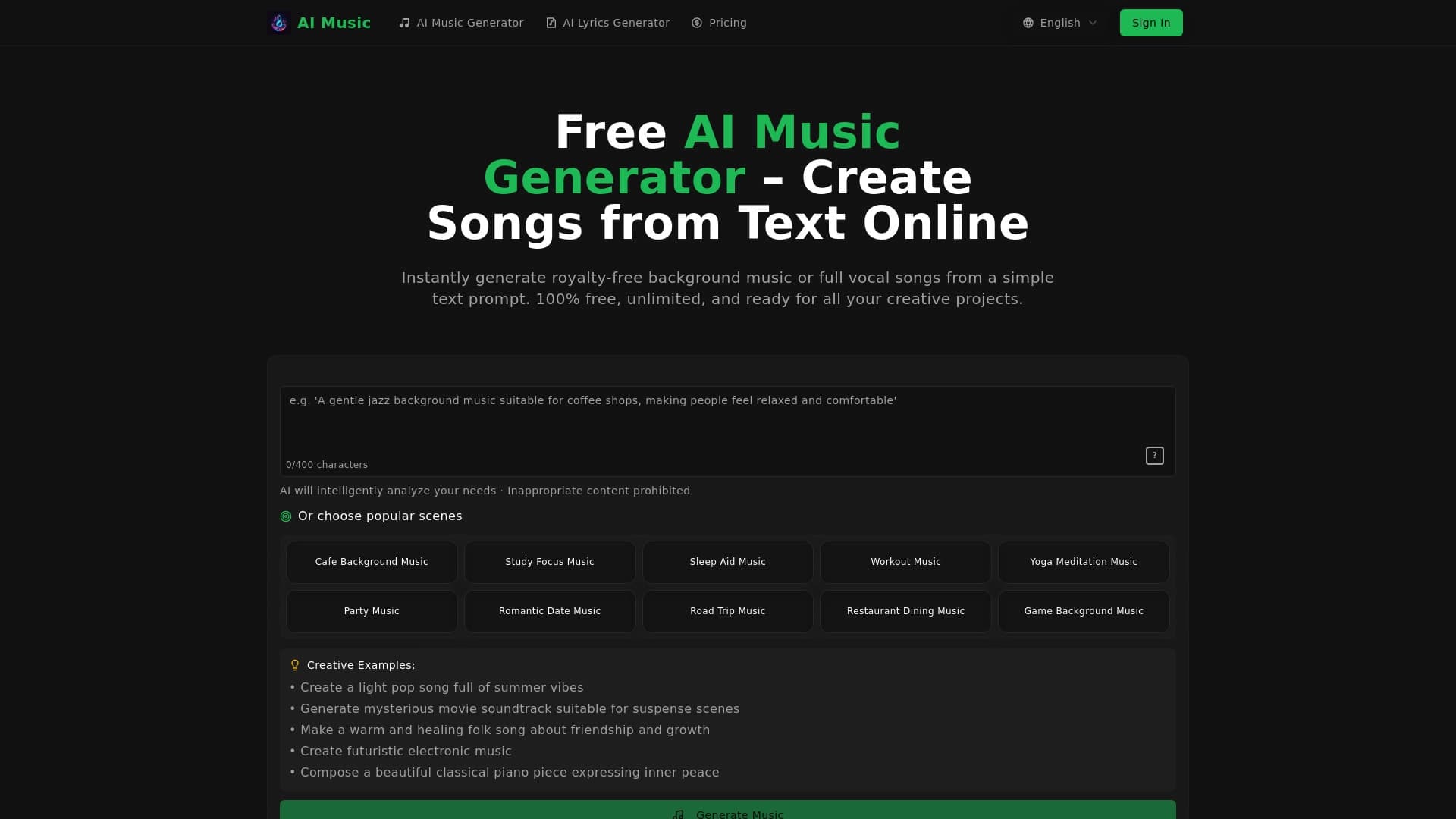
AI Song Creator — это онлайн-сервис, который позволяет генерировать музыку и песни по текстовому описанию. Вместо сложных программ для создания битов или поиска семплов вы просто вводите запрос — например, указываете жанр, настроение или даже готовые строки будущей песни — и получаете готовый аудиофайл. Процесс занимает всего несколько секунд.
Простота и скорость
Главная особенность сервиса — отсутствие порога входа. Для того чтобы создать первый трек, не нужно регистрироваться, заполнять профиль или разбираться в настройках. Достаточно перейти на сайт, ввести текстовую подсказку и нажать кнопку генерации. Система сама обработает запрос и выдаст результат, который можно сразу прослушать онлайн или скачать в одном из доступных форматов.
Ориентация на практическое использование
Сервис задуман как рабочий инструмент для получения быстрых музыкальных заготовок. На главной странице сайта отображается лента недавних работ других пользователей. Это позволяет увидеть, как нейросеть справляется с разными жанрами и запросами, и оценить качество генерации до того, как вы начнёте собственный эксперимент.
Характеристики AI Song Creator
| Характеристика | Значение |
|---|---|
| Тип | Онлайн-генератор фоновой музыки и песен |
| Категории | Создание музыки, биты и ритмы |
| Форматы вывода | MP3, WAV |
| Максимальная длительность трека | До 8 минут |
| Регистрация для первого трека | Не требуется |
| Коммерческое использование | Разрешено |
| Веб-сайт | aisongcreator.ai |
| Дата публикации | 16 декабря 2025 |
| Автор | Admin |
Для кого подходит нейросеть AI Song Creator?
Создатели контента
Инструмент будет полезен блогерам, видеомонтажёрам, авторам подкастов и стримерам, которым регулярно нужна фоновая музыка для роликов, интро или переходов. Вместо поиска треков в библиотеках со сложной системой лицензирования можно просто сгенерировать уникальную композицию под нужное настроение.
Музыканты-новички
Если вы только начинаете пробовать себя в создании музыки и не хотите разбираться в профессиональных DAW-программах, AI Song Creator может стать точкой входа. Он позволяет быстро получить бит или основу для трека, которую в дальнейшем можно использовать для наложения собственного вокала или текста.
Все, кому нужна быстрая музыкальная заготовка
Сервис ориентирован на задачи, где важна скорость. Если вам нужен не идеальный сведённый хит, а просто подходящая по настроению аудиодорожка для чернового монтажа, презентации или личного проекта, AI Song Creator справится с этим за пару кликов.
Как использовать нейросеть AI Song Creator?
Шаг 1: Ввод текстового запроса
Всё, что требуется от пользователя, — это описать, какой трек он хочет получить. Вы можете указать стиль, общее настроение или ввести конкретные готовые строки песни. Чем детальнее будет описание, тем точнее результат сможет сгенерировать нейросеть.
Шаг 2: Запуск генерации
Нажимаете кнопку генерации — и процесс запускается. Для этого не нужно создавать аккаунт или проходить какие-либо дополнительные шаги. Система обрабатывает запрос и выдаёт готовый аудиофайл в течение нескольких секунд.
Шаг 3: Прослушивание и скачивание
Результат можно сразу прослушать прямо на сайте. Если трек устраивает, вы скачиваете его в формате MP3 или WAV. В случае, когда полученный результат не совпадает с ожиданиями, можно изменить текстовую подсказку и запустить генерацию заново, экспериментируя с разными формулировками.
Основные функции AI Song Creator
Генерация треков по текстовому запросу
Сервис создаёт оригинальные композиции на основе текстового описания, будь то жанр, настроение или конкретные слова песни. Нейросеть обучалась на большом объёме музыкальных данных, что позволяет ей понимать достаточно широкий спектр запросов, от «эмбиент для релаксации» до «энергичный дэнс-поп».
Работа с разными форматами задач
AI Song Creator умеет создавать не только полноценные песни, но и фоновую музыку для видео, подкастов и стримов. Также есть возможность генерировать биты и вокальные композиции. Это делает сервис универсальным инструментом для разных сценариев использования.
Выбор стиля и настроения
В процессе генерации пользователь может управлять параметрами будущего трека, указывая желаемые стилистику и атмосферу. Возможность экспериментировать с разными вариантами текстовых подсказок — одна из ключевых функций сервиса, позволяющая быстро перебирать идеи и находить подходящий вариант.
Прослушивание и скачивание
Все созданные треки можно прослушивать онлайн или скачивать в двух форматах: MP3 или WAV. Длительность одного трека может достигать восьми минут, что достаточно как для полноценной песни, так и для длинного фонового эмбиента. Дополнительно на сайте есть лента работ сообщества, которая позволяет оценить качество и разнообразие жанров, генерируемых нейросетью.
Преимущества AI Song Creator
- Генерация без регистрации. Для первого трека не требуется создание аккаунта — это снижает барьер входа и позволяет быстро попробовать сервис.
- Быстрый старт. Нейросеть выдаёт готовый результат за несколько секунд, что выгодно отличает её от работы в полноценных музыкальных редакторах.
- Простота использования. Не нужно разбираться в сложных настройках или изучать музыкальную теорию — достаточно составить текстовый запрос.
- Коммерческое использование. Созданные треки можно применять в коммерческих проектах без уплаты лицензионных отчислений.
- Выбор формата. Пользователь сам решает, в каком качестве сохранить результат — в сжатом MP3 или в более детализированном WAV.
Недостатки AI Song Creator
Основной недостаток связан с ограниченной доступностью бесплатного функционала. Регистрация не нужна только для создания первого трека. Для дальнейшего использования сервиса, судя по наличию кнопки «Купить сразу» и ссылки «Как оплатить подписку AI», требуется оформление платной подписки. При этом точные цены на сайте не раскрыты, что не позволяет оценить вилку стоимости на этапе знакомства с сервисом.
Кроме того, глубина контроля над результатом ограничена возможностями языковой модели. В отличие от профессиональных программ, здесь вы не сможете детально отредактировать отдельные дорожки, изменить аранжировку или пересвести трек — сервис работает по принципу «запрос-результат», что удобно для черновой работы, но может не подойти для требующихся точных музыкальных параметров.
Какие задачи решает AI Song Creator
Быстрое создание фоновой музыки
Это основная задача сервиса. Пользователям, работающим с видео, подкастами или стримами, нужна чистая фоновая дорожка, которая не будет перетягивать на себя внимание. AI Song Creator позволяет получить такую музыку за секунды, не выходя из браузера и не тратя время на переговоры с композиторами или поиск подходящих библиотек.
Генерация музыкальных заготовок и битов
Для творческих проектов сервис служит источником идей. С его помощью можно быстро получить бит, джем или минусовку, чтобы «примерить» на них вокальную мелодию или строчку из текста. Это удобно для демозаписей и набросков, которые позже можно развить в полноценное произведение или передать для обработки в более серьёзные программы.
Получение готового аудиофайла по текстовому описанию
Универсальная задача, которая объединяет первые две. Пользователь описывает словами, что он хочет услышать, и система переводит это описание в готовый MP3 или WAV файл. Это экономит время и силы, особенно когда музыкальный инструмент нужен «здесь и сейчас» — для тестового ролика, презентации или личного проекта.
Цены AI Song Creator
Конкретные цифры стоимости использования сервиса в исходных данных не раскрыты. На странице сайта присутствует кнопка «Купить сразу» и ссылка с инструкцией «Как оплатить подписку AI», что прямо указывает на наличие платных тарифов, однако размер цен нигде не указан. Распространение модели — freemium, то есть базовый функционал может быть доступен бесплатно, а расширенные возможности или снятие лимитов открываются после оплаты. Для получения актуальной информации о ценах необходимо перейти на сам сайт инструмента и изучить платёжный раздел.
Условия использования AI Song Creator
Для генерации первого трека регистрация не требуется — это заявлено на сайте и подтверждается описанием сервиса. Однако для дальнейшего использования, скорее всего, потребуется оформление подписки: об этом свидетельствует кнопка «Купить сразу», которая ведёт к оплате. Подробные условия использования — такие как количество бесплатных треков в день, объём подписки, наличие водяных знаков или ограничения на использование в коммерческих целях — на страницах источников не уточнены. Также нет данных о политике возвратов или правилах отмены подписки. Принимая решение об оплате, рекомендуется внимательно изучить пользовательское соглашение и условия на официальном сайте сервиса.
Доступность AI Song Creator
Сервис является веб-приложением и работает через браузер — устанавливать дополнительное программное обеспечение не требуется. Сайт доступен по ссылке aisongcreator.ai. Официальная информация о поддерживаемых языках интерфейса, ограничениях по регионам и необходимости использования VPN в открытых источниках отсутствует. Данных о наличии мобильных приложений для iOS или Android также нет, что позволяет предположить, что инструмент заточен под работу на десктопах и ноутбуках через браузер.
Чем отличается AI Song Creator от аналогов
Главное отличие AI Song Creator от конкурентов — это максимально низкий порог входа. Многие аналогичные генераторы музыки требуют регистрации для первого использования, даже в бесплатной версии. Здесь же первый трек можно получить без создания аккаунта, что позволяет мгновенно оценить качество работы нейросети без обязательств.
Ещё одна особенность — поддержка генерации не только инструментальной музыки, но и песен, включая вокальные партии. В то время как ряд аналогов фокусируется исключительно на битах или электронной инструментальной музыке, AI Song Creator позиционируется как инструмент для создания полноценных вокальных композиций. При этом длительность трека до восьми минут и выбор формата MP3/WAV дают пользователю гибкость, характерную скорее для профессиональных сервисов, чем для простых генераторов заготовок.
Кроме того, на сайте инструмента есть публичная лента работ сообщества, которая выполняет роль галереи примеров. Это не просто архив, а рабочий инструмент для оценки качества генерации: можно увидеть, какие текстовые запросы используют другие пользователи, и адаптировать их под свои задачи.
Заключение
AI Song Creator — простой и быстрый онлайн-инструмент для генерации музыки по текстовому запросу. Он ориентирован на создателей контента и музыкантов-новичков, которым нужна фоновая дорожка или черновой бит за считанные секунды. Главные козыри сервиса — отсутствие регистрации для первого трека, удобный формат вывода (MP3 и WAV) и разрешение на коммерческое использование всех сгенерированных композиций. При этом стоит учитывать, что это модель freemium: для полноценной работы без ограничений потребуется оплата функции, а точная стоимость и детальные условия использования требуют уточнения на официальном сайте продукта. В остальном это функциональное и лёгкое в освоении решение для тех, кому нужен мгновенный доступ к музыке без лишних сложностей.
Часто задаваемые вопросы
Смотрите также
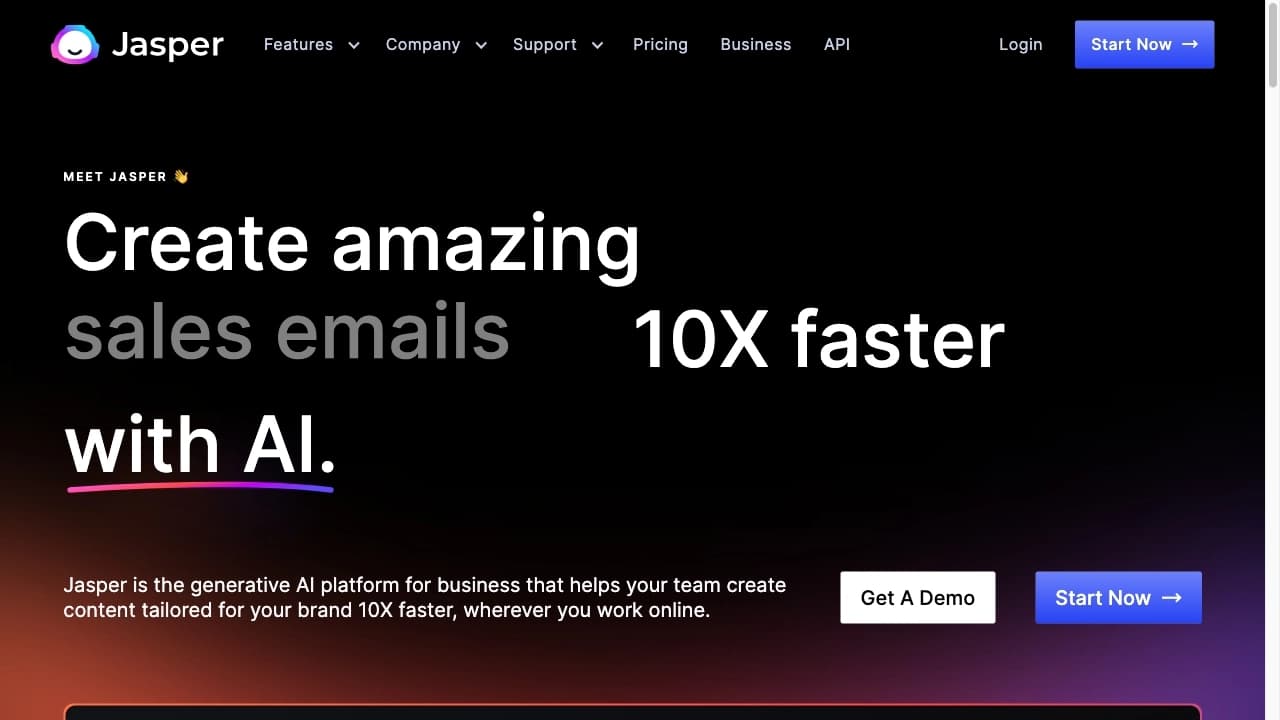

AI-платформа для создания текстового и визуального контента, ориентированная на маркетинговые задачи.


Нейросеть для генерации коротких видео по текстовым описаниям или изображениям.
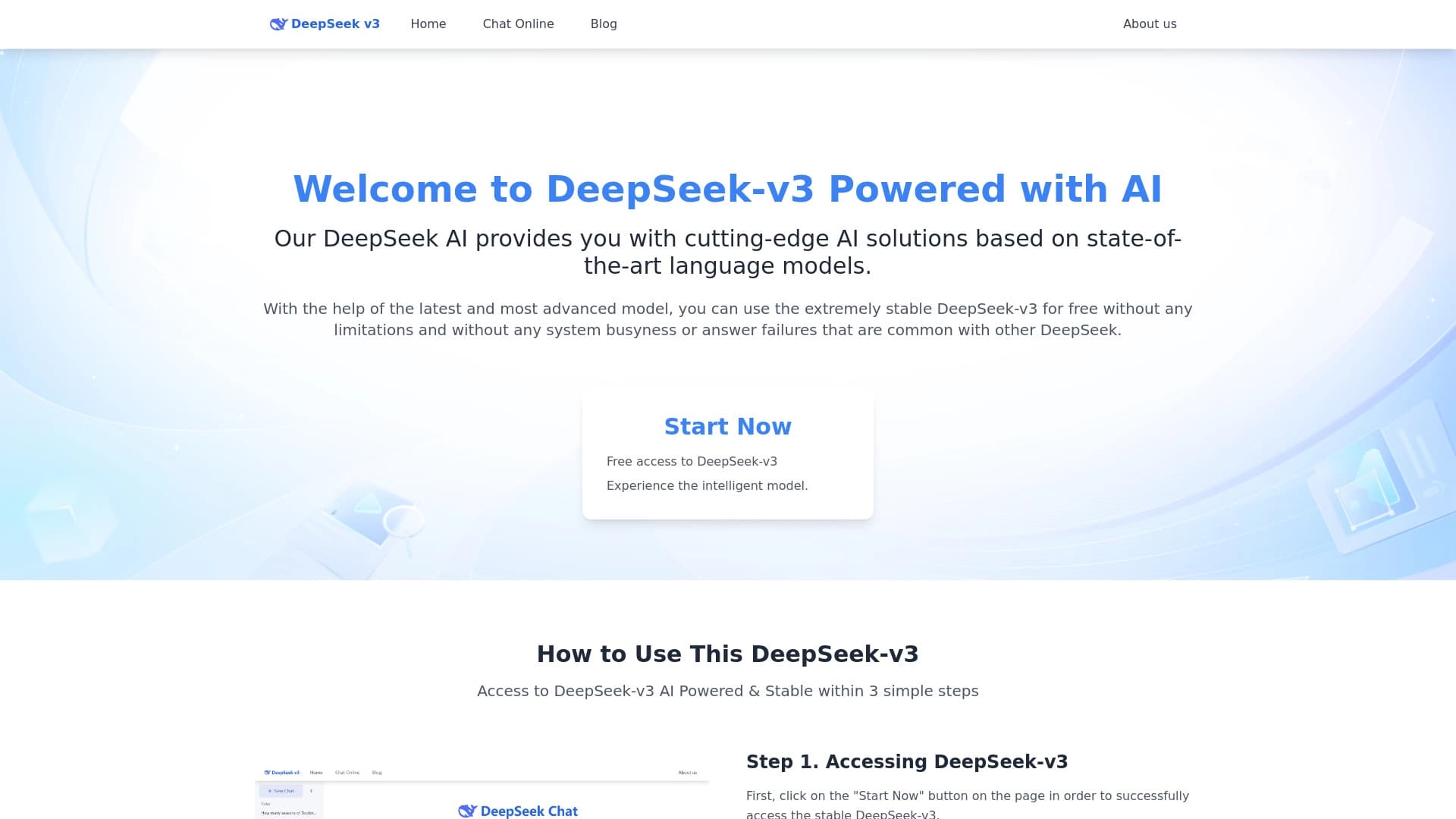
Бесплатная языковая модель с открытым исходным кодом, специализирующаяся на рассуждениях, математике и программировании.


Бесплатный веб-инструмент от Google, который с помощью машинного обучения превращает грубые наброски в аккуратные иконки и иллюстрации.


Онлайн-редактор изображений с функциями на базе ИИ для обработки фото, дизайна и генерации контента.

Веб-платформа для генерации изображений и кинематографичных видео с помощью ИИ, включающая инструменты для студийного редактирования.

Сообщество для ежедневного открытия и обсуждения новых технологических продуктов.


Нейросеть для быстрой генерации и редактирования видео по текстовым описаниям, изображениям и референсам.