
AI Prompt Lab Chrome Extension
Browser extension for storing and organizing prompts for ChatGPT and Google Bard.
Overview
AI Prompt Lab Chrome Extension Description
AI Prompt Lab Chrome Extension is a browser extension designed for those who regularly work with language models and are tired of chaos in their own prompts. Instead of keeping dozens of tabs with notes or text files, users get a unified workspace right in their browser. The tool lets you save successful prompts in a couple of clicks, edit them on the fly, and organize them into convenient folders.
The solution targets two popular platforms — ChatGPT and Google Bard. The developers deliberately focus on quality integration with these services rather than trying to cover all existing AI models at once. In the future, support for Midjourney and Leonardo is promised, which will make the extension an even more versatile tool for working with generative AI.
How it works in practice
Imagine you've found a great prompt for generating images or writing code. Instead of copying it into notes or a separate document, you highlight the text and save it in the extension. Within seconds, the prompt is structured, tagged, and placed in the right folder. To reuse it, just open the extension, find the needed template via instant search, and paste it into your AI conversation.
AI Prompt Lab Chrome Extension Features
| Feature | Value |
|---|---|
| Type | Browser extension |
| Category | Prompt, text processing tools |
| Developer | AI Prompt Lab |
| Platforms | Chrome (extension) |
| Free tier | Yes |
| Compatibility | ChatGPT, Google Bard |
| Monthly visits | 22.9K |
| Distribution model | Freemium |
Who is AI Prompt Lab Chrome Extension for?
Active ChatGPT and Google Bard users
First and foremost, this is a tool for those who work with language models daily and for several hours at a time. Journalists, copywriters, marketers, developers, and researchers — all of them regularly formulate prompts, and over time, the volume becomes hard to manage. The extension helps bring order to this flow.
Professionals working on multiple projects
If you're juggling several projects at once and each requires its own set of prompts, the extension's folders will be a real lifesaver. You can create a separate folder for each client or topic and simply open it when needed, without hunting through a general list.
Users who value speed
For those who don't want to waste time constantly copying, pasting, and storing text notes, the extension offers an "all-in-one-window" solution. Saving and searching for prompts is significantly faster than working with regular documents or notes.
How to use AI Prompt Lab Chrome Extension
Saving and organizing prompts
Highlight the text you need in a ChatGPT or Google Bard chat window and save it to the extension. After that, you can drag the prompt into the desired folder, edit it, or leave it as is. Everything happens right in your working window, without switching between tabs.
Using ready-made templates
The extension includes a library of ready-made templates. If you don't want to come up with a prompt from scratch, you can pick a suitable option from the list, adapt it to your needs if necessary, and use it. This is especially helpful for beginners who haven't yet fully figured out how to formulate prompts correctly.
Quick search and access
Once your prompt count exceeds a few dozen, instant search comes to the rescue. Just type a keyword or part of a phrase, and the needed template appears in the results. You can keep working without getting distracted by routine operations.
Key features of AI Prompt Lab Chrome Extension
Creating your own prompts
The extension lets you build prompts from scratch and save them for future use. This is convenient when you've found a great formulation and want to return to it later without having to remember exactly how you phrased it.
Flexible editing of variants
Prompts can be modified at any time. The advanced editor allows you to drag parts of a prompt, experiment with block order, and save multiple variations of the same prompt. This is especially useful for A/B testing formulations.
Folder organization
Folders help maintain order even with a large number of saved prompts. You can group them by topic, project, or client. Moving items works via familiar drag-and-drop, so navigating your library requires no special skills.
Instant template search
Search works in real time: as you type, the result list narrows down, letting you quickly find the right prompt even in a large collection.
Advantages of AI Prompt Lab Chrome Extension
Time savings
The main advantage is that everything is saved right in your working window. There's no need to switch between tabs, copy text into separate apps, and then hunt for the right file. Prompt operations take just a couple of clicks.
Advanced editing options
The ability to drag parts of a prompt and assemble new variants from existing blocks is something most similar tools lack. This flexibility lets you adapt any template to a specific task.
Convenient navigation
Folders and sorting help maintain order even with heavy use. Prompts are always at hand, and navigating them requires no extra effort.
Drawbacks of AI Prompt Lab Chrome Extension
Limited compatibility
Currently, the extension only works with ChatGPT and Google Bard. If you actively use other language models, the tool will be useless until developers add support for additional platforms. That said, Midjourney and Leonardo have already been announced.
Dependence on internet connection
The extension requires a stable internet connection since all work happens online. Without internet, your prompt library becomes inaccessible, which can be inconvenient when working offline.
Challenges with a growing library
If you don't set up your folder system from the start, you can get lost in your own library as the number of prompts grows. It's important to invest time in initial organization to avoid struggling to find prompts later.
What problems does AI Prompt Lab Chrome Extension solve?
The tool handles the routine of storing and organizing prompts for language models. Instead of manually copying every successful prompt into a separate file, users save it in the extension and get quick access to it at any time.
Quick search and ready-made templates let you avoid rephrasing the same prompts over and over. Instead, you can turn to proven variants that are guaranteed to deliver the results you need.
The tool eliminates the need for manual copying and storing of prompts. All work happens in a single space, reducing the risk of losing important materials and simplifying interaction with AI models.
AI Prompt Lab Chrome Extension Pricing
The extension is available in three pricing plans. The free tier includes basic features and is suitable for getting acquainted with the tool. The standard plan unlocks advanced capabilities. The premium subscription is designed for professional users who need all the features without restrictions. The specific feature list for each tier is not disclosed.
Terms of use for AI Prompt Lab Chrome Extension
The extension requires a stable internet connection since all functionality relies on online interaction. Registration is not required, which simplifies getting started. The extension uses a freemium model, allowing you to try the tool without any financial commitment.
Availability of AI Prompt Lab Chrome Extension
The extension installs in the Chrome browser and is available to users of this platform. No geographic restrictions have been announced, so the tool is accessible to a wide audience.
How AI Prompt Lab Chrome Extension differs from alternatives
There are many prompt management tools on the market, including ChatGPT, FlowGPT, Promptessor, AIPRM, PromptPerfect, and PromptLayer. Most of them work as web services or platforms with their own prompt databases. AI Prompt Lab stands out because it's a browser extension that integrates directly into the user's working window. This means all operations are performed without switching between tabs, which speeds up work and reduces unnecessary actions.
Conclusion
AI Prompt Lab Chrome Extension is a practical tool for those who regularly work with ChatGPT and Google Bard. It solves the real problem of storing and organizing prompts, offering a convenient interface, instant search, and flexible editing options. The limitation on compatibility with other AI models is temporary, and the announced support for Midjourney and Leonardo will expand the tool's scope.
The extension will be useful both for professionals handling large volumes of text information and for beginners who want to bring order to their prompts. The free tier lets you evaluate the tool's capabilities without financial commitment, while paid plans suit those who need the full feature set. If you often formulate repetitive prompts and waste time searching for them, this solution is worth trying.
Frequently asked questions
See also

AI-powered service that simplifies technical documents of cryptocurrency projects for a broad audience.
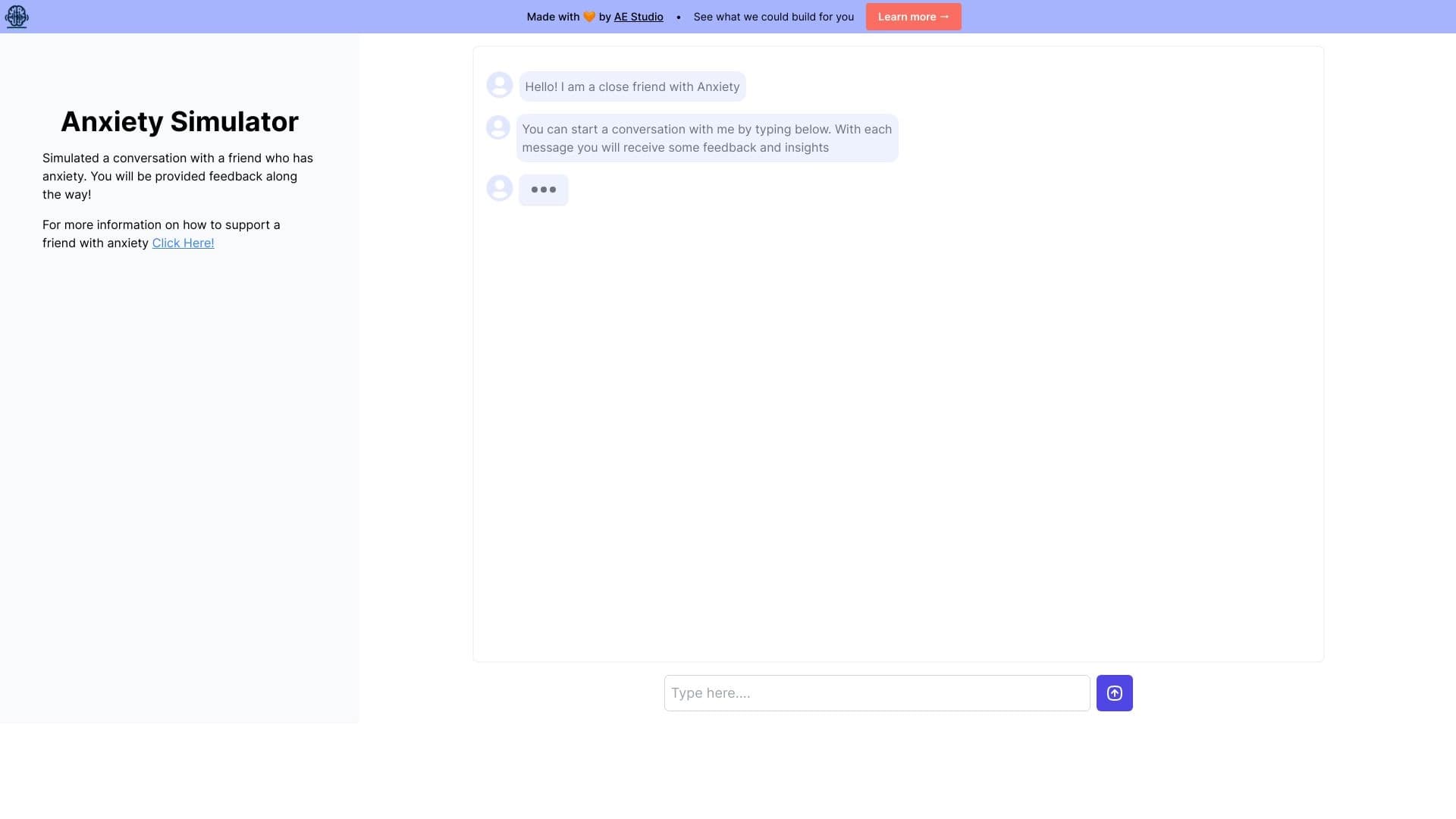
Web simulator for practicing supportive communication with a person experiencing anxiety.


AI-powered platform for generating, editing images, and creating advertising creatives.


AI-powered virtual clothing try-on service.


AI language teacher in the form of a browser extension and web service for practice, translation, and explanation of language materials.

A tool for creating diagrams and mind maps from text descriptions in natural language.


AI assistant for creating short summaries of videos, PDF documents, and web pages.


AI-powered service for automatically creating “faceless” short videos for TikTok, YouTube Shorts, and other platforms.