
AI Photo Object Eraser
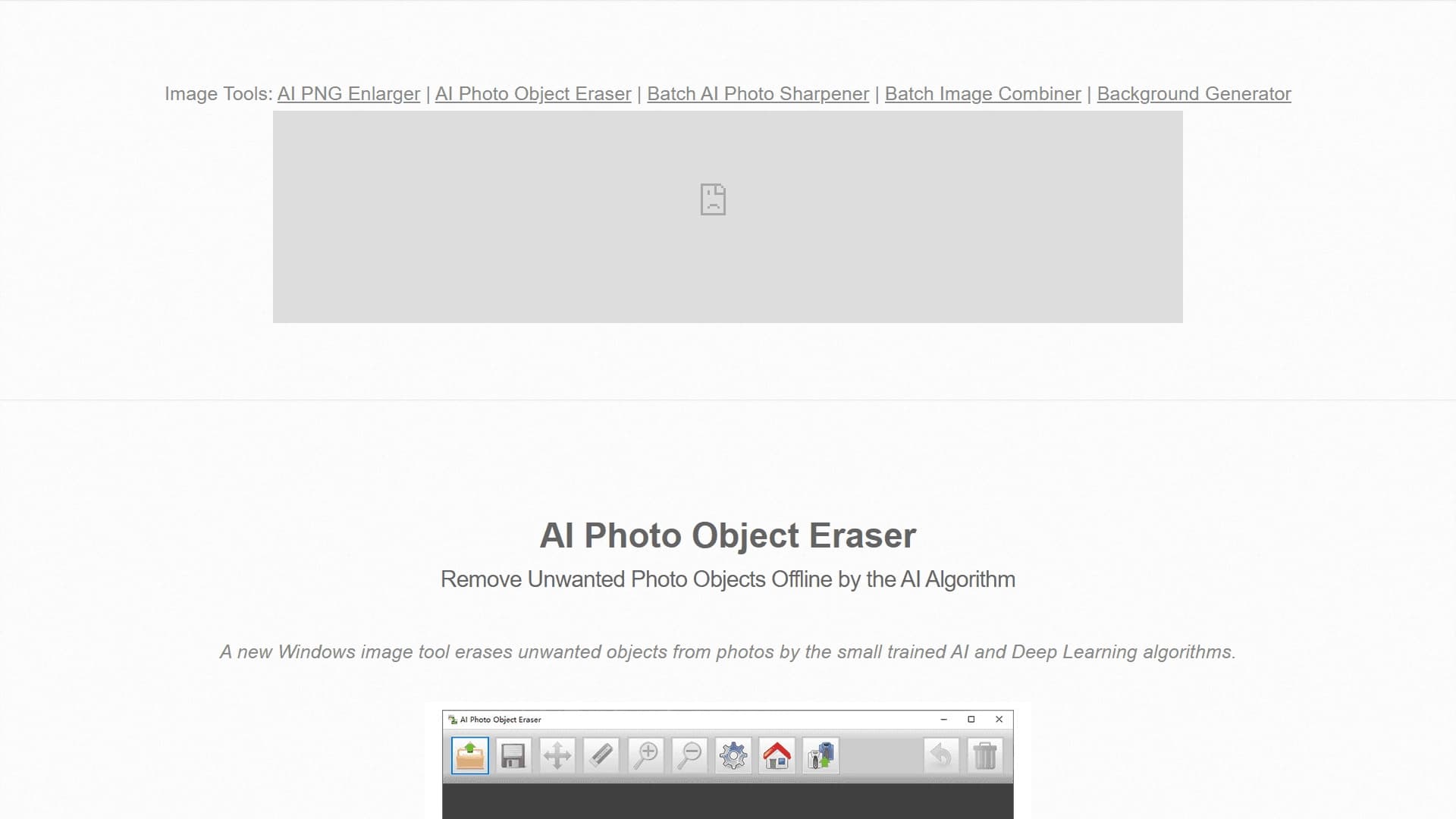
Десктопное приложение для Windows, которое удаляет нежелательные объекты с фотографий с помощью ИИ без интернета.
Обзор
Описание нейросети AI Photo Object Eraser
AI Photo Object Eraser — это десктопная программа для операционной системы Windows, предназначенная для удаления нежелательных объектов с фотографий. Главная особенность инструмента — полная автономность: все вычисления выполняются локально на компьютере пользователя, без отправки изображений в облачные сервисы. Это и обеспечивает конфиденциальность обработки, и ускоряет сам процесс, исключая этап загрузки и ожидания ответа от удалённого сервера.
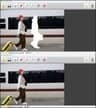
В основе работы лежат алгоритмы искусственного интеллекта и методы глубокого обучения. После того как пользователь выделяет ненужный элемент на снимке, программа анализирует окружающий фон и автоматически заполняет образовавшуюся пустоту, восстанавливая целостность изображения.
Технические детали работы
Для запуска приложения требуется .NET Framework версии 4.7.1 или выше. Программа работает с популярными растровыми форматами — JPG и PNG (включая изображения с прозрачностью). Разработчик также предлагает портативную версию в ZIP-архиве, которую можно запускать без установки на компьютер.
Характеристики AI Photo Object Eraser
| Характеристика | Значение |
|---|---|
| Тип | Настольное приложение для Windows |
| Категория | Удаление объектов и водяных знаков, обработка фото |
| Платформы | Windows 7 (SP1), 8, 10, 11 (32/64-bit) |
| Форматы | JPG, PNG (с прозрачностью) |
| Бесплатный тариф | Freemium-лицензия |
| Работа офлайн | Да, полностью локально |
| Технические требования | .NET Framework 4.7.1 или выше |
Для кого подходит нейросеть AI Photo Object Eraser?
Фотографы и ретушёры
Профессионалам, работающим с большим объёмом снимков, инструмент позволяет быстро избавляться от случайных прохожих в кадре, засветов, мелкого мусора или технических дефектов. Вместо кропотливой работы штампом в графических редакторах достаточно выделить объект — и нейросеть самостоятельно достроит фон.
Дизайнеры и маркетологи
Специалистам, которые готовят изображения для сайтов, рекламных макетов или постов в соцсетях, регулярно приходится очищать стоковые фотографии от лишних элементов, логотипов или водяных знаков. Локальный инструмент позволяет делать это быстро без прерывания рабочего процесса.
Пользователи с чувствительными данными
Поскольку программа не требует подключения к интернету, она подходит тем, кто работает с конфиденциальными материалами и по политике безопасности не может загружать файлы в сторонние онлайн-сервисы.
Как использовать нейросеть AI Photo Object Eraser?
Установка и запуск
Для начала работы необходимо скачать установочный файл с официального сайта разработчика bggenerator.com. Пользователь может выбрать классическую установку или портативную ZIP-версию, которую достаточно распаковать в любую папку и запустить исполняемый файл. Перед установкой убедитесь, что на системе присутствует .NET Framework 4.7.1 или более свежая версия среды.
Процесс редактирования
Интерфейс программы построен по интуитивно понятному принципу. Сначала загружается исходное изображение в формате JPG или PNG. Затем выделяется область с нежелательным объектом. Программа на основе ИИ анализирует текстуру и цветовую гамму окружающего пространства и заполняет выделенную область правдоподобным содержимым, имитируя отсутствующий фон. Готовый результат сохраняется на диск в одном из поддерживаемых форматов.
Основные функции AI Photo Object Eraser
Удаление объектов и людей
Ключевая функция — выборочное устранение любых элементов изображения: случайных людей, автомобилей, столбов, мусорных баков, теней и прочих деталей, которые портят композицию кадра.
Восстановление фона
После удаления объекта программа достраивает недостающие участки фона, анализируя соседние пиксели. Благодаря алгоритмам Deep Learning текстура, освещение и перспектива заполняются максимально естественно, без видимых артефактов.
Полностью офлайн-режим
Ни одно изображение не покидает пределы компьютера. Отсутствие облачной обработки гарантирует приватность и делает инструмент востребованным в корпоративной среде, где передача данных сторонним сервисам запрещена регламентом.
Преимущества AI Photo Object Eraser
Конфиденциальность и автономность
Работа без интернета — главное преимущество программы. Фотографии не загружаются в облако, исключён риск утечки данных или их неправомерного использования третьими лицами.
Скорость обработки
Поскольку данные не передаются по сети, время обработки сокращается. Пользователю не нужно ждать очереди на сервере или зависеть от скорости соединения. Весь вычислительный процесс происходит локально.
Совместимость со старыми системами
В отличие от многих современных нейросетей, требующих мощных видеокарт и актуальных ОС, этот инструмент работает даже на Windows 7 (с пакетом обновления SP1). Компактный размер позволяет запускать его на слабых офисных машинах.
Недостатки AI Photo Object Eraser
Ограничения по платформам
Приложение доступно только для Windows. Владельцы macOS и Linux не смогут воспользоваться инструментом без эмуляции среды. Мобильной версии для iOS или Android также не предусмотрено.
Требования к окружению
Для корректной работы необходима установленная среда .NET Framework 4.7.1. На обновлённых системах она обычно присутствует, но пользователям старых Windows придётся доустанавливать компонент вручную.
Какие задачи решает AI Photo Object Eraser
Очистка фотографий от помех
Программа эффективно справляется с удалением случайных людей, попавших в кадр, посторонних предметов на переднем плане, а также логотипов и водяных знаков, портящих общее впечатление от изображения.
Подготовка графики для веба и дизайна
Разработчики и маркетологи используют инструмент для создания чистых изображений для лендингов, каталогов и презентаций. Программа позволяет быстро подготовить исходник, убрав с фото всё лишнее, без потери качества.
Цены AI Photo Object Eraser
Продукт распространяется по freemium-модели. Базовый набор функций доступен пользователям без оплаты, что позволяет познакомиться с программой и оценить качество её работы. Доступ к расширенному функционалу может потребовать приобретения платной версии. Стоимость и детальные условия лицензирования на сайтах-источниках не раскрываются.
Условия использования AI Photo Object Eraser
Для работы приложения необходимо наличие .NET Framework 4.7.1 или более новой версии. Программу можно скачать с официального сайта разработчика bggenerator.com. Помимо стандартного установщика доступна портативная версия в ZIP-архиве, которая не требует установки и может запускаться прямо с флеш-накопителя. Для 32-разрядных и 64-разрядных систем предусмотрены соответствующие сборки.
Доступность AI Photo Object Eraser
Инструмент доступен исключительно для операционных систем семейства Windows: 7 (с первым пакетом обновлений), 8, 10 и 11, при этом поддерживаются обе архитектуры — x86 и x64. Скачать дистрибутив можно с сайта bggenerator.com. Версии для macOS, Linux или мобильных платформ разработчик не выпускает. Русскоязычная локализация интерфейса в официальных источниках не упоминается.
Чем отличается AI Photo Object Eraser от аналогов
Принцип локальной обработки
Главное отличие программы — отсутствие привязки к облаку. Большинство аналогичных сервисов, например Kolors by Kuaishou или Pixlio AI, работают онлайн и требуют загрузки файлов на свои серверы. AI Photo Object Eraser функционирует полностью офлайн, что делает его идеальным решением для пользователей с плохим интернетом или строгими требованиями к конфиденциальности данных.
Техническая доступность
Инструмент не требует мощного игрового ПК или видеокарты с поддержкой CUDA, что выгодно отличает его от более тяжёлых нейросетевых редакторов. Скромные системные требования и поддержка старых версий Windows позволяют использовать утилиту на любом офисном компьютере.
Экосистемная ограниченность
В отличие от платформенных сервисов, таких как Copilot+ PCs от Microsoft, решение от bggenerator.com является узкоспециализированным инструментом, выполняющим одну конкретную задачу — очистку изображений. Это одновременно и плюс (простота освоения), и минус (отсутствие комплексных возможностей по редактированию, которые предлагают многофункциональные фоторедакторы).
Заключение
AI Photo Object Eraser представляет собой практичное решение для быстрой очистки изображений на компьютерах под управлением Windows. Его ключевое преимущество — полностью автономная работа, обеспечивающая конфиденциальность и высокую скорость обработки без затрат на облачную инфраструктуру. Инструмент прост в освоении, нетребователен к ресурсам системы и подходит как профессионалам, так и обычным пользователям. К ограничениям стоит отнести отсутствие версий для других операционных систем. Тем не менее, для своей ниши — локальной ретуши фото на ПК — программа выполняет поставленную задачу качественно и без лишних усложнений.
Часто задаваемые вопросы
Смотрите также


ИИ-ассистент для создания текстового контента, изображений и работы с голосом, ориентированный на русскоязычных пользователей.

Мобильное приложение для обработки фото и создания стилизованных аватаров с помощью ИИ.

Онлайн-инструмент для замены лиц на фото, видео и GIF без регистрации и водяных знаков.


BannsAi — сервис с использованием ИИ для быстрого создания рекламных баннеров по текстовому описанию или референсу.


Платформа на основе ИИ для генерации, редактирования изображений и создания рекламных креативов.


Платформа на основе ИИ для создания и редактирования изображений и видео товаров для продавцов в электронной коммерции.

Облачная платформа для создания видео с помощью ИИ-аватаров, синтезированной речи и автоматического перевода роликов на десятки языков.
Простой и удобный редактор фото с интуитивно понятным интерфейсом.