
AI Photo Genius
Mobile app for automatic photo enhancement and restoration using neural networks.
Overview
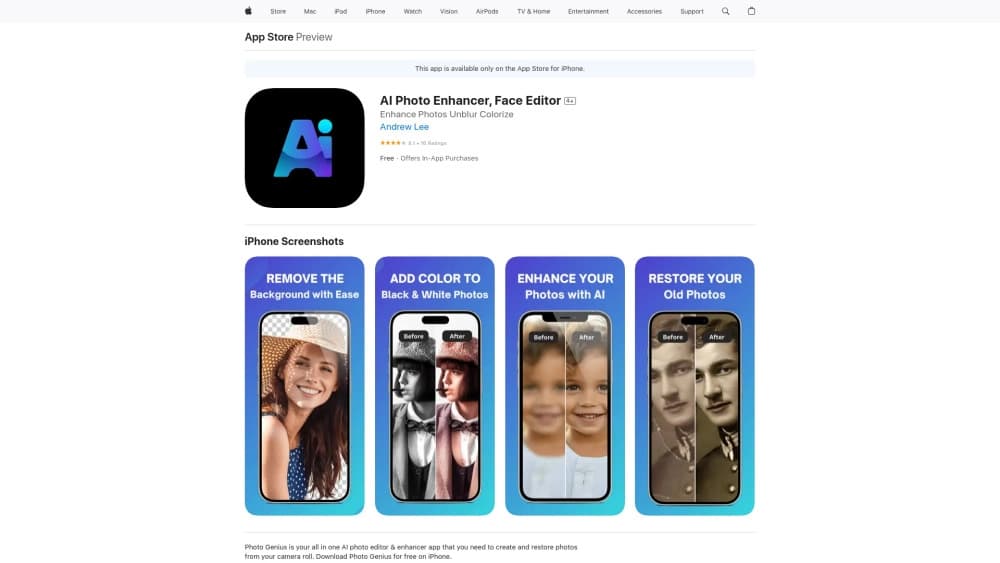
AI Photo Genius is a mobile app for iPhone that uses neural networks to automatically enhance and restore photos. Instead of manually adjusting sharpness, contrast, or color correction in complex editors, the user simply uploads a photo to the app, and the algorithm does all the work itself.
The main feature of AI Photo Genius is its automatic processing mode. Whether you're uploading a fresh camera shot or an old archived image, just one or two taps is enough for the app to increase sharpness, fix defects, and, if needed, colorize a black-and-white frame. No special knowledge or skills are required from the user: the AI handles all the complex work.
The app is positioned as a universal tool for quick image processing. It's equally useful for preparing new photos for social media and for restoring damaged or aged family archives.
AI Photo Genius Features
| Feature | Value |
|---|---|
| Type | Photo editing app |
| Categories | Photo editing tools, photo enhancement, photo restoration, image enhancement, automatic colorization |
| Platforms | iOS (iPhone) |
| Developer | AI Photo Genius Labs |
| Free plan | Yes (with basic features) |
| Premium plan price | Paid monthly subscription |
| Professional plan price | One-time payment for lifetime access |
| Monthly visits | 388.9K |
Who is AI Photo Genius for?
Owners of old family archives
If you have scans of old black-and-white photos or damaged images you'd like to restore, AI Photo Genius can handle the job. The app automatically removes scratches, improves clarity, and colorizes frames, giving them a second life. No need to learn complex retouching software — just upload the photo.
Users who want to quickly enhance fresh photos
There isn't always time or desire to fiddle with manual settings in graphic editors. AI Photo Genius lets you boost sharpness, improve detail, and make a photo more expressive in just a couple of taps. This is especially convenient for those preparing shots for social media or a personal archive on the go, right from their phone.
Those who don't like complex editors
The app is built for people who want great results without learning masks, layers, and curves. The interface and workflow are extremely simple: upload a photo, tap a button, and get a finished, enhanced result. No manual adjustments or specialized knowledge required.
How to use AI Photo Genius
Step 1: Download the app
AI Photo Genius is available on the App Store for iPhone. To get started, you need to install the app on your device.
Step 2: Upload a photo
Choose an image from your phone's gallery. It can be a new photo, an old archived image, or even a black-and-white frame that needs color correction.
Step 3: Wait for automatic processing
After uploading, the neural network handles everything on its own: it boosts sharpness, restores quality, colorizes the image, and fixes any defects. All you need is a few taps on the screen — no manual settings or complex parameters.
Key features of AI Photo Genius
Automatic sharpness enhancement
The app fixes blurry and unclear photos, restoring sharpness and crisp outlines. This works for both new shots and old archived frames.
Automatic colorization of black-and-white photos
The AI turns monochrome images into color, picking natural-looking shades. One tap is all it takes to get the result, and the colors look realistic.
Restoration of old and damaged photos
The neural network removes scratches, cracks, stains, and other types of damage from images, aiming to return the photo to its original state.
Resolution enhancement and defect correction
The app increases image detail, making photos sharper and higher quality. It also automatically corrects various defects that may be present in the original shot.
Advantages of AI Photo Genius
Fast results without manual settings
The app's main strength is its speed. Photos become sharper and more detailed without the user having to tweak parameters manually. Results appear quickly, often on the first try.
Reviving archived photos
Colorizing black-and-white photos in one tap with natural-looking colors is one of AI Photo Genius's strongest features. It lets you see old family photos in a whole new light.
Versatility
The app works equally well for enhancing new shots and handling archived images. It saves time and delivers quality results right on your iPhone, without needing a computer or complex software.
Drawbacks of AI Photo Genius
Requires a constant internet connection
The app needs an internet connection to work. Without a connection, you won't be able to process photos, which can be inconvenient while traveling or on a limited data plan.
Possible distortion of the original with heavy processing
The AI fills in some details at its own discretion. During enhancement, unique elements of the original may be lost, and heavily damaged photos may suffer from detail loss or distortion. This is worth keeping in mind when working with valuable historical images.
What tasks does AI Photo Genius solve?
- Improving photo quality and sharpness.
- Restoring old and damaged images.
- Automatic colorization of black-and-white photos.
- Increasing image resolution.
- Quickly preparing photos for social media or a personal archive.
AI Photo Genius Pricing
AI Photo Genius uses a freemium model, offering users three pricing plans:
| Plan | Price | What's included |
|---|---|---|
| Free | Free | Basic processing features |
| Premium | Paid monthly | Expanded set of tools |
| Professional | One-time payment | Lifetime access to all features |
The free plan is enough for basic enhancements, while more advanced capabilities unlock with paid subscriptions.
Terms of use for AI Photo Genius
To use the app, you need to download it from the App Store and install it on your iPhone. The main requirement is a stable internet connection, since photo processing happens through the neural network and requires sending data to a server. No other significant requirements or restrictions for using the service have been stated.
Availability of AI Photo Genius
AI Photo Genius is available only to iPhone users. The app is distributed through the official App Store. The tool is designed exclusively for the iOS mobile platform and doesn't require connecting to third-party services or installing additional software.
How AI Photo Genius differs from alternatives
AI Photo Genius stands out from alternatives with its extreme simplicity and full process automation. Most well-known neural networks, such as Midjourney or Kandinsky, are focused on generating images from text descriptions. Meanwhile, generative models like Leonardo.ai or Flux.1 require an understanding of technical prompts and fine-tuning.
In contrast, AI Photo Genius solves a different task — it enhances existing photos without any user involvement in the processing. You don't need to write text prompts, pick parameters, or experiment with settings. The app decides on its own what needs to be improved in the frame. The closest analog in approach would be Yandex Art, but AI Photo Genius is more focused specifically on restoring and colorizing archived photos rather than generating new content.
Conclusion
AI Photo Genius is a free app for iPhone that lets you quickly enhance, restore, and colorize photos in just a few taps, without requiring manual settings or special skills. It's great both for processing fresh shots and for restoring old archived frames. The service's main limitations are its dependence on an internet connection and the possible loss of some original details during heavy processing.
Frequently asked questions
See also
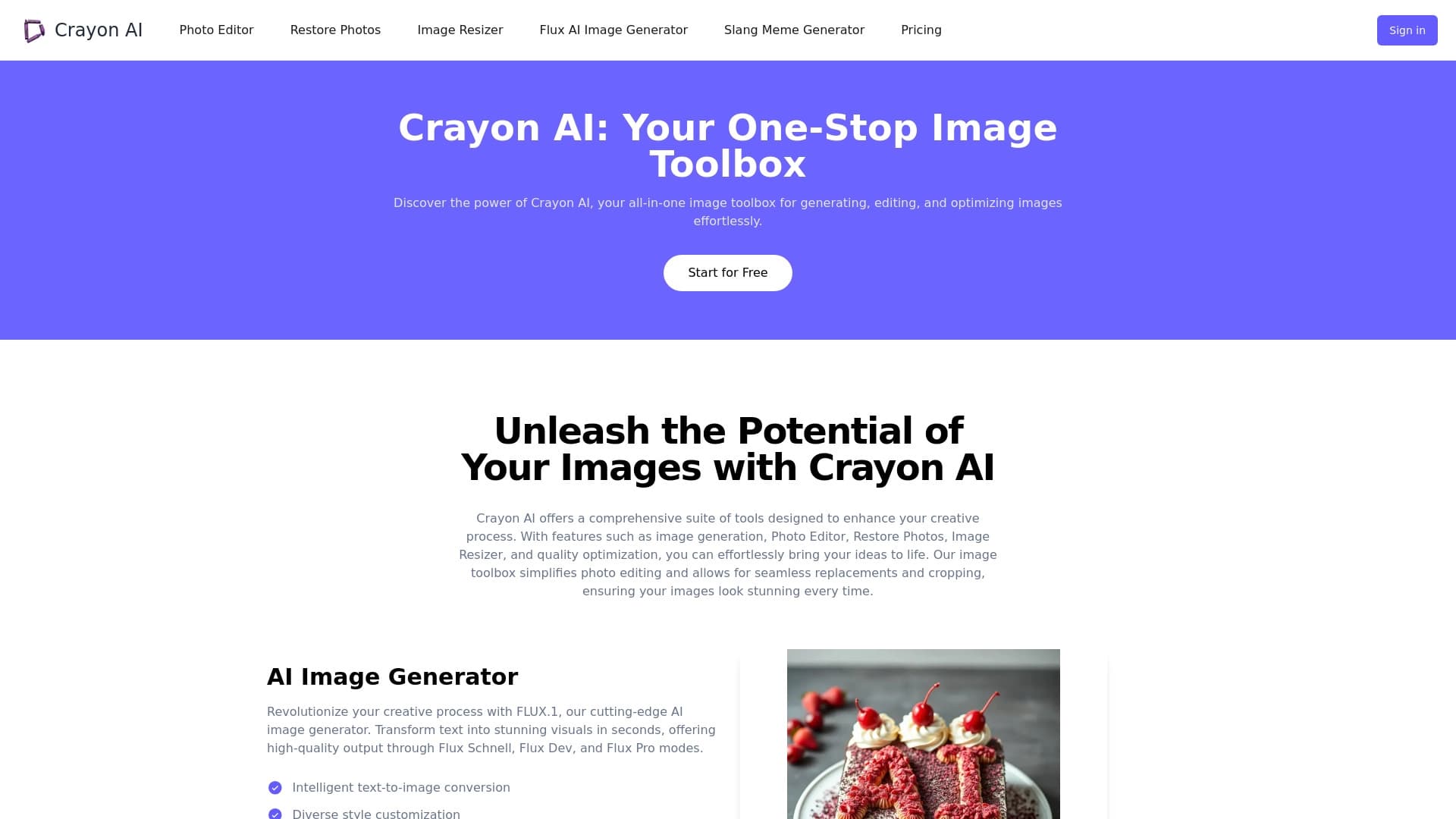
AI-powered online photo editor for creating, editing, and enhancing images directly in your browser.


Online image editor with AI-powered features for photo processing, design, and content generation.
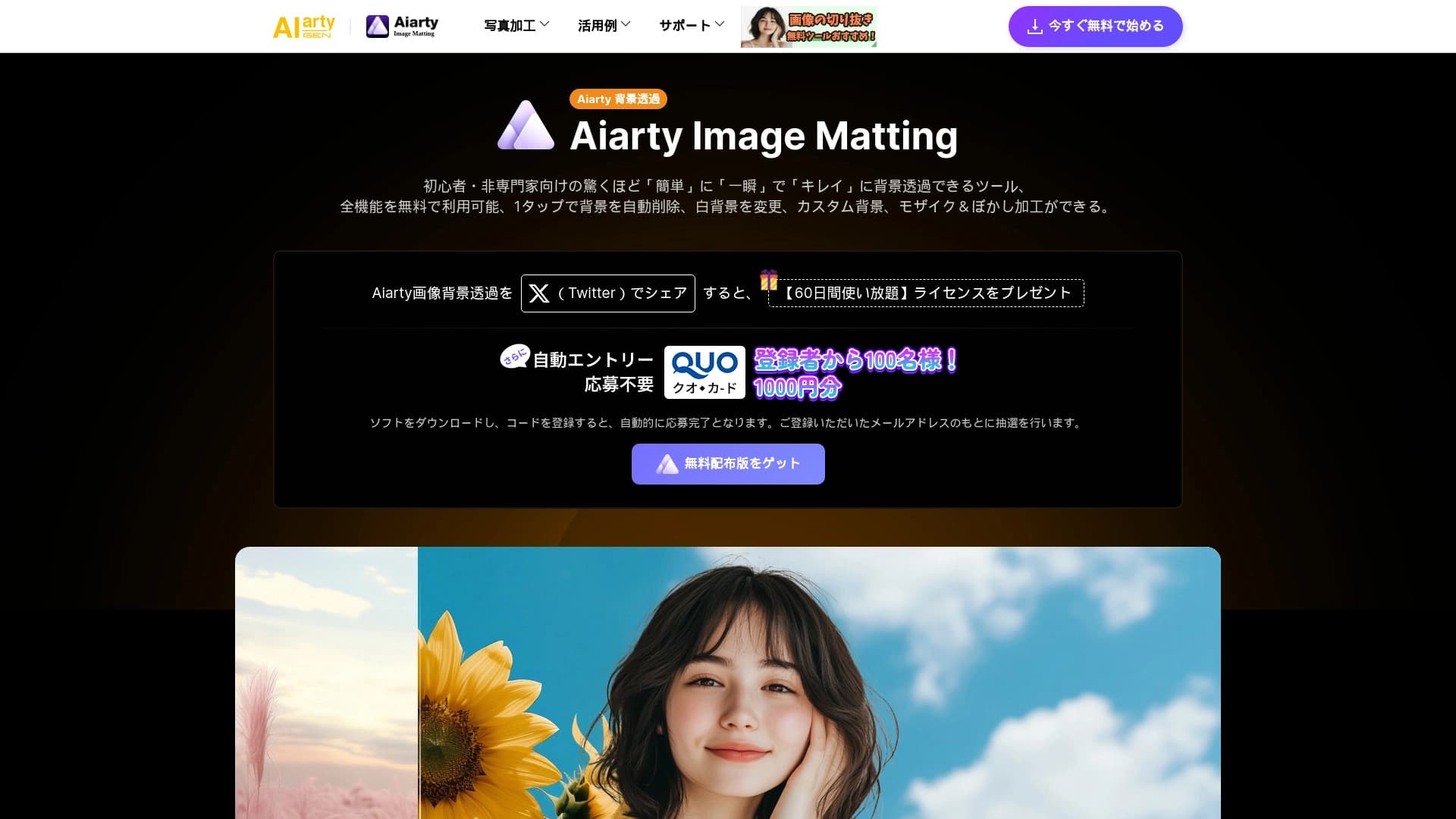
AI tool for automatically removing backgrounds from images right in the browser.


Online AI tool for creating deepfakes and editing images.


Free web tool from Google that uses machine learning to turn rough sketches into neat icons and illustrations.


AI-powered virtual clothing try-on service.

Service for creating personalized avatars and photo shoots using AI based on uploaded selfies.


Online neural network service that transforms ordinary photos into stylized artistic portraits and avatars.