
AI Photo Enhancer: Filter Art
Приложение для iOS, которое автоматически улучшает фотографии с помощью искусственного интеллекта.
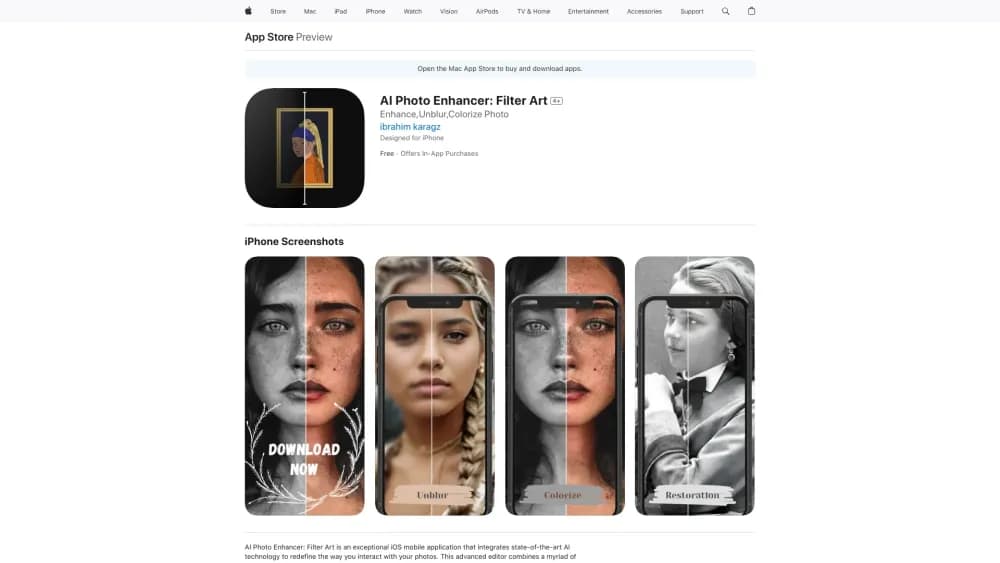
Обзор
Описание нейросети AI Photo Enhancer: Filter Art
AI Photo Enhancer: Filter Art — это мобильное приложение для устройств Apple, которое использует искусственный интеллект для автоматического улучшения фотографий. Инструмент ориентирован на пользователей, которым нужен быстрый результат без погружения в тонкости профессионального редактирования.
Главная задача нейросети — устранить технические недостатки снимков: размытие, шум, плохой цвет. Дополнительно приложение умеет восстанавливать повреждённые старые фотографии и раскрашивать чёрно-белые изображения. Весь процесс занимает несколько минут и требует минимального количества действий от пользователя.
Продукт разработан студией Filter Art Studio и доступен исключительно в экосистеме Apple — на iPhone и iPad. Распространяется по freemium-модели: базовые функции бесплатны, полный набор возможностей открывается после оформления подписки.
Характеристики AI Photo Enhancer: Filter Art
| Характеристика | Значение |
|---|---|
| Тип | iOS-приложение |
| Категория | Инструменты для редактирования фотографий, генераторы изображений и фото, инструменты для улучшения фото и изображений |
| Разработчик | Filter Art Studio |
| Платформы | iOS (iPhone, iPad) |
| Бесплатный тариф | Доступны только базовые функции |
| Ежемесячные посещения | 388.9K |
| Модель распространения | Freemium |
Для кого подходит нейросеть AI Photo Enhancer: Filter Art?
Пользователи без опыта в фоторедакторах
Приложение рассчитано на людей, которые не хотят разбираться в сложных инструментах вроде Photoshop или Lightroom. Достаточно загрузить снимок, и нейросеть самостоятельно выполнит всю техническую работу. Никаких ползунков, кривых и слоёв — только готовый результат.
Владельцы семейных архивов
Тем, у кого сохранились старые плёночные фотографии, приложение поможет вернуть им былой вид. AI Photo Enhancer убирает царапины, пятна и другие дефекты, а также добавляет цвет чёрно-белым кадрам. Это практичный способ оцифровать и освежить семейную историю без specialised-навыков.
Активные пользователи социальных сетей
Для тех, кто регулярно публикует фото в Instagram, VK или других соцсетях, важно, чтобы снимки выглядели качественно. Приложение быстро превращает тёмные и мутные кадры в чёткие и яркие — достаточно трёх-четырёх касаний экрана.
Как использовать нейросеть AI Photo Enhancer: Filter Art?
Шаг 1: Установка приложения
Скачайте AI Photo Enhancer: Filter Art из App Store на ваш iPhone или iPad. Установка стандартная и не требует специальных настроек.
Шаг 2: Загрузка фотографии
Откройте приложение и выберите снимок из галереи устройства. Можно обрабатывать как свежие кадры, так и заранее отсканированные старые фотографии.
Шаг 3: Выбор функции и получение результата
Нажмите на нужную опцию: улучшение качества, восстановление повреждений или раскраска чёрно-белого фото. Нейросеть обработает изображение автоматически — в среднем это занимает около пяти минут. По завершении останется сохранить результат в галерею или сразу поделиться им в соцсетях.
Основные функции AI Photo Enhancer: Filter Art
Автоматическое улучшение качества
ИИ анализирует изображение, повышает чёткость, удаляет цифровой шум и корректирует цветовой баланс. Исходники, которые кажутся безнадёжно испорченными, становятся заметно более чистыми и детализированными.
Восстановление старых и повреждённых снимков
Функция предназначена для работы с архивными фотографиями. Нейросеть убирает пятна, царапины, следы времени и другие дефекты, возвращая снимкам опрятный внешний вид.
Автоматическая раскраска чёрно-белых фотографий
Алгоритм добавляет правдоподобные цвета на монохромные изображения. Это особенно полезно, если в семье есть старые плёночные портреты, которые хочется "оживить".
Преимущества AI Photo Enhancer: Filter Art
Высокое качество из слабых исходников
Даже мутные, тёмные или слегка расфокусированные кадры после обработки становятся чёткими и выразительными. Приложение справляется с задачами, которые вручную потребовали бы много времени и опыта.
Простота и скорость
Для работы не нужны навыки ретуши. Пользователь загружает фото, нажимает одну кнопку и через несколько минут получает готовый файл. Это ключевое преимущество для новичков.
Эффективность при работе со старыми фото
Восстановление царапин и раскраска чёрно-белых кадров выполняются на достойном уровне. Особенно ценно это для тех, кто систематизирует семейный архив.
Недостатки AI Photo Enhancer: Filter Art
Ограниченный ручной контроль
Приложение не позволяет детально корректировать отдельные участки изображения. Пользователь не может точечно убрать дефект или изменить насыщенность конкретной зоны — только полагаться на автоматику.
Платная подписка для полного доступа
Бесплатная версия включает лишь базовые функции. Чтобы использовать восстановление, раскраску и другие продвинутые инструменты, придётся оформлять подписку.
Доступность только на iOS
У приложения нет Android-версии и веб-интерфейса. Пользователи других платформ не смогут воспользоваться этим инструментом.
Какие задачи решает AI Photo Enhancer: Filter Art
Повышение резкости и качества
Приложение улучшает детализацию, убирает шум и делает изображения визуально чище. Это актуально как для новых снимков с неудачными условиями съёмки, так и для отсканированных плёночных кадров.
Восстановление повреждённых фото
Инструмент способен убирать царапины, пятна и другие следы старения. Реставрация происходит автоматически, без необходимости вручную замазывать дефекты.
Раскраска чёрно-белых снимков
Монохромные фотографии получают естественные тона. Это добавляет архивным изображениям новизну и делает их более привлекательными для просмотра.
Цены AI Photo Enhancer: Filter Art
Приложение работает по подписочной модели. Для полного доступа ко всем функциям доступны три тарифа:
- 499 рублей в неделю;
- 1490 рублей в месяц;
- 4990 рублей в год.
Бесплатно пользователю доступны только базовые возможности. Точный список того, что входит в бесплатный тариф, в открытых источниках не детализирован, но очевидно, что самая ценная функциональность — восстановление и раскраска — требует оплаты.
Условия использования AI Photo Enhancer: Filter Art
Для работы с приложением необходимо устройство от Apple — iPhone или iPad. После установки из App Store можно сразу начать обработку изображений. Премиум-возможности активируются после оформления подписки — придётся привязать платёжный метод и выбрать подходящий тариф (недельный, месячный или годовой). Отмена подписки, как обычно, производится в настройках устройства.
Доступность AI Photo Enhancer: Filter Art
Приложение доступно исключительно в экосистеме Apple. Оно устанавливается на iPhone и iPad, версий для Android, Windows или веб-браузеров не существует. Если вы пользуетесь техникой других брендов, этот инструмент вам не подойдёт.
Чем отличается AI Photo Enhancer: Filter Art от аналогов
Автоматизация без настроек
В отличие от профессиональных редакторов, где пользователь управляет каждым параметром, здесь весь процесс автоматизирован. Нейросеть сама решает, как улучшить изображение. Это делает приложение более доступным для новичков, но существенно ограничивает продвинутых пользователей.
Ориентация на мобильное использование
Приложение заточено под iOS и работает по принципу "скачал — загрузил — получил результат". Многие аналоги из каталога (например, Leonardo.ai, Midjourney, Flux.1) являются веб-сервисами и ориентированы на генерацию изображений — здесь же фокус именно на улучшении готовых снимков. Yandex Art и Kandinsky также больше известны генеративной функцией, чем реставрацией.
Узкая специализация
Большинство аналогов предлагают широкий спектр возможностей от генерации до сложной ретуши. AI Photo Enhancer сфокусирован на трёх задачах: улучшение качества, реставрация и раскраска. Для тех, кому нужно только это, приложение станет простым и понятным решением. Тем, кто ищет творческий контроль или универсальность, стоит присмотреться к более продвинутым инструментам.
Заключение
AI Photo Enhancer: Filter Art — это простое и быстрое решение для автоматического улучшения фотографий на iOS. Оно отлично справляется с повышением чёткости, восстановлением старых снимков и раскраской чёрно-белых изображений. Главные недостатки — отсутствие ручного контроля, необходимость платной подписки для полного доступа и эксклюзивная привязка к экосистеме Apple. Тем не менее, для пользователей, которым нужен мгновенный результат без сложного обучения, это достойный вариант.
Тарифы
Часто задаваемые вопросы
Смотрите также


Нейросеть для генерации изображений и коротких видео по текстовым описаниям.
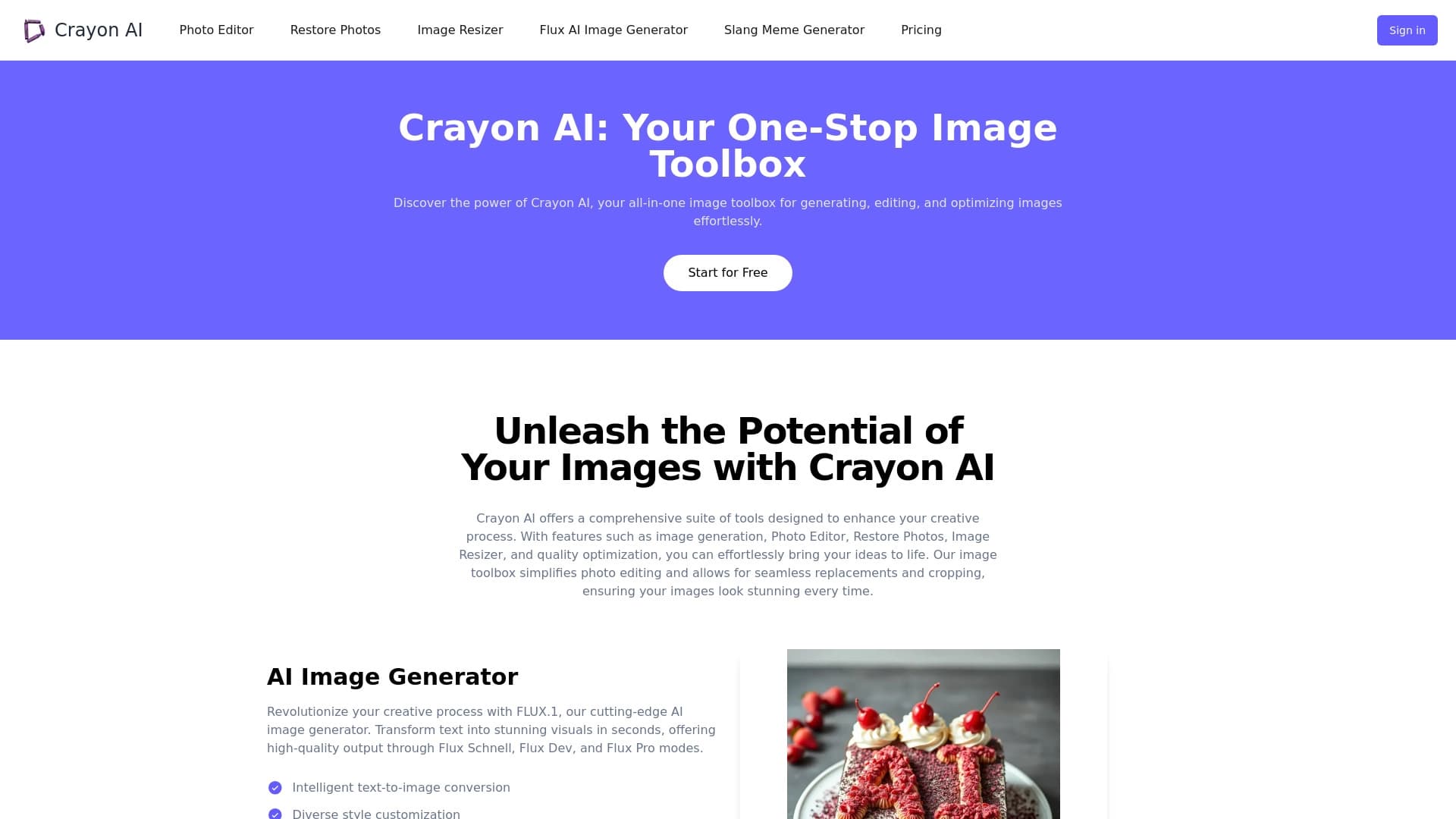
Онлайн-фоторедактор на базе ИИ для создания, редактирования и улучшения изображений прямо в браузере.
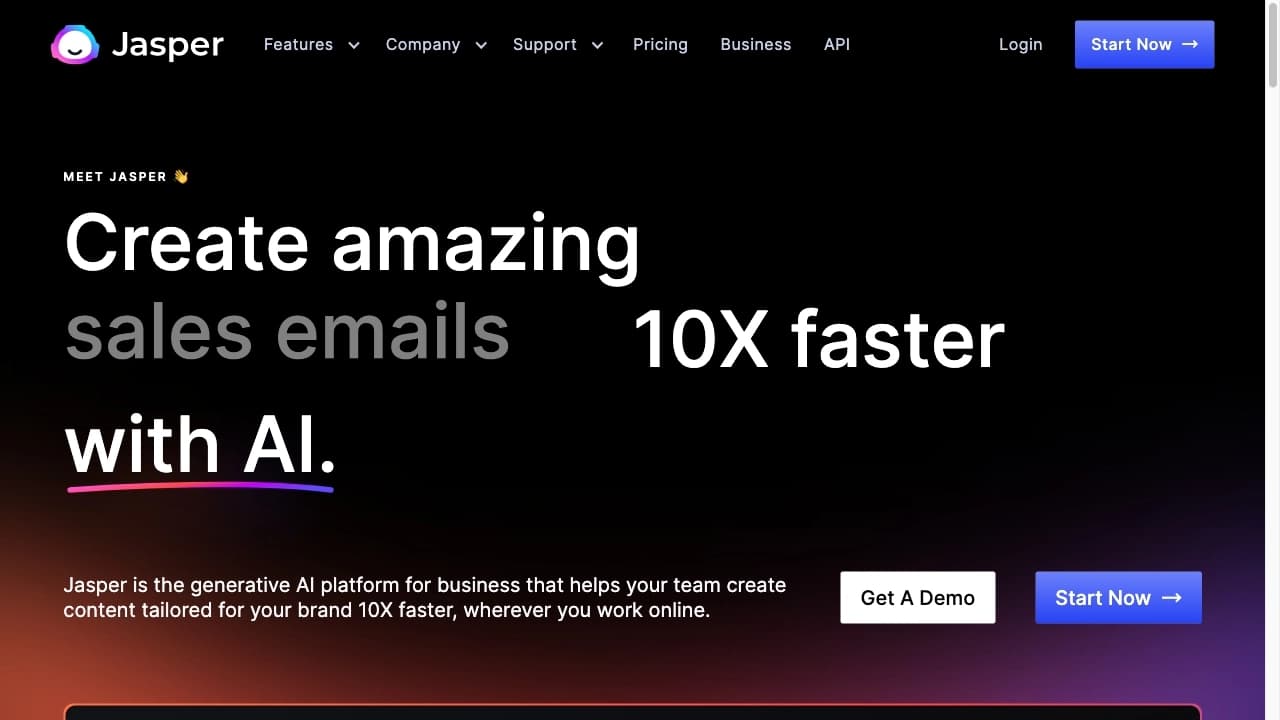

AI-платформа для создания текстового и визуального контента, ориентированная на маркетинговые задачи.
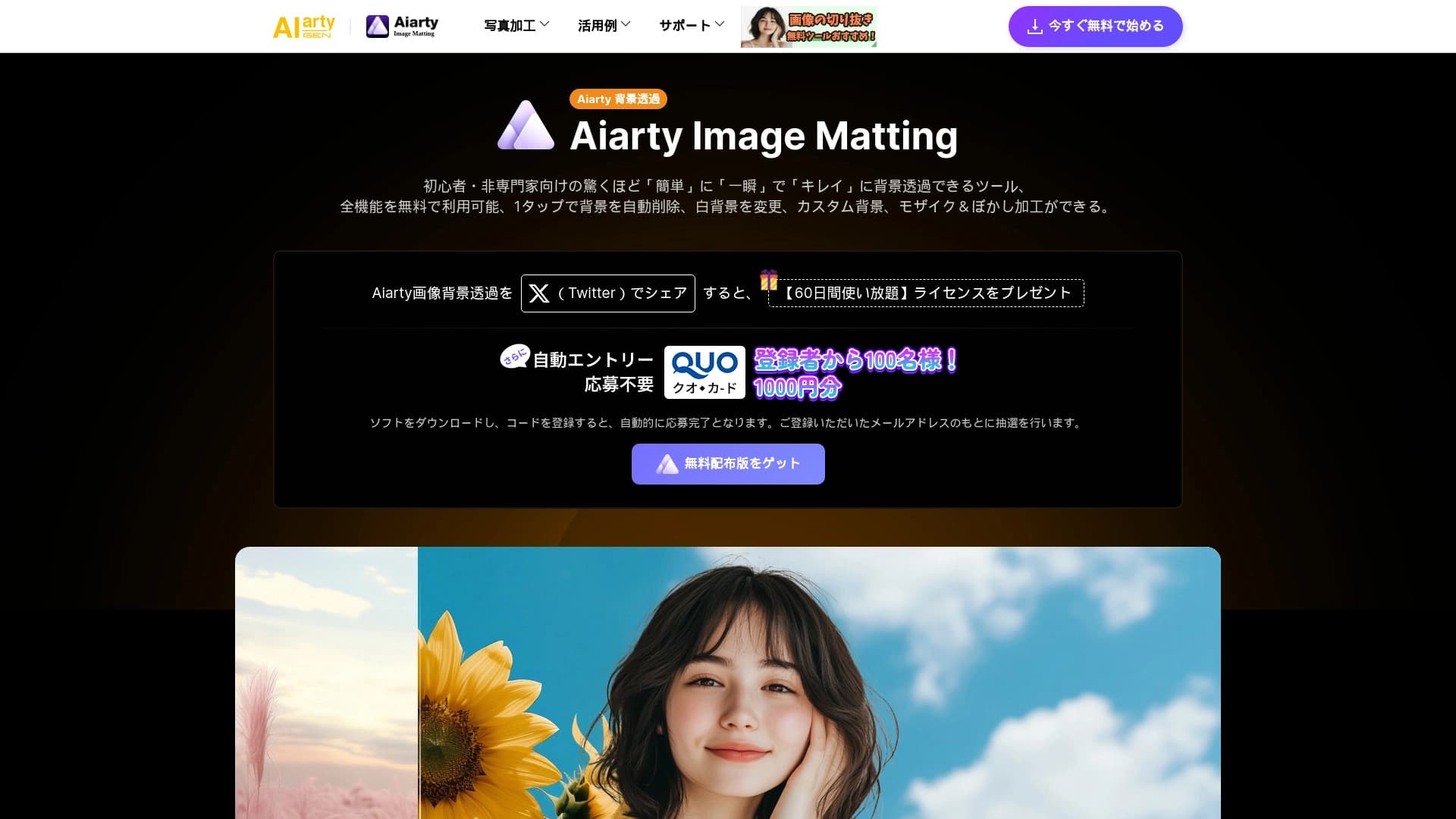
AI-инструмент для автоматического удаления фона с изображений прямо в браузере.
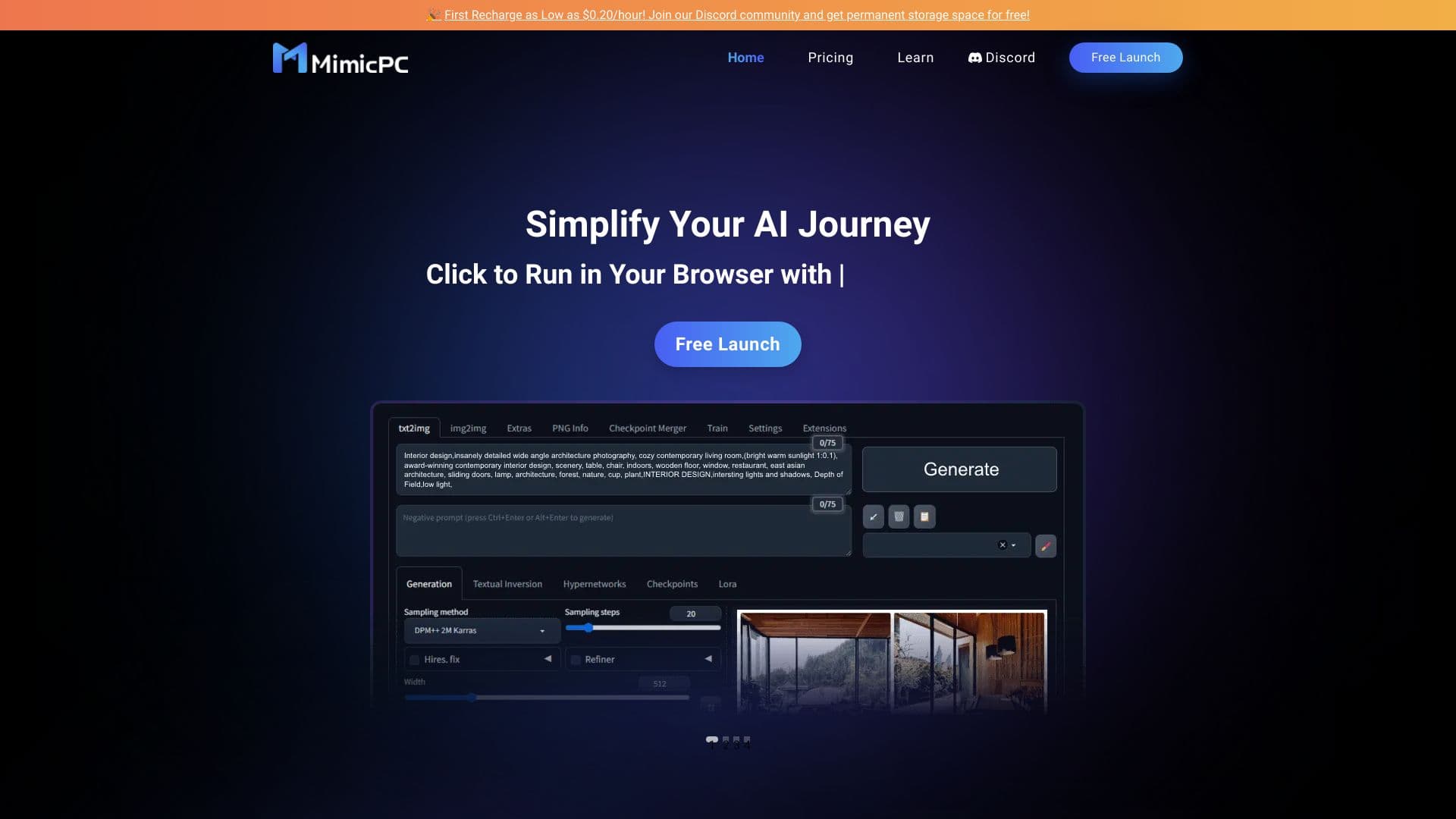
Облачная платформа для запуска ИИ-приложений прямо в браузере без установки.

Онлайн-сервис для создания и настройки приглашений на дни рождения и поздравлений с помощью искусственного интеллекта.

Anakin.ai — это low-code платформа, объединяющая различные AI-модели для создания контента и автоматизации рабочих процессов без программирования.

Платформа для генерации видео, изображений и цифровых аватаров с помощью ИИ.