

AI Photo Editor
Веб-сервис для автоматического улучшения и редактирования фотографий с помощью ИИ.
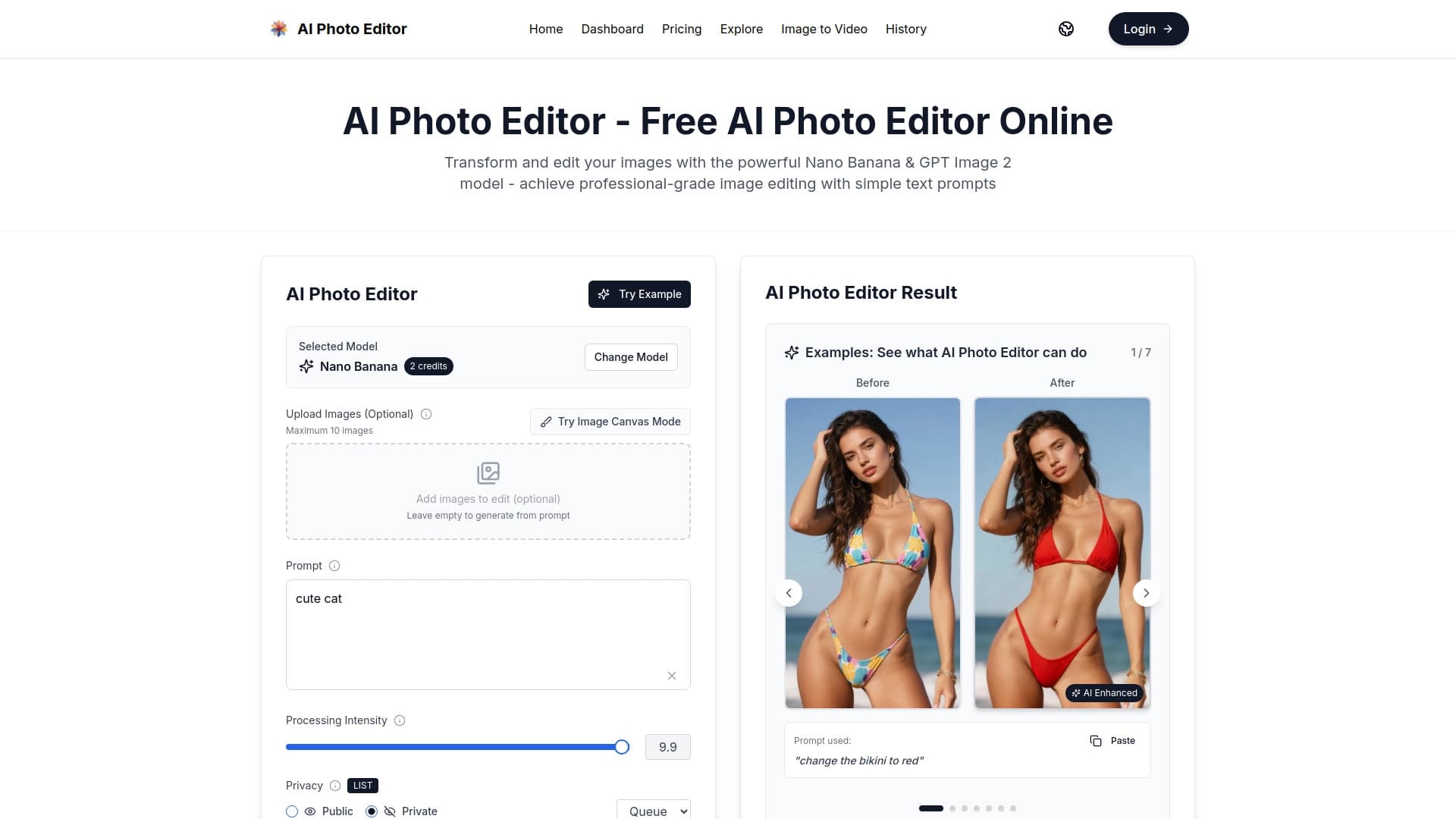
Обзор
Описание нейросети AI Photo Editor
AI Photo Editor — это веб-сервис, который использует искусственный интеллект для автоматической обработки фотографий. Его главная идея — избавить пользователя от необходимости вручную настраивать параметры изображения. Вместо того чтобы крутить ползунки яркости, контраста и четкости, достаточно нажать одну кнопку, и алгоритм сам проанализирует снимок и внесет необходимые корректировки.
Платформа позиционируется как решение, которое превосходит традиционные методы редактирования. ИИ берет на себя всю «техническую» часть работы: оптимизацию четкости, баланса света и других характеристик. Это позволяет получить результат, который обычно требует участия профессионала, но без необходимости обладать специальными навыками и тратить время на изучение сложного софта.
Сервис работает полностью в браузере, что делает его доступным с любого устройства и не требует установки программного обеспечения.
Характеристики AI Photo Editor
| Характеристика | Значение |
|---|---|
| Тип сервиса | Веб-приложение (онлайн-редактор) |
| Основная технология | Алгоритмы искусственного интеллекта |
| Принцип работы | Автоматическое улучшение изображения в один клик |
| Ключевые возможности | Улучшение качества, удаление фона, коррекция параметров |
| Целевая аудитория | Новички и профессионалы |
| Необходимые навыки | Не требуются (отсутствие ручных настроек) |
| Способ обработки | Автоматический (Full-auto) |
| Установка | Не требуется |
Для кого подходит нейросеть AI Photo Editor?
Новички в фоторедакторах
Это идеальный вариант для тех, кто не хочет разбираться в сложных интерфейсах Photoshop или Lightroom. Инструмент требует минимальных знаний и позволяет быстро получить качественный результат без обучения.
Профессионалы, ценящие скорость
Фотографы и дизайнеры часто сталкиваются с рутинной задачей предварительной обработки большого количества снимков. AI Photo Editor может взять на себя черновую работу по базовой коррекции, экономя время для более творческих задач.
Как использовать нейросеть AI Photo Editor?
Простой и понятный процесс
Принцип работы сервиса максимально прост. Вам не нужно изучать инструкции или руководства. Достаточно загрузить изображение на сайт.
Автоматическая обработка
После загрузки фото нажмите кнопку улучшения. Нейросеть автоматически проанализирует снимок и применит набор оптимальных корректировок. Это единственное действие, которое требуется от пользователя, чтобы получить готовый результат. Все сложные алгоритмы и настройки выполняются на стороне сервиса.
Основные функции AI Photo Editor
Исходя из доступного описания, функциональность сервиса включает несколько ключевых направлений:
- Автоматическое улучшение качества: Оптимизация четкости, яркости и других параметров изображения в один клик.
- Удаление фона: Инструмент для вырезания объекта и замены фона или создания прозрачного изображения.
- Коррекция параметров: Автоматическая настройка баланса белого, контрастности и насыщенности для придания снимку профессионального вида.
Преимущества AI Photo Editor
- Экономия времени: Главный плюс — скорость обработки. Сложные операции выполняются за секунды, что недостижимо при ручном редактировании.
- Отсутствие порога входа: Сервис разработан так, чтобы быть понятным любому пользователю. Вам не нужны специальные знания или навыки.
- Простота использования: Интерфейс сводится к одной кнопке, что исключает ошибки и путаницу в настройках.
- Высокое качество результата: Алгоритмы ИИ справляются с деталями не хуже, а иногда и лучше человека, гарантируя отличный результат.
Недостатки AI Photo Editor
- Ограниченный контроль: Ключевое преимущество сервиса — автоматизация — одновременно является и его главным недостатком. У пользователя нет возможности вручную вмешиваться в процесс и тонко настраивать результат под свои конкретные пожелания.
- Отсутствие детальной информации: Данных о конкретных технических характеристиках, форматах файлов, ограничениях по весу или количеству загружаемых фото в открытых источниках не представлено.
Какие задачи решает AI Photo Editor
Сервис нацелен на решение двух основных задач:
- Быстрая черновая обработка: С помощью этого инструмента можно быстро привести фотографию в порядок перед публикацией в социальных сетях или отправкой клиенту.
- Финальная автоматическая ретушь: Для тех случаев, когда нужно просто получить качественное изображение без необходимости в творческом ручном управлении, например, для документов, каталогов или личных архивов. Сюда же можно отнести подготовку снимков к печати.
Цены AI Photo Editor
В доступных исходных данных информация о ценовой политике сервиса отсутствует. Неизвестно, является ли использование бесплатным, требует ли подписки или оплаты за отдельные функции. Рекомендуется посетить официальный сайт для получения актуальной информации о тарифах.
Условия использования AI Photo Editor
Конкретные условия использования, включая лицензионное соглашение, политику конфиденциальности и правила обработки загружаемых данных, не опубликованы в исходных текстах. Обычно такие сервисы требуют согласия с пользовательским соглашением, но его детали в предоставленных материалах не раскрываются.
Доступность AI Photo Editor
AI Photo Editor представляет собой веб-сервис. Это означает, что он доступен через браузер на любом устройстве — стационарном компьютере, ноутбуке, планшете или смартфоне. Отсутствие необходимости в установке и кроссплатформенность — значительное преимущество, так как для работы нужен только доступ в интернет. Информация о наличии мобильных приложений или десктопных версий в исходных данных не упоминается.
Чем отличается AI Photo Editor от аналогов
Главное отличие AI Photo Editor от традиционных программ и многих других онлайн-редакторов заключается в его философии — полном отказе от ручных настроек в пользу автоматизации. Многие конкуренты предлагают как автоматические пресеты, так и гибкие инструменты ручной коррекции. AI Photo Editor делает ставку на максимальную простоту и «волшебную» кнопку, которая выполняет всю сложную работу. Это позиционирует его как инструмент для тех, кто ставит скорость и простоту выше творческого контроля, в то время как профессиональные пакеты требуют обучения и дают гораздо больше возможностей для детальной настройки.
Заключение
AI Photo Editor — это узкоспециализированный онлайн-инструмент, предназначенный для максимально быстрого и простого улучшения фотографий. Его ключевая особенность — автоматизация всех процессов с помощью искусственного интеллекта. Это отличное решение для новичков и занятых профессионалов, которым необходимо быстро получить качественный результат без погружения в детали редактирования. Сервис не претендует на замену профессиональному софту с ручным управлением, но отлично справляется с задачами рутинной коррекции изображений в один клик.
Часто задаваемые вопросы
Смотрите также


Нейросеть, которая генерирует изображения и иллюстрации на основе текстового описания.
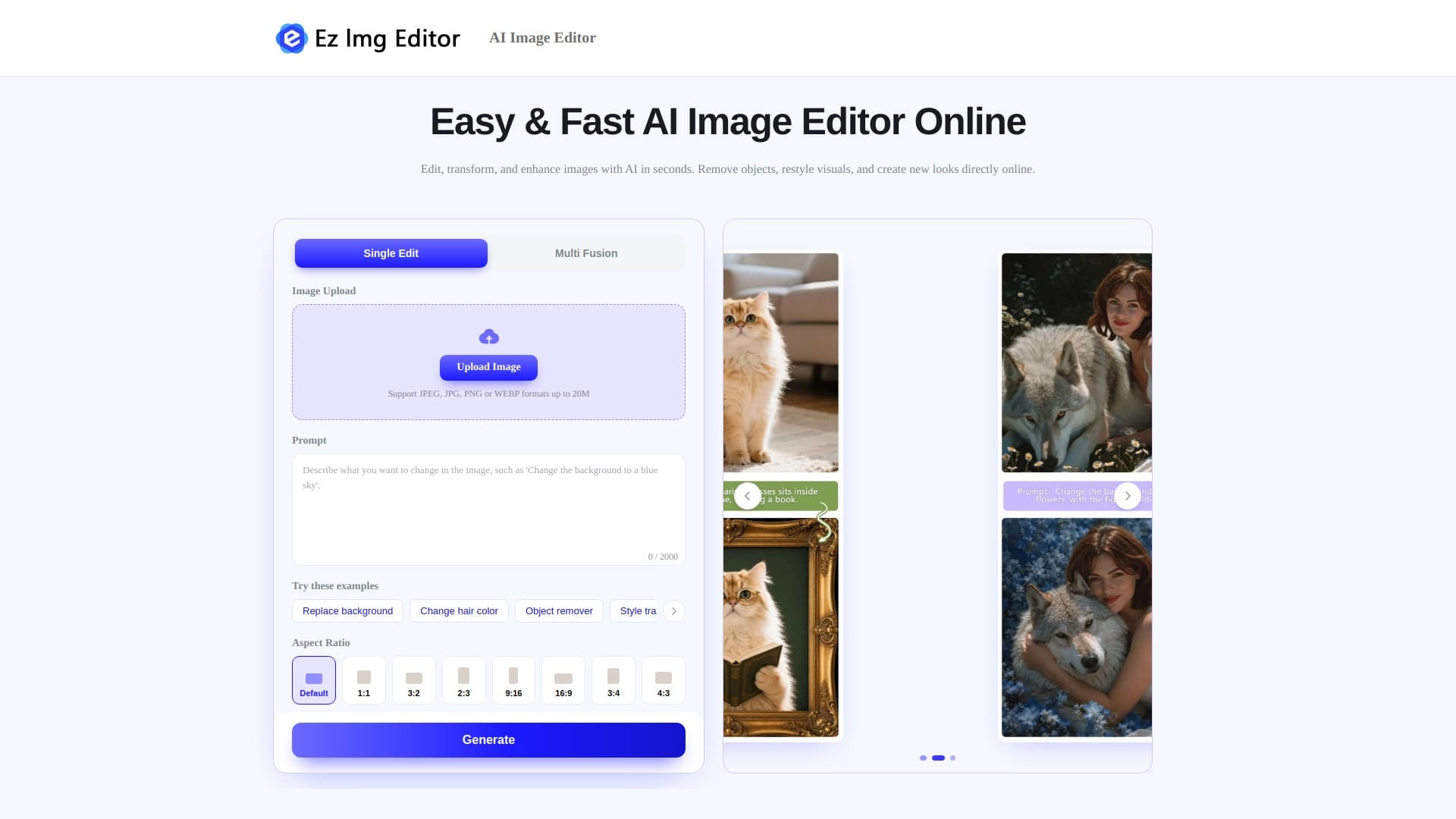

Онлайн-редактор изображений на основе ИИ для удаления объектов, замены фона и улучшения фотографий.


Платформа на основе ИИ для создания логотипов и фирменного стиля.

Сервис для автоматической генерации улучшенных фотографий для профилей на сайтах знакомств.
Веб-сервис для генерации креативных изображений с помощью искусственного интеллекта.


Многофункциональная платформа для создания и редактирования медиаконтента с помощью искусственного интеллекта.


Онлайн-редактор для удаления лишних объектов, текста и дефектов с фотографий с помощью нейросети.

Облачная платформа для создания видео с помощью ИИ-аватаров, синтезированной речи и автоматического перевода роликов на десятки языков.