

AI Perfect Assistant
AI add-on for Microsoft 365 that automates the creation of presentations, documents, and emails.
Overview
AI Perfect Assistant Neural Network Description
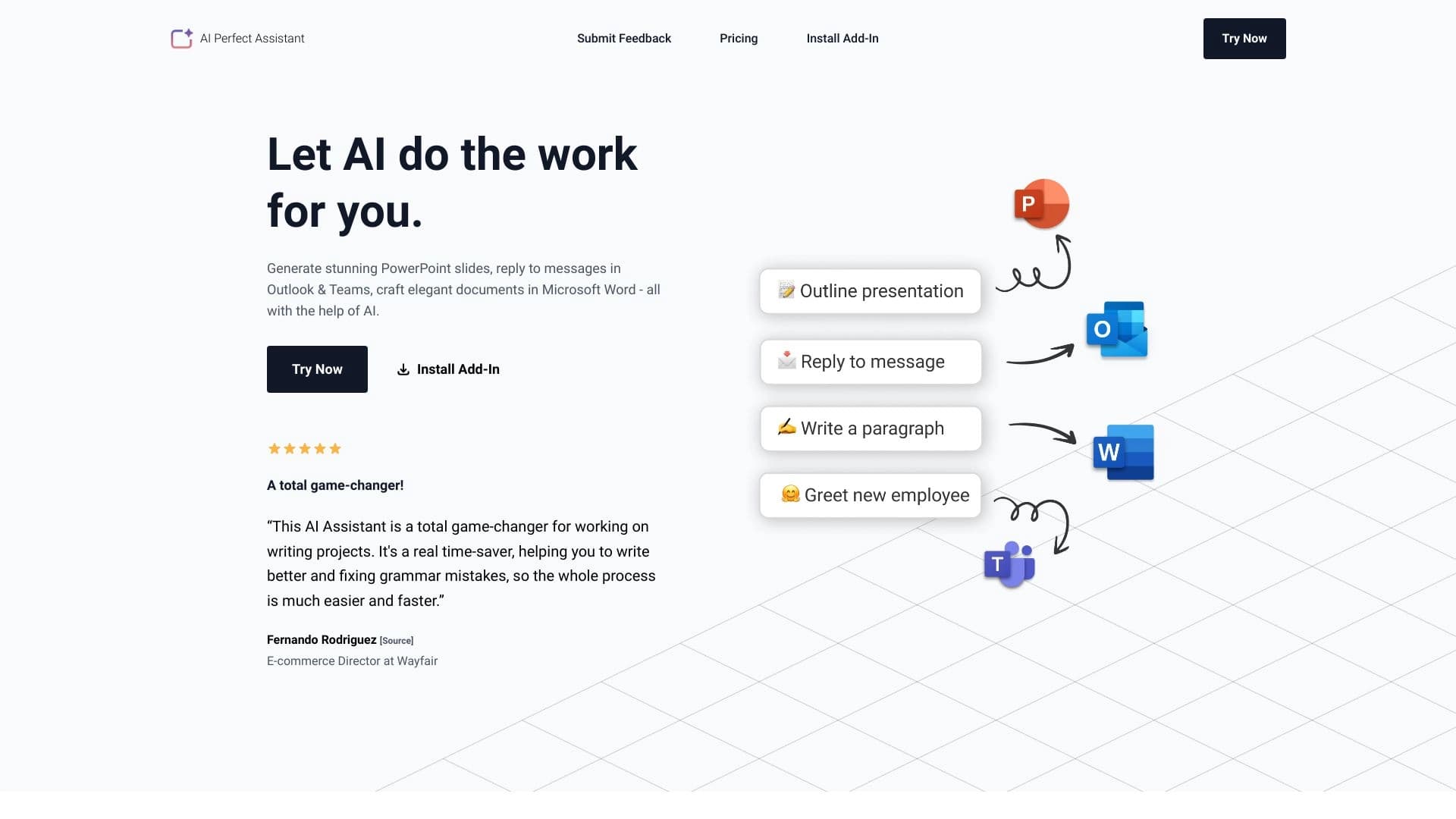
AI Perfect Assistant is an intelligent add-on for the Microsoft 365 suite that brings artificial intelligence capabilities to everyday office applications. The solution is designed to automate routine operations and reduce the time spent on content creation. Instead of switching between various services and manually formatting materials, users get a single entry point for generating presentations, working with documents, and managing correspondence.
The extension works directly inside familiar programs: PowerPoint, Word, Outlook, and Teams. This means all functionality is accessed through a familiar interface, without the need to learn third-party platforms. The tool automatically creates slide structures based on a given topic, suggests draft replies to emails and chat messages, and helps improve the style and grammar of text documents.
AI Perfect Assistant Features
| Feature | Value |
|---|---|
| Type | Application / extension |
| Categories | Text processing tools, presentation creation tools, product description generators, chatbot creation tools |
| Integration | Microsoft Office 365 (PowerPoint, Outlook, Teams, Word) |
| Developer | IE Ilia Pirozhenko |
| Monthly visits | 18.0K |
| Free tier available | Yes (limited functionality or token limits) |
| Premium tier pricing | 499 RUB/month (full access) |
| Enterprise tier | On request |
| Website | perfectassistant.ai |
Who is AI Perfect Assistant suitable for?
First and foremost, the solution is aimed at office workers and teams whose daily work revolves around the Microsoft 365 ecosystem. The tool will be useful for those who spend significant time preparing presentation materials, processing incoming correspondence, and editing documents.
Document-focused professionals
Managers, analysts, and administrative staff will be able to prepare reports, memos, and internal policies faster. The neural network helps structure thoughts, formulate key points, and refine draft text to an acceptable level.
HR and communications departments
Employees responsible for internal and external communications get a tool for quickly drafting letters, notifications, and announcements. Generating drafts directly in Outlook and Teams saves time on formulating standard requests and responses.
Executives and project managers
For the management tier, the extension reduces the time spent preparing weekly reports and presentations for meetings. Automatic slide creation based on key agenda points helps visualize team results faster.
How to use AI Perfect Assistant?
To get started, you need to install the extension on your Microsoft Office 365 account. After that, all new features will be available directly in the interface of supported applications.
First launch and setup
On first launch, an integration panel with office applications appears, where you can explore built-in tips and templates. It is recommended to connect all available Office services so that the functionality is accessible across all work applications. Sign-in is done through a work or school Microsoft 365 account.
Practical work in applications
In PowerPoint, simply enter the topic of the upcoming presentation, and the system will suggest a slide structure. In Outlook and Teams, when you receive an email or message, you can click the reply generation button. In Word, the neural network helps rephrase paragraphs, fix errors, or supplement text with arguments. On the free tier, it's important to monitor token usage so that work isn't interrupted at the most inconvenient moment.
Key features of AI Perfect Assistant
Presentation generation
The neural network automatically creates slides in PowerPoint based on a given topic. This eliminates the need to start from a blank page and allows you to focus on the substantive part of your presentation rather than structuring the layout.
Email and chat assistance
For Outlook and Teams, there is a reply generation feature for incoming messages. The system analyzes the context of the conversation and suggests accurate drafts that the user can edit before sending. This significantly speeds up handling incoming requests.
Text editing and improvement
Word includes built-in AI tools for refining documents. The neural network can improve phrasing, fix stylistic and grammatical errors, and suggest alternative ways to write complex passages. A text translation feature is also available.
Automation of routine operations
In addition to the above, the extension automates the creation of standard letters and documents using templates. A unified interface for all tasks allows you to get more work done in less time without leaving the Microsoft 365 workspace.
Advantages of AI Perfect Assistant
Quick integration and deployment
Installing the extension takes just a few minutes. Immediately after account verification, all core features become available, requiring no complex setup or technical knowledge from the user.
Multi-functionality in a single tool
Presentations, texts, email, and team chats — all these areas are covered by one extension. This sets the solution apart from narrowly focused services that only address a single area of tasks.
Improved team collaboration efficiency
The speed of preparing materials and approving documents increases. The tool helps exchange information within the team faster and reduces the time between task assignment and delivery of results.
Drawbacks of AI Perfect Assistant
Limited adaptation to specific tasks
The extension performs best with standard, typical scenarios. For non-standard corporate tasks requiring deep specialization and unique content, the functionality may fall short or require manual refinement of results.
Data security concerns
Since information processing happens through cloud servers and third-party computing resources, companies with strict security policies may have concerns about data confidentiality. A risk assessment is required before deployment in sensitive work environments.
Dependence on internet connection
All features require a stable network connection to function. In conditions of unstable connectivity or during internet outages, the tool becomes useless, which can critically impact task deadlines.
What tasks does AI Perfect Assistant solve?
Creating visually appealing presentations
One of the key tasks is generating the structure and content of slides for PowerPoint. The tool helps quickly assemble a logically coherent presentation based on the entered topic.
Effective replies to emails and messages
The extension handles drafting responses to emails and Teams messages. The user only needs to review and, if necessary, adjust the generated text.
Editing and improving documents
With AI, you can speed up the process of refining texts in Word: from fixing grammatical errors to improving the overall structure and writing style.
Automating routine office tasks
The solution allows moving part of standard operations into automatic mode, freeing up employee time for more important and strategic tasks.
AI Perfect Assistant Pricing
The tool offers a three-tier pricing system:
- Free tier — provides access to basic functionality with limitations. The free plan includes monthly token limits, which restrict the volume of generated content.
- Premium tier — the cost is 499 RUB per month. The subscription unlocks full access to all features without significant limits, making it suitable for employees who actively use the tool on a daily basis.
- Enterprise tier — pricing is calculated individually upon request. Suitable for companies that want to deploy the solution across all employees with centralized management and priority support.
The exact terms of the free tier and details of the limits may vary slightly, so it is recommended to check the latest information on the official project website before choosing a plan.
Terms of use for AI Perfect Assistant
Two key conditions must be met to get started. First, the user must have an active Microsoft 365 account (work or school account). Second, the extension must be installed into that account. Once these conditions are met, all integration features activate automatically.
It is important to note that access to the service is provided through cloud infrastructure, so a stable internet connection is required for proper operation. You should also consider your organization's security policy: in some corporate environments, IT department approval may be required to install third-party extensions.
Availability of AI Perfect Assistant
The extension is available for installation by Microsoft Office 365 users. It supports four key applications in the suite: PowerPoint, Outlook, Teams, and Word. Installation is done through the official website perfectassistant.ai, which hosts detailed integration instructions.
How AI Perfect Assistant differs from alternatives
The main difference between this tool and competing solutions is the depth of integration with the Microsoft Office ecosystem. While many alternatives (such as Leadtex, Botmother, Beautiful.ai, or Botpress) focus on individual tasks — building chatbots, designing slides, or generating text outside the office environment — AI Perfect Assistant embeds directly into work applications. This eliminates the need to switch between windows and copy data from one program to another.
Another distinguishing factor is the combination of use cases: a single tool covers needs for presentations, documents, and correspondence. This comprehensive approach is rare, as most competitors specialize in only one area. For users deeply invested in Microsoft 365, this provides a unified and seamless workflow.
Conclusion
AI Perfect Assistant is a practical tool for automating everyday office tasks within the Microsoft 365 environment. Its main value lies in tight integration with PowerPoint, Word, Outlook, and Teams, saving time on switching between services. The solution suits both individual employees on the free tier and companies ready to invest in a corporate license. At the same time, you should consider the limitations in customization for non-standard tasks, potential security concerns with cloud processing, and the dependence on a stable internet connection.
Frequently asked questions
See also
Yandex's multimodal voice assistant powered by the YandexGPT neural network that answers questions, generates texts and images, analyzes files, and controls the smart home.
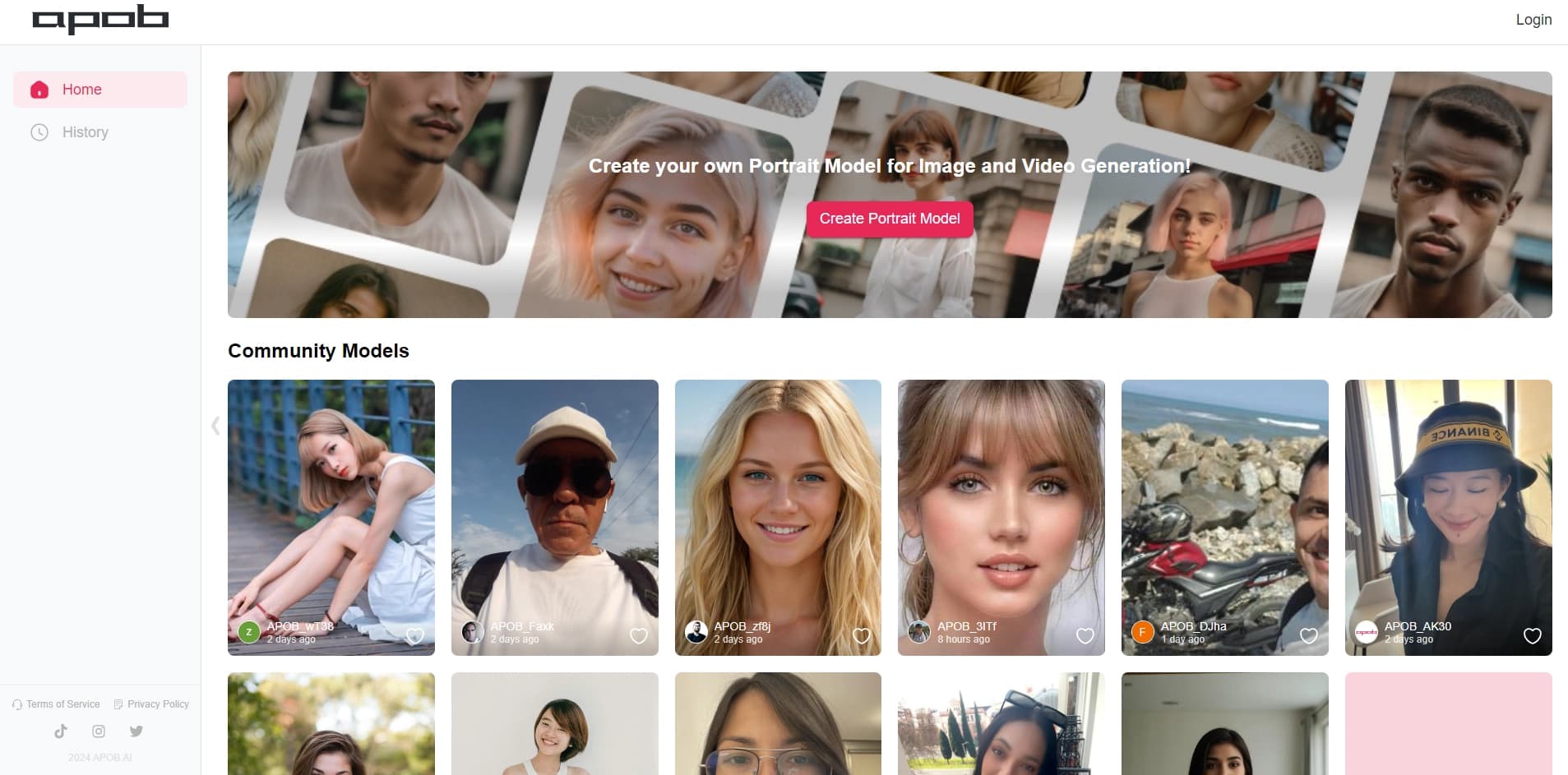

Platform for creating digital avatars and virtual influencers using AI.


A platform for chatting with virtual AI characters that you can create and customize to suit yourself.
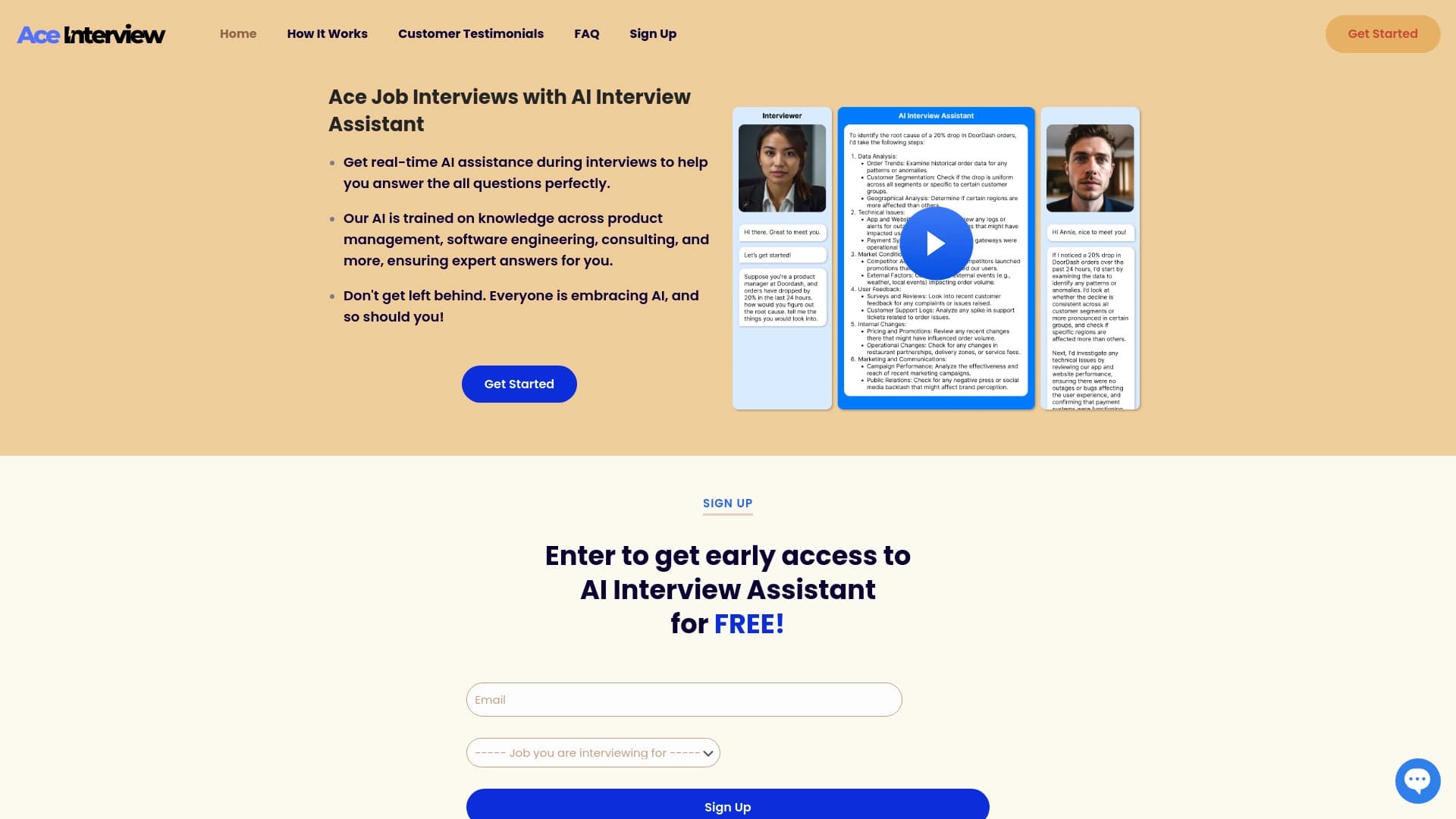

AI assistant for real-time hints during online interviews.

AI platform for fast resume screening that helps recruiters select suitable candidates.


Platform for automating client acquisition and personalized email campaigns with data enrichment from over 150 sources.


An add-in for Microsoft Word that uses neural networks to automate the creation, editing, and analysis of legal contracts.

A platform for generating images, videos, and audio using artificial intelligence from text descriptions.