

AI Outpainting Image
Онлайн-сервис для расширения изображений за пределы исходного кадра с помощью генеративного ИИ.

Обзор
Описание нейросети AI Outpainting Image
AI Outpainting Image — это веб-сервис, который с помощью генеративного искусственного интеллекта расширяет фотографии за пределы исходного кадра. Вместо того чтобы обрезать изображение под нужный формат, инструмент анализирует содержимое снимка и создаёт недостающие фрагменты: продолжает фон, достраивает детали сцены и сохраняет общую атмосферу кадра.
Работа происходит полностью в облаке, поэтому пользователю достаточно открыть сайт в браузере и загрузить файл. Сервис не требует мощного компьютера, установки программного обеспечения или создания аккаунта. После обработки можно скачать готовое изображение с изменённым соотношением сторон, адаптированным под конкретные задачи — от постов в соцсетях до широкоформатных баннеров или обложек.
Характеристики AI Outpainting Image
| Характеристика | Значение |
|---|---|
| Тип | Онлайн-сервис |
| Функция | AI-расширение фотографий за пределы исходного кадра |
| Категории | Обработка фото, редактирование фона |
| Веб-сайт | www.ai-outpainting.com |
| Дата публикации | 29 декабря 2025 г. |
| Способ доступа | Браузер, интернет-соединение |
| Регистрация | Не требуется |
| Установка ПО | Не требуется |
| Ценовая модель | Freemium: первые изображения бесплатно, далее подписка |
Для кого подходит нейросеть AI Outpainting Image?
Дизайнеры и маркетологи
Профессионалы, работающие с визуальным контентом, часто сталкиваются с ситуацией, когда исходное фото не подходит под макет: недостаточное разрешение по ширине, неправильный формат или не хватает места под текст. AI Outpainting Image позволяет быстро достроить изображение до нужных пропорций, не теряя значимых элементов композиции.
Создатели контента
Блогеры, администраторы сообществ и контент-менеджеры используют инструмент для подготовки изображений под требования конкретных площадок: квадратные посты для Instagram, горизонтальные превью для YouTube, вытянутые обложки для статей. Вместо кадрирования и потери части сюжета можно сохранить исходное фото целиком и добавить к нему новое пространство.
Пользователи без опыта в редакторах
Сервис создан для людей с любым уровнем подготовки. Здесь нет слоёв, масок, кистей или других сложных инструментов. Весь процесс сводится к выбору файла, указанию направления или пропорций и запуску обработки.
Как использовать нейросеть AI Outpainting Image?
Шаг 1: Загрузка фотографии
Перейдите на сайт ai-outpainting.com и выберите изображение на своём устройстве. Сервис принимает файлы в стандартных графических форматах, после загрузки фото отображается в рабочей области.
Шаг 2: Настройка параметров расширения
Укажите необходимое соотношение сторон или направление достраивания. Система позволяет добавить пространство в любую сторону кадра — вверх, вниз, влево или вправо. Альтернативный вариант — выбрать готовый формат, например 16:9 или 4:5, и алгоритм выровняет изображение под него.
Шаг 3: Генерация и сохранение результата
Запустите процесс обработки. ИИ достроит недостающие области в соответствии с контекстом исходной фотографии: цветовой гаммой, освещением и деталями фона. Когда генерация завершится, загрузите итоговый файл и используйте его по назначению.
Основные функции AI Outpainting Image
Интеллектуальное расширение кадра
Главная возможность сервиса — автоматическое продолжение изображения за его исходные границы. Алгоритм оценивает направления линий, текстуры и перспективу, чтобы новые фрагменты визуально продолжали существующую сцену, а не выглядели чужеродной вставкой.
Генеративное достраивание с сохранением контекста
Понимая содержание снимка, система создаёт недостающие элементы на основе окружающих пикселей. Если на фото изображён пейзаж — добавляется небо и земля в той же цветовой гамме, если предметная съёмка — продолжается фактура поверхности. Стиль, тени и уровень шума сохраняются на уровне, близком к оригиналу.
Гибкие настройки соотношения сторон
Пользователь сам решает, какой формат получить на выходе. Можно задать конкретные пропорции для конкретной платформы или вручную указать направление расширения, когда нужно добавить пространство только с одной стороны.
Преимущества AI Outpainting Image
Простота запуска без подготовки
Для начала работы не требуется установка программ, регистрация или изучение документации. Достаточно открыть сайт — и интерфейс сразу готов к использованию. Весь процесс занимает несколько кликов.
Работа в облаке через браузер
Сервис функционирует полностью онлайн. Вычислительные мощности, на которых работает ИИ, задействуются на стороне сервера, поэтому к компьютеру пользователя нет жёстких требований. Подойдёт любое устройство с современным браузером и доступом в интернет.
Бесплатные первые изображения
Инструмент рассчитан на знакомство без финансовых обязательств: несколько первых обработок выполняются бесплатно, что позволяет оценить качество работы и интерфейс до принятия решения о платной подписке.
Понятный интерфейс для любого уровня подготовки
Никаких сложных панелей и профессиональных терминов. Инструмент специально разработан так, чтобы с ним справился человек, впервые увидевший подобный сервис.
Недостатки AI Outpainting Image
Основной ограничивающий фактор сервиса связан с бесплатным тарифом: он предусматривает обработку лишь ограниченного числа изображений. Для регулярной работы необходимо оформлять платную подписку, при этом на странице сайта не указаны конкретные суммы — стоимость тарифов придётся уточнять дополнительно. Кроме того, сервис доступен на английском языке, а потому его интерфейс и сопроводительные материалы могут быть менее удобны для русскоязычных пользователей без базового знания английского.
Какие задачи решает AI Outpainting Image
Адаптация изображений под требуемые форматы
В цифровой среде каждая площадка требует определённых пропорций изображений: для баннеров часто нужны широкие горизонтальные кадры, для постов в соцсетях — квадратные, для обложек — вертикальные с определённым соотношением. Сервис позволяет подогнать исходный снимок под такие требования без обрезки значимых элементов.
Восстановление обрезанных композиций
Иногда при съёмке часть сцены попадает в кадр не полностью: срезана верхушка здания, рука человека или продолжение дороги. AI Outpainting Image способен достроить утраченные участки, опираясь на структуру и содержание имеющейся части фотографии.
Доращивание пустого пространства под дизайн
Для вёрстки макетов, плакатов, презентаций и рекламных материалов часто необходимо свободное место под заголовки, логотипы или контактные данные. Вместо вставки изображения в ограниченную рамку можно расширить саму фотографию и разместить текст прямо на достроенной части.
Цены AI Outpainting Image
Сервис работает по модели freemium. Первые несколько изображений обрабатываются бесплатно — это позволяет протестировать функциональность без каких-либо вложений. Для дальнейшего использования необходимо оформить платную подписку. Конкретные тарифы и стоимость на странице сервиса не публикуются, поэтому точную цену следует уточнить непосредственно при оплате.
Условия использования AI Outpainting Image
Сервис не требует создания учётной записи или регистрации — загружать изображения можно сразу. Для полноценной работы нужен только браузер с подключением к интернету. Каких-либо специальных соглашений или ограничений для пользователей в доступных материалах не указано.
Доступность AI Outpainting Image
Инструмент полностью работает онлайн и открывается через браузер на любом совместимом устройстве: компьютере, планшете или смартфоне. Сайт функционирует на английском языке, информация о необходимости использования VPN отсутствует.
Чем отличается AI Outpainting Image от аналогов
На рынке есть несколько решений для генеративного расширения изображений. В сравнении с другими инструментами с похожей функциональностью — например, Kolors by Kuaishou, Pixlio AI, AI Image Combiner, Gemini Watermark Remover, Phygital+ или Copilot+ PCs — сервис выделяется сочетанием двух факторов: полное отсутствие порога входа и выполнение задачи только в браузере. Пользователю достаточно открыть страницу и перетащить файл в рабочую область.
Несмотря на то что функции напрямую конкурирующих сервисов могут быть аналогичны, преимущество конкретно этого инструмента сводится к оптимизации под узкую задачу — быстрому расширению кадра «одним экраном» без переключения между вкладками и без изучения дополнительного функционала, который не относится к процессу достраивания изображения.
Заключение
AI Outpainting Image — узкоспециализированный онлайн-инструмент, который решает одну задачу: расширяет фотографии за пределы исходного кадра с сохранением стиля, освещения и детализации. Благодаря облачной архитектуре он работает в любом браузере без установки программ, регистрации и сложных настроек. Сервис окажется полезен дизайнерам, маркетологам и создателям контента, которым требуется адаптировать изображения под баннеры, посты и обложки без потери смысловых элементов композиции. Бесплатный доступ к нескольким обработкам даёт возможность оценить результат до покупки подписки, а интуитивный интерфейс делает инструмент доступным даже для новичков.
Часто задаваемые вопросы
Смотрите также


Открытая платформа для генерации изображений и другого визуального контента по текстовым описаниям с помощью ИИ.


ИИ-ассистент для создания текстового контента, изображений и работы с голосом, ориентированный на русскоязычных пользователей.

Мобильное приложение для обработки фото и создания стилизованных аватаров с помощью ИИ.

Каталог AI-инструментов с обучающими материалами и руководствами для подбора нейросетей.


AI-платформа для автоматического планирования рабочего дня, управления задачами и приоритезации дел.


Многофункциональный AI-ассистент для генерации текстов, изображений и аудио.
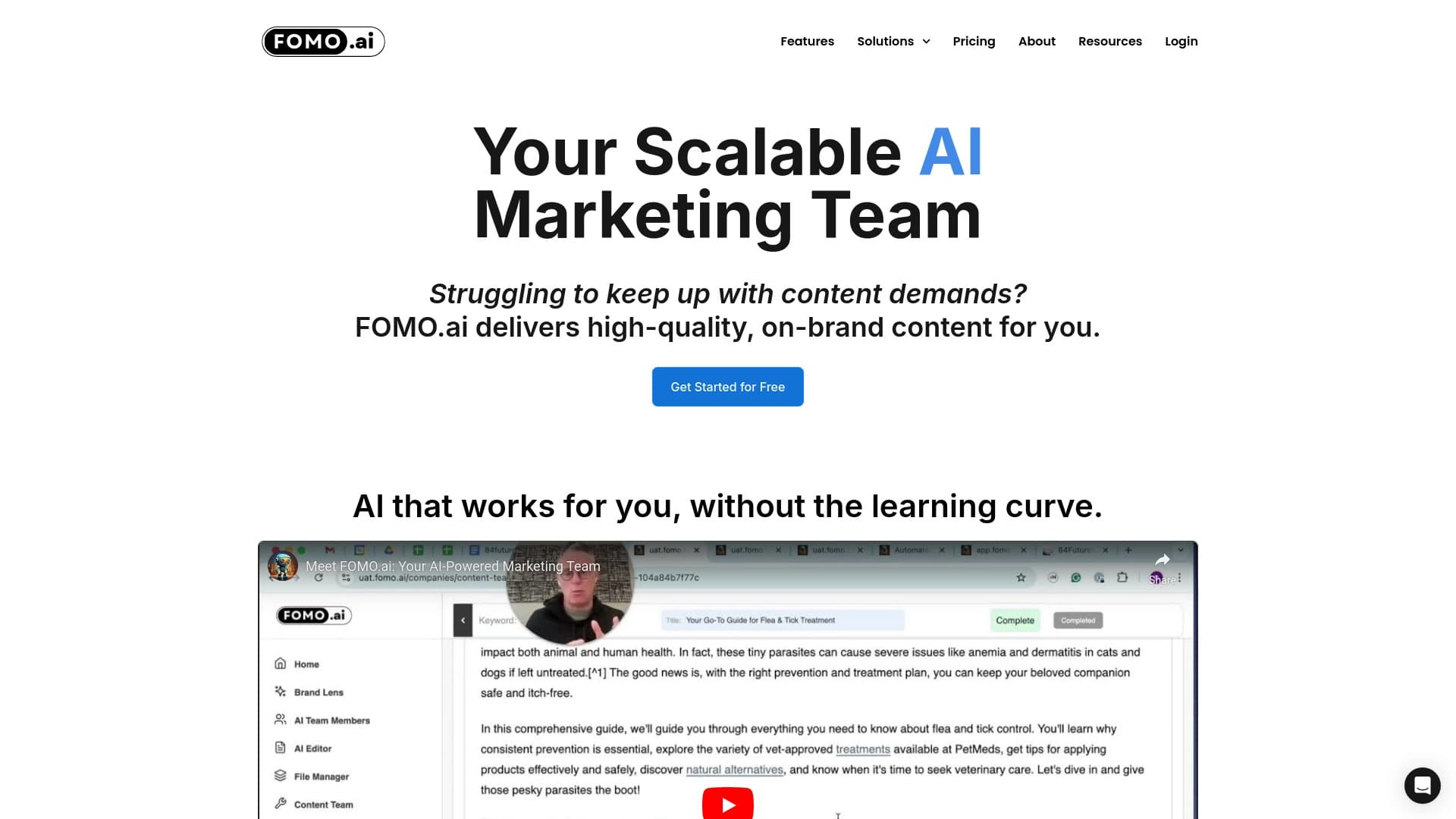

Платформа для увеличения органического трафика и создания контента с помощью ИИ и участия экспертов.
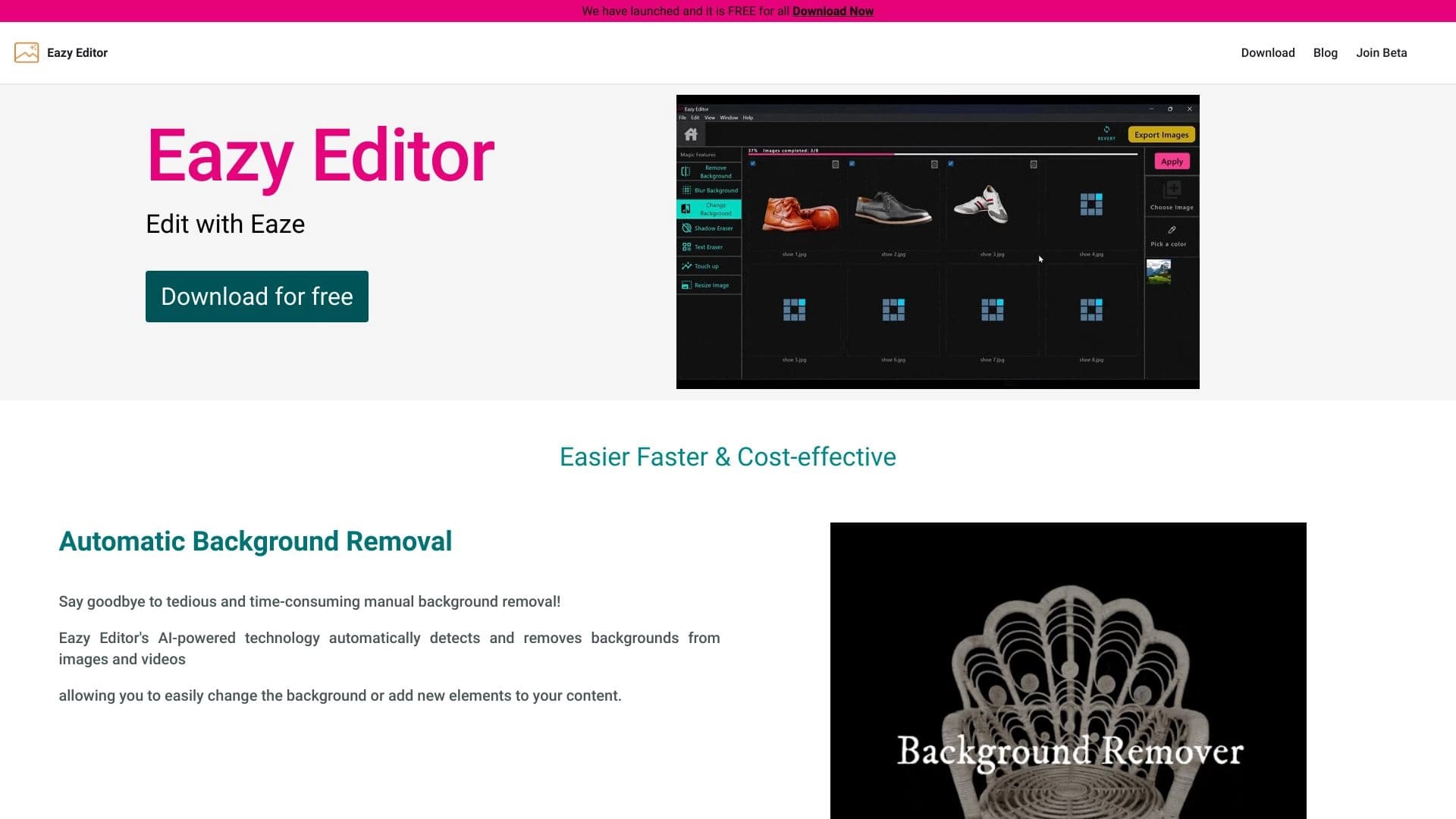
Простой и удобный редактор фото с интуитивно понятным интерфейсом.