
AI Monster
Нейросеть для совместной генерации изображений в командных чатах с возможностью брендирования.
Обзор
Описание нейросети AI Monster
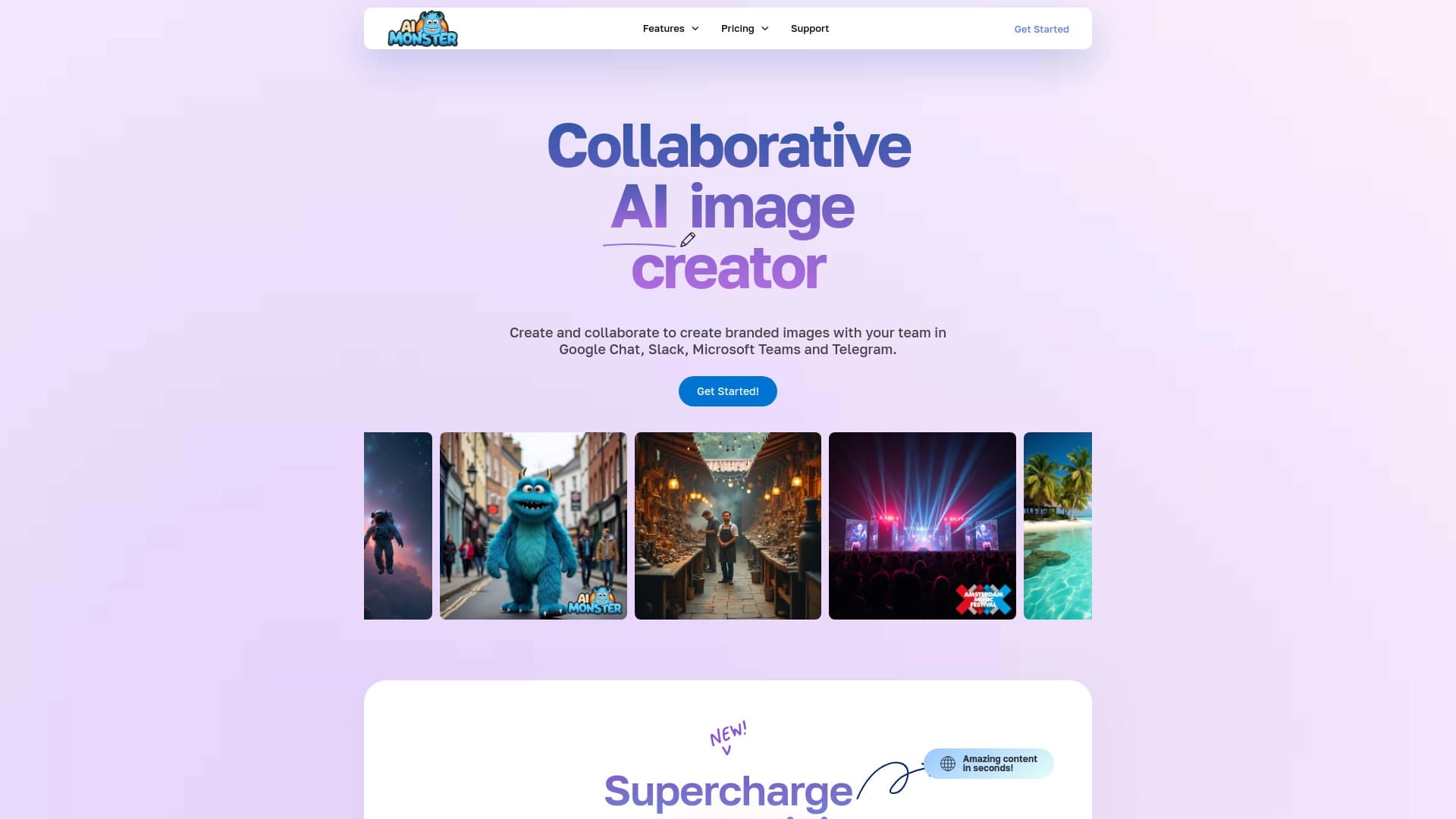
AI Monster — это нейросеть для генерации изображений, которая встраивается в командные чаты и позволяет участникам одновременно создавать и обсуждать визуальный контент. В отличие от классических генераторов картинок, этот инструмент делает акцент на совместной работе: вся команда видит процесс и может влиять на результат в реальном времени. Главная особенность — возможность добавлять в изображения фирменные элементы (логотипы, цвета) для создания брендированного контента. Также сервис поддерживает обучение модели на индивидуальных исходниках компании, что доступно на платных тарифах. Модель распространения — фримиум: есть бесплатный тариф с ограничениями, а для полноценной работы предусмотрены платные подписки.
Характеристики AI Monster
| Характеристика | Значение |
|---|---|
| Тип | Генератор изображений |
| Категории | Инструменты для командной работы, генераторы изображений и фото, генераторы иллюстраций, цифрового искусства, помощники для соцсетей |
| Платформа | Сайт (веб-сервис) |
| Бесплатный тариф | Есть, с лимитом до 10 изображений в месяц |
| Совместная работа | Да, через чаты |
| Обучение модели | Доступно на платных тарифах (до 5 или до 10 моделей) |
| Ежемесячные посещения | 94.7K |
| Разработчик | AI Monster |
Для кого подходит нейросеть AI Monster?
SMM-специалисты и маркетологи
AI Monster подойдёт тем, кто регулярно создаёт визуал для социальных сетей и рекламы. Инструмент позволяет быстро генерировать картинки в фирменном стиле, добавляя логотипы и фирменные цвета. Это удобно для Instagram, ВКонтакте и других площадок, где нужен узнаваемый брендированный контент.
Дизайнерские команды
Для дизайнеров ценность инструмента — в совместной работе. Вся команда может собираться в чате, генерировать варианты изображений и обсуждать их в реальном времени. Это упрощает проведение дизайн-мозговых штурмов и ускоряет согласование идей.
Любые коллективы, работающие с визуалом
Подойдёт и любому другому коллективу, которому нужно быстро создавать и согласовывать изображения прямо в чате, не пересылая файлы и не теряя время на коммуникацию. Это может быть проектная группа, отдел маркетинга или небольшая студия.
Как использовать нейросеть AI Monster?
Подключение к чату и первые шаги
Чтобы начать работу, достаточно добавить AI Monster в командный чат. После этого участники могут создавать картинки простыми текстовыми командами. Взаимодействие интуитивное: необходимо описать желаемое изображение, и нейросеть сгенерирует результат.
Настройка фирменного стиля
При необходимости можно обучить нейросеть на своих логотипах и цветах. Это позволяет добиться того, чтобы генерируемые изображения соответствовали фирменному стилю компании. Обучение доступно на платных тарифах — до 5 или до 10 моделей в зависимости от подписки. Важно учитывать, что качество итоговой картинки напрямую зависит от качества загружаемых исходных файлов.
Основные функции AI Monster
- Генерация детализированных картинок по текстовому описанию — базовый функционал, который работает через простые команды в чате.
- Создание изображений с фирменными элементами — добавление логотипов и цветов бренда в генерируемые изображения для соответствия корпоративному стилю.
- Совместная работа в чате — обсуждение и мгновенное изменение картинок в реальном времени несколькими участниками одновременно.
- Высокое разрешение генерируемых изображений — позволяет использовать результат для профессиональных целей.
- Интеграция с соцсетями — упрощает публикацию готового контента в социальных сетях.
- Обучение ИИ под свой стиль — на платных тарифах можно обучить модель на собственных исходниках.
Преимущества AI Monster
Качество изображений
Изображения получаются чёткими и проработанными, с хорошим разрешением. Это важно для профессионального использования в маркетинге и рекламе, где качество визуала напрямую влияет на восприятие бренда.
Скорость командной работы
Работа всей командой прямо в чате ускоряет согласование и уменьшает путаницу. Не нужно пересылать файлы, ждать ответа по почте или в мессенджерах — всё происходит в одном месте и в реальном времени.
Быстрое создание брендированного визуала
Инструмент позволяет быстро создавать изображения в фирменном стиле (с логотипами и фирменными цветами) для социальных сетей и рекламы. Это существенно экономит время SMM-специалистов и дизайнеров.
Недостатки AI Monster
Ограниченный бесплатный тариф
В бесплатной версии очень малый лимит — всего около 10 картинок в месяц. Этого достаточно только для ознакомления с сервисом, но не для полноценной работы.
Зависимость от качества исходников
Качество итоговой картинки сильно зависит от качества загружаемых исходных файлов. Если исходники подготовлены неправильно, результат может не соответствовать ожиданиям.
Ограниченная кастомизация
Не хватает настроек для глубокой кастомизации. Могут возникать сложности с нестандартными задачами, которые требуют индивидуального подхода и тонкой настройки генерации.
Какие задачи решает AI Monster
Создание брендовых картинок для соцсетей
Подходит для генерации изображений для Instagram, ВКонтакте и других социальных сетей. Фирменные логотипы и цвета автоматически добавляются в изображения, что ускоряет подготовку контента.
Проведение дизайн-мозговых штурмов
В командном чате можно организовывать совместные сессии генерации идей. Участники видят результаты друг друга в реальном времени и могут мгновенно предлагать изменения.
Быстрая генерация визуала для маркетинга и рекламы
Инструмент позволяет оперативно создавать изображения для рекламных кампаний, не дожидаясь работы дизайнера. Это удобно для оперативных задач и тестирования гипотез.
Совместная работа без потери времени
Отсутствие необходимости передавать файлы между участниками ускоряет рабочий процесс. Вся команда работает в одном чате, что минимизирует путаницу и потерю времени.
Цены AI Monster
Сервис предлагает несколько тарифных планов в рублях:
- Персональный — 990 руб./мес., 1 пользователь, неограниченное количество чатов, 100 изображений.
- Стартовый — 2090 руб./мес., неограниченное количество участников, 200 изображений.
- Профессиональный — 3190 руб./мес., неограниченное количество участников, 400 изображений, обучение до 5 моделей.
- Корпоративный — 10990 руб./мес., обучение до 10 моделей, 1000 изображений.
Условия использования AI Monster
Для знакомства с сервисом доступен бесплатный тариф с лимитом около 10 изображений в месяц. Этого достаточно, чтобы попробовать инструмент и понять, подходит ли он для задач пользователя. Для полноценной работы требуется платная подписка — выбор тарифа зависит от количества участников, объёма генераций и необходимости обучения моделей. Также стоит учитывать, что качество результата зависит от загружаемых исходных файлов, поэтому для лучших результатов нужно готовить качественные исходники.
Доступность AI Monster
Сервис доступен онлайн через веб-сайт. Не требуется установка дополнительного программного обеспечения — достаточно браузера. Язык интерфейса и регионы на странице не указаны, что может быть важно для пользователей из разных стран.
Чем отличается AI Monster от аналогов
Ориентация на командную работу
Главное отличие AI Monster от аналогов (Leonardo.ai, Midjourney, Kandinsky, Flux.1, Yandex Art и других) — акцент на совместную работу в чатах. Аналоги чаще рассчитаны на индивидуальное использование, в то время как AI Monster создан для командной генерации и обсуждения изображений в реальном времени.
Встроенный брендинг
Возможность добавлять в изображения логотипы и фирменные цвета напрямую — особенность, которая выделяет сервис среди конкурентов. Большинство генераторов не предлагают встроенных инструментов для брендирования.
Обучение модели
На платных тарифах AI Monster позволяет обучать модель под стиль компании. У аналогов такая возможность встречается реже и обычно реализуется иначе, например через индивидуальные решения.
Заключение
AI Monster — специализированный инструмент для командной генерации изображений, ориентированный на совместную работу и брендинг. Он позволяет быстро создавать фирменный визуал прямо в чате, что удобно для SMM-специалистов и дизайнерских команд. Инструмент отличается от аналогов акцентом на командную работу и встроенными возможностями брендирования. Однако бесплатная версия сильно ограничена, а для сложных дизайн-проектов может не хватать гибкости и тонких настроек кастомизации. Тем не менее, для задач, связанных с быстрым созданием брендированного контента и совместной работой, AI Monster может стать полезным дополнением к рабочему процессу команды.
Тарифы
Часто задаваемые вопросы
Смотрите также

Облачная AI-платформа для автоматизации контроля чистоты в офисах и мониторинга действий сотрудников.
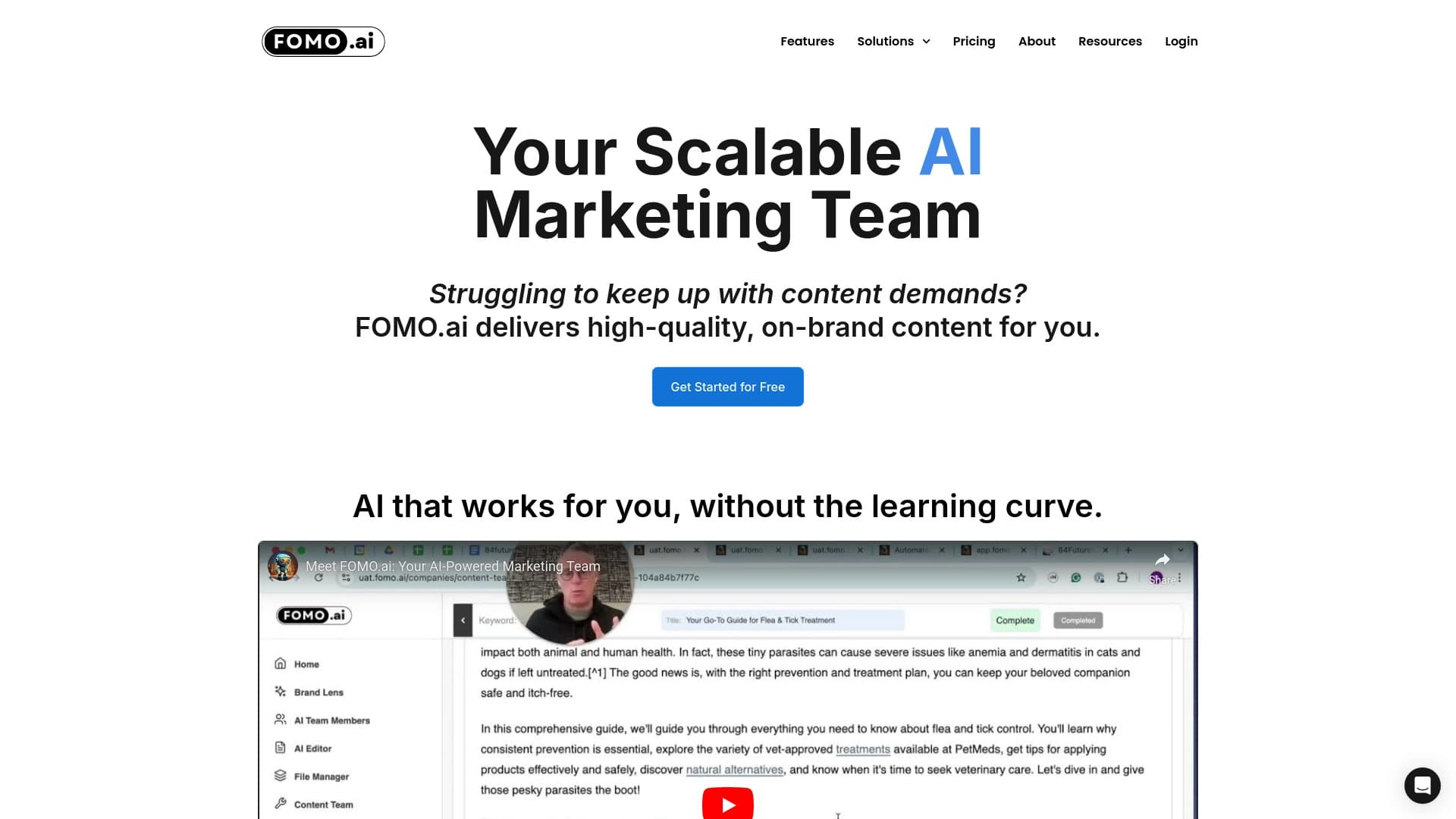

Платформа для увеличения органического трафика и создания контента с помощью ИИ и участия экспертов.

Онлайн-инструмент для замены лиц на фото, видео и GIF без регистрации и водяных знаков.

Платформа для создателей контента, объединяющая управление ссылками, email-маркетинг, онлайн-магазин и аналитику в одном визуальном редакторе без программирования.


Набор инструментов для генерации и редактирования видео с помощью ИИ, включая аватары, липсинк и клонирование голоса.


Сервис на базе ИИ для автоматического создания «безликих» коротких видео для TikTok, YouTube Shorts и других платформ.


Сервис для превращения статичных изображений в видео с пением и синхронизацией губ с помощью ИИ.

Мобильное приложение для обработки фото и создания стилизованных аватаров с помощью ИИ.