
AI Mockup Studio
Service for quickly creating mockups and design layouts from a text description.
Overview
AI Mockup Studio Neural Network Description
AI Mockup Studio is a service that automates the process of creating design mockups. Instead of manually assembling a presentation in a graphic editor, the user describes the desired result in text, and the neural network generates a ready-made mockup. This approach reduces routine work: a designer or marketer doesn't need to pick backgrounds, set perspective, or search for suitable backdrops for their work.
The service also supports working with your own files. You can upload a ready-made design, and the system will automatically place it in the selected template. This allows you to quickly create dozens of variations of a single product for client demonstrations, saving time and effort on technical details.
AI Mockup Studio Features
| Feature | Value |
|---|---|
| Type | Mockup generator |
| Categories | Text processing tools, Design assistants, Image and photo generators, Graphic design tools, Design generators |
| Platform | Website |
| Free plan | Yes |
| Monthly visits | 388.9K |
| Developer | AI Mockup Studio |
| Catalog publication date | September 10, 2025 |
Who is AI Mockup Studio suitable for?
Designers and developers
For professionals who need to quickly align a concept with a client, the tool helps create visual presentations without distracting from their main work. Instead of spending hours preparing demo material, you can get a ready-made mockup in seconds.
Marketers and product managers
Specialists working with contractors or internal teams often need to show how an idea will look in practice. AI Mockup Studio allows every participant in the process to visualize their proposals without needing to delve into the intricacies of working with layers and masks in Photoshop.
Entrepreneurs and freelancers
For those who independently handle negotiations with clients, the tool becomes an assistant in creating compelling proposals. A quick mockup helps convey the product's value and address potential objections as early as the project discussion stage.
How to use AI Mockup Studio?
Step-by-step mockup creation process
Working with the service requires no special training and fits into a few simple steps. First, open the website and choose a suitable template from the catalog. Then, describe in text what result you expect. After that, the system generates an image that you can download in high resolution.
Flexibility in customization and iterations
If the result isn't satisfactory, you can adjust your request and try again. The service allows you to upload your own designs to experiment with different presentation options for the same mockup. This provides freedom for creative exploration and quickly yields multiple alternatives to choose the best solution.
Key features of AI Mockup Studio
Generation from text description
The service's core capability is creating a mockup from a text prompt. The user specifies what needs to be depicted, and the neural network turns that description into a finished image.
Uploading your own design
Instead of generating from scratch, you can use a ready-made file. The system carefully inserts the uploaded design into the selected template, creating a realistic demonstration in the desired context.
Template library and export
The service offers a large collection of ready-made templates for various scenarios. Finished images can be exported in high resolution, making them suitable for commercial presentations and print materials, and unlimited generations are also available.
Advantages of AI Mockup Studio
Speed of work
Creating a mockup takes just a few seconds. This is critical when a project needs to be shown to a client on a tight deadline or when comparing several concepts before an important meeting.
Ease of learning
The tool requires no knowledge of complex graphic editors. The interface is intuitive, and the entire process is built around text prompts and buttons, so you can start working right after registration.
High-quality results
Generated images are sharp and detailed, suitable for professional presentations or print. The quality of the result directly depends on the detail of the prompt: the more precise the description, the more accurate and professional the final image will look.
Disadvantages of AI Mockup Studio
Dependence on prompt wording
The neural network doesn't always correctly interpret complex or ambiguous details in the description. Users need to learn to formulate their requests precisely and in detail; otherwise, the result may not meet expectations.
Template limitations
Ready-made mockups are based on existing templates, which can limit the uniqueness of the result. For exclusive projects requiring an original approach, additional manual refinement in a graphic editor may be needed.
What tasks does AI Mockup Studio solve?
Preparing presentation materials
The tool helps quickly prepare visual materials for client presentations, tenders, or internal pitches. A quality product image in a realistic setting makes the proposal more convincing and clear.
Visualizing ideas and concepts
The service allows you to "bring an idea to life" by showing how it will look in its finished form. This is useful during brainstorming when you need to quickly evaluate several options and choose a direction for further work.
Saving team resources
Automating routine mockup creation tasks prevents overloading designers with simple tasks and speeds up product time-to-market by reducing time spent on aligning details.
AI Mockup Studio Pricing
The service offers several pricing plans so that every user can choose the right option based on their needs.
Free plan
A basic plan for personal use with access to core features and limited generation capabilities. Suitable for getting familiar with the service and handling simple tasks.
Premium subscription
Expanded functionality and unlimited mockup creation. The plan includes high-resolution support. Available at a monthly subscription rate.
Professional plan
Includes all premium features, plus priority support and faster image generation. Available at a higher monthly subscription rate.
Terms of Use for AI Mockup Studio
The service is designed to be used through a web interface online. Users don't need to install any additional software on their devices. All data processing and image generation happens on the service's side. Access to features is granted after registration, after which users can use free or paid features depending on their chosen plan.
Availability of AI Mockup Studio
The service is accessible via a browser on various devices, including computers and mobile tablets. A stable internet connection is all that's required to get started. The platform is designed to be accessible to a broad international audience, making it convenient for users across different markets and eliminating the need for additional localization efforts.
How AI Mockup Studio differs from alternatives
Focus on mockups and presentations
Unlike universal image generators such as Midjourney or Kandinsky, which create arbitrary pictures, AI Mockup Studio specializes specifically in creating presentation mockups. This makes it a tool more precisely aimed at tasks involving showcasing design in a finished form.
Working with uploaded files
A key difference is the ability to upload your own design and automatically embed it into a template. This is a fundamentally different task that universal generators handle poorly or not at all. The service carves out its own niche by offering a ready-made solution for a specific business need.
Interface simplicity
AI Mockup Studio is geared toward quick results without complex settings. While advanced competitors may require prompt engineering skills or work with additional parameters, this service strives for maximum simplicity for non-specialists.
Conclusion
AI Mockup Studio is a practical online tool for anyone who needs to quickly produce a professional-looking mockup without deep design knowledge. It's suitable for creating presentations, testing ideas, and demonstrating work to clients. The tool has its strengths in speed and ease of use, as well as certain limitations related to dependence on the quality of the text description and the constraints of built-in templates. Nevertheless, for a wide range of marketing and design tasks, it's an effective solution.
Pricing
Frequently asked questions
See also

A community platform for discovering, publishing, and sharing open AI image generation models.

A neural network-powered cloud service for generating 3D models, textures, and animations from text descriptions or images.

Multifunctional AI platform for content creation, combining speech synthesis, text generation, avatar creation, and video editing.


AI-powered platform for generating, editing images, and creating advertising creatives.


AI-powered online platform for quickly creating text content, including blogs, articles, and social media posts.


Bleepify automatically detects and bleeps out profanity in video and audio.

Cloud platform for creating videos using AI avatars, synthesized speech, and automatic translation of clips into dozens of languages.
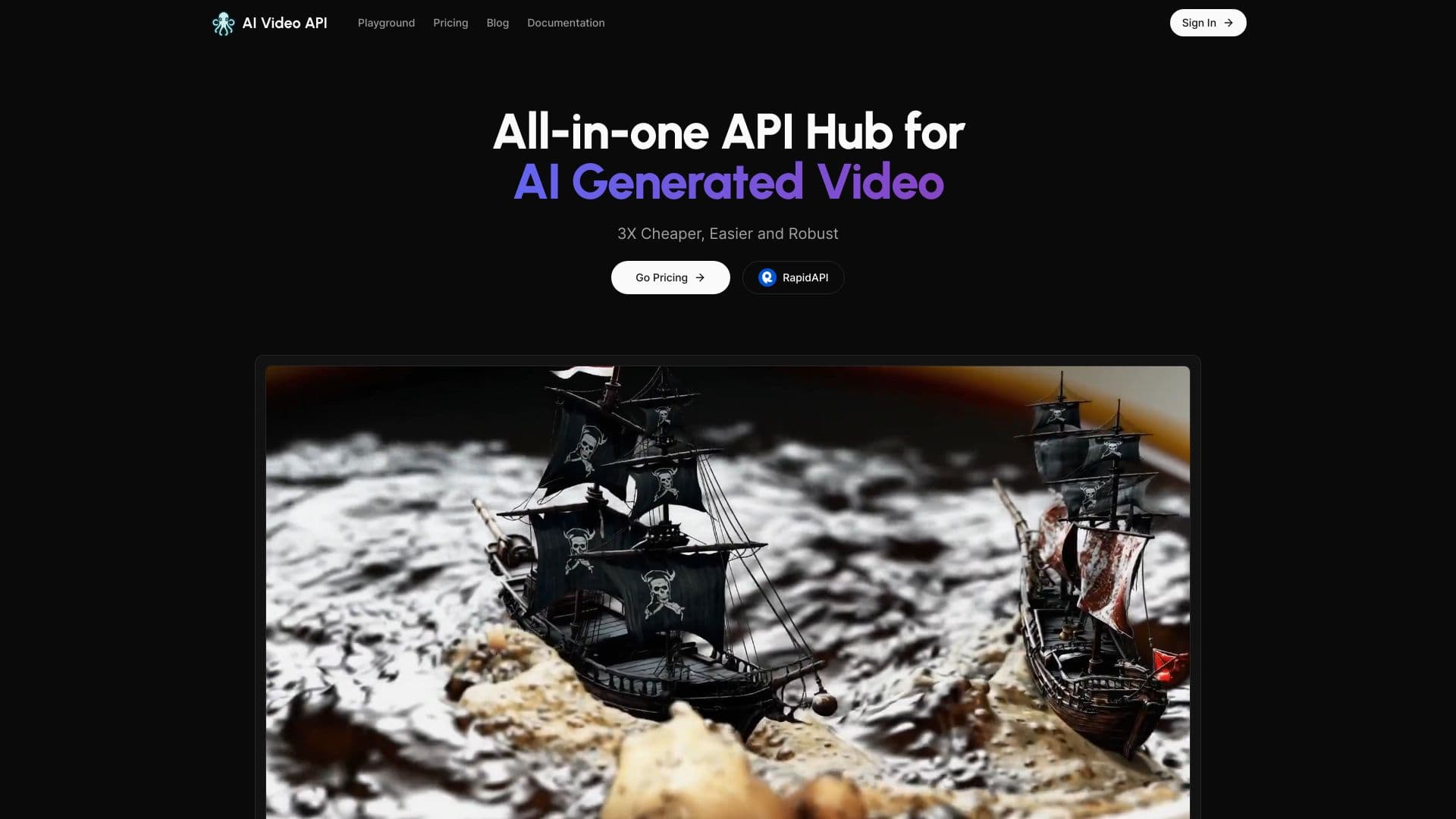

Service for generating short vertical videos using a neural network via API or mobile app.