

AI Meeting Tool
Платформа для автоматизации планирования встреч, сбора платежей и записи расшифровок с помощью ИИ.
Обзор
Описание нейросети AI Meeting Tool
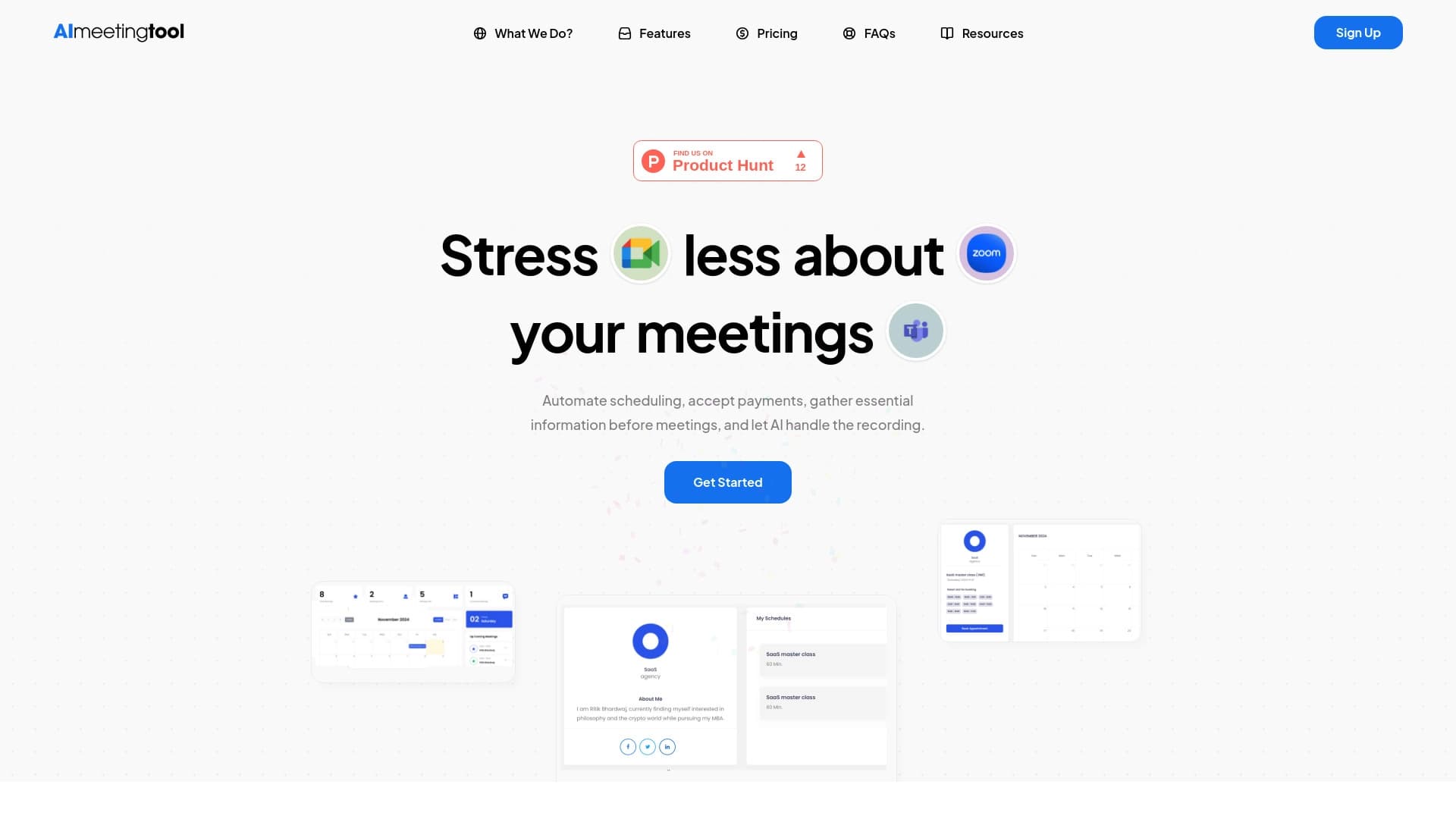
AI Meeting Tool — это комплексная платформа, созданная для автоматизации рутинных процессов, связанных с организацией и проведением онлайн-встреч. Сервис берёт на себя планирование созвонов, сбор оплат с участников и генерацию расшифровок переговоров с помощью искусственного интеллекта. Инструмент интегрируется с популярными календарями и видеоплатформами, что позволяет полностью или частично исключить ручную работу по координации участников.
Платформа анализирует ход обсуждений в реальном времени, помогает управлять задачами и автоматизирует административные операции. Это решение подходит как для индивидуальных специалистов, так и для команд, которые хотят оптимизировать коммуникацию и сократить временные затраты на организационные вопросы.
Характеристики AI Meeting Tool
| Характеристика | Значение |
|---|---|
| Тип | Платформа для управления встречами |
| Разработчик | AI Meeting Tool Labs |
| Категория | Инструменты для записи аудио и видео, расшифровки аудио, управления рабочими процессами, записи видео, автоматизации расписаний, повышения продуктивности, ведения встреч, создания опросов |
| Бесплатный тариф | Есть (с ограничениями) |
| Ежемесячные посещения | 388.9K |
Для кого подходит нейросеть AI Meeting Tool?
Фрилансеры и индивидуальные специалисты
Самозанятые профессионалы, которые регулярно проводят консультации, созвоны с клиентами или обучающие сессии, могут существенно упростить свою работу. Инструмент автоматически согласовывает время, напоминает о встречах и собирает оплату, избавляя от необходимости вести переписку по этим вопросам вручную.
Команды и небольшие компании
Рабочие группы, которые проводят регулярные совещания, получают инструмент для автоматической записи обсуждений и создания протоколов. ИИ берёт на себя фиксацию договорённостей и помогает распределять задачи по итогам встреч, что особенно полезно для распределённых команд.
Организаторы мероприятий и онлайн-курсов
Специалисты, которые регулярно организуют групповые созвоны, вебинары или платные консультации, могут использовать платформу для автоматизации сбора платежей и управления расписанием участников.
Как использовать нейросеть AI Meeting Tool?
Шаг 1. Регистрация и подключение календаря
Для начала работы необходимо создать аккаунт на платформе и подключить свой календарь (например, Google Calendar). Это позволит сервису автоматически проверять вашу доступность и предлагать участникам подходящие слоты для встреч.
Шаг 2. Настройка ссылок и автоматизаций
После подключения календаря нужно настроить ссылки для созвонов и определить параметры автоматизаций: какие напоминания отправлять участникам, как принимать платежи и какие интеграции с видеосервисами использовать.
Шаг 3. Использование в ходе встречи
Во время созвона ИИ автоматически записывает аудио и видео, делает заметки и предоставляет аналитику. Настройка автоматизаций может потребовать времени, особенно для пользователей без технического опыта, однако после настройки система работает практически без участия человека.
Основные функции AI Meeting Tool
Планирование и автоматизация
Ключевая возможность сервиса — автоматическое бронирование встреч. Платформа согласует время с учётом календарей всех участников, отправляет приглашения и автоматические напоминания, что исключает путаницу и забытые созвоны.
Работа с контентом встреч
Нейросеть записывает и расшифровывает аудио и видео с различных платформ, создаёт протоколы обсуждений и складывает их в удобную историю встреч. AI-помощник также формирует аналитические отчёты по итогам переговоров.
Монетизация и опросы
Встроенная система приёма платежей позволяет автоматически собирать оплату с участников встреч. Также доступен функционал создания опросов, что полезно для сбора обратной связи и голосований внутри команды.
Преимущества AI Meeting Tool
Экономия времени на организацию
Автоматизация бронирования, напоминаний и сбора платежей освобождает значительное количество времени, которое обычно тратится на координацию участников и административные задачи. Пользователям не нужно вручную сверять календари и вести переписку о переносах встреч.
Повышение продуктивности команды
Система автоматически собирает информацию, ускоряет процесс оплат и помогает распределять задачи по итогам обсуждений. Протоколы встреч создаются без участия человека, что снижает риск потери важных договорённостей.
Упрощение коммуникации
Сервис самостоятельно отправляет напоминания участникам, интегрируется с календарями и видеоплатформами, а также делает заметки по ходу обсуждения. Это упрощает взаимодействие как внутри команды, так и с внешними клиентами.
Недостатки AI Meeting Tool
Ограничения бесплатной версии
Бесплатный тариф даёт доступ к базовому функционалу, но часть ключевых возможностей, включая автоматическую запись встреч через ИИ, доступна только при оформлении платной подписки. Для полноценного использования платформы потребуется вкладывать средства.
Зависимость от интеграций
Работа сервиса во многом зависит от стабильности сторонних платформ — календарей и видеосервисов. Если какой-то из них даёт сбой, отдельные функции AI Meeting Tool могут работать некорректно или отключаться.
Сложность настройки
Конфигурация автоматизаций может оказаться непростой для пользователей без технической подготовки. Настройка системы иногда требует времени и обращения в службу поддержки, что создаёт дополнительный порог входа.
Какие задачи решает AI Meeting Tool
Организация встреч без путаницы
Платформа автоматически планирует созвоны через Zoom или Google Meet, учитывая доступность каждого участника. Это исключает двойное бронирование, пропущенные встречи и длительные переписки о выборе времени.
Автоматическое протоколирование совещаний
Планирование заметок на онлайн-совещаниях происходит полностью автоматически: ИИ записывает обсуждение, расшифровывает его и формирует структурированный протокол с ключевыми тезисами и договорённостями.
Автоматизация финансовых операций
Для платных консультаций и мероприятий сервис берёт на себя сбор платежей с участников. Пользователю не нужно выставлять счета вручную — система делает это автоматически, включая отправку напоминаний о неоплаченных встречах.
Согласование времени с несколькими участниками
Инструмент анализирует календари всех приглашённых и автоматически находит оптимальные слоты, которые устраивают всех. Это особенно актуально при работе с большим количеством людей с разными графиками.
Цены AI Meeting Tool
Сервис предлагает бесплатный тариф с ограниченным функционалом, которого достаточно для тестирования платформы и выполнения простых задач. Для получения полного доступа к возможностям, включая AI-помощника и автоматические счета, можно оформить тариф «Выгодный» стоимостью 149 рублей в месяц. Также существует тариф «Узнать цену» — за актуальной информацией о его стоимости и наполнении рекомендуется обращаться на официальный сайт сервиса.
Условия использования AI Meeting Tool
Для начала работы с платформой требуется пройти регистрацию и подключить свой календарь. Бесплатная версия подходит для ознакомления и решения простых задач, но доступ к некоторым функциям (например, к AI-помощнику встреч) возможен только после оформления платной подписки. Пользователям без технического опыта может потребоваться время на изучение настроек и возможностей сервиса.
Доступность AI Meeting Tool
Сервис доступен на официальном сайте aimeetingtool.com. Информация о языках интерфейса, региональной доступности и необходимости использования VPN на странице не указана. Данных о наличии мобильных приложений и десктопных клиентов также не предоставлено.
Чем отличается AI Meeting Tool от аналогов
Узкоспециализированная направленность
В отличие от универсальных AI-платформ широкого профиля (таких как Gemini, ChatGPT или DeepSeek), AI Meeting Tool сфокусирован на конкретной задаче — управлении встречами и автоматизации связанных с ними процессов. Это позволяет сервису предлагать более глубокие и проработанные механики именно для этой сферы.
Комплексный подход к организации встреч
Главное отличие от аналогичных решений — сочетание трёх ключевых функций в одном инструменте: автоматическое планирование, сбор платежей и запись расшифровок через нейросеть. Большинство конкурентов специализируются только на одном из этих направлений, в то время как AI Meeting Tool закрывает весь цикл организации созвона.
Встроенные механизмы монетизации
Возможность принимать платежи непосредственно через платформу выделяет сервис на фоне других инструментов для управления встречами. Фрилансеры и организаторы платных мероприятий получают готовое решение без необходимости подключать сторонние платёжные системы.
Заключение
AI Meeting Tool — это комплексная платформа для автоматизации встреч, которая помогает экономить время на рутинных организационных задачах, упрощает планирование и улучшает коммуникацию в команде. Сервис объединяет бронирование, сбор платежей и ИИ-расшифровки в одном интерфейсе, что делает его удобным решением для фрилансеров и компаний. При этом для доступа к полному функционалу требуется оформление платной подписки, а качество работы отдельных функций напрямую зависит от стабильности сторонних интеграций.
Тарифы
Часто задаваемые вопросы
Смотрите также


AI Slide Studio — это сервис на основе ИИ для быстрого создания настраиваемых презентаций по заданной теме.
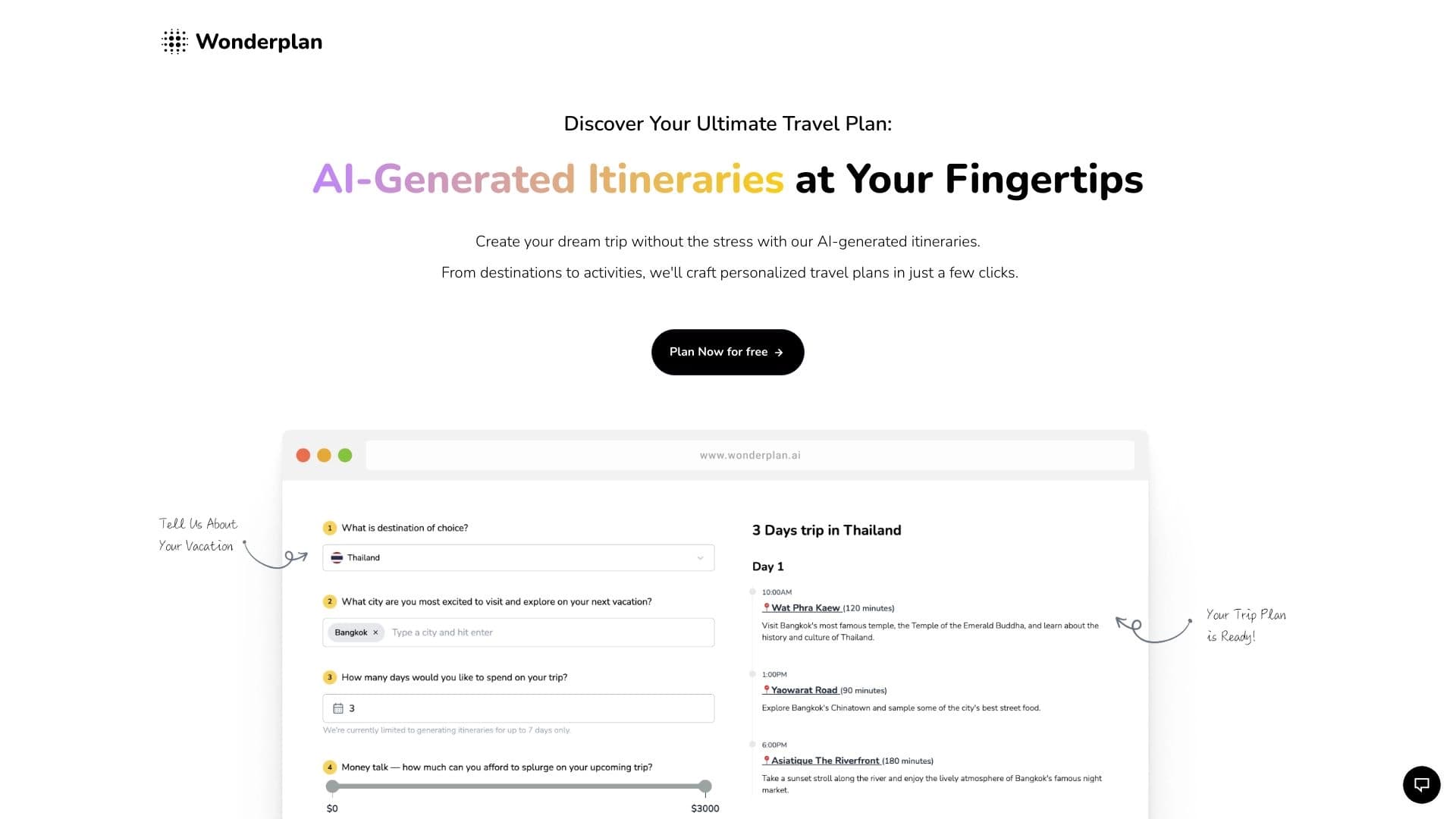

AI-ассистент для планирования путешествий, который создаёт детальные маршруты на основе предпочтений, бюджета и сроков поездки.


Инструмент для автоматизированного создания SEO-контента с исследованием ключевых слов и генерацией длинных текстов.


Платформа на основе искусственного интеллекта для генерации юридических документов, анализа контрактов и получения правовой информации.


Платформа для создания и общения с AI-персонажами, у каждого из которых свой характер и история.


AI-платформа для автоматизации видеоредактирования, включая замену лиц, перевод видео и создание аватаров.

AI-ассистент для бизнеса, который помогает управлять задачами и автоматизировать рутину через диалог.


Чат-бот на базе ИИ для автоматизации общения с клиентами и квалификации лидов.