
AI-Mask - Chrome Extension
Browser extension for running neural networks locally without sending data to the cloud.
Overview
AI-Mask - Chrome Extension Description
AI-Mask is a Chrome browser extension that lets you run neural networks directly on your computer. Instead of sending data to remote servers, the tool performs all computations locally, using your device's processing power. The extension supports several popular open-source models, including Llama2, Gemma, and Mistral, and works autonomously — no constant internet connection is required to process requests.
The core idea behind AI-Mask is to give users control over their data and eliminate dependence on cloud infrastructure. This is especially relevant for those who work with sensitive information, care about the privacy of their communications, or simply don't want to pay for cloud service subscriptions. The extension follows a freemium model: basic features are available for free, while extended functionality requires payment.
AI-Mask - Chrome Extension Features
| Feature | Value |
|---|---|
| Type | Browser extension |
| Category | Text processing tools |
| Platforms | Chrome |
| Developer | AI-Mask Tech |
| Free tier | Yes |
| Professional tier price | 999 RUB per month |
| Extended tier price | 1999 RUB per month |
| Supported models | Llama2, Gemma, Mistral |
| Monthly visits | 38.4K |
| Registration required | No |
| Internet dependency | No (for inference) |
Who is AI-Mask - Chrome Extension for?
AI-Mask is designed for three main categories of users whose needs converge in the desire for local AI without compromises.
Privacy-conscious users
People who work with confidential documents, personal correspondence, or corporate data cannot afford to send information to third-party servers. AI-Mask guarantees that all processes run strictly on the device, meaning there is no risk of data interception or leakage over the network.
Those looking to save on cloud subscriptions
Monthly fees for access to popular neural networks can add up to a significant amount. Running models locally allows you to set up your environment once and use AI without recurring payments per request or token. This is especially relevant for freelancers, students, and small teams.
Users with unstable internet
Travelers, residents of remote regions, or people who frequently work offline face the problem of cloud-based neural networks being unavailable. AI-Mask works autonomously — once the extension is installed and the model is downloaded, internet access is no longer needed for inference.
How to use AI-Mask - Chrome Extension?
Getting started with the extension is extremely simple and requires no special technical knowledge.
Installation from the Chrome Web Store
The first step is to go to the Chrome Web Store, find the AI-Mask extension by name, and click the "Install" button. The browser will automatically add the extension, and the icon will appear in the toolbar. No registration or account creation is required.
Running models on your device
After installation, the extension interface opens, where you can select one of the available models — Llama2, Gemma, or Mistral. The system downloads the model to your computer, and from that point on, you can send requests directly from the browser. Data processing happens locally, so responses are generated without contacting external servers.
Key features of AI-Mask - Chrome Extension
The extension provides a set of core capabilities that enable local work with neural networks.
Local neural network execution
AI-Mask supports running three open-source models — Llama2, Gemma, and Mistral — directly on the user's computer. This allows you to perform text generation, summarization, or data analysis tasks without relying on cloud platforms.
Private data processing
All computations happen exclusively on the user's device. Texts, prompts, and model outputs never leave the computer, eliminating the possibility of interception or use by third parties.
Work without a constant internet connection
After installing the extension and downloading the model, an internet connection is no longer required to perform tasks. Users can work with AI in offline mode, making the tool reliable in any conditions.
Advantages of AI-Mask - Chrome Extension
The local approach to running neural networks has several undeniable benefits that are important to consider when choosing a tool.
Full autonomy
The lack of need for an internet connection is a key advantage. You are not dependent on network quality, developer server availability, or global cloud provider outages. AI is always at hand, even in offline mode.
Data control
As long as data never leaves your device, it remains under your full control. No leaks during transmission, no storage of prompts on third-party servers. This is especially valuable for professional work and handling sensitive information.
Free basic access
The extension offers a free tier with full functionality — no hidden fees, subscriptions, or limits on the number of requests. All three models are available immediately after installation, allowing you to start working without any investment.
Drawbacks of AI-Mask - Chrome Extension
Despite all the benefits of the local approach, it's worth honestly assessing the limitations users will encounter.
Hardware requirements
Comfortable work with models like Llama2 or Mistral requires a powerful computer. On weaker devices, noticeable delays and lag may occur, especially when working with large contexts or extensive requests. The more powerful the processor and the more RAM available, the faster the generation speed.
Limited set of available models
Currently, the extension supports only three models: Llama2, Gemma, and Mistral. If you need specialized architectures or newer versions of neural networks, you'll have to either wait for updates from the developers or use other tools in parallel.
Manual updates
Unlike cloud services that update automatically, here users must track new versions of the extension and models themselves and install them manually. This adds extra maintenance and requires attentiveness.
What tasks does AI-Mask - Chrome Extension solve?
AI-Mask helps solve three key challenges faced by users working with modern neural networks.
Running AI models locally without cloud servers
The main purpose of the extension is to enable neural network inference on your own hardware. This provides independence from cloud providers and their pricing policies.
Ensuring privacy when working with neural networks
Local data processing guarantees that your texts and prompts are not stored, analyzed, or transmitted to third parties. This is critical for maintaining confidentiality in professional and personal activities.
Saving on cloud subscriptions and traffic
Using local models eliminates monthly payments for cloud services and costs for internet traffic. After installing the extension and downloading the models, the cost of ownership approaches zero on the free tier.
AI-Mask - Chrome Extension Pricing
The freemium distribution model includes both a free tier and paid tiers with extended capabilities.
Free tier
The basic tier requires no payment and includes the full functionality of the extension: running all three models (Llama2, Gemma, Mistral) locally, private data processing, and offline work. No hidden fees or subscriptions — all core features are available immediately.
Professional and extended tiers
For those who need more capabilities, two paid levels are offered: the professional tier and the extended tier. Paid subscriptions include support for an expanded set of models and priority access to updates. Which specific additional models are included in the paid tiers is not specified in public sources.
Terms of use for AI-Mask - Chrome Extension
AI-Mask is designed to minimize the entry barrier for new users.
Simple installation without registration
No account creation, email verification, or registration process is required to get started. Simply install the extension from the Chrome Web Store — and the tool is ready to use. This approach saves time and removes barriers when first trying the product.
Transparent terms of use
Users get access to all advertised features of the free tier without limits on the number of requests or hidden conditions. Upgrading to paid tiers requires a subscription, but the basic functionality remains fully available without payment.
Availability of AI-Mask - Chrome Extension
Platform availability
AI-Mask is available exclusively as a Google Chrome browser extension. Support for other browsers is not stated in public sources. The tool works on desktop computers and laptops running operating systems that support Chrome.
Language support
The official description of the extension is written in Russian, suggesting Russian interface support for Russian-speaking users. However, information about the full list of supported languages is unavailable. The tool is in demand — monthly traffic is approximately 38.4 thousand visits.
How AI-Mask - Chrome Extension differs from alternatives
The main difference between AI-Mask and most competitors lies in the very architecture of working with neural networks.
Local processing instead of cloud computing
While most AI tools (including popular chatbots and text generation services) send requests to powerful cloud clusters, AI-Mask performs all computations on the user's device. This provides several significant advantages: minimal latency, no fees for traffic or machine time, and zero risk of data leakage during network transmission.
Independence from internet infrastructure
Offline mode is another important distinction. Most AI services completely stop working when the connection drops, whereas AI-Mask continues to function. Users can access the neural network under any conditions without relying on network stability.
Pricing policy
Many alternatives operate on a subscription model with monthly per-request fees or fixed recurring charges. AI-Mask offers a free tier with full basic functionality, making local neural networks accessible to a wide audience without financial investment.
Conclusion
AI-Mask is a free, easy-to-install Chrome extension that lets you run AI models (Llama2, Gemma, Mistral) locally on your device. It provides privacy, full autonomy from the internet, and savings on cloud subscriptions. Key limitations include demanding hardware requirements, a limited set of supported models, and the need to manually install updates. If your computer meets the requirements and data confidentiality is a priority, AI-Mask will be a reliable tool for working with neural networks without cloud dependence.
Frequently asked questions
See also


Platform for developing, monitoring, and evaluating AI applications based on large language models.
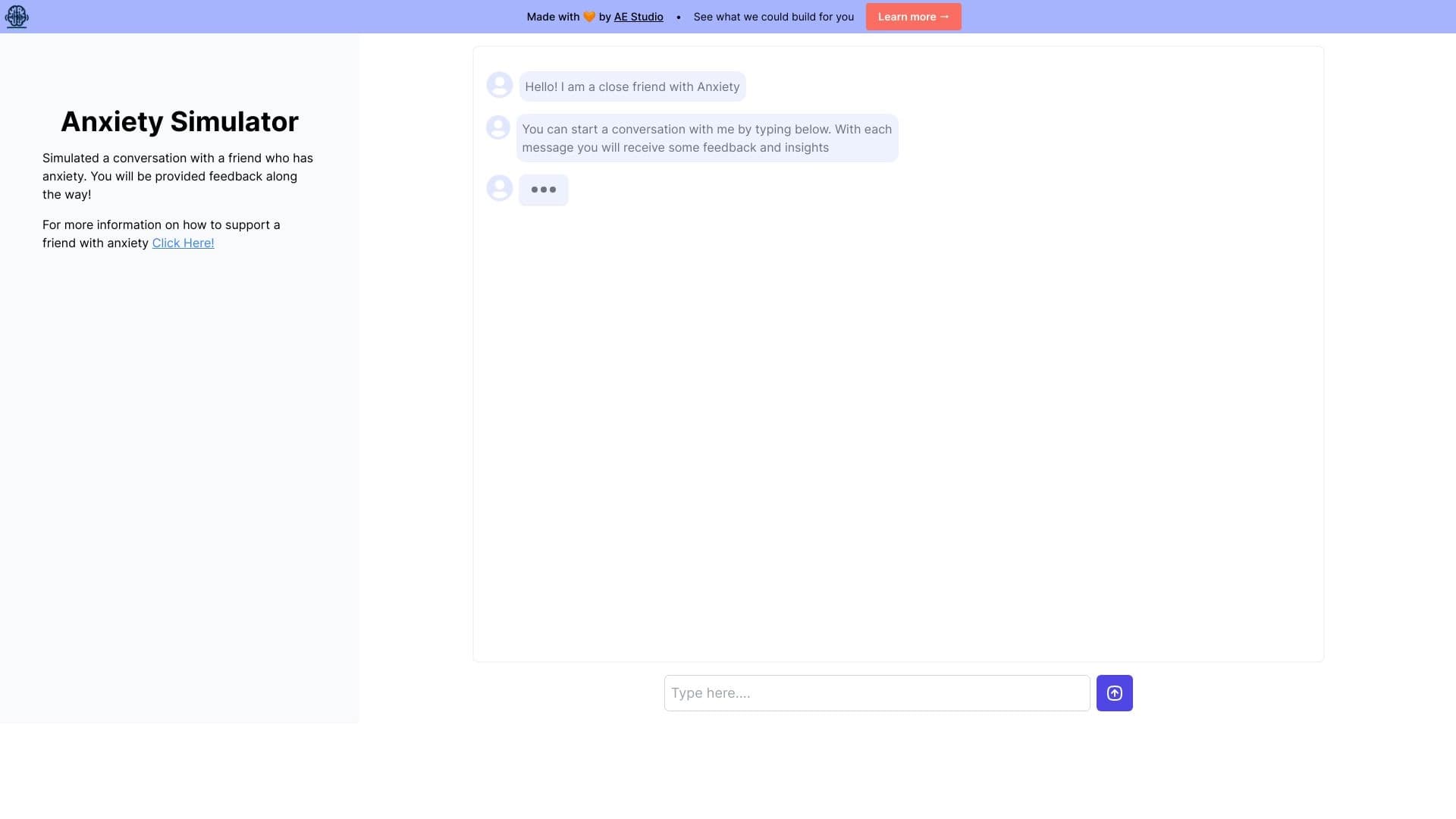
Web simulator for practicing supportive communication with a person experiencing anxiety.


A neural network for generating short videos from text descriptions or images.


A tool for generating 3D models based on text descriptions, images, or sketches.

AI agent for automating routine browser actions, such as filling out forms and collecting data.

AI tool for automated code review that analyzes changes in real time and suggests fixes.


A platform for creating and interacting with AI characters, each with their own personality and story.


Open neural network for solving complex problems in mathematics, programming, and logic.