

AI Line Art
Генератор линейных рисунков из текста или фотографий.
Обзор
Описание нейросети AI Line Art
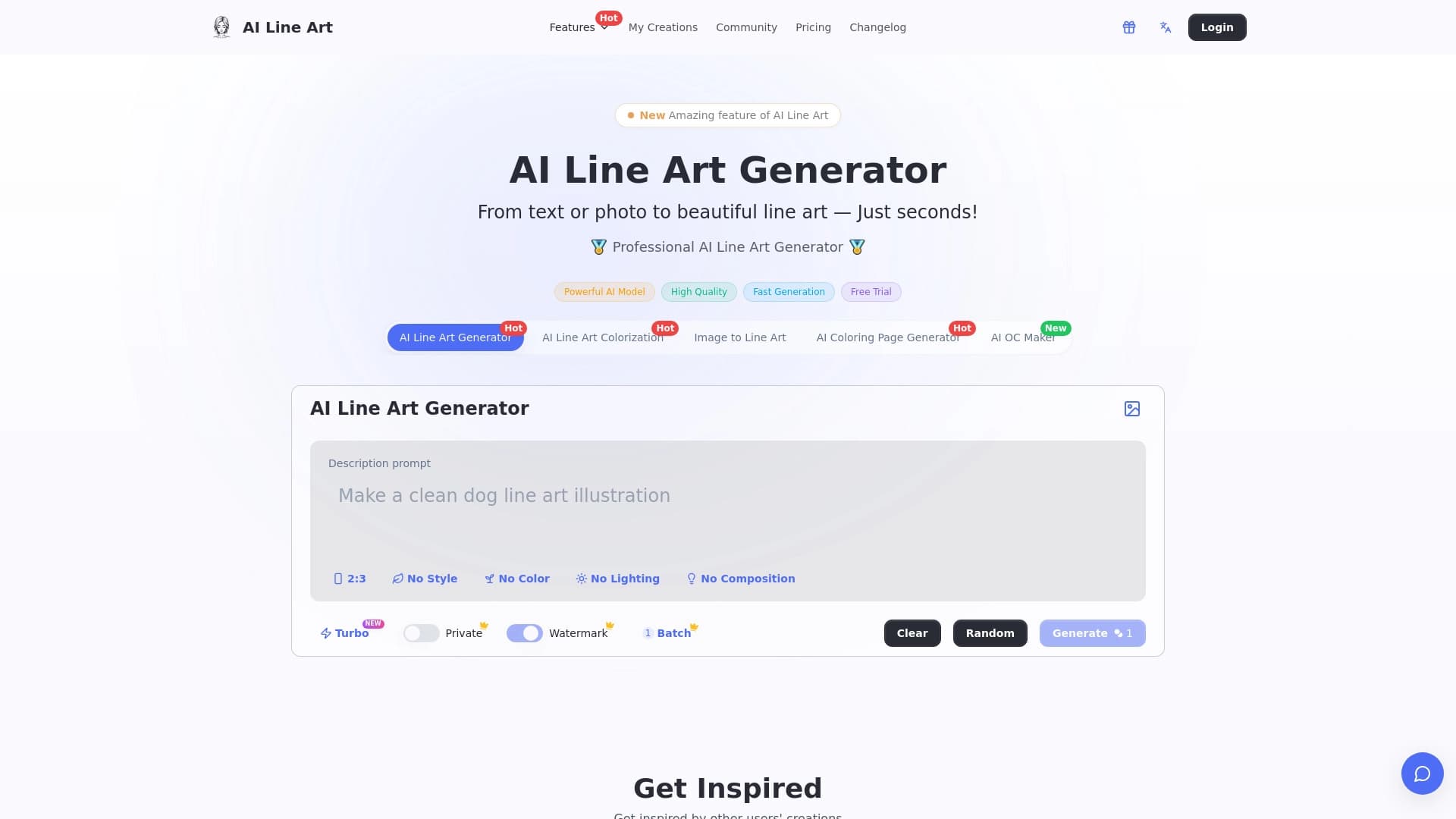
AI Line Art — это специализированный генератор, который создает линейные рисунки (line art) на основе текстового описания или загруженной фотографии. Главная задача инструмента — автоматизировать создание черно-белых контурных изображений, которые обычно требуют ручной работы художника-иллюстратора. Вместо многочасового рисования линий нейросеть выполняет эту работу за несколько секунд, выдавая готовый стилизованный графический результат.
Инструмент ориентирован на быстрый результат: пользователю достаточно дать текстовый запрос (промпт) или выбрать фото, и система преобразует его в чистый контурный рисунок. Такой подход позволяет использовать нейросеть как для создания оригинальных иллюстраций «с нуля», так и для переработки существующих изображений в минималистичный черно-белый стиль.
Характеристики AI Line Art
| Характеристика | Значение |
|---|---|
| Тип инструмента | AI-генератор изображений |
| Основное назначение | Создание линейных рисунков из текста или фото |
| Входные данные | Текстовый промпт или фотография |
| Выходные данные | Черно-белый контурный рисунок |
| Стиль генерируемых работ | Линейный арт, наброски, контурная графика |
| Модель распространения | Не указана (unknown) |
Для кого подходит нейросеть AI Line Art?
Иллюстраторы и графические дизайнеры
Профессионалы, работающие с книжной графикой, упаковкой или веб-дизайном, могут применять AI Line Art для быстрой генерации черновых контуров. Такие наброски помогают визуализировать идею до этапа финальной прорисовки вручную.
Блогеры и авторы контента
Создатели статей, постов в соцсетях или видео могут использовать линейные арты как декоративные элементы, схемы или простые иллюстрации. Инструмент позволяет получать оригинальные графические вставки без обращения к стоковым изображениям.
Маркетологи и владельцы малого бизнеса
Для оформления рекламных материалов, листовок или минималистичных логотипов не требуется глубоких навыков рисования — достаточно сформулировать запрос или загрузить референс. Это удешевляет производство графики в небольших проектах.
Как использовать нейросеть AI Line Art?
Генерация из текстового описания
Пользователь вводит описание желаемого объекта или сцены (например, «кот сидит на подоконнике, вид сбоку») и получает черно-белый контурный рисунок. Система интерпретирует промпт и выстраивает композицию линиями, без цветовой заливки и теней.
Обработка фотографии
Вместо текста можно загрузить готовое изображение. Нейросеть определяет ключевые контуры объектов на фото и преобразует их в линейный стиль, убирая цвет, текстуры и градиенты. Пользователь получает стилизованную версию снимка с акцентом на границы форм.
Основные функции AI Line Art
Быстрая генерация контуров
Ключевая функция — автоматическое построение линии рисунка. Пользователю не нужно настраивать сложные параметры или разбираться в тонкостях векторной графики — нейросеть делает это сама.
Поддержка двух режимов ввода
Инструмент принимает два типа запросов: текст и изображение. Это позволяет как создавать арты по воображению, так и адаптировать существующий визуал под новый стиль.
Стилизация под линейную графику
Результатом работы всегда является черно-белое контурное изображение, лишенное цвета и полутонов. Это делает работы пригодными для печати, гравировки или дальнейшей доработки в графических редакторах.
Преимущества AI Line Art
- Экономия времени: процесс рисования линий, который вручную мог бы занять часы, сжимается до нескольких секунд.
- Единый стиль: все выходные изображения выдержаны в одной контурной эстетике, что полезно для поддержания визуальной целостности проекта.
- Низкий порог входа: для работы достаточно написать текст или загрузить фото, специальные навыки рисования не требуются.
- Автоматизация рутины: подходит для массовой генерации набросков, когда требуется быстро получить несколько вариантов линейных решений.
Недостатки AI Line Art
- Неизвестная модель распространения: в открытых источниках нет информации о том, является ли инструмент полностью бесплатным, условно-бесплатным или платным, что затрудняет планирование бюджета для частых использований.
- Ограниченный стиль: инструмент генерирует только линейные черно-белые работы, не поддерживая цвет, заливку или сложные текстуры.
- Возможная потеря деталей: при преобразовании сложных фотографий с мелкими элементами часть информации может быть упрощена или потеряна, что потребует ручной доработки.
Какие задачи решает AI Line Art
- Создание черновых иллюстраций для статей, блогов и презентаций.
- Быстрая визуализация идей для дизайнеров и художников перед финальной отрисовкой.
- Подготовка контурных схем и диаграмм без использования графического редактора.
- Преобразование фотографий в стиль скетча для печатной продукции или мерча.
- Генерация декоративных элементов для веб-сайтов, открыток и приглашений.
Цены AI Line Art
В доступных источниках конкретные тарифы и ценовые планы не раскрыты. Дополнительно не указан даже тип монетизации (бесплатный доступ, пробный период, подписка или разовая оплата). Для получения актуальной информации о стоимости пользователю следует обратиться непосредственно к разработчикам сервиса или к официальным страницам проекта.
Условия использования AI Line Art
Подробные условия использования, включая политику конфиденциальности, правила коммерческого использования сгенерированных изображений и ограничения по авторским правам, в открытых источниках не описаны. Исходя из общей практики подобных генераторов, можно ожидать наличие стандартного набора правил: запрет на создание противоправного контента и возможные ограничения на использование результатов в коммерческих проектах. Однако точные формулировки следует уточнять на официальном ресурсе сервиса.
Доступность AI Line Art
Сервис представлен как онлайн-генератор, что предполагает работу через веб-браузер без необходимости установки дополнительного программного обеспечения. Однако точный перечень поддерживаемых устройств, наличие мобильных приложений или API-доступа не упоминается. Как и в случае с ценами и условиями, деталями о географической доступности и системных требованиях разработчики не делятся в открытых описаниях.
Чем отличается AI Line Art от аналогов
В отличие от универсальных нейросетей для генерации изображений (например, Midjourney или DALL-E), которые работают в широком спектре стилей и техник, AI Line Art узкоспециализирован. Его задача — создать только черно-белое контурное изображение, исключив цвет и хроматические характеристики. Это дает несколько отличий:
- Предсказуемый результат: пользователь точно знает, что получит на выходе (линейный арт), тогда как универсальные генераторы могут выдавать самые разные стили.
- Простота использования: не нужно настраивать сложные параметры стилизации — фильтр применяется автоматически.
- Фокус на векторную чистоту: контуры получаются более четкими по сравнению с растровыми изображениями других генераторов, что удобно для последующего масштабирования.
При этом инструмент проигрывает универсальным нейросетям в гибкости: невозможно получить акварельную текстуру, 3D-рендер или фотореалистичную сцену.
Заключение
AI Line Art — это узконаправленный инструмент для автоматической генерации черно-белых контурных рисунков из текстовых описаний или фотографий. Его основная ценность — в скорости и простоте получения стилизованных набросков, которые можно использовать в иллюстрациях, макетах или декоративных целях. Учитывая, что многие детали сервиса (модель распространения, тарифы, условия лицензирования) остаются нераскрытыми, перед активным использованием рекомендуется связаться с командой проекта или посетить официальный сайт для получения полной информации о возможностях и ограничениях.
Часто задаваемые вопросы
Смотрите также


Браузер со встроенными ИИ-инструментами для общения с нейросетями, генерации текстов и изображений, перевода и суммаризации страниц.

Платформа для генерации изображений, видео и аудио с помощью искусственного интеллекта по текстовым описаниям.

Платформа на базе искусственного интеллекта для генерации и улучшения изображений, видео и логотипов в реальном времени.
Онлайн-сервис для генерации логотипов с помощью нейросетей.

Набор мультимедийных AI-инструментов для редактирования и улучшения фото, видео и PDF-документов.

Веб-сервис для генерации изображений по текстовым запросам и преобразования фото и видео в художественные арты.
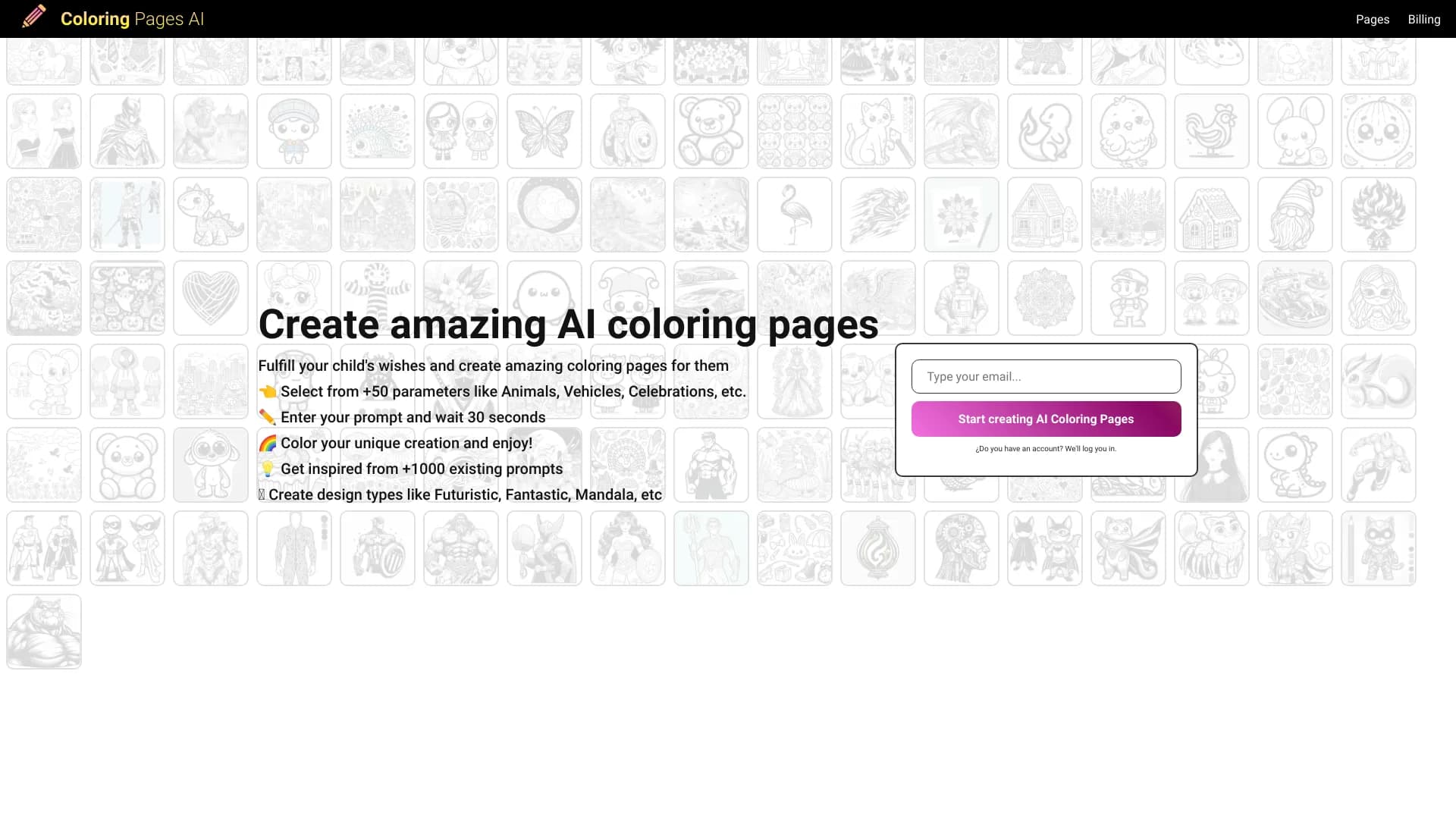

Генератор раскрасок, создающий контурные рисунки из фотографий или текстовых описаний.
Веб-сервис для генерации креативных изображений с помощью искусственного интеллекта.