
AI Development Assistant - Chrome Extension
Browser extension that adds an AI assistant for developers right into Chrome, helping with code and calculations.
Overview
AI Development Assistant - Chrome Extension is a browser extension that embeds artificial intelligence directly into a developer's everyday workflow. Instead of switching between windows and seeking help elsewhere, you get an AI assistant right inside Google Chrome. The tool is designed to speed up routine operations: writing code, finding suggestions, performing quick calculations, and automating standard processes.
The solution is especially valuable because it doesn't pull you out of your working context. All functionality is available in the browser — right where you already work. The extension supports multiple interface languages, making it convenient for international teams and individual developers from different countries. The developer promises regular updates based on user feedback, allowing the tool to adapt to the real needs of its audience.
Unlike bulky development environments with built-in AI assistants, this extension offers light and fast integration into your existing workflow. You install it in Chrome, and the assistant becomes part of your workspace, ready to help at any moment.
AI Development Assistant - Chrome Extension Features
| Feature | Value |
|---|---|
| Type | Chrome Extension |
| Category | Miscellaneous |
| Developer | AI Development Solutions |
| Monthly visits | 388.9K |
| Free tier | Yes (basic feature set) |
| Pro price | 799 RUB/month |
| Enterprise price | 2999 RUB/month |
| Interface languages | Multilingual support |
| Availability | Chrome Web Store |
Who is AI Development Assistant - Chrome Extension for?
Individual software developers
The tool is designed for programmers who want to speed up their workflow. If you regularly deal with routine tasks — from writing boilerplate code to performing calculations — the extension helps reduce time spent on these operations. The AI assistant is available at any moment without requiring context switching.
Remote development teams
For distributed teams, the extension becomes a useful connecting link. Thanks to multilingual support, team members from different countries can use the tool without language barriers. Sharing ideas, tips, and code becomes easier, and collaboration becomes more streamlined.
Developers who value simplicity and speed
The tool suits those who don't want to complicate their tech stack. One-click installation, an intuitive interface, and no need to configure complex settings — this is an out-of-the-box solution that starts working immediately after installation.
How to use AI Development Assistant - Chrome Extension?
Installation and getting started
The first step is to install the extension via the Chrome Web Store. Go to the extension's page and click the "Install" button. Once added to the browser, the tool is ready to use.
Choosing the needed function
The extension's interface is intuitive: you land in the main menu where all key functions are available. Depending on your current task, you select the relevant section — for example, code assistance mode or calculation mode. The AI connects at any stage of development and requires no preliminary setup for a specific project.
Integrating into daily work
You can use the assistant both at the start of your work, when you need to quickly scaffold an application, and at the end — for debugging and validating solutions. Simply reach out to the extension to get a hint or perform a calculation without leaving your workspace.
Core features of AI Development Assistant - Chrome Extension
Help with writing and debugging code
The AI generates code snippets on demand and assists with syntax and logic. You get ready-made solutions for typical tasks, as well as hints that make development easier. Debugging becomes faster since the AI suggests error fixes.
Quick calculations in the browser
The calculation feature works right inside the extension. You perform necessary computations without leaving the browser or switching to external calculators or apps. This is convenient when you need calculations during development and don't want to lose context.
Multilingual support and hints
The extension's interface supports multiple languages, making it accessible to developers worldwide. Code hints are also available in different programming languages, allowing you to use the tool regardless of your tech stack.
Delegating routine tasks
The extension takes over part of the routine operations that previously required manual work. You can hand off templated and repetitive actions to the AI, freeing up time for more complex and interesting tasks.
Advantages of AI Development Assistant - Chrome Extension
Faster projects and higher quality
The extension's main advantage is its ability to accelerate development. The AI handles routine and repetitive operations, allowing you to complete projects faster. The hints and calculations it offers help you make more accurate decisions, which positively impacts code quality.
International applicability
Working in multiple languages is a significant advantage for teams spread across different countries. Each team member can use the interface in their native language, maintaining comfort and speed. This removes language barriers that often slow down collaborative projects.
Simplified teamwork
The extension helps teams work more cohesively. Users share ideas and tips faster, and the tool itself contributes to more effective problem-solving. Communication between team members and the AI becomes a natural part of the workflow, allowing workload distribution and faster overall progress.
Drawbacks of AI Development Assistant - Chrome Extension
Dependence on input quality
Like any AI tool, the extension's output quality directly depends on the quality of the input data. If the data is incomplete, inaccurate, or contains errors, the responses may be incorrect. Developers will need to double-check the results produced by the AI.
Limited in creative solutions
The AI assistant is not designed for unconventional or creative tasks. It handles routine and templated operations well but cannot offer truly original solutions. For tasks requiring an innovative approach, a human is still needed.
Requires constant oversight
The AI does not work autonomously — its results need monitoring. Errors or suboptimal solutions may occur that only an experienced developer can spot. This means the tool does not relieve you of responsibility for the final result and requires built-in verification in your workflow.
What tasks does AI Development Assistant - Chrome Extension solve?
Automating routine programmer tasks
The extension automates repetitive operations that consume a significant portion of working time. Whether it's generating templated structures or standard code manipulations, the AI handles them quickly and without errors, freeing you for more strategic work.
Performing quick calculations
No need to switch to a calculator or console for simple computations. The built-in calculation feature lets you perform mathematical operations right in the middle of development, saving time and avoiding concentration breaks.
Getting code hints
When you hit a roadblock, the extension offers hints and code snippets. This helps you find solutions faster and keep moving without interrupting your workflow.
Facilitating human-AI communication
Beyond technical functions, the extension simplifies the very process of interacting with the AI. A clear interface and built-in usage scenarios let you naturally "talk" to the AI without extra effort in phrasing your requests.
AI Development Assistant - Chrome Extension pricing
Free tier
The developers offer a free tier with access to basic features. It includes the extension's core capabilities — code assistance and simple calculations — enough to get familiar with the tool and handle small tasks.
Professional tier (Pro)
The professional tier costs 799 RUB per month. This plan expands functionality and adds tools designed for development teams. It suits those who need more capabilities for collaboration and solving complex tasks.
Enterprise tier
For large organizations, there is an enterprise tier at 2999 RUB per month. It includes additional features, extended integrations, and is suitable for large-scale projects that require maximum functionality and company-wide support.
Terms of use for AI Development Assistant - Chrome Extension
To use the extension, installation from the Chrome Web Store is required. Users must have an up-to-date version of the Google Chrome browser. Exact registration terms, account requirements, and possible restrictions are not specified on the tool's official page. Since this information is unavailable, it is recommended to contact the developer for full details before starting to use the tool.
Availability of AI Development Assistant - Chrome Extension
The extension is available for installation via the Chrome Web Store and works in the Google Chrome browser. The interface is translated into several languages, providing multilingual user support. No information has been published about regional restrictions, VPN requirements, or unavailability in certain countries. In practice, this means the tool is aimed at a global audience, but to be fully certain, it's worth checking the latest information on the extension's page in the Chrome Store.
How AI Development Assistant - Chrome Extension differs from alternatives
No explicit comparison with competitors is provided on the extension's official page. It's worth noting that the main difference of AI Development Assistant is its focus on a browser-based workflow. The tool doesn't require installing heavy software or deep IDE integration; instead, it offers a light and fast "here and now" solution. Built-in multilingual support sets it apart from many tools that are English-only. Also worth noting is the flexible pricing structure with a free tier, making the extension accessible to a wide range of users.
Conclusion
AI Development Assistant - Chrome Extension is a practical solution for developers and teams who want to embed an AI assistant into their daily workflow. The extension handles routine tasks, calculations, and code hints well, saving time and boosting productivity. A multilingual interface and multiple pricing tiers, including a free one, make it attractive to an international audience. However, it's important to remember that the tool doesn't replace an experienced specialist: AI results require oversight, and the extension isn't suited for unconventional or creative tasks. A balanced approach to using the tool's capabilities will help you get the most out of it.
Frequently asked questions
See also
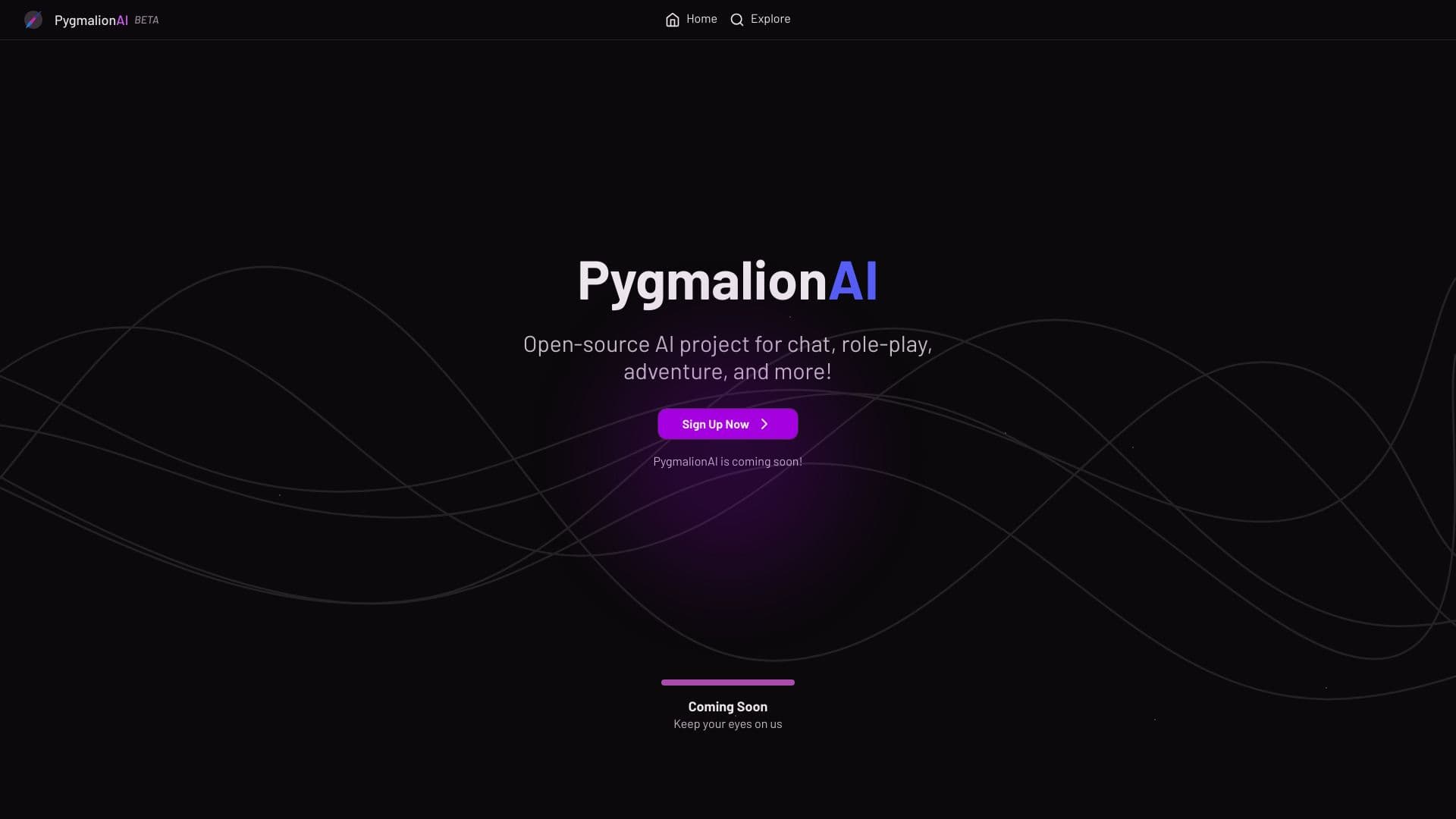

Open. platform for creating and interacting with AI characters in role-playing roles play-chat uncensored.
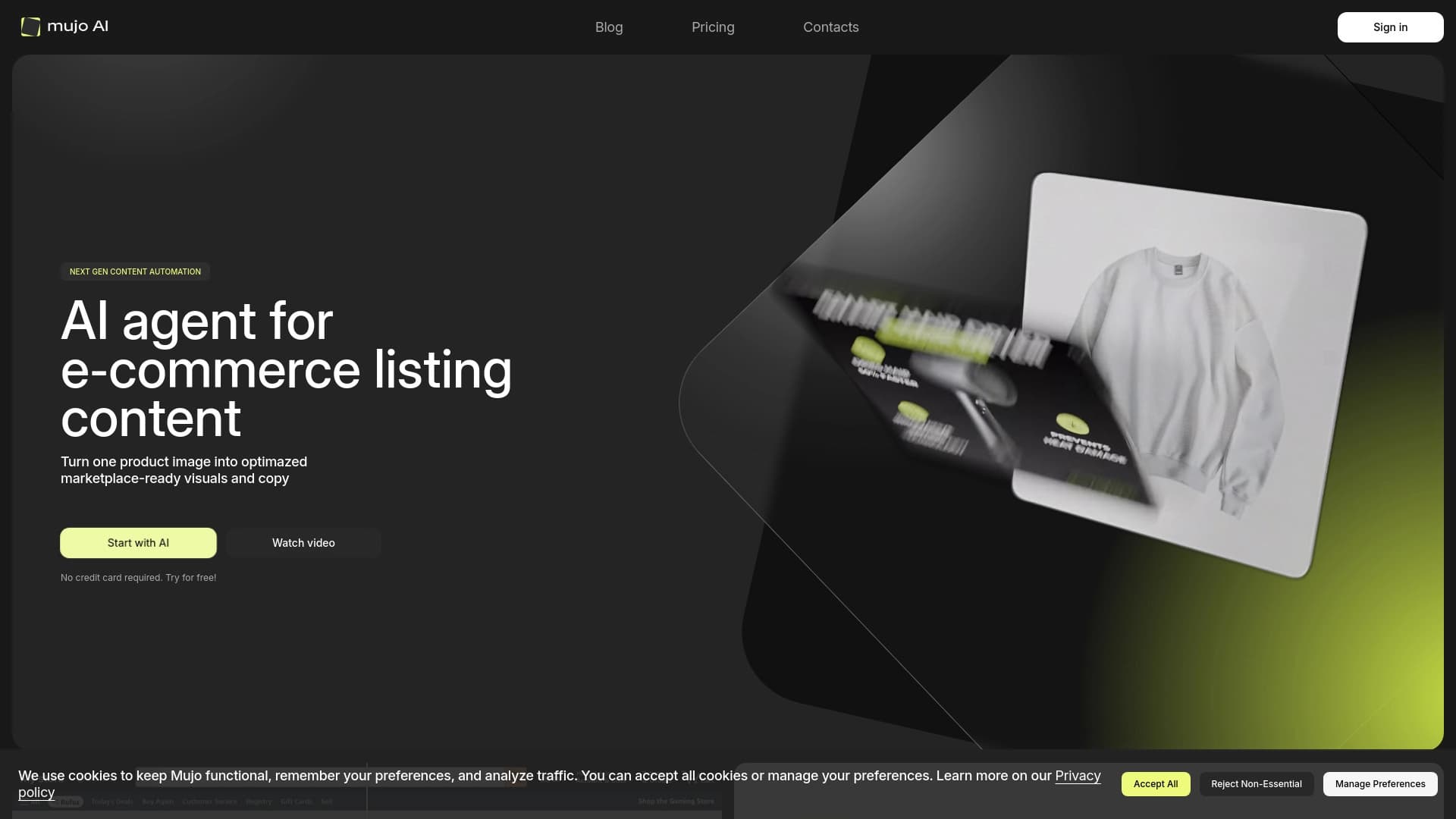

Automates content creation for product cards in online stores and marketplaces.

Browser extension for generating images via CloudflareAI from the context menu.
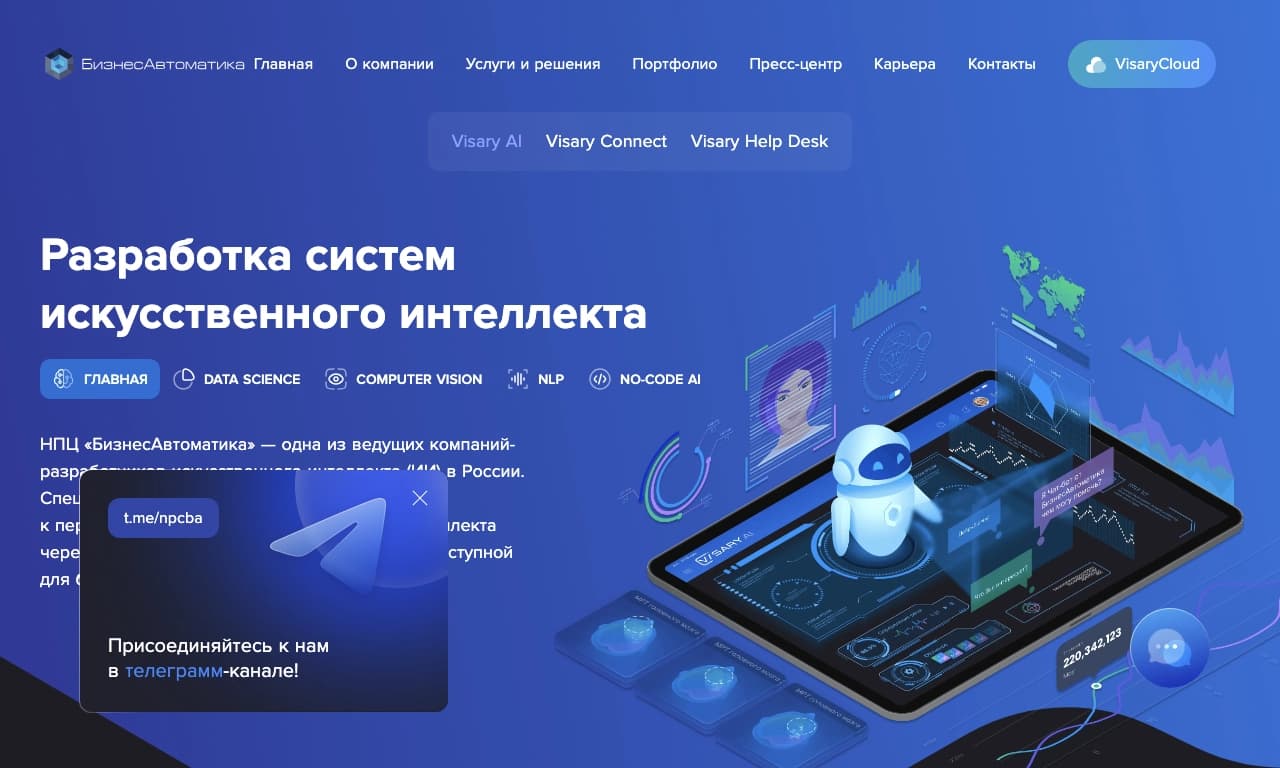

No-code platform for creating and configuring neural networks without writing code.

A presentation creation service that uses multiple AI agents for information gathering, design, and data analysis.
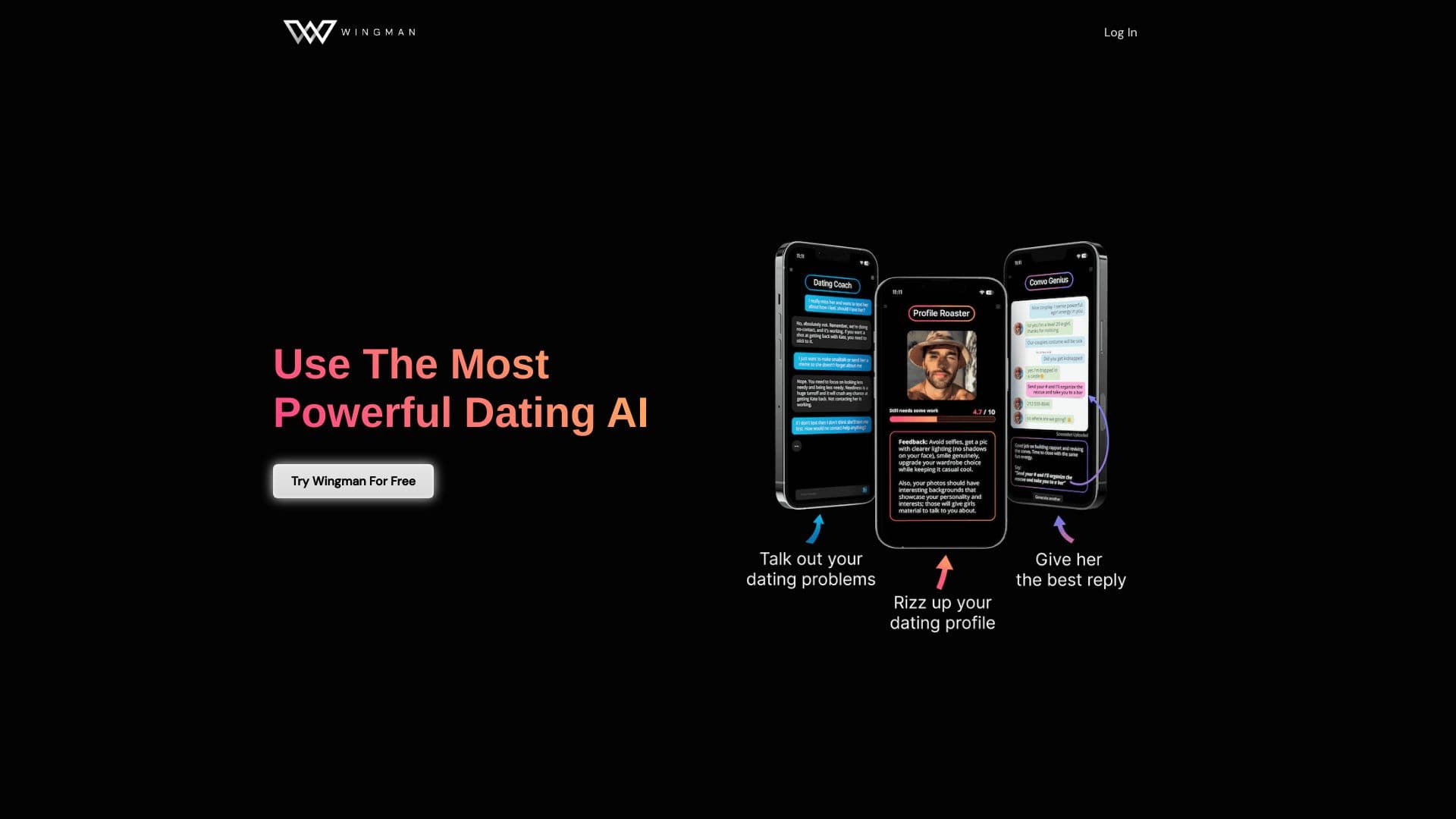
AI dating assistant that helps improve profiles and conversations in dating apps.

Online service for creating a realistic voice clone from a short audio recording and text-to-speech.

AI-powered platform for analyzing video data and automating its processing.