
AI Debug
Онлайн-чат с нейросетью, который помогает программистам получать решения и советы по коду.
Обзор
Описание нейросети AI Debug
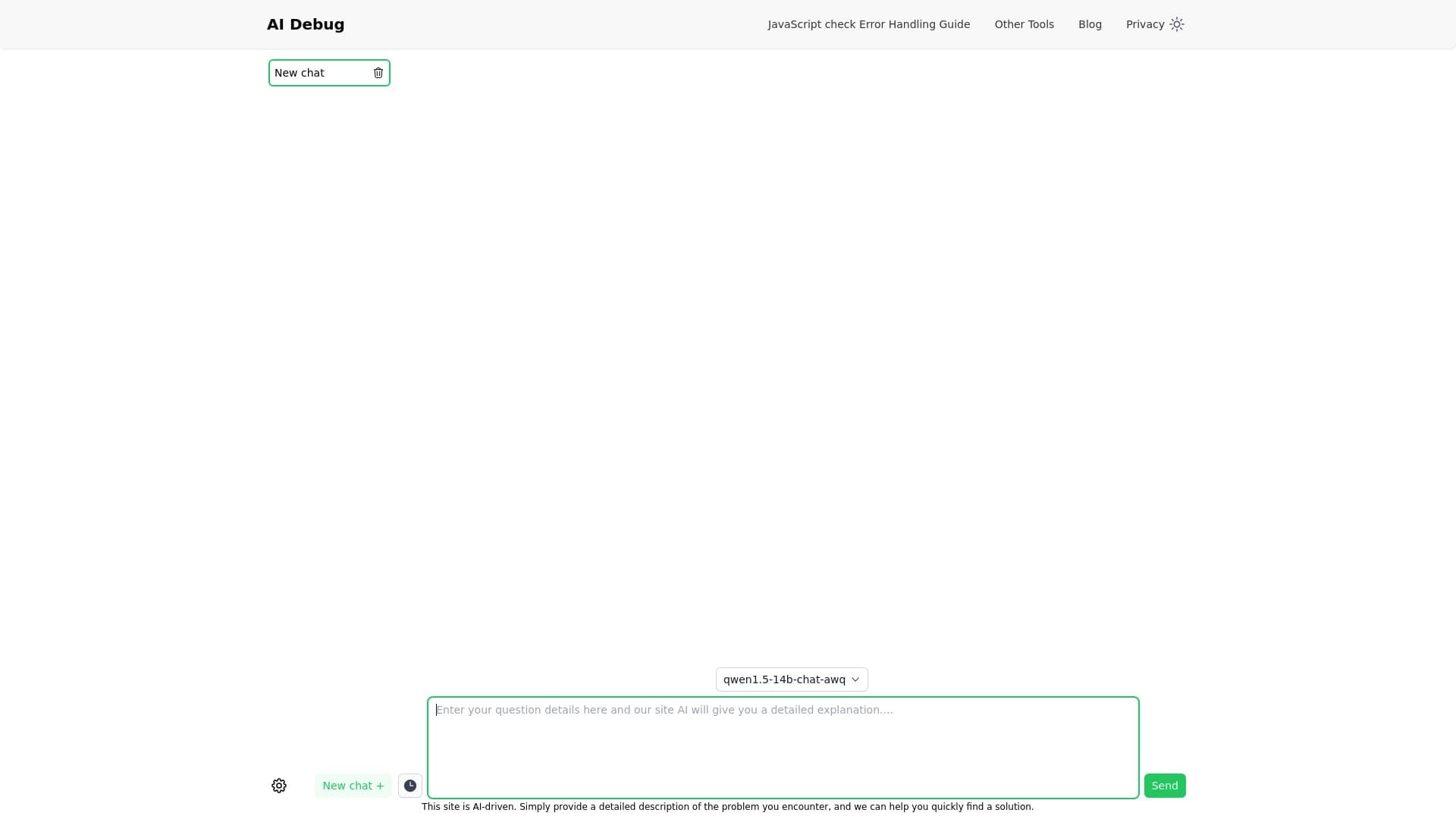
AI Debug — это бесплатный онлайн-чат-бот, созданный специально для программистов. Сервис работает на базе нейросети и помогает разработчикам быстро находить решения проблем в коде, получать советы и разбирать ошибки. Вместо того чтобы часами искать ответы на форумах, вы просто описываете свою задачу в чате и получаете готовый вариант решения.
Особенность AI Debug в том, что сервис не просто выдаёт код, но и умеет объяснять детали предложенных решений. Это делает его полезным не только для профессионалов, но и для тех, кто только учится программировать и хочет понимать, почему работает тот или иной фрагмент кода. Чат-бот поддерживает несколько популярных языков программирования и доступен через браузер без необходимости устанавливать дополнительное программное обеспечение.
Характеристики AI Debug
| Характеристика | Значение |
|---|---|
| Тип | Чат-бот для программирования |
| Категория | Инструменты для создания чат-ботов |
| Платформы | Сайт |
| Разработчик | JavaScriptCheck |
| Бесплатный тариф | Да (базовые функции генерации кода и чат) |
| Ежемесячные посещения | 442.7K |
| Дата публикации | 10 Сентября 2025 |
Для кого подходит нейросеть AI Debug?
Студенты и начинающие программисты
AI Debug станет отличным помощником для тех, кто только осваивает программирование. Сервис позволяет быстро получать примеры кода и пояснения к ним, что ускоряет процесс обучения. Вместо того чтобы ждать ответа на форуме или разбираться в документации, студент может задать вопрос нейросети и сразу увидеть работающее решение.
Практикующие разработчики
Профессиональные программисты тоже найдут пользу в этом сервисе. Когда нужно быстро проверить идею, вспомнить синтаксис или найти ошибку в коротком фрагменте кода, AI Debug может сэкономить время. Особенно это удобно для задач, которые не требуют глубокого контекста и индивидуального подхода.
Все, кто не хочет платить за помощь
Главное преимущество сервиса — бесплатный доступ к базовым функциям. Это делает его привлекательным для всех, кому нужна быстрая помощь по коду без оформления подписок и ежемесячных платежей.
Как использовать нейросеть AI Debug?
Шаг 1: Опишите проблему
Для начала работы с сервисом достаточно открыть сайт и ввести в чате описание вашей задачи. Это может быть вопрос о том, как реализовать конкретную функцию, сообщение об ошибке с фрагментом кода или запрос на объяснение какого-либо синтаксиса.
Шаг 2: Получите решение
Нейросеть обрабатывает запрос и практически мгновенно предлагает один или несколько вариантов решения. Ответ формируется в течение нескольких секунд, что делает процесс максимально быстрым.
Шаг 3: Уточняйте детали
Если какая-то часть решения осталась непонятной или не работает в вашем контексте, вы можете задать уточняющие вопросы прямо в чате. Нейросеть объяснит детали реализации, что особенно полезно при обучении или работе с незнакомыми технологиями.
Основные функции AI Debug
Быстрая генерация кода
Главная функция сервиса — создание готовых решений для кода. Вы описываете задачу, а нейросеть предлагает рабочий фрагмент кода, который можно скопировать и использовать.
Интерактивный чат с объяснениями
В отличие от простых генераторов кода, AI Debug работает в формате диалога. Можно обсуждать детали, уточнять требования, получать пояснения к каждому шагу решения. Это превращает сервис в подобие персонального наставника по программированию.
Поддержка нескольких языков программирования
Сервис работает с такими языками, как Python, C#, Java, JavaScript и другими. Это позволяет использовать один инструмент для разных проектов и задач.
Преимущества AI Debug
Молниеносная генерация решений
Одним из главных достоинств сервиса является скорость. Вместо того чтобы ждать ответа на форуме или просматривать десятки страниц документации, вы получаете рабочий вариант практически мгновенно.
Полностью бесплатный доступ
Базовый функционал доступен без каких-либо платежей и ограничений. Пользователи могут свободно задавать вопросы и получать решения кода, не оформляя подписку и не вводя данные банковской карты.
Интерактивное обучение
Возможность обсуждать решения и задавать уточняющие вопросы превращает сервис в эффективный инструмент для обучения. Пользователь не просто копирует готовый код, но и разбирается в деталях его работы.
Недостатки AI Debug
Ограниченное понимание сложных задач
Сервис может испытывать трудности с нестандартными и комплексными задачами, которые требуют глубокого понимания контекста проекта или специфической бизнес-логики.
Возможные ошибки в сгенерированном коде
Как и любой AI-инструмент, нейросеть не застрахована от ошибок. Сгенерированный код может содержать баги или не работать во всех сценариях, поэтому перед использованием в производственной среде его стоит проверять.
Шаблонность ответов
Иногда ответы нейросети могут быть шаблонными и не учитывать специфику конкретного запроса. Это особенно заметно в задачах, где требуется нестандартный подход или индивидуальное решение.
Какие задачи решает AI Debug
Получение советов и готовых решений
Основная задача сервиса — предоставлять программистам готовые фрагменты кода и советы по их использованию. Это может быть всё, что угодно: от простой функции до более сложного алгоритма.
Помощь с отладкой и поиском ошибок
Описывая проблему с кодом в чате, вы можете получить подсказки о том, где может скрываться ошибка и как её исправить. Нейросеть проанализирует приведённое описание и предложит вероятные причины неполадок.
Объяснение деталей реализации
Сервис может объяснять, почему используется тот или иной подход, как работает конкретная функция и какие нюансы стоит учитывать при работе с разными языками программирования.
Цены AI Debug
Бесплатный тариф
Базовые функции генерации кода и чат доступны бесплатно. Этого достаточно для большинства повседневных задач и обучения.
Стандартный тариф — 699 ₽/мес
Этот тариф включает расширенные функции генерации кода и поддержку. Подойдёт тем, кому не хватает возможностей бесплатного плана.
Премиум тариф — 1299 ₽/мес
Максимальный пакет открывает полный доступ ко всем функциям сервиса, включая приоритетную поддержку и расширенные возможности чата.
Условия использования AI Debug
Сервис позиционируется как бесплатный, и для начала работы не требуется регистрация или оформление подписки. Базовый функционал доступен любому пользователю без ограничений по времени или количеству запросов. Платные тарифы предназначены для тех, кому нужны расширенные функции или приоритетное обслуживание. Точные условия использования бесплатной версии не детализируются в открытых источниках, поэтому перед началом работы рекомендуется ознакомиться с правилами сервиса на официальном сайте.
Доступность AI Debug
AI Debug — это онлайн-сервис, который доступен через веб-сайт. Для работы с ним не требуется устанавливать дополнительное программное обеспечение — достаточно открыть браузер и перейти на сайт сервиса. Такой подход обеспечивает доступность с любых устройств, включая компьютеры и мобильные гаджеты, при наличии подключения к интернету.
Чем отличается AI Debug от аналогов
Бесплатная модель распространения
В отличие от многих аналогичных сервисов, которые предлагают лишь ограниченный бесплатный период или демо-режим, AI Debug предоставляет полноценный базовый функционал без оплаты. Это делает его более доступным для широкой аудитории.
Ориентация на обучение
Сервис не просто генерирует код, но и объясняет решения. Эта особенность выделяет его на фоне инструментов, которые выдают только готовый код без пояснений. Для студентов и начинающих разработчиков такая функция особенно ценна.
Интерактивный формат общения
Возможность вести диалог и уточнять детали — важное отличие от простых генераторов кода или справочников. Пользователь может задавать дополнительные вопросы и получать разъяснения, что делает работу с сервисом более гибкой и удобной.
Заключение
AI Debug — это бесплатный онлайн-чат-бот для программистов, который быстро генерирует решения и объясняет код. Сервис подходит для повседневных задач, помощи с отладкой и обучения, поддерживая несколько языков программирования. Среди ключевых преимуществ — молниеносная генерация ответов, бесплатный доступ и интерактивный формат общения. Однако нейросеть может ошибаться в сложных и нестандартных случаях, а ответы иногда получаются шаблонными. В целом, AI Debug — полезный инструмент для быстрой помощи по коду, особенно для студентов и начинающих разработчиков.
Тарифы
Часто задаваемые вопросы
Смотрите также


AI-платформа для автоматического планирования рабочего дня, управления задачами и приоритезации дел.
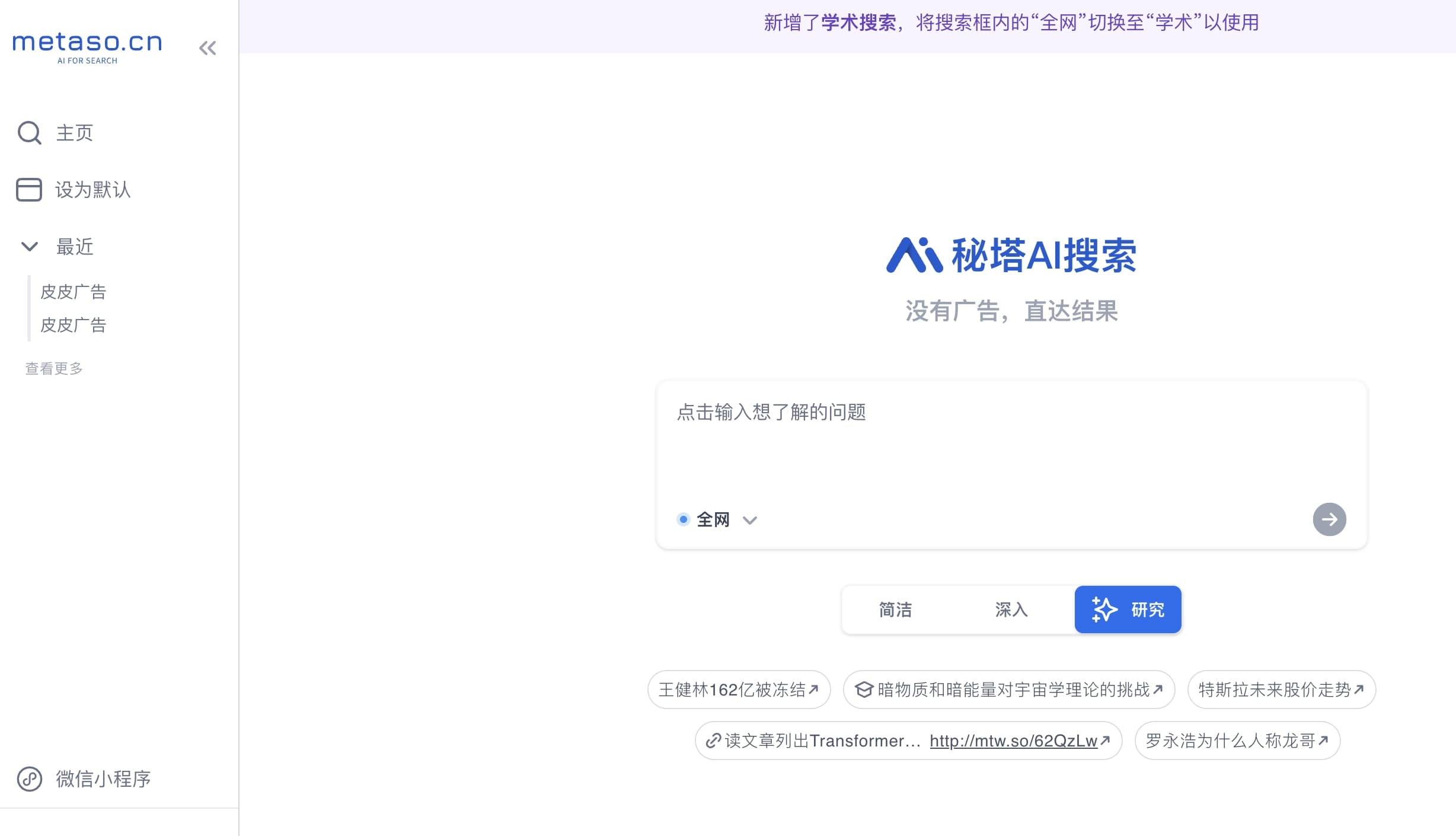
Мультимодальный голосовой ассистент Яндекса на базе нейросети YandexGPT, который отвечает на вопросы, генерирует тексты и изображения, анализирует файлы и управляет умным домом.
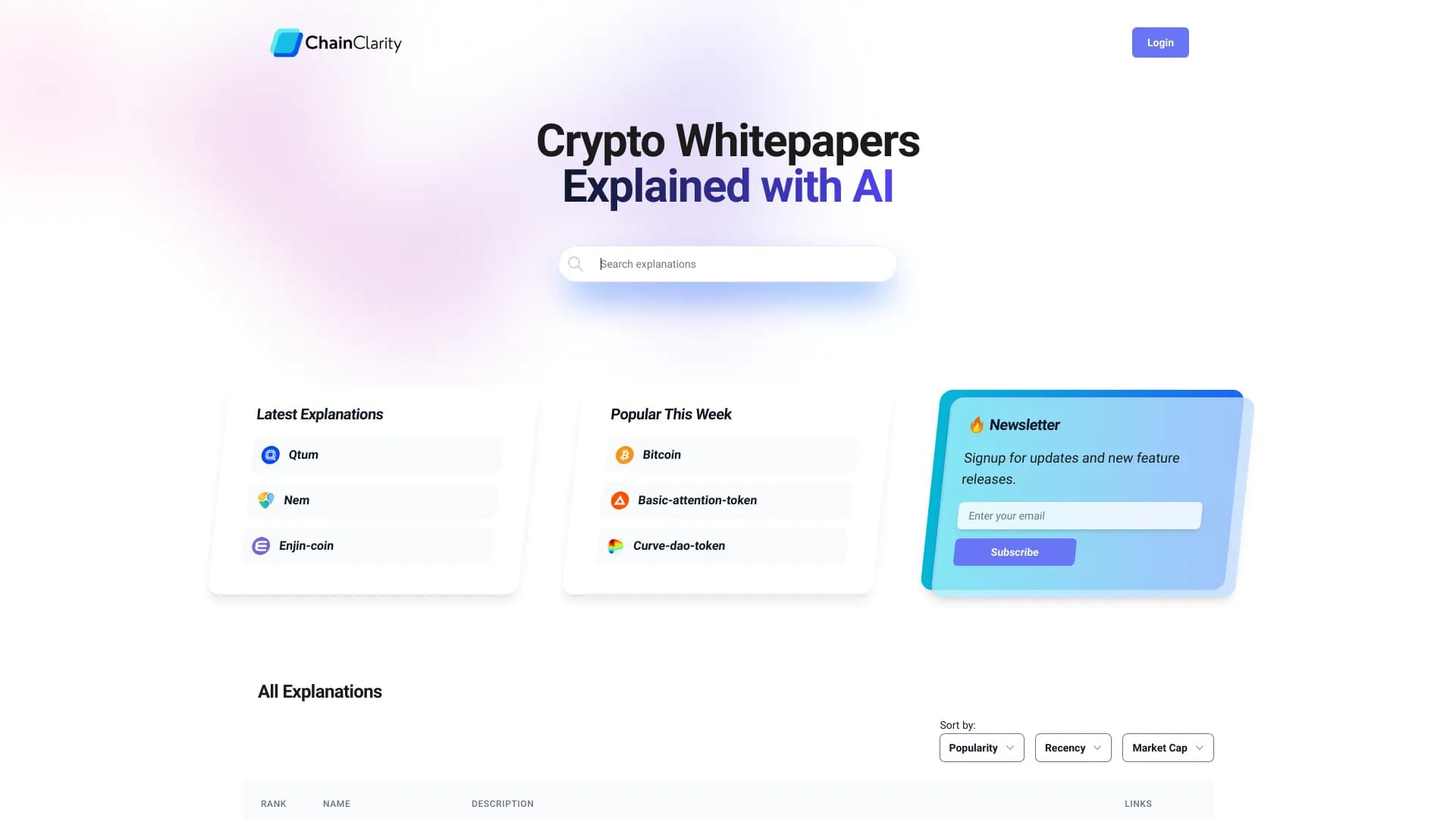
Сервис на базе ИИ, который упрощает технические документы криптовалютных проектов для широкой аудитории.


AI-инструмент для автоматизации маркетинга в социальных сетях, включающий генерацию контента, планирование публикаций и аналитику.
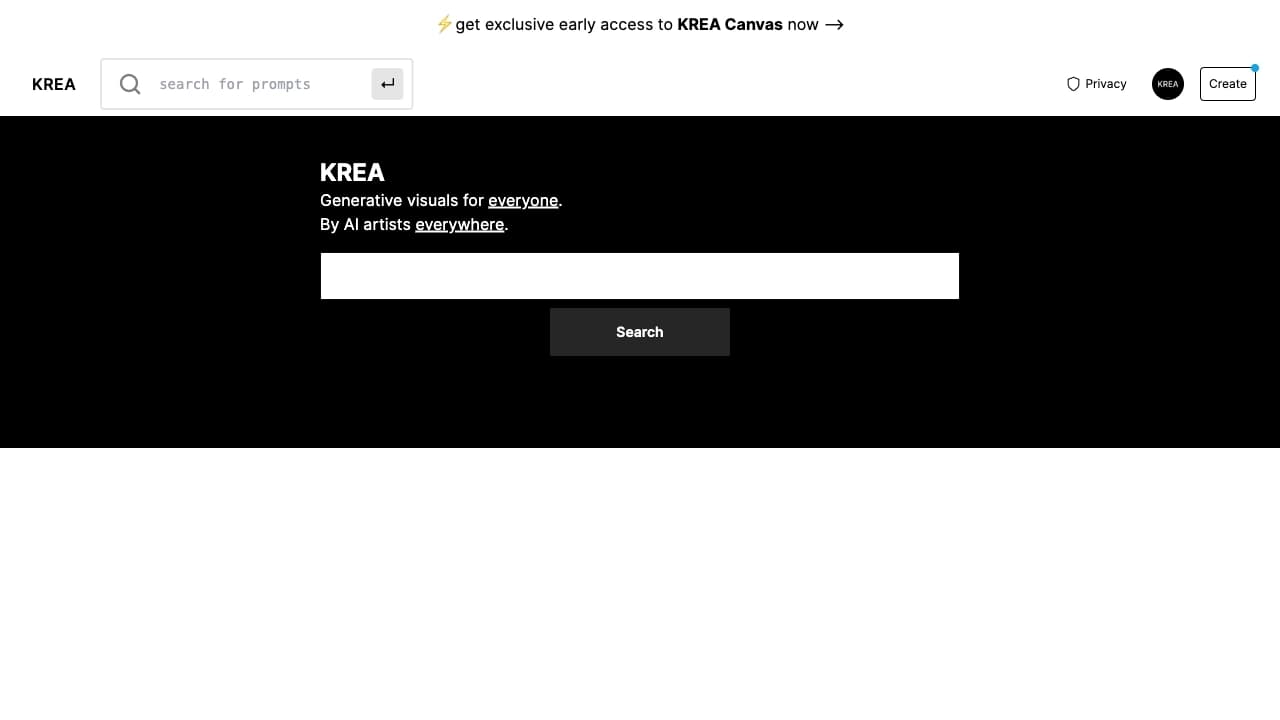

Платформа на базе искусственного интеллекта для генерации и улучшения изображений, видео и логотипов в реальном времени.

Онлайн-сервис для создания реалистичного клона голоса по короткой аудиозаписи и озвучивания текста.


AI-сервис для автоматического подбора музыки под настроение видео, изображений или текста с легальными лицензиями.

AI-платформа для быстрого скрининга резюме, помогающая рекрутерам отбирать подходящих кандидатов.