

AI Bard PDF
AI-powered online service for analyzing PDF documents: summarization, data extraction, and notes.
Overview
AI Bard PDF Neural Network Description
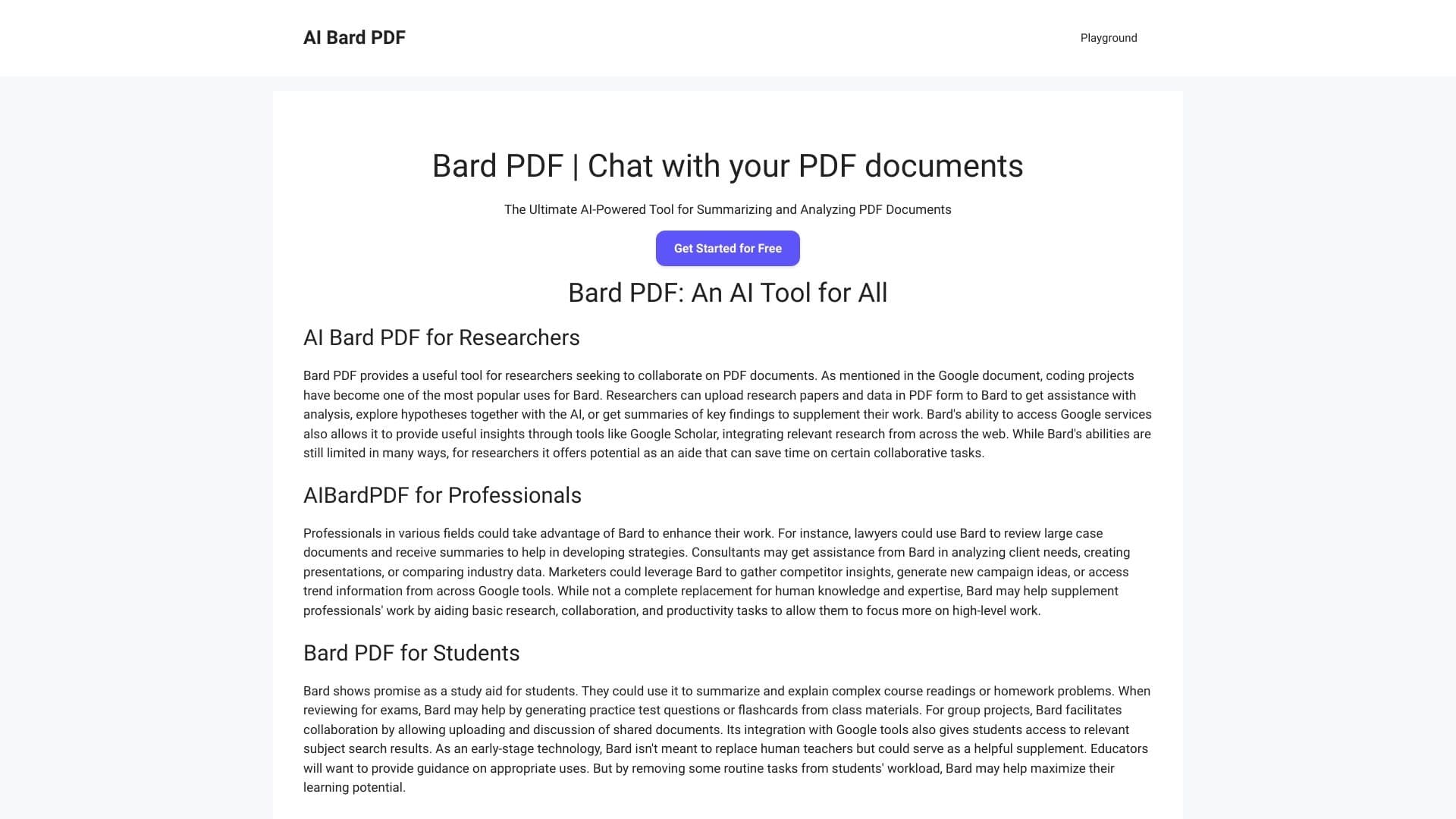
AI Bard PDF is an online service powered by artificial intelligence that specializes in working with PDF documents. Instead of manually reviewing multi-page files, users upload a document to the service, and the neural network independently analyzes the content and generates a concise summary. The tool can also extract tables, images, and text from PDFs, and allows users to create notes directly within the document. This approach makes the service useful for quickly processing large volumes of information without needing to read the entire source file.
AI Bard PDF Features
| Feature | Value |
|---|---|
| Type | AI-powered tool for summarizing and analyzing PDF documents |
| Categories | Summarization tools, PDF tools |
| Developer | AI Bard PDF Solutions |
| Platform | Website (aibardpdf.com) |
| Free plan | Yes (with limited features) |
| Monthly visits | 17.6K |
| Publication date | November 7, 2025 |
| Supported formats | PDF only |
| Registration | Required (according to FAQ) |
Who is AI Bard PDF suitable for?
Students and researchers
AI Bard PDF will be a helpful assistant for students who need to work with large amounts of academic literature, scientific articles, and methodological materials. The service allows users to quickly obtain key takeaways from sources and spend less time on initial information processing.
Working with large volumes of information
Professionals whose work involves constant analysis of documentation will also find the tool useful. AI Bard PDF helps structure incoming data and highlight the key points from reports, regulations, and technical documentation.
Lawyers and laboratory staff
Lawyers working with contracts and legal acts, as well as laboratory staff who need to quickly process research protocols and scientific publications, deserve special mention. For these categories of users, the ability to quickly extract key data is especially valuable.
How to use AI Bard PDF?
Uploading a document
To get started, you need to visit the AI Bard PDF website and upload a PDF file. An alternative method is to paste a direct link to a document hosted online or in cloud storage.
Getting results
After uploading the document, the service processes it. Within a minute, the user receives a ready-made concise summary of the content. Additionally, you can request the extraction of tables, images, or plain text from the source file.
Working with notes
A note-taking feature is available within the interface. Users can leave comments directly in the document, which is convenient for subsequent team collaboration or personal material analysis.
Key features of AI Bard PDF
Automatic summary generation
The service analyzes the uploaded PDF and automatically creates a summarization — a structured digest of the document's key points. This helps quickly assess the file's content without reading it in full.
Data extraction
AI Bard PDF can extract tables, images, and text blocks from PDF files. This allows users to use document fragments in other workflows or save them separately from the source file.
Notes and collaboration
Users can add notes directly to the document. This feature is useful for collaborative projects, as it allows team members to share comments within the file.
Cloud storage integration
The service supports connecting cloud storage, simplifying document import and export without the need to download files to a local drive.
Advantages of AI Bard PDF
Significant time savings
Document processing takes minutes, whereas manually reviewing multi-page files can take several hours. This is especially noticeable when working with large reports or academic papers.
Automatic element extraction
The ability to extract tables, images, and text from PDFs automatically eliminates the need to do this manually, reducing the risk of losing important data.
Convenient team collaboration
Having notes directly in the document simplifies team interaction: members can leave comments and see colleagues' annotations in the context of the page.
Online access
Using the service only requires a browser and an internet connection. No additional software installation is needed.
Disadvantages of AI Bard PDF
Format limitations
Only PDF files can be processed. Documents in Word, JPG, or other formats cannot be handled, which limits the service's scope of application.
Partial information loss
When processing complex diagrams, charts, and certain types of illustrations, some data may be lost. The neural network may not fully recognize such elements, which should be considered when working with graphical content.
Lack of flexibility
The service operates on a standardized template and does not adapt to individual user requests. This means the processing algorithm is the same for all document types and cannot be customized for specific tasks.
What tasks does AI Bard PDF solve?
Quickly obtaining a summary
The service's primary purpose is instant summarization of large PDF documents. Users don't need to read the entire file to understand its essence.
Automatic information extraction
AI Bard PDF independently identifies tables, images, and text blocks within a document. This eliminates the routine work of transferring data from PDFs to other formats.
Collaborative work with comments
The in-document note feature allows for collective discussion and editing without leaving the service interface.
AI Bard PDF Pricing
AI Bard PDF offers several pricing plans:
- Free plan with a limited set of features. Available after registration.
- Standard — includes full access to all service features.
- Professional — unlocks advanced capabilities, including collaboration tools and priority support.
Terms of Use for AI Bard PDF
Registration on the website is required to use the service. The free plan allows users to access the tool without payment, but the range of available features is limited. Full access to all service capabilities is available on paid plans.
AI Bard PDF Availability
AI Bard PDF is available as a web service in the browser via aibardpdf.com. No software installation is required. According to the website, there are no regional usage restrictions or VPN requirements.
How AI Bard PDF differs from alternatives
AI Bard PDF belongs to the category of specialized AI-powered tools for working with PDF files. Its key difference from more universal neural networks is its narrow focus on a single document format. This allows the service to work more deeply with PDF files, offering features for extracting tables, images, and creating in-document notes. Unlike multifunctional assistants, AI Bard PDF emphasizes a specific task — fast processing of PDF documents — which may be more convenient for some users than working with a universal tool.
Conclusion
AI Bard PDF is a specialized web tool for quickly analyzing and summarizing PDF documents. It will be useful for students, lawyers, laboratory staff, and anyone who regularly deals with large volumes of information in PDF format. The service automates the extraction of key data, saving users time. However, limitations should be considered: support for PDF files only, potential losses when recognizing complex graphical elements, and a templated approach to document processing. For users who need a narrowly specialized tool for working with PDFs, AI Bard PDF can be a practical solution.
Frequently asked questions
See also
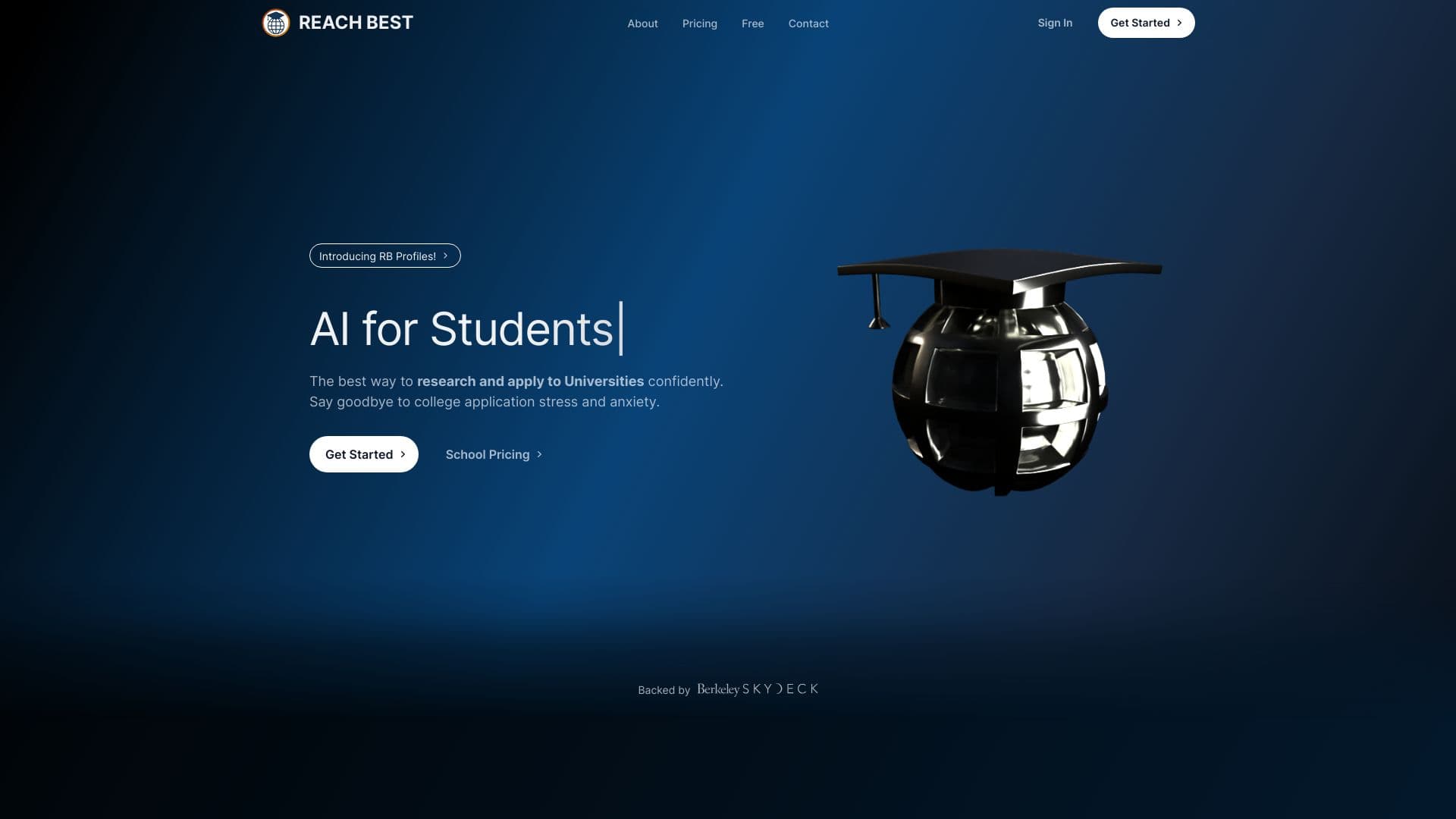
AI platform for high school students helping enter university university selection Predicting odds and writing an essay.
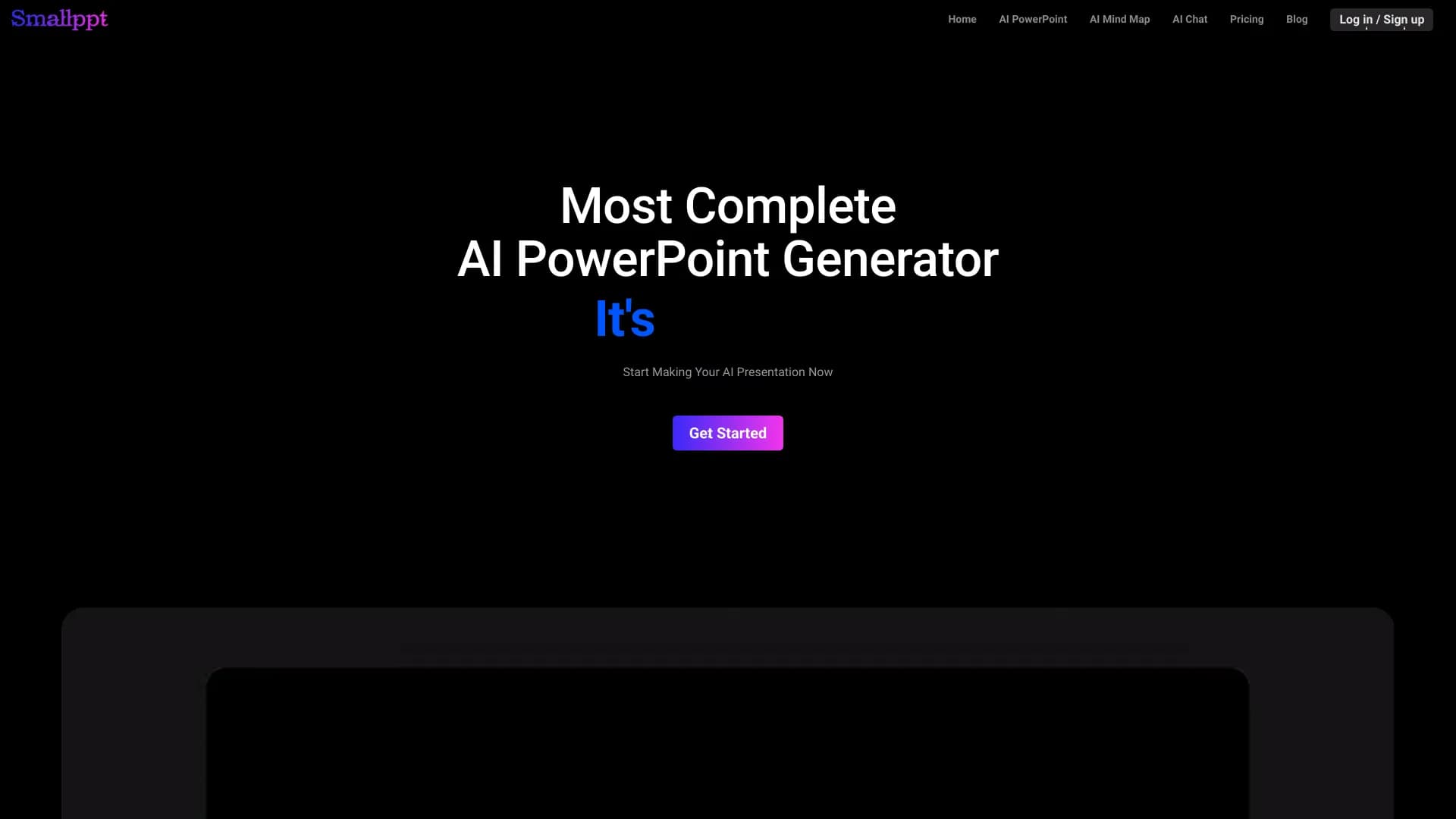
AI service Automatically create presentations and slideshows on a topic or brief description.
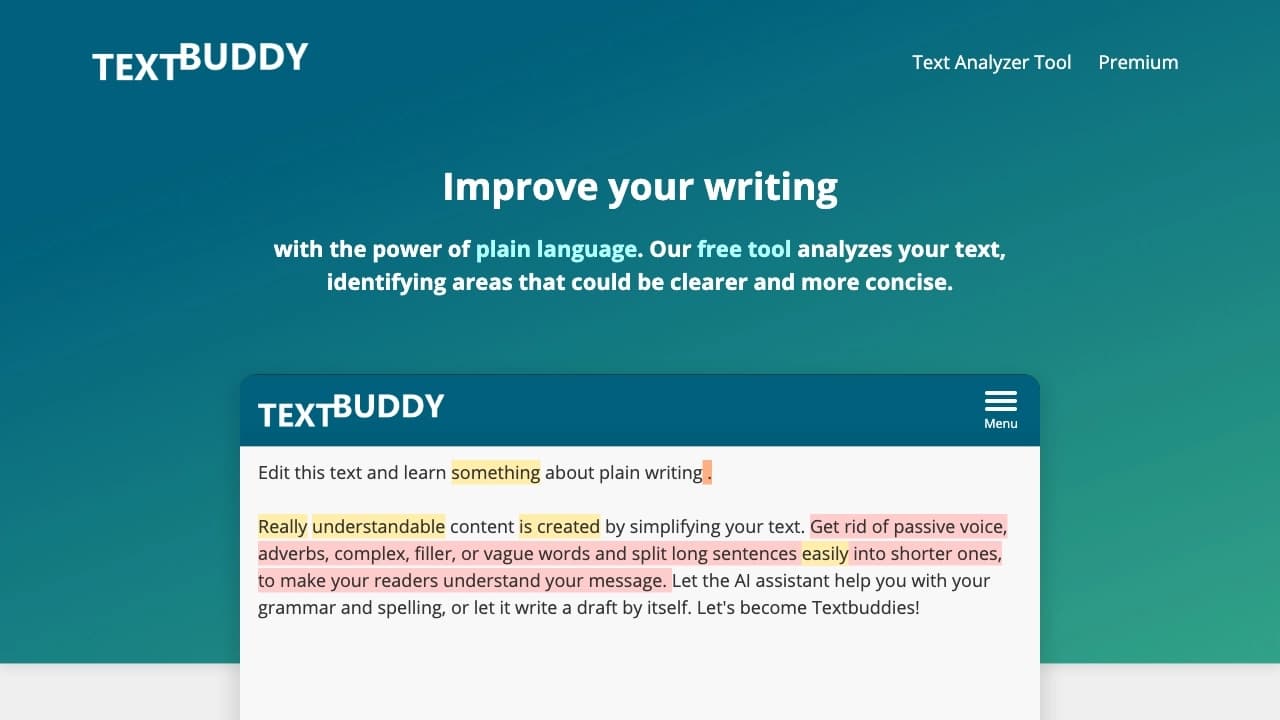

AI-powered online editor for simplifying, rewriting, and improving texts, which analyzes complex sentences, repetitions, passive voice, and errors, and offers replacements and readability scores.


Service for translating texts created neural networks in shape indistinguishable from the written human.

Service for automatically creating mind maps from uploaded materials.
A multilingual chatbot powered by GPT-4 and Gemini for writing texts, analyzing data, and solving tasks.

AI agent for improving web search and extracting data from large volumes of information.

AI platform for learning foreign languages with a personal AI tutor and support for over 30 languages.