
AI Band
Mobile app for iOS that lets you create music with a virtual band of AI musicians.

Overview
AI Band Neural Network Description
AI Band is a mobile app for iOS that turns your iPhone or iPad into a portable music studio. Instead of mastering complex DAW software or learning to play instruments, you assemble a virtual band made up of AI musicians and compose tracks together with them. The app analyzes your ideas and preferences, offering ready-made arrangements that can be refined in real time.
The service's key feature is interactivity. The neural network doesn't just generate a random beat—it simulates the behavior of real band members: each AI musician "hears" the others, plays along, and can contribute its own suggestions during the session. This creates the feel of being in a rehearsal space, but without the need to rent a room or find like-minded people. The entire process happens on your device, and finished tracks can be published straight to a shared feed where other users can hear them.
History and positioning
The app was developed by AI Band Technologies and targets the AI music generator segment. The service receives about 2.8 million visits per month, reflecting significant interest in the product. Notably, the app is available exclusively within the Apple ecosystem, underscoring its focus on users who value mobility and seamless integration with their devices.
AI Band Features
| Feature | Value |
|---|---|
| Type | Mobile app |
| Category | AI music generators |
| Platforms | iOS (iPhone, iPad, iPod touch) |
| Developer | AI Band Technologies |
| Monthly visits | 2.8M |
| Free tier available | Yes (basic features) |
| Distribution model | Freemium (free basic tier + paid subscriptions) |
Who Is AI Band For?
Beginner musicians and hobbyists
AI Band is designed for those who have always wanted to write music but were held back by a lack of instrumental skills or music theory knowledge. There's no need to understand notation or mixing—just describe your idea in words or pick a style, and the neural network handles the technical side.
Users looking for creative experimentation
The app appeals to those who enjoy blending genres and testing unconventional sound combinations. The virtual musicians let you quickly try different directions, from electronic to jazz, and hear the result instantly. It's a sandbox for sonic ideas without the constraints of physical gear.
Listeners seeking inspiration
A separate category of users comes not to create but to listen. The app's feed collects tracks from other members, making AI Band both a creative tool and a social platform for discovering new sounds and approaches.
How to Use AI Band?
Installation and first launch
The process starts with downloading the app from the App Store. Installation takes a couple of minutes and requires no complex configuration. After your first login, you're prompted to assemble a virtual band—choosing the members who will take part in creating tracks.
Creating a track
Once your lineup is ready, you can move on to composing music. Simply articulate your idea: set the mood, tempo, or genre. The AI band members take in your input and start generating material. Unlike simple generators, here you can hold a dialogue with the virtual musicians, tweaking individual elements of the composition as you go.
Fine-tuning and publishing
The final stage is polishing the track. You can make edits, change how individual instruments sound, and experiment with the song's structure. The finished result can be listened to privately or published to the shared catalog, where other users can rate it.
Key Features of AI Band
Assembling a virtual band of musicians
Instead of working with abstract samples and loops, you build a team of AI characters. Each member has their own "specialization" and playing style, letting you put together a lineup for a specific task—from an acoustic trio to an electronic duo.
Interactive communication with AI members
The key feature is the ability to give instructions and receive responses from the system. The virtual musicians understand requests and adapt their performance, offering their own ideas. This makes the process feel like working with real people rather than a soulless algorithm.
Generating compositions from ideas
Quick start and high speed—a full musical theme takes just a few minutes to create. You set the concept, and the neural network expands it into a finished track. This mode is ideal for producing demos and drafts.
Social feed and listening to others' work
The app includes a catalog of tracks created by other users. This isn't just an entertainment feature but also a learning tool: you can break down others' arrangements, find inspiration, and understand what techniques other users employ.
Flexible sound and style settings
Even after the base is generated, the user stays in control. You can change the arrangement, add new elements, and completely shift the genre direction, experimenting with the sound until you get the result you want.
AI Band Advantages
Simplicity and accessibility for non-specialists
Creating music requires neither a musical education nor technical knowledge of sound engineering. The interface is intuitive, and the AI handles all the "boring" work, letting you focus on creativity. This is a huge barrier that the app successfully removes.
Personalization and control over the result
Unlike many competitors that deliver results "as is," AI Band lets you fine-tune the composition in detail. You can change the sound, add or remove instruments, and mix genres. The user feels like a producer, not just an operator.
The feel of a live band
The AI members don't just produce a result—they interact with each other and with the user. This creates the sense that you're working with a team of like-minded people who react to your actions and suggest ideas. This approach adds depth to the process and boosts engagement.
AI Band Drawbacks
Creative freedom limited by templates
Despite the claimed flexibility, the neural network occasionally imposes its own clichés. If a user's request doesn't fit the algorithm's trained "repertoire," the track can sound formulaic. Users seeking radically unconventional results will need to put in effort to break out of the suggested patterns.
High demands on device and internet
For stable performance, the app needs a modern processor and a good network connection. On older or weaker devices, you may experience lag and increased resource consumption, which can spoil the experience. This narrows the audience to owners of current Apple hardware.
Uncertainty around copyright
Official materials don't clearly explain who owns the rights to AI-generated tracks, especially in the context of commercial use. Users planning to monetize generated music face legal ambiguity and must proceed at their own risk.
What Problems Does AI Band Solve?
Quickly creating music demos and drafts
Musicians and producers often need to "sketch out" an idea quickly before heading to the studio. AI Band is perfect for this: it turns a raw concept into an audible mockup in minutes, ready to share with colleagues or clients.
Experimenting with sound without equipment
To test genre combinations or unusual arrangements, you don't need to buy instruments or software. The app provides an endless palette of sounds, available right in your pocket. It's an ideal solution for quick creative trials.
Finding inspiration and learning
By studying other users' work, you can find inspiration and discover new musical horizons. Additionally, analyzing how others' tracks are built helps beginner authors better understand song structure and arrangement principles.
AI Band Pricing
The app operates on a freemium model. There are three pricing plans, each with a different set of available features:
| Plan | Price | Description |
|---|---|---|
| Free | $0 | Basic features: track creation with limitations, catalog listening |
| Starter | $3.99/month | Advanced editing and generation tools |
| Premium | $6.49/month | Unlimited features, exclusive updates, and priority access |
The free plan lets you evaluate the app's capabilities, but for full-fledged work you'll likely need a subscription, as the advanced tools unlock deeper sound customization.
Terms of Use for AI Band
To install and use the app, you need a device running a current version of iOS. Downloading is available only through the official App Store. No other requirements, such as region locking or mandatory VPN use, are mentioned on the official page: the service is designed for the global audience of the Apple store.
AI Band Availability
Geography and platform
AI Band is available exclusively within the Apple ecosystem. The app installs on iPhone, iPad, and iPod touch via the App Store. The official resource mentions no regional restrictions or VPN requirements, suggesting the app is present across all major regional App Store markets.
Technical limitations
Given the app's resource demands, relatively modern device models are recommended for a comfortable experience. On devices with outdated processors or insufficient RAM, you may encounter crashes and slowdowns.
How AI Band Differs from Alternatives
The main difference between AI Band and competitors (such as Suno AI, Udio, Mubert, or AIVA) lies in the "virtual band" concept. Most music generators work like a "black box": you set parameters and get a track with no way to influence the process itself. AI Band, by contrast, builds an interactive session that simulates a rehearsal with live musicians. The user doesn't just enter a text prompt—they hold a dialogue with AI characters and receive intermediate results.
Additionally, the app features a built-in social feed, which most direct competitors lack, as they focus solely on generation. It's also worth noting the strict iOS focus with an emphasis on mobility, whereas competitors (like AIVA) often offer web versions.
Unlike services that operate on token or credit systems (such as Cleanvoice or Audo Studio, which handle processing of existing audio), AI Band is a tool for creating content from scratch. It fills the niche of a "playful" yet functional approach to composition, making it an interesting choice for those who want to stay in control of the creative process.
Conclusion
AI Band is an innovative mobile app for iOS that makes music creation accessible to everyone. Users can assemble a virtual band of AI musicians, interact with them, shape the sound, and get finished tracks in minutes. The service offers three pricing tiers, including a free one, so you can try the product without any cost. However, two caveats are worth keeping in mind: stable performance requires a modern Apple device, and commercial use of generated tracks may involve legal uncertainty. Still, for sound experimentation, quick demos, and finding inspiration, AI Band is one of the most original and convenient tools in its segment.
Frequently asked questions
See also


Service for creating music track covers based on audio analysis.
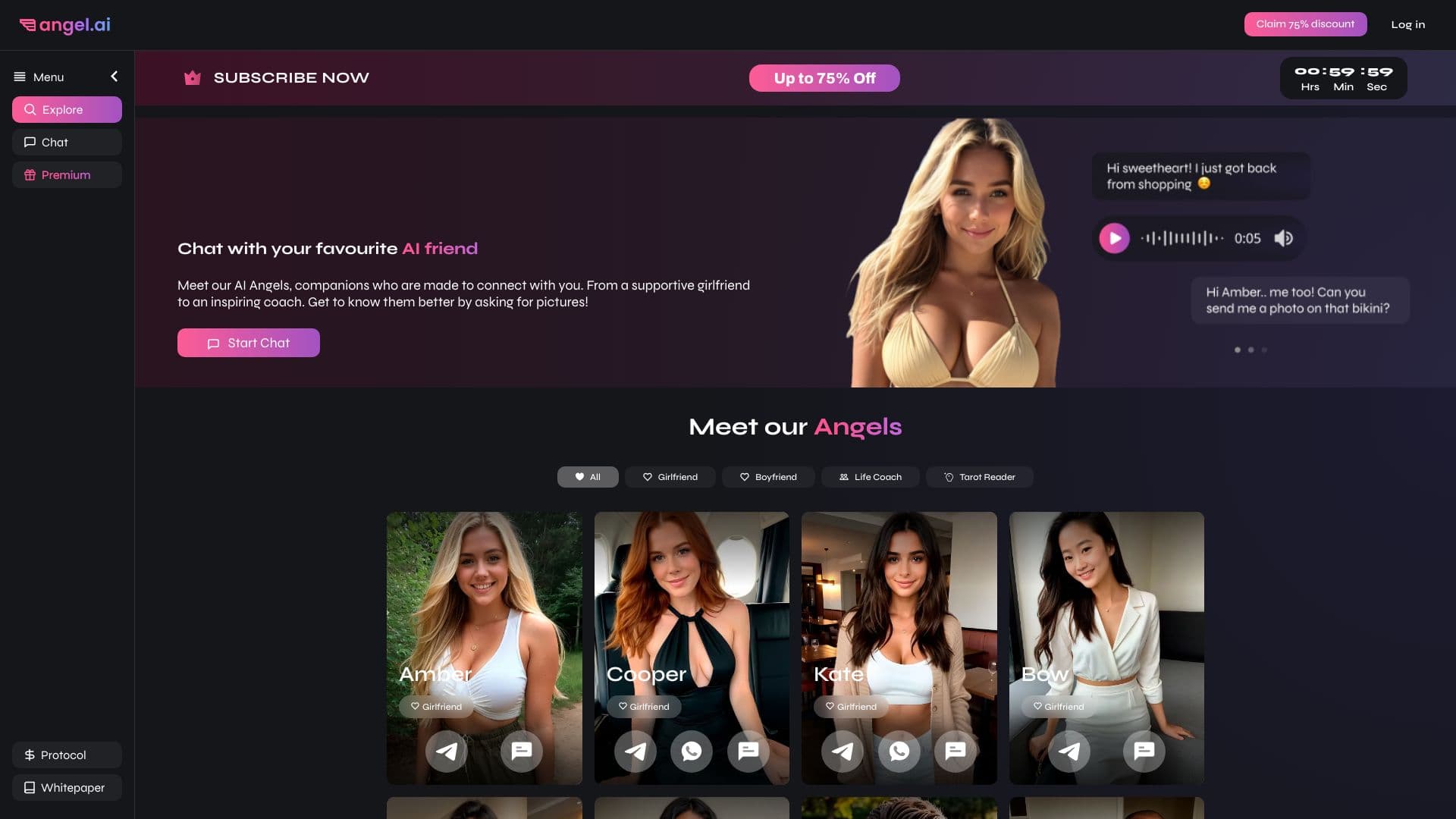
App for creating and customizing virtual AI companions with different personalities and communication styles.
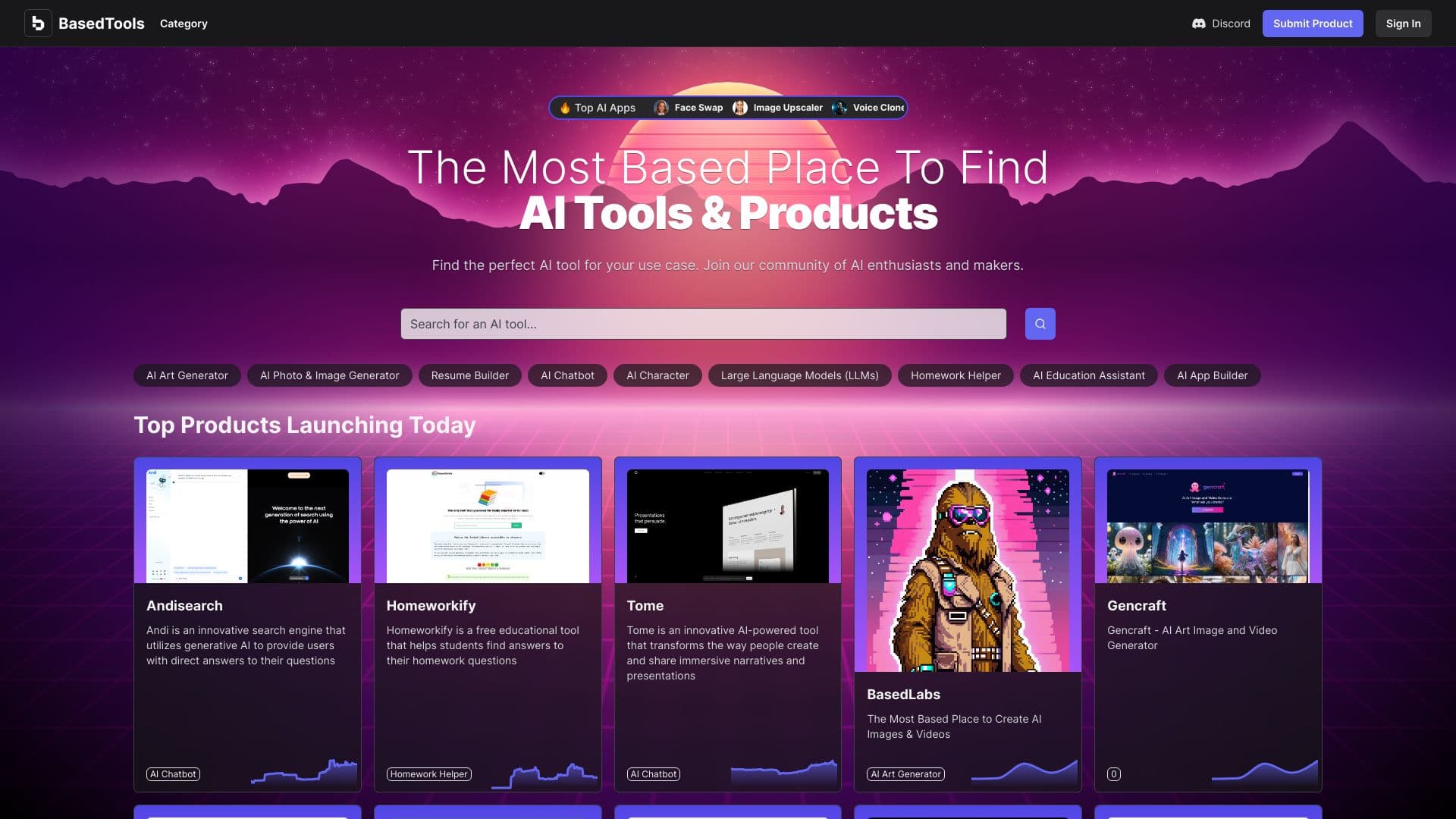
A catalog that organizes AI tools and services by category for quick search.

A neural network for document analysis that extracts key information, creates summaries, and answers questions about the contents of uploaded files.
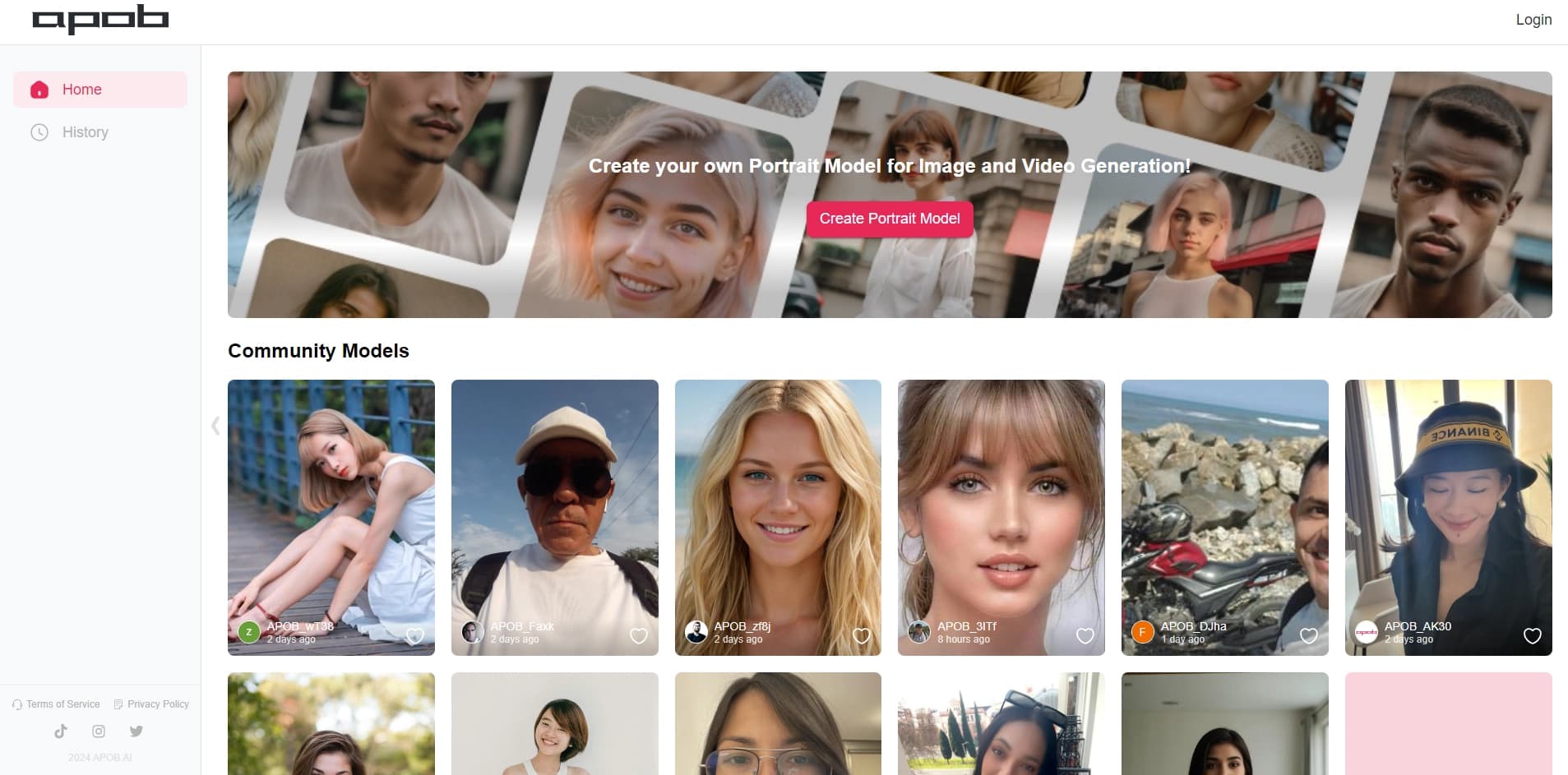

Platform for creating digital avatars and virtual influencers using AI.


Neural network for generating images and short videos from text descriptions.
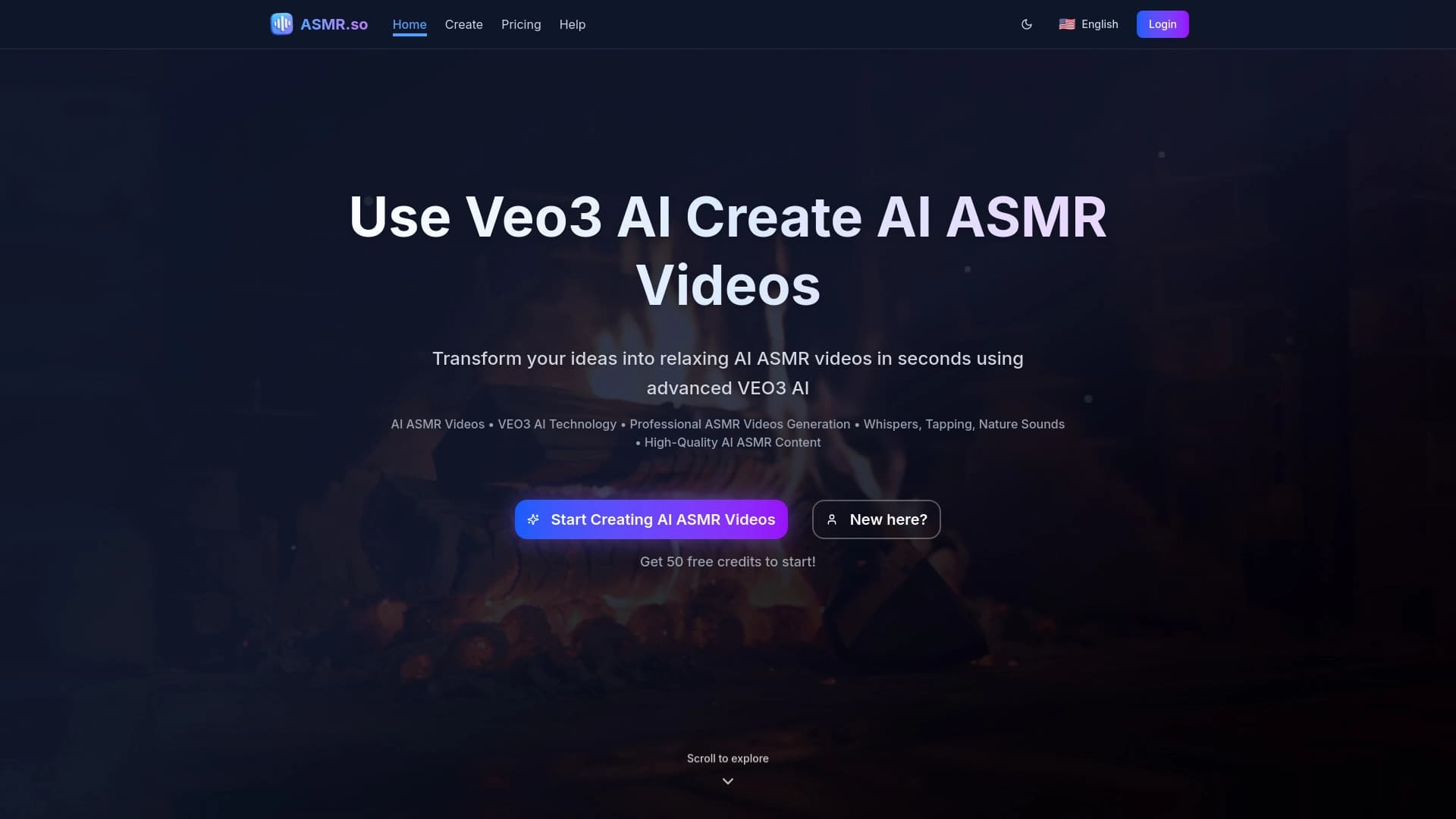

AI-powered online ASMR video generator that creates relaxing clips from a text description.
Web service for making AI-generated texts look more natural and human.