
AI Article Assistant - Chrome E...
Chrome extension that helps process text on web pages with AI.
Overview
AI Article Assistant — Chrome Extension Description
AI Article Assistant is a browser extension for Google Chrome that lets you process texts directly on web pages using artificial intelligence. The tool was developed by Toolify studio and runs on the ChatGPT 3.5 Turbo language model.
The core idea of the service is extremely simple: you select a text fragment on any website, and the extension offers processing options — from a brief summary to full paraphrasing. You don't need to copy text into a separate window or switch between programs: everything happens right in your browser.
The extension is positioned as a free assistant for daily work with information. The developers state that the tool is suitable for quickly processing large volumes of data; however, when working with complex and specialized texts, the result may require manual refinement.
AI Article Assistant — Chrome Extension Features
| Feature | Value |
|---|---|
| Type | Browser extension |
| Platform | Google Chrome |
| Category | Writing assistants, summarization tools, text generation, text processing, paraphrasing, automated responses, data analysis |
| Developer | Toolify |
| Base AI model | ChatGPT 3.5 Turbo |
| Free plan | Available |
| Paid plans | Starter and Professional subscription tiers |
| Monthly visits | 388.9K |
| Publication date | September 10, 2025 |
Who Is AI Article Assistant — Chrome Extension For?
Students and Learners
AI Article Assistant can be useful for students who regularly work with large volumes of academic literature, research papers, and notes. The extension lets you quickly extract the key points from a long text and create a concise summary, noticeably speeding up preparation for classes and exams.
Copywriters and Content Specialists
For those who write professionally, the tool supports routine operations: paraphrasing, improving phrasing, and structuring material into lists. This is especially relevant when working with extensive sources where you need to quickly extract key ideas.
Office Workers and Analysts
Employees who deal with reports, documentation, and email on a daily basis can use the extension to speed up processing of incoming information. Brief summaries and lists help quickly assess the essence of a document without reading every sentence.
How to Use AI Article Assistant — Chrome Extension
Installing the Extension
To start using the tool, go to the Chrome Web Store, find the AI Article Assistant extension via the search bar, and click the "Install" button. The installation process takes a couple of minutes and requires no special technical knowledge. After installation, the extension will appear in the browser panel and be ready to use.
Working with Text
After installation, simply select any text fragment on a web page and choose the desired action from the extension menu. Depending on the task, you can get a brief summary, convert the text into a list, paraphrase it, or improve the style. All operations are done in a couple of clicks, without switching between tabs and applications.
Key Features of AI Article Assistant — Chrome Extension
- Text compression into summaries — large volumes of information are turned into a short digest with key points, which is especially useful when working with long articles and documents.
- Conversion into lists — plain continuous text is automatically structured into bulleted or numbered lists, making information easier to digest.
- Paraphrasing — rewriting text fragments while preserving meaning, helping to avoid repetition or adapt content to a different style.
- Text improvement — the extension helps eliminate stylistic errors, remove excess, and make phrasing clearer and more understandable.
- Text expansion — the ability to supplement the original fragment by developing the author's idea and adding details.
Advantages of AI Article Assistant — Chrome Extension
Time Savings
The tool eliminates the need to manually dig into every part of a long document. Brief summaries and structured lists let you quickly assess the material's content and highlight the key points. This is especially valuable when working with large volumes of text under tight deadlines.
Working in a Single Window
The extension works directly in the browser, eliminating constant switching between websites, text editors, and third-party services. The entire text processing happens on the same page where you found the content — noticeably simplifying your workflow.
Improved Text Quality
Thanks to the paraphrasing and "text improvement" features, the extension helps make materials clearer and more polished. It removes unnecessary words, fixes stylistic issues, and generally improves readability.
Limitations of AI Article Assistant — Chrome Extension
Context Limitations
The ChatGPT 3.5 Turbo model doesn't always capture the nuances of context or the author's style. As a result, the generated text may come across as too simple or generic, and complex materials may require manual refinement.
Internet Dependency
The extension works only online, since text processing happens on the server side. Without a stable internet connection, the tool becomes completely unavailable, which can be a problem while traveling or on an unstable network.
Possible Factual Errors
Like many AI tools, AI Article Assistant sometimes makes factual inaccuracies, especially on highly specialized or obscure topics. Therefore, before using generated content for serious purposes, it's recommended to verify facts against primary sources.
What Tasks Does AI Article Assistant — Chrome Extension Solve?
- Quick information search and analysis — compressing voluminous materials into concise summaries lets you find the needed data faster and assess source relevance.
- Simplified reading and website navigation — converting long texts into lists and short digests makes information consumption more comfortable.
- Creating brief summaries — students and researchers can quickly prepare notes and annotations for complex materials.
- Improving and structuring content — copywriters and editors can tidy up texts, fixing style and bringing structure.
AI Article Assistant — Chrome Extension Pricing
The extension offers three subscription plans. The free plan is available to all users and includes a basic set of text processing features. For more intensive use, paid subscriptions are available: the "Starter" plan and the "Professional" plan. A more detailed breakdown of features by plan is not provided in available sources.
Terms of Use for AI Article Assistant — Chrome Extension
To use the extension, you need to install it from the Chrome Web Store. There are no special hardware or additional software requirements. A constant internet connection is mandatory, since text processing is performed on cloud servers in real time. For full functionality, a Google account is also recommended, although installing the extension itself doesn't require one.
Availability of AI Article Assistant — Chrome Extension
AI Article Assistant is available exclusively as a browser extension for Google Chrome. Installation is done through the official Chrome Web Store catalog. There is currently no information about versions for other browsers or mobile platforms, so users of Firefox, Safari, or Edge will need to use Chrome instead.
How AI Article Assistant — Chrome Extension Differs from Alternatives
The main difference between this extension and services like ChatGPT, Jasper AI, or Julius AI is its deep integration into the browser. You don't need to open separate tabs, paste text into a request form, and wait for a response in a separate window: processing happens contextually on the page where the material is located. This makes the tool faster for "here and now" tasks.
Additionally, AI Article Assistant has a narrow specialization in processing existing text: summarizing, paraphrasing, and structuring. Unlike universal chatbots, it isn't designed for conversations or generating creative ideas — its strength lies precisely in working with existing content.
Among the limitations, it's worth noting that the extension uses the less recent ChatGPT 3.5 Turbo model, while many modern alternatives run on newer versions of GPT. Also, the tool's audience is relatively small (around 388.9K monthly visits), which speaks to its niche nature.
Conclusion
AI Article Assistant is a practical Chrome extension that helps you quickly process texts right in the browser. It can compress voluminous materials into brief summaries, turn text into lists, paraphrase, and improve phrasing based on ChatGPT 3.5 Turbo. The tool will be useful for students, copywriters, and office workers who deal with large volumes of information. The availability of a full-featured free plan makes it accessible to any user. However, don't forget about the limitations: internet dependency, possible factual inaccuracies, and simplification of complex texts require a critical approach to the extension's output.
Frequently asked questions
See also


Service for live AI conversations, including text generation, voice, and speech recognition.


AI platform for user support in applications, including a chatbot and ticketing system.


Neural network for generating SEO-optimized articles and automating blog management.


BannsAi is an AI-powered service for quickly creating ad banners based on a text description or reference.

AI assistant for automating retail tasks and optimizing call center operations.


AI anime image generator from text descriptions with template selection.
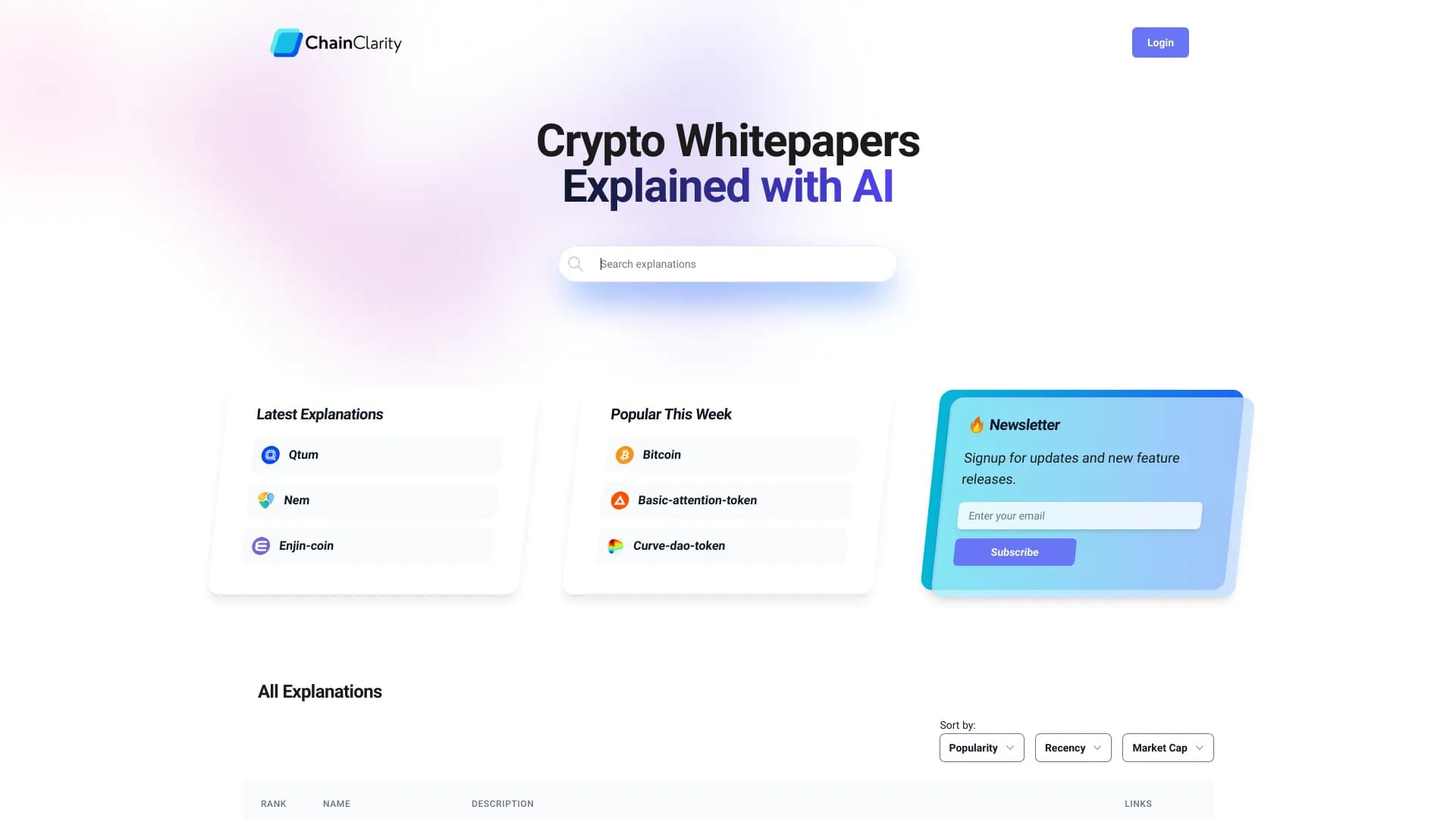
AI-powered service that simplifies technical documents of cryptocurrency projects for a broad audience.


Online AI-powered service for quickly creating presentations based on a given topic or an uploaded document.