
AgentQL MCP Integration
Интеграция AI-агентов AgentQL с платформой многоканальных коммуникаций для обмена сообщениями через email, SMS и чаты.
Обзор
Описание нейросети AgentQL MCP Integration
AgentQL MCP Integration — это техническое решение, которое соединяет AI-агентов AgentQL с многоканальной коммуникационной платформой. Основная задача интеграции — дать возможность искусственному интеллекту работать с тремя ключевыми каналами связи: электронной почтой, SMS и чатами.
Суть технологии заключается в том, что разработчики получают единую точку подключения: AI-агент может отправлять и принимать сообщения через стандартизированный интерфейс, не углубляясь в особенности каждого канала по отдельности. Это своего рода переводчик между нейросетью и коммуникационной инфраструктурой.
Что такое MCP в контексте интеграции
MCP (Model Context Protocol) — это протокол, который стандартизирует обмен данными между AI-моделями и внешними сервисами. В данном случае он выступает мостом, через который AgentQL получает доступ к событиям в почтовых ящиках, SMS-шлюзах и чат-платформах. Вместо того чтобы писать отдельные обработчики под каждый канал, разработчик настраивает одно подключение, а протокол сам маршрутизирует входящие и исходящие сообщения.
Как работает связка AgentQL и платформы
Входящий поток обрабатывается следующим образом: сообщение из любого канала попадает в коммуникационную платформу, затем через MCP-интеграцию передается агенту AgentQL, который анализирует текст и генерирует ответ. Далее ответ возвращается тем же маршрутом в исходный канал. Весь цикл происходит автоматически, без ручного вмешательства оператора.
Характеристики AgentQL MCP Integration
| Характеристика | Значение |
|---|---|
| Назначение | Интеграция AI-агентов с каналами email, SMS и чатов |
| Основной протокол | MCP (Model Context Protocol) |
| Поддерживаемые каналы | Email, SMS, чат-сообщения |
| Целевая аудитория | Разработчики и бизнес-пользователи |
| Тип обработки | Автоматическая генерация ответов на входящие запросы |
| Интерфейс | Единая точка подключения AI-агентов к платформе |
| Модель распространения | Не указана |
| Сценарий использования | Автоматизация клиентских коммуникаций |
Для кого подходит нейросеть AgentQL MCP Integration?
Разработчики, работающие с AI-интеграциями
Программисты, которые создают чат-ботов или ассистентов и хотят подключить их к реальным каналам связи, получают готовую шину для обмена сообщениями. Вместо написания собственной логики для каждого канала они настраивают MCP-подключение и сосредотачиваются на логике агента. Это особенно полезно для команд, у которых нет ресурсов на долгую разработку интеграций с нуля.
Бизнес-пользователи, автоматизирующие поддержку клиентов
Компании, которые получают большое количество обращений через разные каналы, могут использовать интеграцию для централизованной обработки запросов. Если бизнес уже использует многоканальную коммуникационную платформу, подключение AgentQL позволяет разгрузить операторов: нейросеть берет на себя первичную обработку входящих сообщений и подготовку ответов. При этом сотрудники продолжают видеть весь диалог в привычном интерфейсе платформы.
Как использовать нейросеть AgentQL MCP Integration?
Шаг 1. Настройка подключения
Процесс начинается с настройки MCP-соединения между экземпляром AgentQL и вашей коммуникационной платформой. Для этого потребуется доступ к API-настройкам обеих систем. Точная процедура зависит от конкретной платформы, но общая логика такова: вы создаете подключение со стороны AI-агента, получаете параметры доступа и прописываете их в конфигурации платформы.
Шаг 2. Конфигурация каналов
После установки соединения необходимо указать, какие каналы будут задействованы — email, SMS, чат или все сразу. На этом этапе определяются адреса почты, телефонные номера или чат-аккаунты, с которыми будет работать агент. Система начнет перехватывать входящие сообщения и передавать их нейросети.
Шаг 3. Запуск и мониторинг
Когда подключение активно, можно запустить тестовые сообщения, чтобы убедиться, что цикл «входящее сообщение — обработка агентом — ответ» работает корректно. После проверки интеграция переходит в рабочий режим. Разработчик может отслеживать логи обмена и при необходимости корректировать поведение агента.
Основные функции AgentQL MCP Integration
Автоматическая обработка входящих запросов
Система принимает сообщения из email, SMS и чатов и передает их AI-агенту для анализа. Нейросеть распознает суть запроса, определяет намерение пользователя и формирует релевантный ответ. Это базовый сценарий, на котором строится вся работа интеграции.
Отправка исходящих сообщений
Помимо ответов на входящие, агент может инициировать исходящие сообщения. Например, отправлять уведомления, напоминания или приветственные письма через настроенные каналы. Адресация происходит через ту же MCP-интеграцию, что делает процесс единообразным.
Единая маршрутизация между каналами
Интеграция позволяет вести диалог с пользователем через разные каналы, сохраняя контекст. Клиент может написать в чат, затем прислать уточнение по email — и агент видит всю историю переписки. Это достигается за счет того, что все сообщения стекаются в одну коммуникационную платформу, а MCP-соединение передает агенту полный контекст.
Преимущества AgentQL MCP Integration
Универсальность подключения
Одно MCP-соединение закрывает потребности в работе с тремя типами каналов: email, SMS и чаты. Не нужно разрабатывать отдельные интеграции под каждый канал, что сокращает время на внедрение и уменьшает количество потенциальных точек отказа.
Централизованное управление коммуникациями
Все сообщения обрабатываются через единую платформу, что упрощает контроль за входящими и исходящими потоками. Операторы и разработчики видят полную картину взаимодействий с клиентами в одном месте, а не разрозненные логи разных каналов.
Скорость реакции на запросы
Поскольку ответ генерируется автоматически, время реакции на входящее сообщение снижается практически до нуля. Для бизнеса это означает, что клиент получает обратную связь мгновенно, даже если обращение пришло в нерабочее время.
Недостатки AgentQL MCP Integration
Зависимость от внешних систем
Работа интеграции напрямую зависит от стабильности коммуникационной платформы и доступности MCP-соединения. Если один из компонентов выходит из строя, обработка сообщений может остановиться. Для критически важных коммуникаций потребуется предусмотреть резервные сценарии.
Порог входа для неподготовленных пользователей
Хотя интеграция и рассчитана на разработчиков и бизнес-пользователей, настройка требует понимания работы MCP-протокола и принципов API. Для сотрудников без технического бэкграунда процесс настройки может оказаться сложным. Потребуется участие разработчика или изучение документации.
Какие задачи решает AgentQL MCP Integration
Автоматизация рутинной переписки
Большая часть входящих запросов в бизнесе — это типовые вопросы: статус заказа, условия доставки, контактные данные. Интеграция позволяет нейросети отвечать на такие обращения автоматически, не задействуя операторов. Сотрудники переключаются на сложные или нестандартные задачи, где нужно человеческое участие.
Мультиканальная поддержка без лишних затрат
Компании, которые хотят присутствовать в нескольких каналах связи, но не имеют ресурсов на содержание команды для каждого, получают возможность обрабатывать все обращения одним инструментом. Клиент выбирает удобный канал — email, SMS или чат — и получает одинаково качественный автоматический ответ.
Сокращение времени ответа
Ручная обработка сообщений подразумевает парадокс: чем больше запросов, тем дольше клиенты ждут ответа. Нейронная сеть не устает и обрабатывает запросы в постоянном темпе, что особенно важно в пиковые нагрузки. Интеграция сглаживает пиковые всплески обращений.
Цены AgentQL MCP Integration
Официальная информация о стоимости AgentQL MCP Integration в доступных источниках не опубликована. Нет данных о тарифах, моделях оплаты или наличии бесплатного периода. Для получения актуальной информации о ценообразовании рекомендуется обратиться к официальному сайту AgentQL или к провайдеру многоканальной коммуникационной платформы, с которой планируется интеграция.
Условия использования AgentQL MCP Integration
Поскольку модель распространения не указана в исходных данных, точные условия использования остаются нераскрытыми. Отсутствует информация о лицензировании, ограничениях на коммерческое использование, требованиях к объему трафика или количеству подключаемых агентов. Пользователям необходимо проверить условия на официальной странице продукта или в документации перед развертыванием в производственной среде.
Доступность AgentQL MCP Integration
Сведения о доступности ограничены данными о том, что интеграция работает с многоканальными коммуникационными платформами. Не уточняется, какие конкретно платформы поддерживаются, есть ли региональные ограничения или требуется ли наличие предустановленного AgentQL. Рекомендуется уточнить список совместимых платформ и условия доступа в официальных каналах проекта.
Чем отличается AgentQL MCP Integration от аналогов
Главное отличие — подход к подключению через MCP-протокол. Вместо того чтобы создавать специализированные коннекторы под каждую систему, AgentQL использует открытый стандарт, что упрощает процесс интеграции и делает его более предсказуемым при работе с разными платформами.
Многие аналогичные решения заточены под один канал — только email или только чат. AgentQL MCP Integration изначально покрывает три канала: email, SMS и чаты. Это дает преимущество компаниям, которые хотят закрыть мультиканальные коммуникации одной интеграцией, а не собирать решение из нескольких отдельных продуктов.
Еще одно отличие — фокус на AI-агентах, а не на скриптовых автоответчиках. Интеграция предполагает, что ответы генерирует нейросеть, способная понимать контекст и адаптироваться к стилю общения. Это более гибкий вариант по сравнению с системами, которые работают по жестко заданным сценариям.
Заключение
AgentQL MCP Integration — это связующее звено между AI-агентами AgentQL и многоканальными коммуникационными платформами, которое позволяет наладить автоматический обмен сообщениями через email, SMS и чаты. Решение ориентировано на оптимизацию клиентских коммуникаций и сокращение нагрузки на операторов. Основные сильные стороны — единая точка подключения и поддержка трех каналов. При этом для полного понимания возможностей и ограничений интеграции потребуется изучить документацию и уточнить информацию о стоимости, совместимых платформах и условиях использования у официального поставщика.
Часто задаваемые вопросы
Смотрите также

Платформа с искусственным интеллектом для анализа финансовых данных и поддержки инвестиционных решений.


Платформа для общения с виртуальными ИИ-персонажами, которых можно создавать и настраивать под себя.


AI-платформа для автоматизации видеоредактирования, включая замену лиц, перевод видео и создание аватаров.

Платформа для создания кастомных AI-чатов, обученных на собственных бизнес-данных.


Веб-сервис для генерации изображений по текстовому описанию и общения с виртуальными персонажами.


AI-ассистент для создания кратких конспектов видео, PDF-документов и веб-страниц.
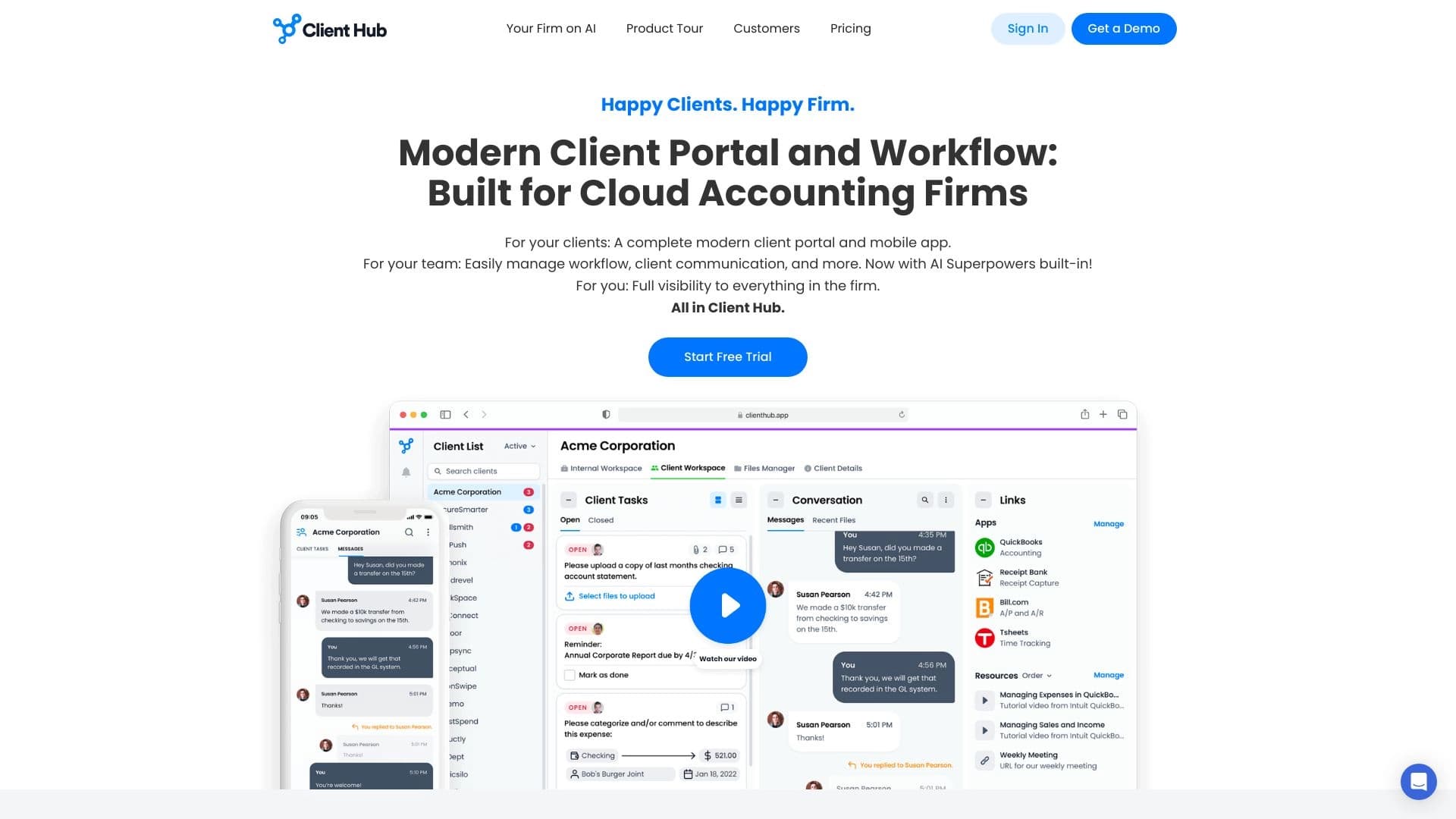
Платформа для бухгалтеров, объединяющая управление задачами, обмен файлами и общение с клиентами в одном интерфейсе.


Платформа для разработки, мониторинга и оценки AI-приложений на основе больших языковых моделей.