
Adobe Podcast
A cloud web service for automatically improving voice recording quality using artificial intelligence.
Overview
Adobe Podcast
Description of the Adobe Podcast neural network
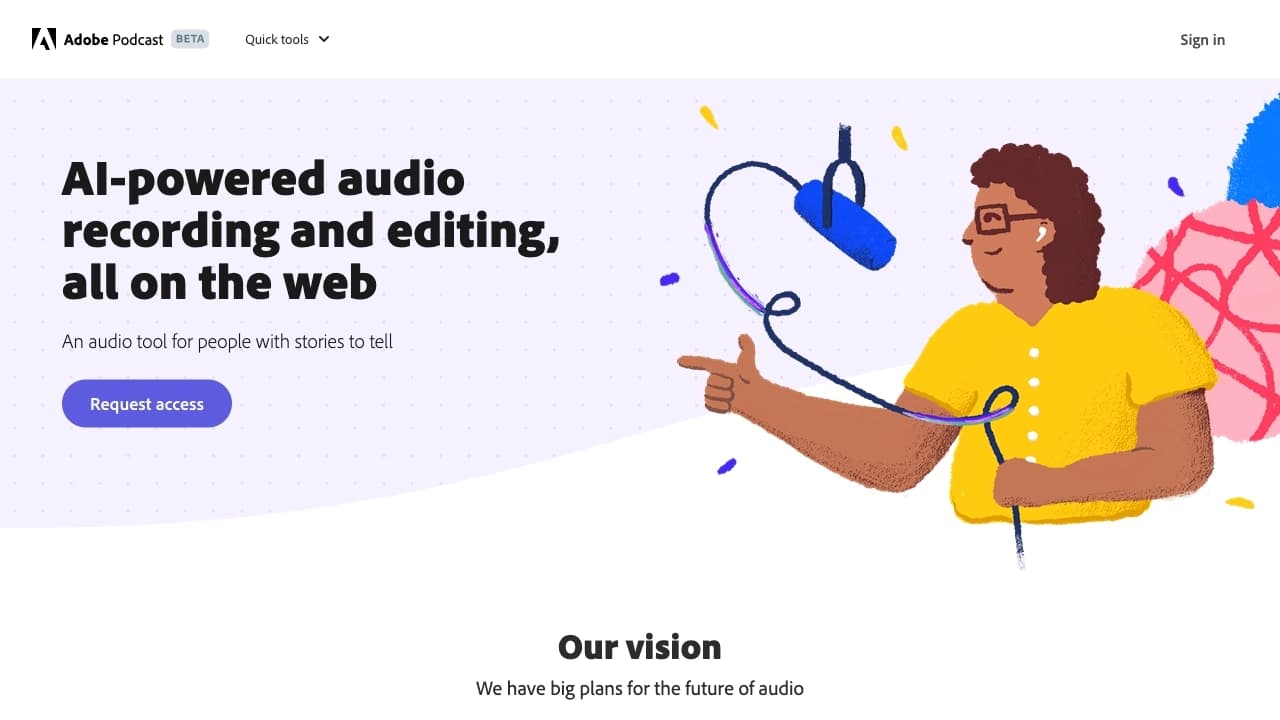
Adobe Podcast is a cloud-based web service powered by artificial intelligence, designed to automatically improve the quality of voice recordings. The tool works through a browser and does not require installing complex software on your computer. The user uploads an audio file, and the neural network independently cleans the recording of background noise, enhances the voice, and improves speech clarity. The service supports processing files in MP3 and WAV formats and is designed for podcasters, content creators, and anyone who wants clean sound without manual parameter adjustments.
In addition to the basic noise reduction function, the platform offers the ability to record audio directly in the browser, automatically transcribe speech to text, and edit audio through text — where edits are made as in a regular text editor. Basic functionality is available for free with a number of restrictions on the duration and volume of processed files.
Adobe Podcast features
| Feature | Value |
|---|---|
| Type | Neural network for audio quality enhancement |
| Categories | Noise reduction, Audio enhancement, Podcasts, Audio editing, Speech recognition |
| Developer | Adobe |
| Platforms | Web interface, desktop application (Windows/Mac) |
| Free tier available | Yes (with limitations) |
| Editors' rating | 8.8–9.1 out of 10 |
| User rating | 4.7 ★ |
| Monthly visits | 1.2M–178M |
Who is Adobe Podcast suitable for?
Podcasters and content creators
The tool is aimed at podcasters, bloggers, and video content creators who record audio without professional studio equipment. Adobe Podcast delivers clean, dense voice sound even when recording at home or in rooms with poor acoustics.
Beginners and non-professionals
The service is designed for users without experience in editing and fine-tuning audio. Everything works automatically — just upload a file and run the processing. This makes it suitable for those who want to quickly improve recording quality without learning professional audio editors.
Professionals needing fast processing
With advanced plans, Adobe Podcast can also be used by professional podcasters who need accelerated processing, higher transcription accuracy, and integration with the Adobe ecosystem (Creative Cloud).
How to use Adobe Podcast?
Working through the web interface
To get started, you need to register on the podcast.adobe.com website. After logging into your account, you can upload an audio file in MP3 or WAV format through the web interface. The neural network automatically processes the recording and offers an improved version. The whole process takes a few minutes and requires no parameter configuration.
Using the desktop application
Adobe Podcast is also available as a desktop application for Windows and Mac. The app works similarly to the web version: it lets you upload files, run processing, and download the result. The advantage of the desktop version is the ability to work with files without constantly switching between browser tabs.
Finishing up
After processing, the improved audio file can be downloaded to your computer or integrated into a project within the Adobe ecosystem. The service also supports batch uploading of multiple files for sequential processing.
Key features of Adobe Podcast
Background noise removal
The neural network automatically detects and removes unwanted sounds: wind noise, echo, room hum, household interference, and other background artifacts. This is the main function the tool is designed for.
Enhancing voice clarity and richness
In addition to cleaning, the service enhances the voice, making it denser and more intelligible. Speech starts to sound like a studio recording — without the "mumbling" and muffled quality that often occur when recording on a regular microphone.
Transcription and text-based editing
The platform automatically transcribes speech into text with high accuracy. Users can edit the text right in the browser — fix errors, adjust wording, and these edits are automatically applied to the audio track. Audio editing works like a text editor.
Recording and publishing podcasts
Adobe Podcast lets you record audio directly from the browser using a connected microphone. Finished podcasts can be stored in the cloud, published, and shared via links. Advanced users also get access to podcast SEO optimization and sponsor integration features.
Advantages of Adobe Podcast
Minimal effort for a professional result
The main advantage of the service is the ability to get studio-quality sound without manual adjustment. You don't need to understand equalizers, compressors, and other parameters — the neural network does everything automatically. The improvement is clearly visible when comparing "before and after."
Available across platforms
The tool works both through a web interface and a desktop application. This provides flexibility in choosing how you work: you can process files from any device with internet access or install the program on your computer for offline use.
Free basic functionality
For users with small recording volumes, a free plan is available that lets you process audio at no cost. This makes the service attractive to beginners who are just starting out with podcasts or voiceover work.
Disadvantages of Adobe Podcast
Free plan limitations
The free version has several significant restrictions. The maximum duration of a single audio file is 30 minutes, and the maximum file size is 500 MB. The daily processing limit is 1 hour (according to some sources, up to 2 hours per month). Exceeding these limits requires a paid subscription.
No fine-grained control over sound
The fully automatic operation mode is both an advantage and a disadvantage. Users cannot manually adjust processing parameters, such as the strength of noise reduction or frequency correction. This limits the service's use for complex production that requires detailed sound work.
Internet dependence and regional restrictions
The service works through the cloud, so a stable internet connection is required. Without a network, the tool is useless. In addition, the service may be subject to regional availability restrictions. Transcription errors are also possible with fast speech, strong accents, or background noise.
What tasks does Adobe Podcast solve?
- Improving sound quality in audio recordings with speech: removing background noise and enhancing voice intelligibility
- Turning a recording made with a regular microphone (including at home) into clean, dense sound close to studio quality
- Automatically transcribing speech into text for subtitles, summaries, or text versions of podcasts
- Text-based audio editing: trimming, removing unsuccessful fragments, fixing wording without re-recording
- Preparing audio for publication: final processing of a recording before posting on podcast platforms or in video projects
- Leveling volume and eliminating variations in recordings made at different times or in different conditions
Adobe Podcast pricing
Free plan
Basic functionality is available for free. Restrictions apply: a single audio file can be up to 30 minutes long, up to 500 MB in size, with a daily processing limit of 1 hour. According to some sources, the total monthly limit may be around 2 hours.
Paid plans
A paid subscription is available to remove the restrictions. Terms vary by region and feature set:
- Adobe Premium — from $10–20 per month. Removes the file size limit and increases the daily limit to 4 hours.
- Starter plan — available in select regions. Provides expanded recording, transcription, and editing tools.
- Premium plan — available in select regions. Includes full access, accelerated processing, and improved transcription accuracy.
- Creative Cloud — from $20+ per month. Integration with the full ecosystem of Adobe products.
Adobe Podcast terms of use
Registration on podcast.adobe.com is required to use the service. Without an account, tools for recording, processing, and working with projects are unavailable.
The free plan has limitations on the duration, size, and number of processed files. A paid subscription is required for regular work with large volumes of audio. All files are uploaded to the cloud service, so processing is only possible with an internet connection.
The service is not intended for music or complex sound design — it is optimized specifically for voice recordings and speech.
Adobe Podcast availability
Adobe Podcast is available through a web interface in any modern browser and through a desktop application for Windows and Mac. The web version allows you to work from any device with internet access.
Access may be restricted in certain regions. Some sources note that the tool has gained popularity despite regional limitations.
Interface languages are not officially specified, but given that the service is developed by Adobe, support for major European languages, including English, is likely.
How Adobe Podcast differs from alternatives
Adobe Podcast stands out from other audio processing tools for its focus on final processing of a finished recording before publication. Unlike Cleanvoice, which removes filler words and speech errors, or Krisp, which works in real-time calls, Adobe Podcast focuses specifically on improving sound quality — noise reduction, voice enhancement, and bringing the recording up to studio level.
The main difference from general-purpose audio editors is its fully automatic operation. Users don't need to know how to set up compressors and equalizers — the neural network does everything itself. However, this is also a limitation: for complex production (music, sound design, multi-layer editing), Adobe Podcast is not suitable and requires additional tools.
Integration with the Adobe ecosystem (Creative Cloud) gives an advantage to users who already work with other company products — processed audio can be immediately used in video editing or other projects.
Conclusion
Adobe Podcast is a cloud-based AI tool for automatically improving the quality of voice recordings. It effectively removes background noise, enhances the voice, and improves speech clarity, turning a recording made with a regular microphone into clean sound close to studio quality. The service is available through a web interface and a desktop application, has a free plan with restrictions (duration up to 30 minutes, size up to 500 MB, daily limit) and a paid subscription to remove these limits. Adobe Podcast is suitable for podcasters, content creators, and anyone who needs to quickly improve speech quality without complex settings, but it is not suitable for fine audio production or music processing.
Pricing
Frequently asked questions
Similar AI tools

See also


Service for live AI conversations, including text generation, voice, and speech recognition.

Service for animating photos and creating videos with digital avatars using artificial intelligence.

AI assistant for doctors that automatically creates structured SOAP notes from appointment audio recordings.
A platform for professional audio processing with AI features for track separation, mastering, and voice changing.


A multifunctional AI assistant for generating texts, images, and audio.

Online service for creating a realistic voice clone from a short audio recording and text-to-speech.

AI-powered online service for automatically generating video subtitles.


AI assistant for creating short summaries of videos, PDF documents, and web pages.