
Acuvity - Chrome Extension
Расширение для браузера, которое помогает администраторам безопасности находить и контролировать использование ИИ-сервисов в организации.
Обзор
Описание нейросети Acuvity - Chrome Extension
Acuvity — это браузерное расширение для Chrome, созданное специально для администраторов безопасности. Его главная задача — автоматически обнаруживать и контролировать все ИИ-сервисы, которые сотрудники используют внутри организации. Инструмент работает как централизованная панель управления: вместо того чтобы вручную опрашивать отделы и собирать информацию, администратор получает полную картину по AI-инфраструктуре компании в одном окне.
Система не просто показывает список подключённых сервисов — она постоянно проверяет их на соответствие политикам безопасности организации. Если сотрудник подключает новый ИИ-инструмент, платформа фиксирует это изменение и сигнализирует администратору. Таким образом, Acuvity решает проблему «теневого ИИ», когда сервисы используются без ведома IT-отдела, что создаёт риски для корпоративной безопасности.
Характеристики Acuvity - Chrome Extension
| Характеристика | Значение |
|---|---|
| Тип | Расширение для браузера |
| Категория | Каталог инструментов для ИИ |
| Разработчик | Acuvity |
| Платформа | Chrome (расширение для браузера) |
| Бесплатный доступ | Есть (базовые функции для одного пользователя) |
| Стартовый тариф | 499 рублей в месяц |
| Премиум тариф | 999 рублей в месяц |
| Ежемесячные посещения | 14.4K |
| Модель распространения | Закрытая (только для официально внедривших платформу клиентов) |
Для кого подходит нейросеть Acuvity - Chrome Extension?
Администраторы по информационной безопасности
Основная целевая аудитория — специалисты, отвечающие за информационную безопасность компании. Им необходимо знать, какие ИИ-сервисы используются сотрудниками, чтобы предотвратить утечку данных и обеспечить соблюдение внутренних регламентов.
IT-специалисты, контролирующие использование ИИ-сервисов
Системные администраторы и IT-менеджеры, которые отвечают за инфраструктуру компании, также найдут инструмент полезным. Acuvity позволяет им быстро выявлять несанкционированные подключения ИИ-решений и управлять ими без необходимости обходить все отделы.
Компании с развитой AI-инфраструктурой
Организации, где ИИ-инструменты активно используются в повседневной работе, получают наибольшую пользу от платформы. Чем больше ИИ-сервисов задействовано, тем сложнее отслеживать их вручную и тем актуальнее становится автоматизированный контроль.
Как использовать нейросеть Acuvity - Chrome Extension?
Шаг 1: Вход в систему и открытие дашборда
Администратор заходит в платформу и открывает главную панель управления — дашборд. Здесь отображается сводная информация обо всех ИИ-сервисах, которые обнаружило расширение.
Шаг 2: Поиск и фильтрация ИИ-сервисов
Через поиск администратор может посмотреть, какие конкретно ИИ-провайдеры используются в компании в данный момент. При необходимости настраиваются фильтры для более точной выборки — например, по отделам, по типу сервиса или по уровню риска.
Шаг 3: Настройка и контроль
Всё работает онлайн. При обнаружении новых ИИ-интеграций система уведомляет администратора, и он может принять решение: разрешить сервис, ограничить его использование или отключить полностью. Действия выполняются в несколько кликов, без сложной настройки.
Основные функции Acuvity - Chrome Extension
Поиск всех AI-провайдеров в организации
Расширение автоматически сканирует активность и находит все ИИ-сервисы, которые реально используются сотрудниками. Это избавляет от необходимости вручную выяснять, кто и каким инструментом пользуется.
Постоянная проверка на соответствие безопасности
Платформа не просто собирает данные — она непрерывно анализирует найденные ИИ-решения на предмет соответствия политикам безопасности компании. При обнаружении отклонений или новых рисков администратор получает сигнал.
Автоматизация управления
Отключение и подключение ИИ-сервисов выполняются через панель управления. Вместо того чтобы писать заявки и ждать ответа от смежных отделов, администратор может самостоятельно управлять доступом, используя гибкие настройки.
Преимущества Acuvity - Chrome Extension
Единая точка контроля
Вся информация об используемых AI-сервисах отображается в одном месте. Не нужно бегать по отделам, собирать данные из разных источников или полагаться на устные отчёты — всё доступно на одном дашборде.
Автоматическое обнаружение новых интеграций
Платформа сама сигналит о новых ИИ-инструментах, которые подключаются к инфраструктуре компании. Это особенно важно для контроля соответствия внутренним правилам безопасности и предотвращения использования небезопасных сервисов.
Быстрое управление доступом
Рутинные операции — отключение или подключение ИИ-сервисов — выполняются за пару кликов. Гибкие настройки позволяют адаптировать систему под конкретные нужды организации без привлечения разработчиков.
Недостатки Acuvity - Chrome Extension
Закрытый сервис
Доступ к платформе имеют только те, кто официально внедрил её в своей компании. Посторонним пользователям попробовать инструмент не получится — это не публичный сервис с открытой регистрацией.
Узкий функционал
Расширение сфокусировано исключительно на контроле ИИ-провайдеров. Оно не подходит для мониторинга обычных SaaS-сервисов или других типов корпоративного ПО, что ограничивает его применение в качестве универсального инструмента безопасности.
Зависимость от активности сотрудников
Эффективность работы системы напрямую зависит от того, насколько реально сотрудники пользуются расширением и вносят данные. Если команда игнорирует инструмент, полнота картины может быть неполной.
Какие задачи решает Acuvity - Chrome Extension
Выявление фактически используемых ИИ-сервисов
Администратор получает полную картину того, какие ИИ-решения реально работают в компании. Это позволяет увидеть полный ландшафт ИИ-инструментов без необходимости опрашивать сотрудников вручную.
Контроль соблюдения политик безопасности
Система следит, чтобы никто не подключал ИИ-сервисы в обход установленных правил. Если сотрудник пытается использовать непроверенный инструмент, администратор узнает об этом сразу же.
Автоматизация рутинного мониторинга
Вместо регулярного ручного аудита платформа выполняет контроль автоматически. Это экономит время администратора и снижает риск пропустить появление нового ИИ-сервиса.
Цены Acuvity - Chrome Extension
Бесплатный тариф
Базовые функции доступны бесплатно для одного пользователя. Этого набора достаточно, чтобы ознакомиться с возможностями системы и понять, подходит ли она для организации.
Стартовый тариф — 499 рублей в месяц
Включает расширенный функционал и поддержку. Подойдёт небольшим компаниям, которым требуется больше возможностей, чем в бесплатной версии, но которые ещё не готовы к полному набору инструментов.
Премиум-тариф — 999 рублей в месяц
Полный набор инструментов платформы и приоритетная поддержка. Предназначен для организаций, которым нужны все функции управления ИИ-инфраструктурой на постоянной основе.
Условия использования Acuvity - Chrome Extension
Инструмент доступен только клиентам, которые официально внедрили платформу в своей компании. Это означает, что для начала работы требуется связаться с разработчиком, обсудить условия и провести интеграцию. Сервис закрытый — посторонним пользователям или частным лицам он недоступен. Такой подход позволяет обеспечивать более высокий уровень безопасности и индивидуальную настройку под конкретную организацию.
Доступность Acuvity - Chrome Extension
Расширение устанавливается в браузер Chrome и работает через веб-интерфейс. Продукт ориентирован на организации — частным пользователям он не подойдёт из-за своей специфики. Регионы использования явно не указаны, но учитывая цены в рублях, можно предположить, что сервис ориентирован в том числе на российский рынок. Точные ограничения по географии в доступных источниках не упоминаются.
Чем отличается Acuvity - Chrome Extension от аналогов
Главное отличие Acuvity от других расширений — это узкая специализация именно на ИИ-сервисах. В то время как многие аналоги (например, Blumo AI, Chat Privacy Extension или Bberry Copilot) нацелены на защиту конфиденциальности в чат-ботах или блокировку нежелательного контента, Acuvity работает на уровне всей организации. Он не просто защищает отдельного пользователя, а предоставляет администратору панель управления для контроля всей ИИ-инфраструктуры компании.
В отличие от расширений, ориентированных на конечных пользователей, Acuvity требует официального внедрения и доступен только бизнес-клиентам. Это делает его менее гибким в плане быстрого тестирования, но более надёжным в корпоративной среде. Другие инструменты, вроде Blureasy или BLUUBRIDGE, могут предоставлять схожие функции, но не имеют такой же глубины интеграции с корпоративными политиками безопасности.
Заключение
Acuvity — это узкоспециализированное браузерное расширение для Chrome, предназначенное для ИТ-администраторов и специалистов по информационной безопасности. Его главная ценность — автоматическое обнаружение и централизованный контроль всех ИИ-сервисов, используемых в организации. Инструмент помогает соблюдать политики безопасности, выявлять несанкционированные подключения и автоматизировать рутинные операции по управлению доступом. Однако из-за закрытой модели распространения и ограниченного функционала он подходит исключительно для бизнес-клиентов, готовых официально внедрить платформу в своей компании.
Тарифы
Часто задаваемые вопросы
Смотрите также


Платформа для автоматизации разработки ПО с помощью визуального конструктора ИИ-агентов.
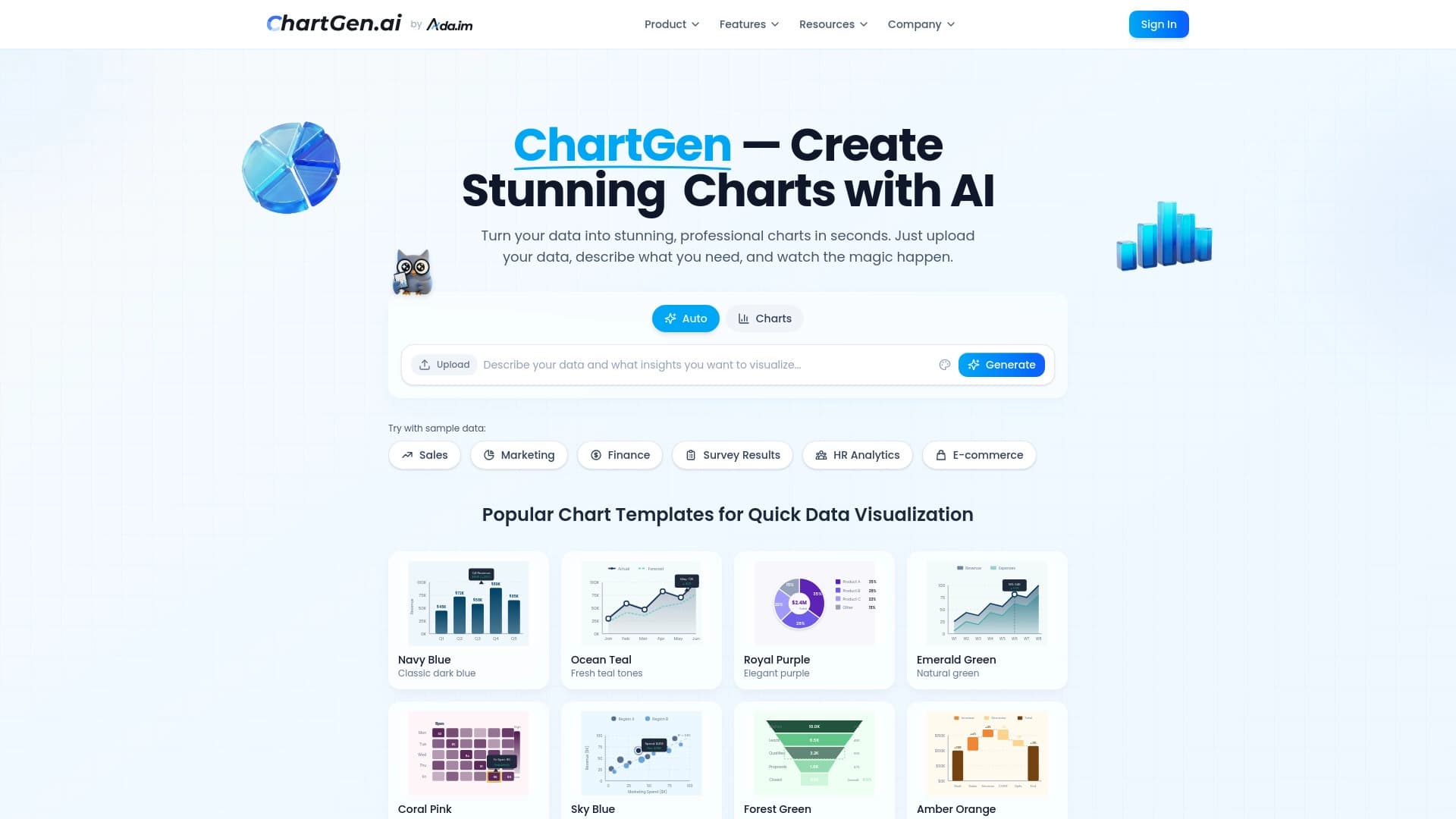

Генератор диаграмм и графиков из загруженных данных по текстовому описанию на естественном языке.
Интеллектуальный помощник от Microsoft, встроенный в поисковую систему Bing и браузер Edge на базе GPT-4.


AI-ассистент для подсказок в реальном времени во время онлайн-собеседований.
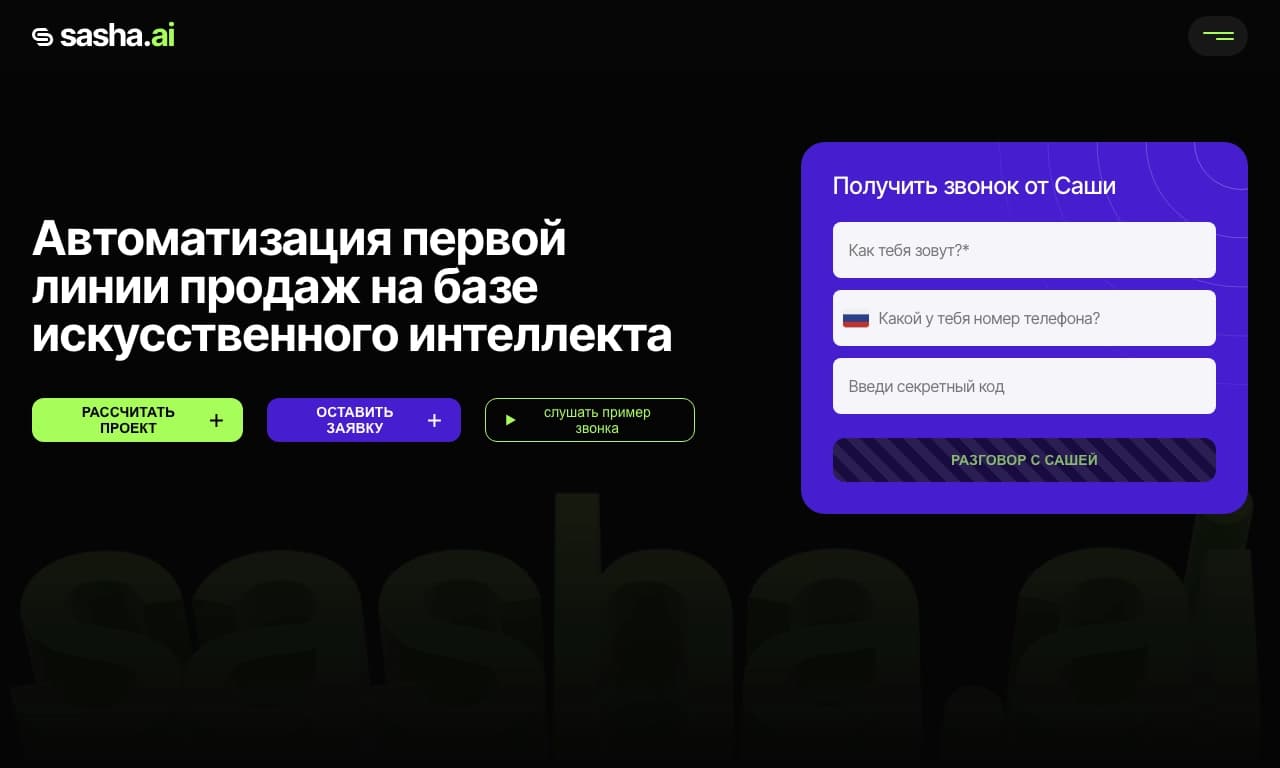
Сервис для автоматизации первого контакта с клиентами в продажах.


AI-ассистент для создания кратких конспектов видео, PDF-документов и веб-страниц.


Open-source AI-агент для разработки, который помогает генерировать, дорабатывать и отлаживать код прямо в IDE.


Платформа на основе ИИ для создания и редактирования изображений и видео товаров для продавцов в электронной коммерции.