
Acedit - Chrome Extension
Расширение для Chrome с ИИ, помогающее готовиться к онлайн-собеседованиям.
Обзор
Описание нейросети Acedit - Chrome Extension
Acedit — это браузерное расширение для Chrome, которое использует искусственный интеллект для подготовки соискателей к онлайн-собеседованиям. Инструмент работает прямо в окне браузера: он анализирует задаваемые вопросы, сопоставляет их с данными из загруженного резюме пользователя и требованиями конкретной вакансии, после чего предлагает персонализированные варианты ответов.
Помимо генерации подсказок, Acedit включает режим симуляции интервью, который позволяет отрепетировать ответы в условиях, приближенных к реальным. Расширение автоматически разбирает описание вакансии, выделяя ключевые компетенции и сортируя требования по степени важности, чтобы пользователь мог сосредоточиться на действительно значимых аспектах.
Характеристики Acedit - Chrome Extension
| Характеристика | Значение |
|---|---|
| Тип | Расширение для браузера |
| Категория | Помощники для написания текстов, Инструменты для проведения собеседований |
| Платформы | Chrome |
| Разработчик | Acedit |
| Бесплатный тариф | Есть (базовый функционал) |
| Ежемесячные посещения | 38.5K |
Для кого подходит нейросеть Acedit - Chrome Extension?
Соискатели, готовящиеся к онлайн-собеседованиям
Инструмент ориентирован на людей, которые проходят интервью в дистанционном формате и хотят повысить качество своих ответов. Acedit будет особенно полезен тем, кто испытывает стресс от неожиданных вопросов и хочет заранее проработать возможные сценарии беседы.
Специалисты, желающие персонализировать подготовку
Расширение подойдет тем, кто не хочет использовать универсальные списки вопросов и ответов из интернета. Благодаря анализу резюме и требований конкретной вакансии, подготовка становится адресной, а ответы — более релевантными ожиданиям работодателя.
Как использовать нейросеть Acedit - Chrome Extension?
Установка и настройка
Для начала работы необходимо установить расширение Acedit из каталога Chrome Web Store. После установки нужно авторизоваться и загрузить актуальную версию своего резюме — это базовая информация, которую использует ИИ для генерации индивидуальных ответов.
Начало тренировки
После загрузки резюме можно переходить к тренировке. Расширение работает непосредственно в браузере: оно перехватывает вопросы, появляющиеся в окне интервью, и предлагает варианты ответов. Также доступен режим симуляции интервью, который позволяет отрепетировать беседу без реального собеседника.
Основные функции Acedit - Chrome Extension
Автоматический захват и анализ вопросов
Расширение в реальном времени фиксирует вопросы, поступающие на онлайн-собеседовании, и анализирует их содержание. Это позволяет подготовить ответ быстро, не тратя время на ручной поиск формулировок.
Генерация персонализированных ответов
На основе данных из резюме пользователя и информации о вакансии ИИ формирует несколько вариантов ответов. Такая схема помогает давать развернутые и уместные реакции, опираясь на реальный опыт и навыки соискателя.
Симуляция интервью для репетиции
Встроенный режим тренировки имитирует ход собеседования, задавая вопросы и оценивая ответы пользователя. Это позволяет отработать сценарии до реальной встречи и снизить уровень тревожности.
Анализ вакансии и сортировка требований
Инструмент автоматически разбирает описание вакансии, выделяя ключевые требования и располагая их по степени важности. Пользователь получает наглядную картину того, на чем следует сделать акцент при подготовке.
Преимущества Acedit - Chrome Extension
Подготовка, ориентированная на реальные ситуации
Вместо механического заучивания стандартных вопросов Acedit помогает выработать навык реагирования на неожиданные сценарии. Симуляция интервью создает условия, близкие к настоящим, что развивает гибкость мышления и уверенность.
Персональные подсказки на основе данных
Расширение учитывает содержание резюме и специфику вакансии, поэтому советы получаются адресными, а не общими. Чем детальнее заполнены исходные данные, тем точнее будут рекомендации.
Удобство использования в браузере
Весь процесс подготовки — от анализа вопросов до генерации ответов — происходит непосредственно в окне Chrome. Не требуется переключаться между приложениями или вкладками, что экономит время и силы.
Недостатки Acedit - Chrome Extension
Зависимость от качества загруженных данных
Эффективность работы расширения напрямую зависит от полноты и точности резюме. Если информация устарела или неполна, качество генерируемых ответов может существенно снизиться.
Возможная шаблонность ответов
В некоторых случаях ИИ может выдавать формулировки, которые звучат обобщенно и не отражают индивидуальный стиль соискателя. Пользователю может потребоваться дорабатывать предложенные варианты вручную.
Риски для конфиденциальности данных
Для работы Acedit требуется передача личных сведений: резюме, данные о вакансии, тексты вопросов. Это создает потенциальные риски утечки информации, которые важно учитывать перед началом использования.
Какие задачи решает Acedit - Chrome Extension
Подготовка к собеседованию с учетом профессии
Расширение помогает структурировать подготовку под конкретную специальность и уровень должности, фокусируясь на релевантных вопросах и навыках.
Получение советов и ответов на основе личного опыта
Acedit использует резюме и детали вакансии для генерации подсказок, которые учитывают индивидуальный профессиональный путь пользователя, а не абстрактные шаблоны.
Тренировка прохождения интервью в реалистичной обстановке
Режим симуляции погружает пользователя в атмосферу, приближенную к реальному собеседованию, что помогает снизить стресс и улучшить самопрезентацию.
Цены Acedit - Chrome Extension
Бесплатный тариф
Базовый функционал доступен без оплаты и без скрытых платежей. Этого пакета достаточно для ознакомления с возможностями сервиса и быстрой оценки его эффективности.
Стандартный тариф — 199 рублей в месяц
Включает расширенные инструменты для написания текстов и более глубокий анализ. Подходит пользователям, которым недостаточно базовых функций для полноценной подготовки.
Премиум-тариф — 599 рублей в месяц
Предоставляет все возможности расширения, включая приоритетную поддержку и доступ к уникальным AI-инструментам. Ориентирован на тех, кто активно использует сервис на регулярной основе.
Условия использования Acedit - Chrome Extension
Для работы с расширением необходимо установить его в браузер Chrome и загрузить актуальное резюме. Без этих двух действий функционал не будет полноценно задействован. Дополнительных сложных настроек не требуется — интерфейс интуитивно понятен. Стоит отметить, что для корректной работы сервису требуется доступ к содержимому вкладок, где проходят собеседования, а также к загруженным пользователем документам.
Доступность Acedit - Chrome Extension
Расширение доступно для установки в браузер Chrome. Это единственная поддерживаемая платформа на данный момент. Необходимо иметь стабильное интернет-соединение, поскольку все вычисления выполняются на стороне сервера, а не локально на устройстве пользователя. Для работы подойдут как стационарные компьютеры, так и ноутбуки, работающие на базе Chrome.
Чем отличается Acedit - Chrome Extension от аналогов
В отличие от универсальных нейросетей, таких как ChatGPT, Gemini или Perplexity AI, Acedit является узкоспециализированным инструментом, заточенным под конкретную задачу — подготовку к собеседованиям. Если общие ИИ-платформы требуют самостоятельной формулировки запросов и последующей адаптации ответов, то Acedit автоматически перехватывает вопросы в реальном времени и работает в связке с резюме пользователя и данными о вакансии.
Главное отличие — это контекстная интеграция с процессом интервью. Расширение не просто генерирует текст, а учитывает специфику конкретного собеседования. Такие аналоги, как GenAPI, НейроТекстер или Алиса AI, предлагают более общие функции по работе с текстом и не имеют встроенных механизмов симуляции интервью и анализа требований работодателя.
Заключение
Acedit — это практичное Chrome-расширение на базе ИИ, предназначенное для подготовки к онлайн-собеседованиям. Оно анализирует вопросы, подсказывает ответы с учетом резюме и требований вакансии, а также предлагает режим симуляции для отработки навыков. Инструмент имеет бесплатный базовый тариф и платные подписки с расширенными возможностями. При этом пользователям стоит учитывать зависимость качества советов от полноты загруженных данных, возможную шаблонность некоторых формулировок и потенциальные риски, связанные с передачей личной информации.
Тарифы
Часто задаваемые вопросы
Смотрите также


AI-ассистент для создания кратких конспектов видео, PDF-документов и веб-страниц.


Многофункциональный ИИ-ассистент для чата, генерации текста и изображений, перевода и помощи в программировании.

Каталог нейросетей и онлайн-инструментов для генерации изображений, анимаций и видео.


AI-платформа для автоматизации видеоредактирования, включая замену лиц, перевод видео и создание аватаров.
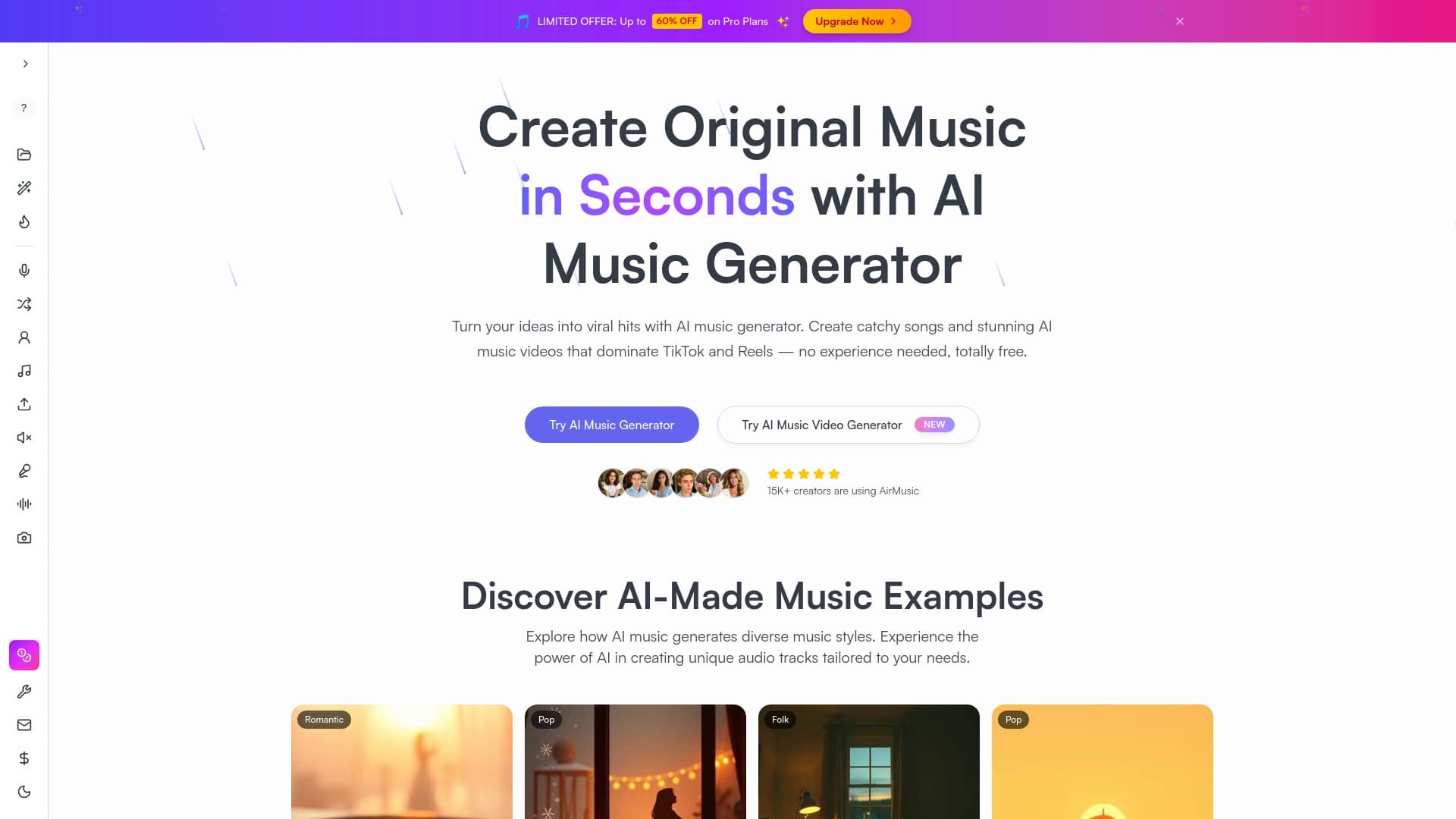
Генератор музыки по текстовому описанию с настройкой стиля и настроения, а также экспортом отдельных дорожек.


Платформа для генерации и редактирования изображений и видео на основе искусственного интеллекта.

Онлайн-сервис на основе ИИ для автоматического создания субтитров к видео.

Веб-платформа для генерации изображений и кинематографичных видео с помощью ИИ, включающая инструменты для студийного редактирования.