
ABox
Mobile app for real-time voice changing during calls and streams.
Overview
ABox Neural Network Description
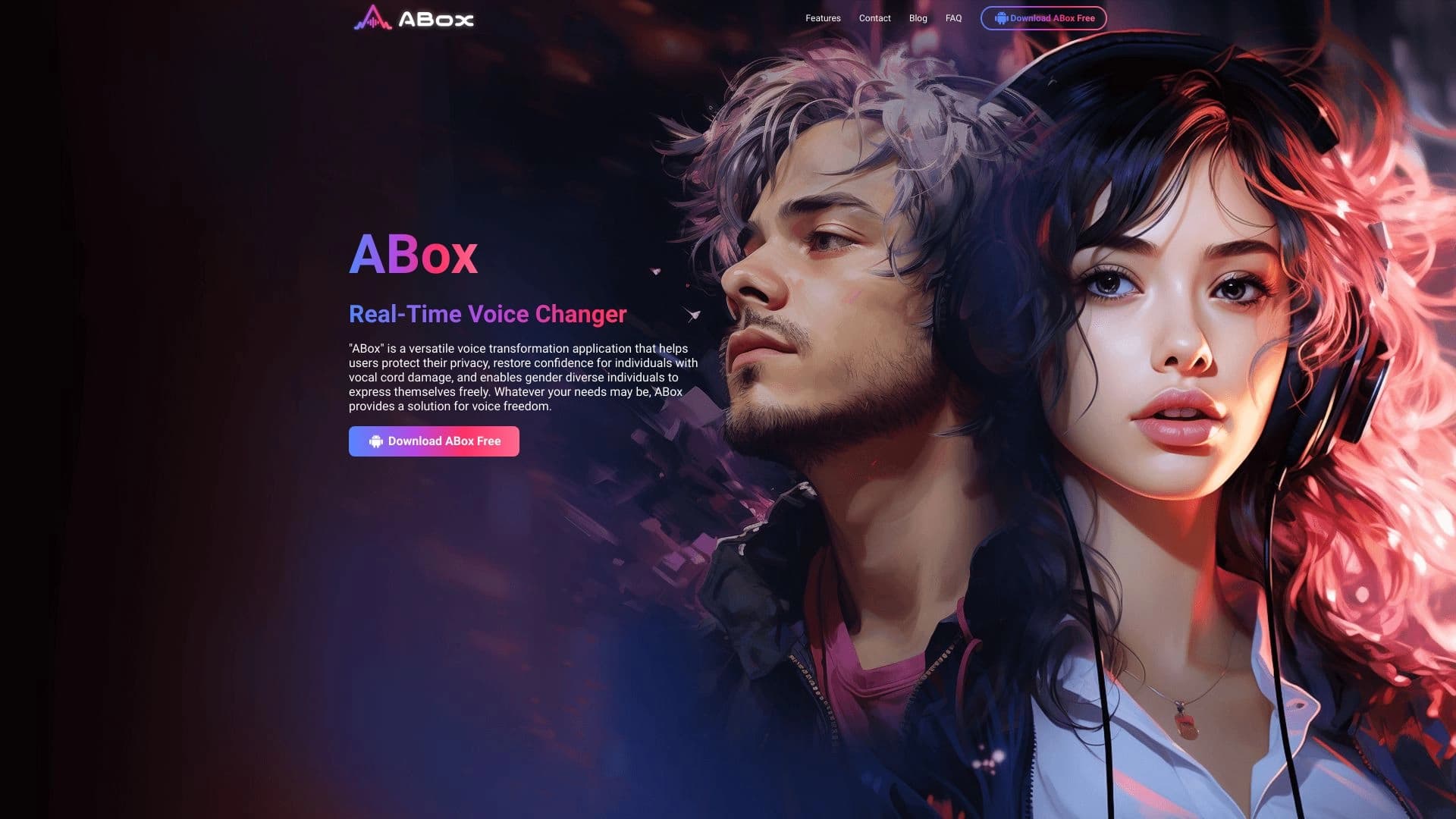
ABox is a mobile application that changes the user's voice in real time during calls and broadcasts. The solution works as a virtual voice modulator that connects to the audio stream and replaces the original sound with a selected effect. The service is designed for live communication scenarios: video calls, voice calls, streams, and online games.
The app is positioned as a universal tool for users who need to change their voice not in a recording, but directly during a conversation. This sets it apart from audio file editors: all changes happen on the fly, without prior setup or post-processing. ABox is available for mobile devices running Android and iOS.
Main Use Cases
- Entertainment calls: pranking friends, creating funny characters in voice chats.
- Privacy: hiding your real voice when communicating with strangers.
- Professional use: streamers and hosts use voice changing to create a unique persona.
The app requires no special knowledge: the user picks an effect from the library and activates it with a single tap. The tool integrates with third-party video communication apps, working as a system voice driver or audio device.
ABox Features
| Feature | Value |
|---|---|
| Tool type | AI tool for real-time voice replacement |
| Categories | AI voice modulator, AI celebrity voice generator, AI voice assistants |
| Platforms | Android, iOS |
| Date added to catalog | June 12, 2024 |
| Distribution model | Freemium (free version with optional paid upgrades) |
| Interface language | Korean (no data on other languages) |
Who Is ABox Neural Network For?
Content Creators and Streamers
Content makers and live stream hosts on Twitch or YouTube can use ABox to add variety to their videos. The ability to change your voice during a live broadcast allows you to create comedy skits, imitate characters, or add intrigue to gameplay. It's a tool for quickly switching between personas without any editing.
Gamers and Online Community Members
In multiplayer games and Discord voice chats, there is often a need to hide your age, gender, or emotional state. ABox helps maintain anonymity and adds an element of play to communication with other users. For guilds and clans, it's also a way to strengthen team spirit through shared jokes.
Virtual Meeting Professionals
For employees who spend a lot of time on Zoom or Teams, the app can serve as a personal data protection tool. In situations where you don't want to reveal your vocal characteristics (for example, when working with clients through third-party services), ABox provides a neutral voice template. It's also useful for moderators who want to hide their identity during heated discussions.
Regular Social Media Users
For those actively communicating on Instagram, TikTok, or Snapchat, the app opens up creative possibilities. Short voice messages or videos with unexpected voiceovers stand out in the feed and boost audience engagement. It's a simple way to diversify everyday communication without learning complex software.
How to Use ABox Neural Network?
Step 1: Installation and Initial Setup
Download the app from the official app store (Google Play or App Store). After installation, open ABox and grant the necessary microphone permissions. In the main menu, check the audio settings: make sure the app correctly recognizes your voice and can act as a virtual output device.
Step 2: Choosing a Voice Effect
Browse the library of available voices. ABox's arsenal includes various presets, from a slight "robot" distortion to more complex imitations. After selecting the desired effect, the system automatically applies it to your microphone. It's recommended to do a test recording to adjust sensitivity and volume levels.
Step 3: Integration with Calling Apps
Launch any video calling app (Zoom, Skype, Discord) or start a regular voice call. In the microphone settings, select ABox as the audio source. After that, all sounds captured by the microphone will be automatically transformed. You can switch voice masks mid-conversation via the floating panel or notifications. To finish, simply disable the effect in the app or close it.
Key Features of ABox
- Real-time voice changing: Instant audio stream processing with no delays critical to live conversation.
- Variety of voice effects: Built-in library with multiple transformation options, including popular masks for games and streams.
- Simple audio setup: Basic gain, sensitivity, and pitch parameters are available in a few taps.
- Seamless integration: The app is automatically detected as a system audio device, ensuring compatibility with most messengers.
Advantages of ABox
Creative Expression
The app turns an ordinary conversation into a game. Thanks to a wide selection of effects, users can create unforgettable moments for subscribers or friends. It's a simple way to stand out from other conference or voice chat participants.
Privacy Protection
ABox allows you to completely hide your natural voice. This is especially important for people who work with an audience non-publicly or want to remain anonymous online. Changing your voice eliminates the possibility of personal identification based on speech patterns.
Ease of Use
The interface is designed for minimal actions: pick an effect, activate it, start a call. No complex equalizer setup or technical documentation study is required. The app works on a "set it and forget it" principle.
Flexible Application
ABox suits both everyday pranks and professional tasks. In a business environment, it helps separate work negotiations from personal life, while in the entertainment industry, it serves as a ready-made content tool.
Disadvantages of ABox
Official information about the app's drawbacks is limited. Based on available data, two potential limitations can be highlighted:
- Language barrier: The interface and documentation are primarily presented in Korean, which may complicate initial use for non-Korean-speaking audiences.
- Distribution model: Despite having a free version, the exact terms of pricing and limitations of the free functionality are not disclosed. Users need to independently check the capabilities after installation.
What Problems Does ABox Solve?
Improving Social Media Interaction
The app helps make content more lively and memorable. Original voice delivery increases brand recognition and draws attention to stories and podcast posts.
Adding Fun to Voice Calls
With ABox, regular calls with friends turn into themed parties. Users can hold impersonation contests or simply entertain the group with unexpected voice changes.
Voice Masking for Confidentiality
The tool addresses a security issue: your interlocutor won't be able to record and use your real voice without consent. This is important for people who frequently communicate with unfamiliar clients or work in anonymous consulting.
Professional Use in Virtual Meetings
For webinar moderators and trainers, ABox provides the ability to speak under a mask while maintaining authority. It's also a solution for those who are self-conscious about their voice and want to reduce anxiety before public speaking.
ABox Pricing
The app is distributed on a freemium model: basic functionality is available for free. However, at the moment, there is no information about specific plans, premium subscription costs, or options for unlocking extended features. Current pricing should be checked directly on the app's page in the Google Play or App Store.
Terms of Use for ABox
To get started, you need to:
- Download and install the app on a device running Android or iOS.
- Grant permission to use the microphone.
- Perform the initial audio device setup.
No special hardware requirements (such as a powerful GPU) are stated. The service is positioned as optimized for mobile devices. All audio processing happens directly in the app, which implies minimal resource consumption.
ABox Availability
ABox is officially available for download on the two largest mobile platforms: Android and iOS. This allows it to reach nearly all modern smartphone owners. Release dates for other platforms (Windows, macOS, web version) have not been announced.
Please note: the source website containing promotional materials is in Korean. There is no mention of regional restrictions (blocks) or the need for a VPN in the documentation. Most likely, the app is available for download in most countries.
How ABox Differs from Alternatives
There are several similar products on the market, and ABox has a number of fundamental differences from them.
| Criterion | ABox | Voicemod | Clownfish Voice Changer |
|---|---|---|---|
| Platforms | Mobile only (Android, iOS) | PC (Windows, macOS) | PC (Windows) |
| Application scope | Mobile calls and streams | Games, desktop chats | Local PC applications |
| Real-time operation | Yes, during calls | Yes, in desktop apps | Yes, but requires system configuration |
| Hardware requirements | Low (optimized for phones) | Medium (powerful PC) | Low |
The main difference is its mobile focus. While most alternatives (Voicemod, Clownfish) are tied to a personal computer, ABox was built for smartphones. This makes it the only solution in the lineup that can be used on the go or during cellular network calls.
Additionally, unlike the Snapchat Voice Changer, which is limited to its own platform app, ABox works with any external video communication programs. Compared to MorphVOX, which requires driver installation and manual configuration, ABox offers a simpler mobile interface and is adapted for touch controls.
Conclusion
ABox is a specialized mobile tool for real-time voice changing. Its key feature is availability on Android and iOS, making it convenient for streamers, gamers, and office workers who aren't tied to a desktop computer. The service handles both entertainment and privacy tasks, offering a simple interface and seamless integration with third-party messengers. Despite having a free version, fully assessing its capabilities requires independent exploration, as information about paid plans and the complete effect library is not officially disclosed. The main limitations stem from the Freemium distribution model and the initial focus on the Korean market, but basic functionality is available to every mobile user.
Frequently asked questions
See also
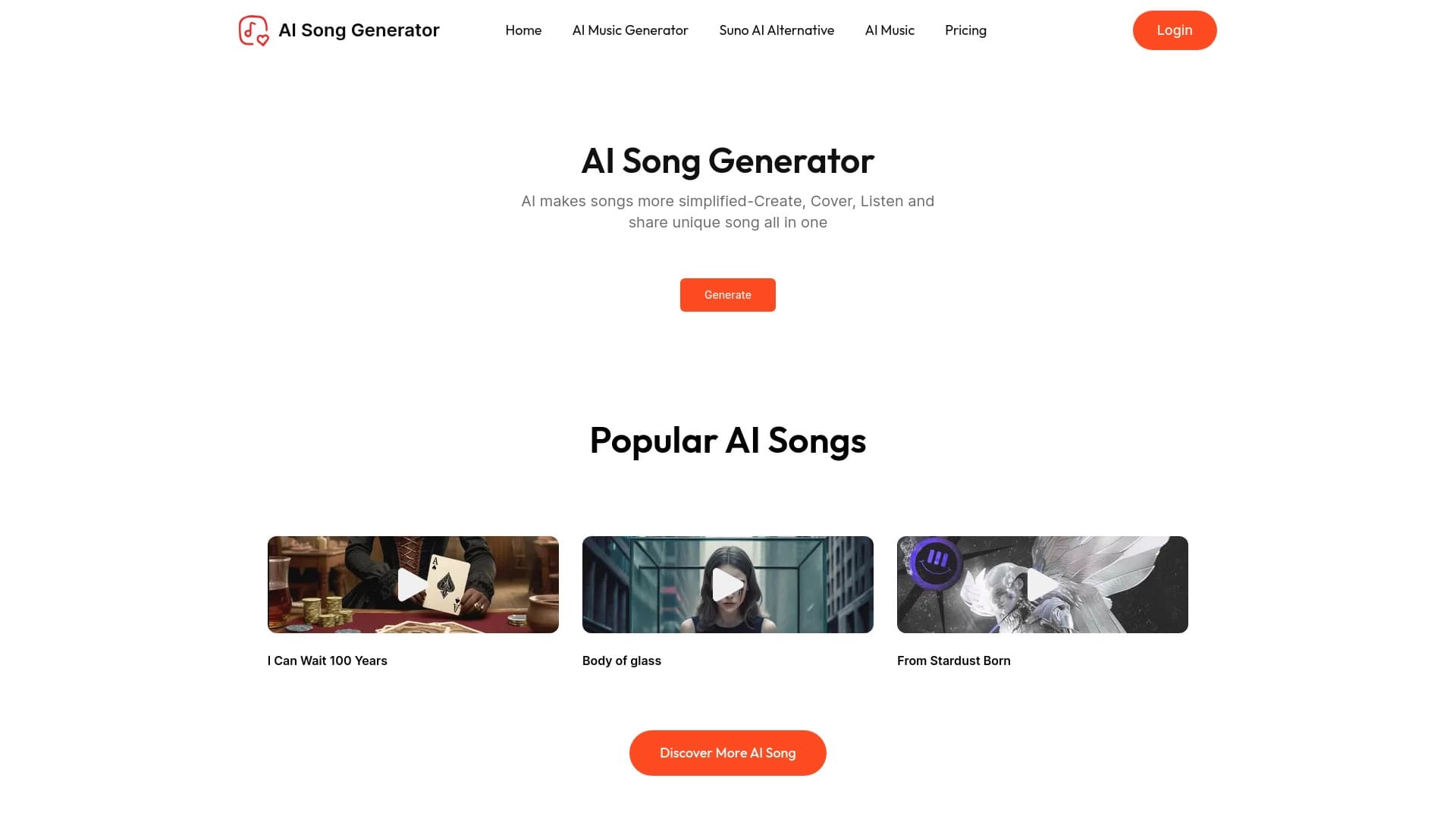
An online service that uses AI to create songs and music, supporting both simple text descriptions of a track and uploading your own lyrics.
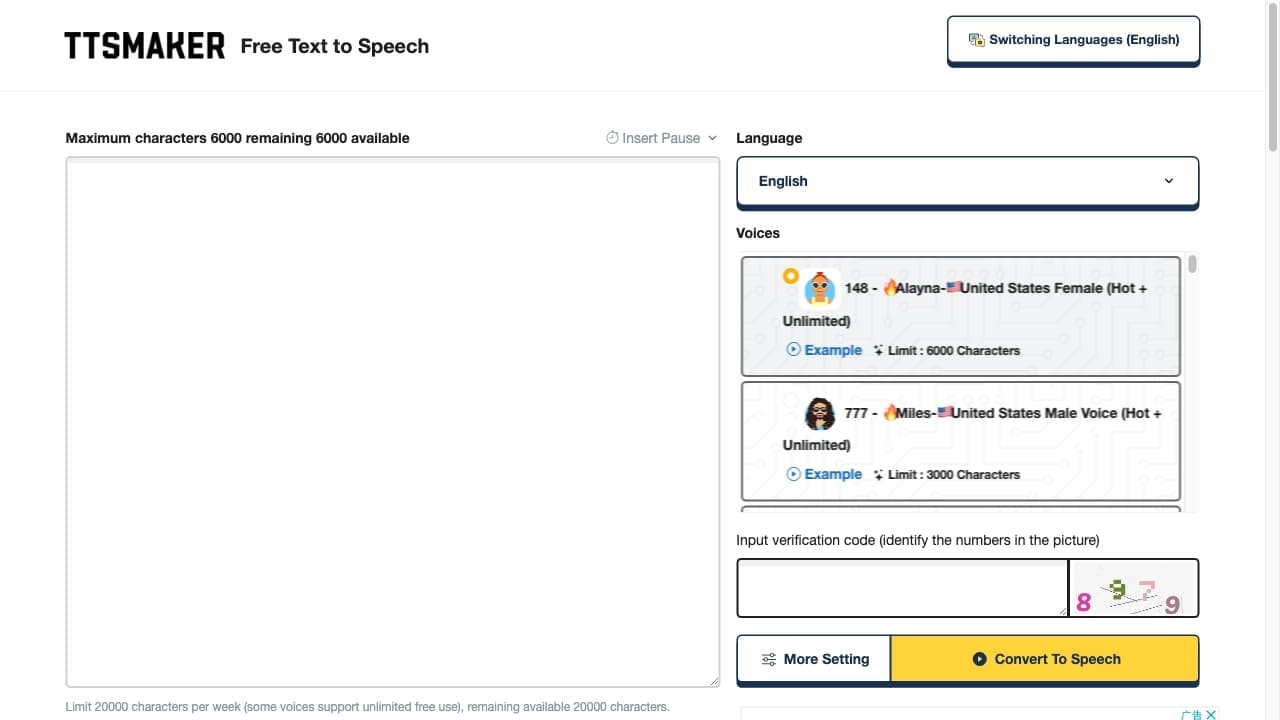
Free online text-to-speech service with over 200 voices in multiple languages.


A multifunctional AI assistant for generating texts, images, and audio.


AI toolkit for video generation and editing, including avatars, lip-sync, and voice cloning.

Online service for creating a realistic voice clone from a short audio recording and text-to-speech.


Online AI speech synthesis platform that allows generating audio with voices of famous characters and celebrities.

Mobile app for photo editing and creating stylized avatars using AI.


Service for generating short vertical videos using a neural network via API or mobile app.