

A1.art
Платформа для анимации и стилизации фотографий с помощью нейросетей и готовых пресетов.
Место в рейтингах
Обзор
Описание нейросети A1.art
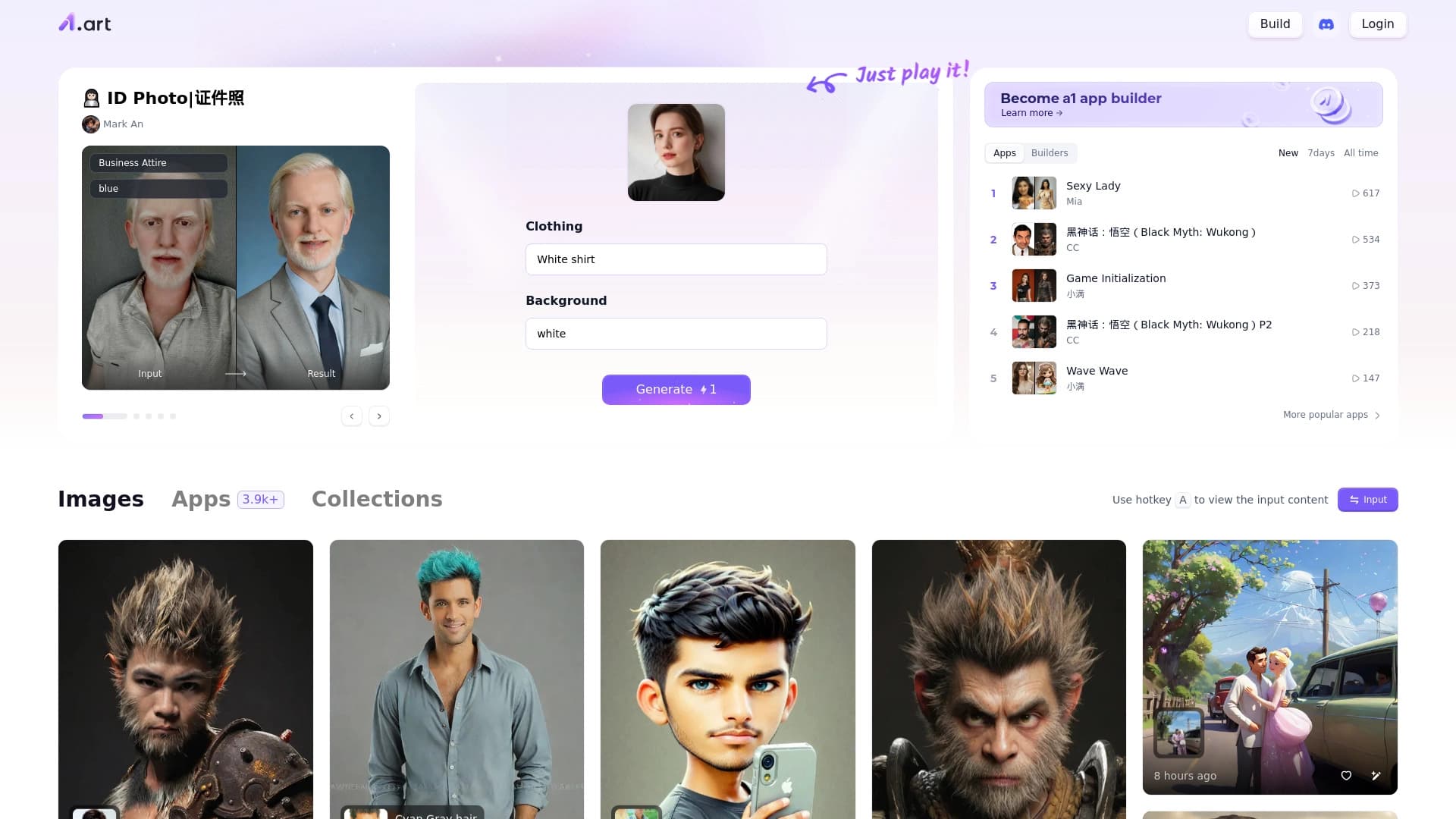
A1.art — это браузерная платформа, которая объединяет два подхода к работе с изображениями. С одной стороны, это генератор картинок по текстовому описанию, с другой — мощный инструмент для стилизации и анимации уже готовых фотографий. Вместо того чтобы заставлять пользователя вручную осваивать сложные настройки, сервис предлагает огромную библиотеку из более чем 3000 готовых пресетов и фильтров. Вы просто загружаете фото или вводите текстовый запрос, выбираете понравившийся стиль — от классической живописи до футуристического арта — и получаете результат в пару кликов.
Отличительная черта платформы — возможность не только потреблять готовые фильтры, но и создавать свои собственные инструменты обработки изображений. При этом не требуется писать код: конструктор работает в визуальном режиме. Удачные настройки можно сохранить и применять к новым запросам, что позволяет выстроить единый визуальный стиль для целой серии работ.
Характеристики A1.art
| Характеристика | Значение |
|---|---|
| Тип | Онлайн-генератор изображений и платформа для анимации фото на базе ИИ |
| Основная особенность | Акцент на фильтры, пресеты и стилизацию (более 3000 приложений) |
| Категории | Генерация изображений, стилизация и фильтры, анимация фото, создание аватаров, дизайн |
| Платформа | Браузер (Web) |
| Разработчик | A1.art |
| Модель распространения | Freemium (есть бесплатный тариф и платные подписки) |
| Бесплатный тариф | Да (доступ к основным функциям генерации) |
| Доступ из России | Требуется VPN |
| Оценка редакции (NeuroFolder) | 9.4 из 10 |
| Пользовательский рейтинг | 4.4 из 5 |
| Ежемесячные посещения | 388.9K |
Для кого подходит нейросеть A1.art?
Художники и иллюстраторы
Платформа будет полезна художникам, которые ищут быстрые способы экспериментировать со стилями. Вместо мучительного подбора кистей и техник можно применить готовый пресет и посмотреть, как будет выглядеть работа в духе импрессионизма, сюрреализма или киберпанка. Это удобный инструмент для поиска вдохновения и создания эскизов.
Создатели контента и дизайнеры
Для дизайнеров и контент-мейкеров A1.art — способ быстро нагенерировать визуалы для соцсетей, блогов или презентаций. Не нужно открывать тяжелые графические редакторы: загрузили фото — получили анимированный аватар, гифку или стилизованную картинку для поста.
Широкая аудитория без опыта
Сервис рассчитан на новичков. Интерфейс понятен интуитивно, а сотни готовых приложений позволяют получить красивый результат тем, кто вообще не разбирается в дизайне и нейросетях. Это просто способ поиграть с фото или создать аватар для соцсети без сложных программ.
Как использовать нейросеть A1.art?
Через загрузку и стилизацию фото
Путь использования очень прост. Зайдите на сайт через браузер, загрузите исходное изображение, выберите один из тысяч доступных стилей и запустите обработку. Нейросеть сама превратит фотографию в анимированную картинку (GIF), стилизованный арт или короткое видео. От вас не требуется разбираться в параметрах — достаточно нажать пару кнопок.
Через текстовое описание
Если готового фото нет, можно пойти другим путем: ввести текстовое описание того, что вы хотите увидеть. Далее выбрать или создать подходящий фильтр и запустить генерацию картинки прямо в браузере. Комбинируя текстовые запросы с пресетами, вы получаете изображения в нужном стиле.
Через конструктор собственных инструментов
Для продвинутых пользователей платформа предлагает режим конструктора. Здесь можно настроить параметры и стили обработки «под себя», а затем сохранить результат как собственный фильтр. В дальнейшем этот фильтр применяется к любым новым запросам или загруженным фото, обеспечивая уникальный и стабильный визуальный стиль.
Основные функции A1.art
Анимация и аватары
Сервис позволяет превращать обычные фотографии в анимированные изображения, создавать GIF-ки и короткие видеоролики. Также популярно создание аватаров для социальных сетей: загрузил селфи — получил стилизованный портрет в выбранном стиле.
Библиотека из тысяч пресетов
Внутри платформы доступно более 3000 готовых приложений и коллекций. Стили варьируются от фотореалистичных эффектов до абстрактного арта, от классики до футуризма. Коллекция постоянно пополняется, поэтому выбор огромен.
Конструктор собственных AI-фильтров
Это ключевая функция для тех, кто хочет выйти за рамки шаблонов. Пользователь может создать собственный AI-инструмент обработки фото без программирования, настроить параметры под свои задачи и сохранить их. Это позволяет поддерживать единый визуальный язык в проекте, бренде или портфолио.
Преимущества A1.art
Простота и скорость
Платформа не требует установки и работает прямо в браузере. Интерфейс дружелюбный к новичкам, результат достигается в несколько кликов. Это быстрый способ получить креативный контент без изучения сложных программ.
Огромный выбор стилей
Более 3000 фильтров и приложений — это колоссальная база для экспериментов. Найдутся варианты на любой вкус — от классических живописных техник до абстракции и футуристических стилей.
Гибкость настройки
Конструктор фильтров позволяет создавать собственные уникальные стили, а не просто использовать чужие шаблоны. Удачные настройки сохраняются и могут применяться к новым запросам, обеспечивая узнаваемый «почерк» автора.
Недостатки A1.art
Шаблонность результатов
Из-за большого количества готовых пресетов работы пользователей могут выглядеть похожими. Стили и шаблоны быстро узнаются, и созданные изображения не всегда выглядят уникальными.
Зависимость от исходного материала
Качество итоговой картинки сильно зависит от качества загруженной фотографии. Плохие снимки могут дать неудовлетворительный результат, и нейросеть не всегда может его исправить.
Вопросы авторских прав
При использовании чужих фотографий или стилей могут возникнуть юридические вопросы. Рекомендуется проверять легальность использования материалов, чтобы избежать претензий от правообладателей.
Какие задачи решает A1.art
Платформа решает три основные задачи. Первая — это генерация изображений по текстовому описанию для быстрого создания арта. Вторая — подбор визуального стиля через готовые фильтры-пресеты для быстрого прототипирования идей. Третья — создание единого визуального языка: пользователь может настроить собственные фильтры и применять их ко всем работам, что критически важно для брендов, проектов или портфолио. Также сервис отлично справляется с превращением обычных фотографий в анимированные картинки и аватары для соцсетей.
Цены A1.art
Сервис работает по модели freemium. В A1.art много функций доступно бесплатно: можно спокойно попробовать генерацию и анимацию без вложений. Для более серьезных задач предусмотрены платные тарифы. Базовый тариф стоит 140 рублей в месяц и открывает доступ к дополнительным стилям и ускоренной обработке. Премиум-тариф обойдется в 499 рублей в месяц и включает неограниченное количество изображений и эксклюзивные функции.
Условия использования A1.art
Базовый функционал доступен бесплатно. Для расширенных возможностей нужно оформлять платную подписку. При использовании чужих фотографий или стилей важно самостоятельно проверять легальность их применения, чтобы избежать проблем с авторскими правами. Сервис доступен онлайн через сайт, установка не требуется. Цены указаны в рублях, что предполагает ориентацию на русскоязычную аудиторию.
Доступность A1.art
Сервис доступен через браузер на любой современной платформе. Для работы нужен только интернет. Отдельно стоит отметить, что по информации на 2024 год, для доступа к платформе из России требуется использование VPN.
Чем отличается A1.art от аналогов
Главное отличие A1.art от множества других генераторов изображений — это двойной акцент: на генерацию по тексту и на стилизацию загруженных фото через гигантскую библиотеку пресетов. Многие аналоги (например, Midjourney или Kandinsky) сильны именно в генерации, но слабее в анимации готовых снимков. A1.art берет простотой: не нужно осваивать сложные промпты, достаточно выбрать готовый эффект. Возможность создавать собственные фильтры и сохранять их также выделяет платформу на фоне конкурентов. При этом результативность сильно зависит от качества исходного фото, а результаты могут быть шаблонными, что является платой за простоту.
Заключение
A1.art — это простая и удобная браузерная платформа для создания AI-арта и анимации изображений. Она предлагает огромный выбор готовых стилей и позволяет создавать собственные фильтры без программирования. Сервис подходит как для быстрых креативных экспериментов и создания аватаров, так и для более серьезной работы над узнаваемым визуальным стилем проекта. Ключевые ограничения — шаблонность результатов, зависимость от качества исходных снимков и необходимость VPN для пользователей из России.
Тарифы
Часто задаваемые вопросы
Смотрите также

Автоматизирует создание контента для карточек товаров в интернет-магазинах и на маркетплейсах.


Сервис для виртуальной примерки одежды с помощью ИИ.

Открытая платформа для создания и взаимодействия с ИИ-персонажами в ролевых играх и чатах без цензуры.
Онлайн-платформа для генерации изображений по текстовому описанию с функциями переноса лица и изменения настроения.
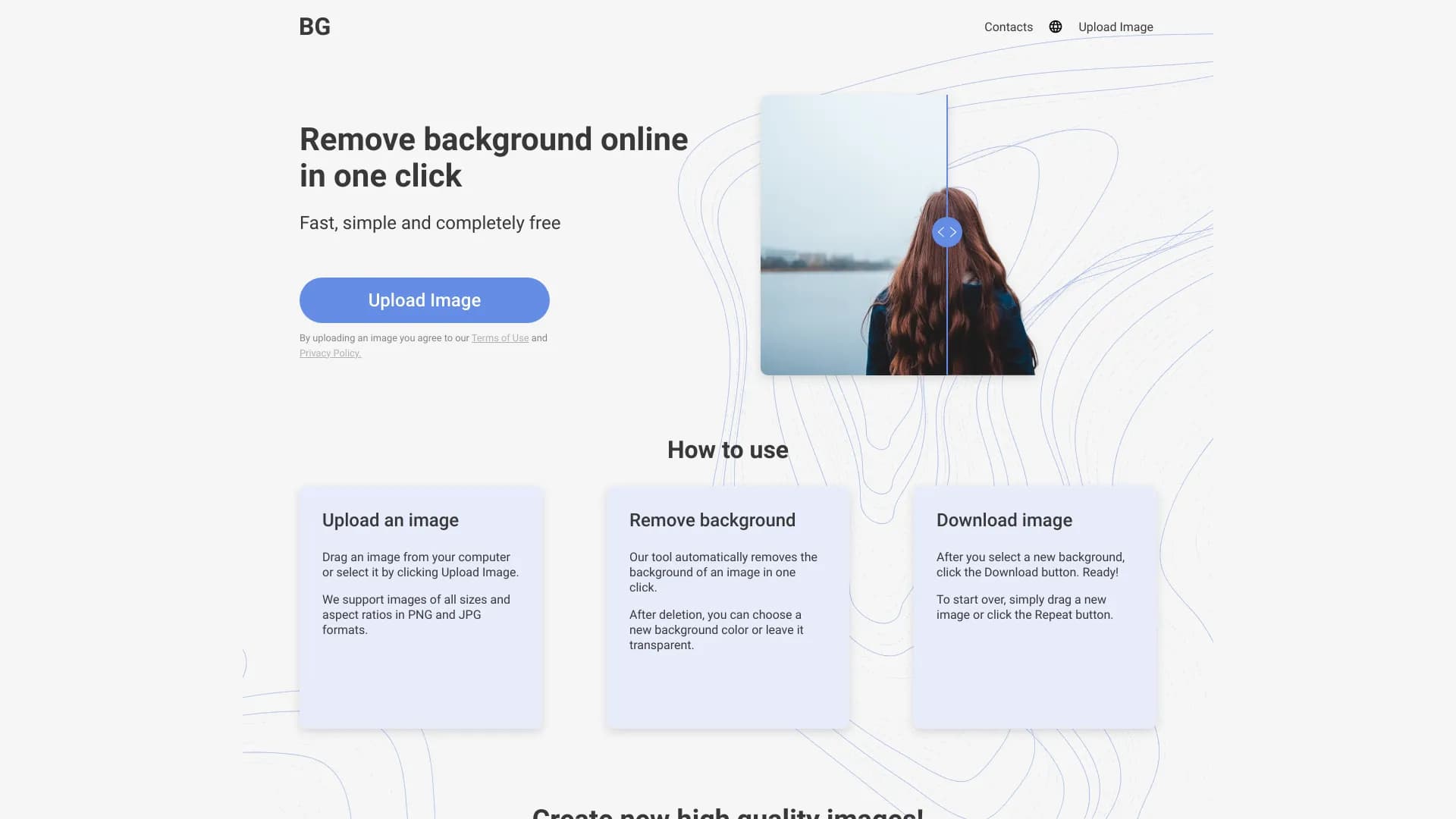
Онлайн-сервис для автоматического удаления фона с изображений с помощью нейросети.

Браузерное расширение для генерации изображений через CloudflareAI из контекстного меню.

Сервис для создания презентаций, использующий несколько ИИ-агентов для сбора информации, дизайна и анализа данных.
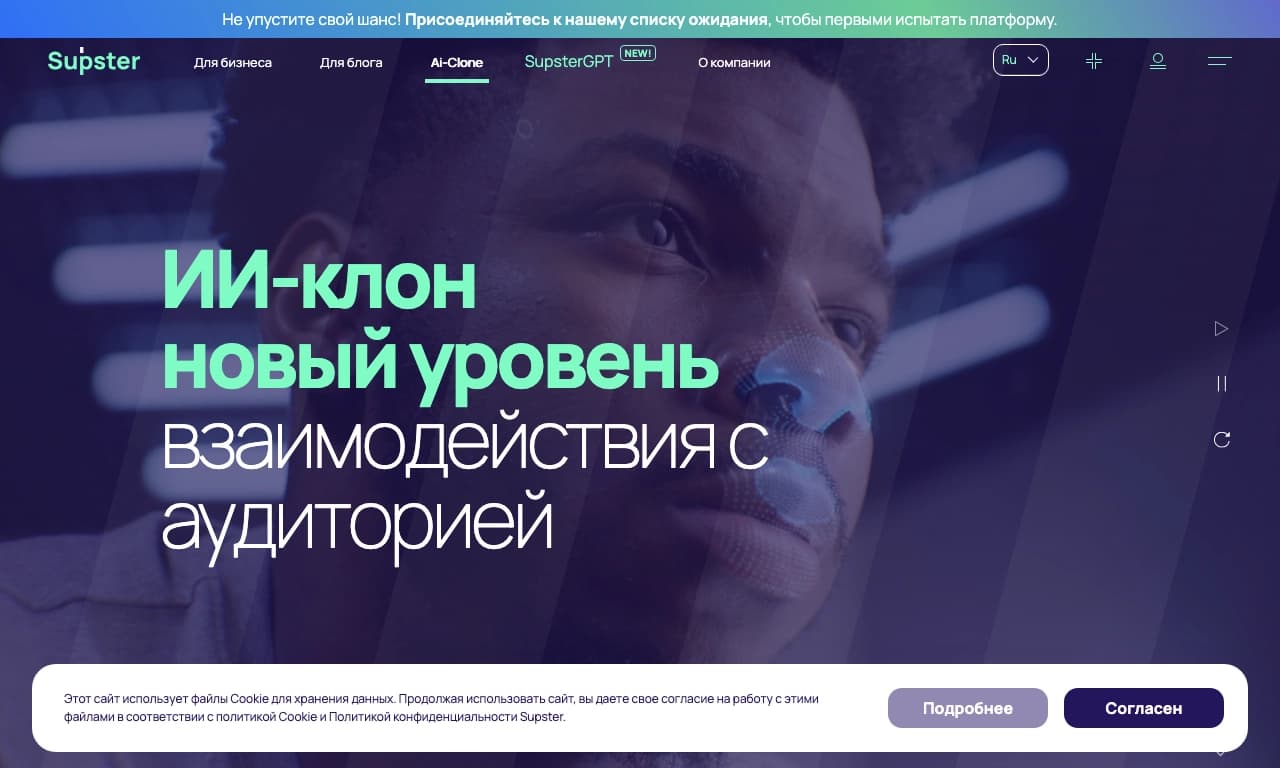
Сервис для создания приложений, нейросетей и AI-клонов, а также нейросеть для генерации и обработки текстов.