
3E8 Blueprint
AI-инструмент для автоматической генерации технической документации и схем при разработке электронных устройств.
Обзор
Описание нейросети 3E8 Blueprint
3E8 Blueprint — это AI-инструмент, который автоматизирует создание технической документации для электронных устройств. Вместо того чтобы вручную прорабатывать схему подключения, подбирать компоненты и писать инструкцию, пользователь просто описывает свой проект текстом, а нейросеть берет на себя остальную работу.
Сервис анализирует запрос, определяет подходящие модули и детали, рассчитывает параметры питания и формирует принципиальную схему. Результат выдается в виде PDF-документа с диаграммами и текстового файла со списком покупок. Весь цикл — от идеи до готовой документации — занимает меньше минуты.
Инструмент ориентирован на ускорение прототипирования: он позволяет быстро проверить концепцию устройства, не углубляясь в рутину поиска данных по компонентам. Это полезно при работе с платформами вроде Arduino, создании IoT-систем или разработке кастомной периферии.
Характеристики 3E8 Blueprint
| Характеристика | Значение |
|---|---|
| Бизнес-модель | Freemium |
| Категория | Инструменты разработчика |
| Дата первой публикации | 09.01.2026 |
| Доступность | Веб-сайт 3e8blueprint.com |
Для кого подходит нейросеть 3E8 Blueprint?
Инструмент рассчитан на три основные группы пользователей.
DIY-энтузиасты и хобби-проекты
Для любителей, собирающих устройства дома, 3E8 Blueprint убирает самый трудоемкий этап — поиск схем и расчетов в интернете. Вместо часов гугления даташитов можно просто описать проект, например, «мини-роборука с тремя сервоприводами», и через минуту получить готовую схему и перечень деталей. Это делает эксперименты с разными конфигурациями быстрыми и удобными.
Студенты технических вузов
При подготовке учебных макетов и лабораторных работ часто требуется быстро оформить документацию. 3E8 Blueprint позволяет студентам не тратить время на рутинную прорисовку схем, а сосредоточиться на понимании принципов работы устройства и его механики.
Стартапы в области IoT и MVP-прототипы
Для команд, разрабатывающих первые прототипы своих продуктов, скорость выпуска MVP критична. Инструмент помогает сформировать документацию для внутреннего тестирования и презентаций, не привлекая на этом этапе инженера полного цикла.
Как использовать нейросеть 3E8 Blueprint?
Шаг 1: Опишите проект
Зайдите в интерфейс 3E8 Blueprint и введите текстовое описание вашего устройства. Это может быть простая фраза вроде «мини-роборука с тремя сервоприводами» или более детальное описание. Чем точнее вы опишете задачу, тем релевантнее будет результат.
Шаг 2: Анализ и генерация
Алгоритм обрабатывает запрос: подбирает совместимые компоненты, рассчитывает питание, проверяет совместимость модулей и строит принципиальную схему подключения. Этот процесс полностью автоматический и занимает меньше минуты.
Шаг 3: Получите результаты
На выходе вы получаете два файла: PDF-документ с диаграммами и текстовый файл со списком покупок. PDF содержит принципиальную схему и пошаговую инструкцию по сборке, а текстовый файл — перечень деталей с артикулами для заказа.
Основные функции 3E8 Blueprint
- Генерация схемы подключения: создание принципиальной схемы по текстовому описанию устройства.
- Формирование перечня деталей: список компонентов с артикулами для удобного заказа.
- Создание пошаговой инструкции: пошаговое руководство по сборке устройства.
- Подбор совместимых компонентов: автоматический выбор подходящих модулей и деталей.
- Расчет питания: проверка и расчет параметров питания для выбранной конфигурации.
- Экспорт результатов: выгрузка документации в PDF с диаграммами и текстовый файл со списком покупок.
Преимущества 3E8 Blueprint
Экономия времени на этапе планирования
Сильное преимущество сервиса — скорость. То, что раньше могло занять несколько часов или дней, теперь умещается в пару кликов и занимает не более минуты. Инструмент автоматизирует рутинную работу, освобождая время для креатива и механики.
Отсутствие необходимости искать информацию
Пользователю больше не нужно часами гуглить схемы и даташиты. Сервис сам подбирает подходящие компоненты и генерирует документацию. Это также удобно для экспериментов: можно быстро проверить несколько конфигураций и выбрать оптимальную.
Низкий порог входа
Даже без глубоких знаний электроники можно создать рабочую документацию для прототипа. Инструмент избавляет от необходимости разбираться в тонкостях совместимости модулей и расчета питания.
Недостатки 3E8 Blueprint
Основное ограничение сервиса — он не подходит для промышленного производства. 3E8 Blueprint не заменит глубоких знаний электроники и профессиональных инструментов проектирования, которые требуются для создания устройств, предназначенных для массового выпуска. Инструмент ориентирован на прототипирование, обучение и хобби-проекты, а не на серьезные промышленные задачи.
Какие задачи решает 3E8 Blueprint
- Быстрая подготовка документации: формирование полного пакета документов для прототипов устройств.
- Подбор компонентов: автоматический выбор подходящих деталей для электронных проектов.
- Проверка совместимости модулей: исключение ошибок на этапе планирования.
- Создание принципиальной схемы: генерация схемы подключения по описанию.
- Автоматизация рутинного этапа: устранение ручной работы при планировании сборки устройств.
Цены 3E8 Blueprint
Сервис работает по модели freemium. Бесплатный тариф доступен с определенными ограничениями — вероятно, это касается количества генераций или набора доступных функций. Платные тарифы расширяют возможности инструмента, но конкретные цифры и условия в открытых источниках не раскрываются.
Условия использования 3E8 Blueprint
Подробные условия использования сервиса в открытых источниках не публикуются. Известно, что доступ к базовому функционалу предоставляется бесплатно, а расширенные возможности — по платной подписке. Для уточнения деталей (количество генераций в месяц, доступные форматы экспорта, ограничения бесплатного тарифа) необходимо обращаться к официальному сайту сервиса.
Доступность 3E8 Blueprint
Инструмент доступен через веб-сайт 3e8blueprint.com. Для начала работы не требуется установка дополнительного программного обеспечения — достаточно открыть сайт в браузере и описать свой проект. Это делает сервис доступным с любых устройств, имеющих подключение к интернету.
Чем отличается 3E8 Blueprint от аналогов
Основное отличие 3E8 Blueprint от других инструментов — специализация именно на технической документации для электроники. В то время как аналоги вроде Context Chatbots, DiffusionBee, Shap-e или Browse AI решают совершенно иные задачи (обработка текстов, генерация изображений, 3D-моделирование, извлечение данных из интернета), 3E8 Blueprint сфокусирован конкретно на генерации схем подключения и перечней компонентов.
Это узкоспециализированный инструмент для конкретной ниши: быстрой подготовки документации для прототипов электронных устройств. Его уникальное преимущество — связка «текстовое описание → готовая схема и список деталей», которая отсутствует у перечисленных выше сервисов.
Заключение
3E8 Blueprint — это практичный инструмент для быстрой генерации технической документации электронных проектов по текстовому описанию. Он подходит для любителей, студентов и стартапов, ускоряя переход от идеи к сборке прототипа. Сервис не требует установки, работает через браузер и позволяет получить готовую схему, перечень компонентов и инструкцию по сборке менее чем за минуту. При этом инструмент не рассчитан на промышленное производство — для серьезных устройств по-прежнему потребуются профессиональные знания и специализированное ПО.
Часто задаваемые вопросы
Смотрите также


Платформа на основе ИИ для создания и редактирования изображений и видео товаров для продавцов в электронной коммерции.


Инструмент, встраиваемый в Microsoft Word, который с помощью нейросетей автоматизирует создание, редактирование и анализ юридических контрактов.


Платформа для автоматизации разработки ПО с помощью визуального конструктора ИИ-агентов.

Облачный сервис на основе нейросетей для генерации 3D-моделей, текстур и анимаций по текстовому описанию или изображению.
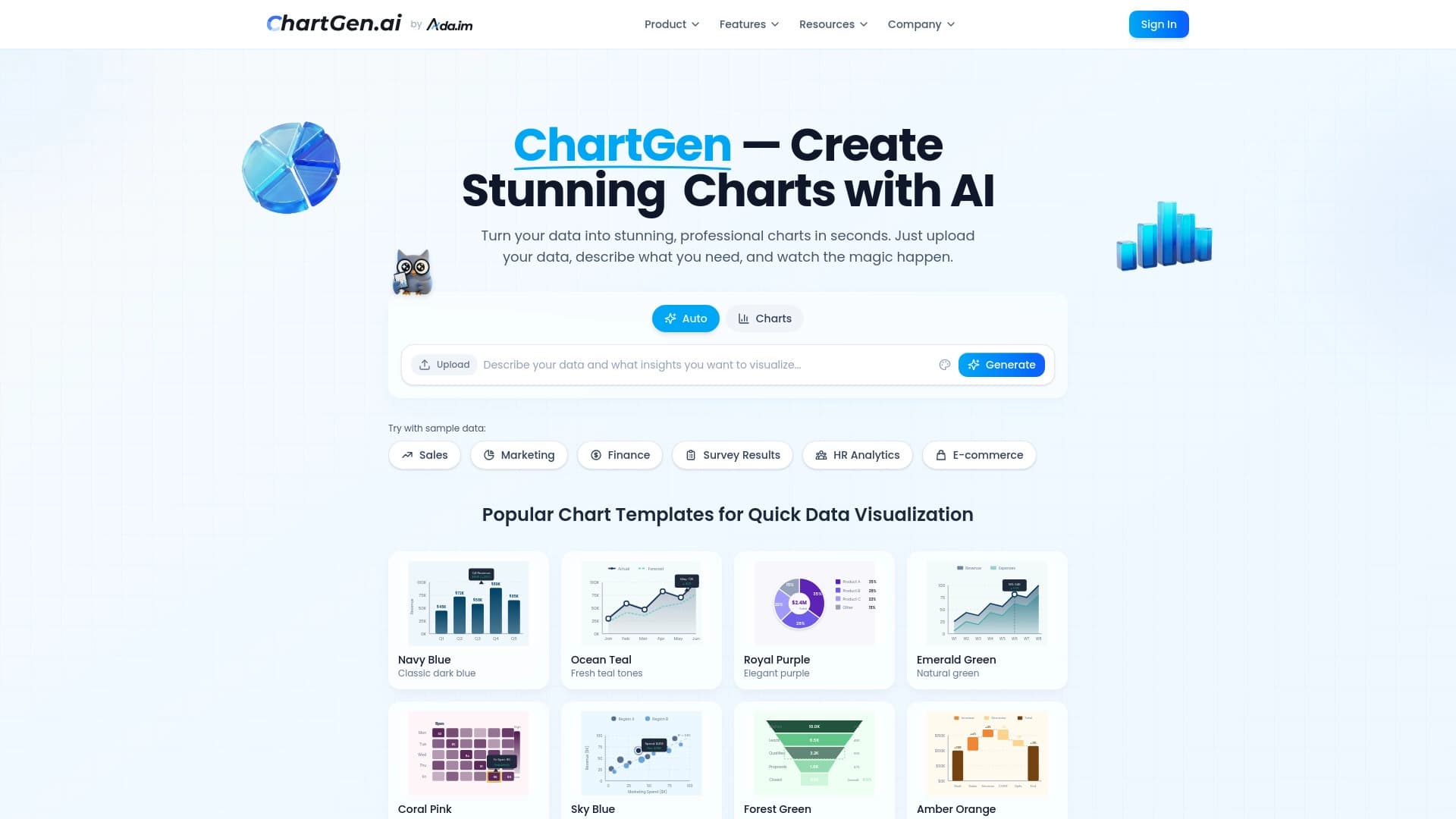

Генератор диаграмм и графиков из загруженных данных по текстовому описанию на естественном языке.
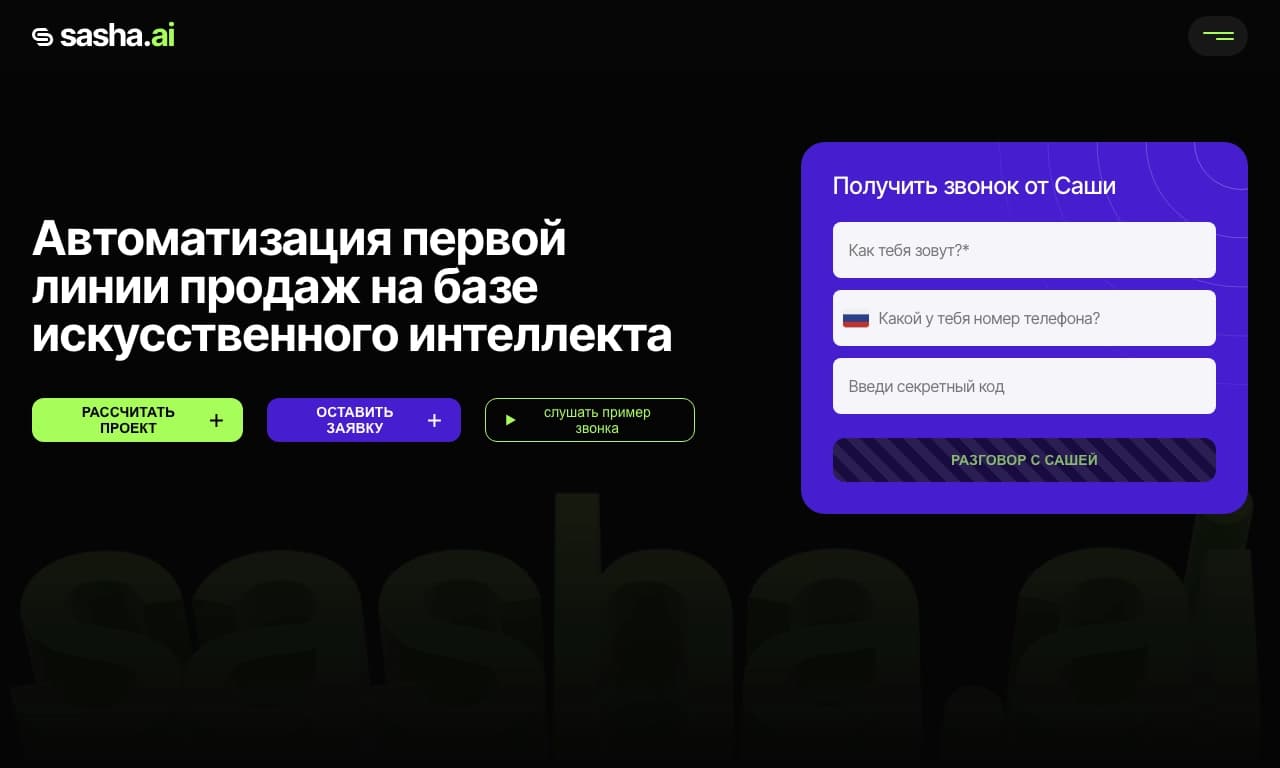
Сервис для автоматизации первого контакта с клиентами в продажах.


Open-source AI-агент для разработки, который помогает генерировать, дорабатывать и отлаживать код прямо в IDE.


BannsAi — сервис с использованием ИИ для быстрого создания рекламных баннеров по текстовому описанию или референсу.