
3D Scene from images
Инструмент для создания трехмерной сцены из набора изображений.
Обзор
Описание нейросети 3D Scene from images
3D Scene from images — это инструмент, который преобразует набор обычных фотографий в полноценную трехмерную сцену. Вместо классического геометрического моделирования, где объекты вручную выстраиваются в пространстве, нейросеть использует методы синтеза видов (view synthesis). Это означает, что программа анализирует серию снимков и на их основе «достраивает» недостающие ракурсы, создавая целостное объемное представление объекта или локации.
Технология работает благодаря нейросетевым алгоритмам, которые обучаются на тысячах примеров, чтобы предсказывать, как должна выглядеть сцена под новым углом. Пользователю достаточно загрузить несколько изображений с разных точек съемки, и алгоритм восстановит трехмерное пространство, которое можно вращать и рассматривать с разных сторон.
Инструмент доступен в виде Colab-ноутбука, что делает его удобным для экспериментов с 3D-реконструкцией без необходимости устанавливать сложное программное обеспечение на локальный компьютер.
Характеристики 3D Scene from images
| Характеристика | Значение |
|---|---|
| Назначение | Создание 3D-сцены из набора фотографий |
| Метод работы | Синтез видов без явного геометрического моделирования |
| Технология | Нейросетевые алгоритмы |
| Формат доступа | Colab-ноутбук |
| Модель распространения | Бесплатная |
| Входные данные | Набор изображений объекта или сцены |
| Выходные данные | Трехмерная сцена с возможностью генерации новых ракурсов |
Для кого подходит нейросеть 3D Scene from images?
Для исследователей и разработчиков
Инструмент пригодится специалистам, работающим в области компьютерного зрения. С его помощью можно тестировать алгоритмы трехмерной реконструкции, сравнивать результаты разных подходов к синтезу видов и изучать поведение нейросетей на реальных данных.
Для студентов и преподавателей
В учебных целях Colab-ноутбук — это отличный способ наглядно продемонстрировать принципы работы нейронных сетей. Студенты могут загрузить собственные фотографии и увидеть, как алгоритм превращает двухмерные снимки в объемную модель, что помогает глубже понять теоретический материал.
Для энтузиастов 3D-технологий
Для тех, кто интересуется 3D-реконструкцией, но не имеет опыта в программировании или доступа к профессиональному ПО, инструмент открывает простую точку входа. Достаточно иметь Google-аккаунт, чтобы начать экспериментировать с преобразованием любительских фотографий в трехмерные модели.
Как использовать нейросеть 3D Scene from images?
Запуск через Colab
Поскольку инструмент распространяется как Colab-ноутбук, работа с ним начинается с открытия блокнота в среде Google Colab. Это облачный сервис, который не требует настройки локального окружения — все вычисления происходят на серверах Google. Достаточно перейти по ссылке и запустить ячейки кода.
Подготовка набора изображений
Ключевой шаг — создание корректного набора входных данных. Нужно сделать несколько фотографий одного объекта или сцены с разных ракурсов. Число снимков может варьироваться в зависимости от сложности объекта, но важно, чтобы на каждом следующем изображении захватывалась та же область пространства, что и на предыдущих, с небольшим смещением точки съемки.
Анализ результатов
После того как нейросеть обработает загруженные изображения, пользователь получает трехмерную сцену, которую можно вращать и рассматривать с новых углов. Результат демонстрирует возможность генерации ракурсов, которых не было в исходном наборе фотографий.
Основные функции 3D Scene from images
Синтез новых ракурсов
Основная функция нейросети — создание видов сцены под углом, который отсутствует среди исходных изображений. Алгоритм предсказывает, как свет отражается от поверхностей и как объекты выглядят из другой точки обзора, опираясь на закономерности, изученные на обучающих данных.
Восстановление трехмерной структуры
Инструмент извлекает пространственную информацию из плоских снимков, выстраивая связную модель сцены. В результате формируется представление, в котором каждый элемент занимает свою позицию в виртуальном пространстве.
Интеграция с облачной средой
Возможность запуска в Colab означает, что пользователю не нужно заботиться об аппаратных требованиях — видеопамять, процессорные мощности и необходимое окружение предоставляются сервисом автоматически.
Преимущества 3D Scene from images
Бесплатный доступ
Инструмент распространяется бесплатно, что делает передовые технологии 3D-реконструкции доступными широкой аудитории — от студентов до независимых исследователей.
Без установки на локальный компьютер
Работа в среде Colab избавляет от необходимости устанавливать Python, библиотеки глубокого обучения и настраивать CUDA. Все предварительные настройки уже выполнены в ноутбуке, достаточно просто его запустить.
Простота экспериментов
Кодовая среда позволяет легко менять параметры, загружать различные наборы данных и быстро получать результаты. Это мощный инструмент для прототипирования и проверки гипотез в области нейросетевого синтеза видов.
Недостатки 3D Scene from images
Отсутствие контроля над геометрией
Поскольку инструмент работает без явного геометрического моделирования, пользователь не может вносить ручные правки в трехмерную структуру сцены. Полученная модель полностью зависит от входных изображений и предсказаний нейросети.
Требовательность к качеству исходных данных
Результат напрямую зависит от того, насколько качественно сделаны входные фотографии. Размытые, плохо освещенные или несогласованные по перспективе снимки приведут к заметным артевиндам в итоговой сцене.
Ограниченный пользовательский интерфейс
Colab-ноутбук — это среда для разработчиков, а не готовый продукт с удобным визуальным интерфейсом. Для неподготовленного пользователя работа с кодом может показаться сложной, несмотря на пошаговую инструкцию в самом блокноте.
Какие задачи решает 3D Scene from images
Инструмент автоматизирует процесс создания объемных моделей на основе плоских изображений. Это решает задачу переноса реальных объектов в цифровое пространство без применения дорогостоящего 3D-сканирования. Для дизайнеров и архитекторов это способ быстро получить черновую трехмерную модель помещения или предмета.
Кроме того, нейросеть решает проблему генерации недостающих ракурсов. Если фотографий было снято недостаточно для полного обзора объекта, алгоритм «достраивает» виды, которые могли бы получиться при других углах съемки. Это эффективно для разработки VR-контента и создания интерактивных презентаций.
Цены 3D Scene from images
Инструмент распространяется по модели free — то есть бесплатно для пользователя. Отсутствует подписочная плата и попроцессная оплата за вычислительные ресурсы. Единственное, что может потребоваться, — это аккаунт Google для доступа к среде Colab.
Условия использования 3D Scene from images
Поскольку инструмент реализован как Colab-ноутбук, его использование не предполагает подписания лицензионных соглашений в классическом виде. Пользователь несет ответственность за выбор входных данных и соблюдение авторских прав при работе с чужими изображениями. Важно учитывать, что Google Colab может накладывать ограничения на вычислительные мощности для бесплатных аккаунтов, что влияет на время обработки сложных сцен.
Доступность 3D Scene from images
Доступность инструмента ограничена средой Google Colab. Для работы требуется стабильное интернет-соединение и браузер, поддерживающий данную платформу. Запуск ноутбука возможен с любого устройства, где есть доступ к веб-интерфейсу — персонального компьютера, ноутбука или даже планшета. Отсутствие локальных требований к железу существенно расширяет круг потенциальных пользователей.
Чем отличается 3D Scene from images от аналогов
Главное отличие заключается в отказе от явного геометрического моделирования. Большинство традиционных инструментов для 3D-реконструкции строят сетку (mesh) или облако точек, которое затем передается в другие программы для редактирования. Здесь же модель существует только внутри нейросети, а на выходе пользователь получает возможность генерировать новые ракурсы сцены.
Такой подход позволяет избежать ошибок, накапливающихся при геометрическом моделировании сложных объектов — например, отражающих или полупрозрачных поверхностей. Нейросеть работает непосредственно с пиксельными данными, что часто дает более фотореалистичные результаты по сравнению с классическими алгоритмами.
Дополнительное отличие — способ распространения. Многие аналоги требуют установки локального ПО и наличия мощной видеокарты, в то время как этот инструмент работает в облаке и бесплатен, что выгодно отличает его для пользователей с ограниченным бюджетом или техническими ресурсами.
Заключение
3D Scene from images представляет собой доступный исследовательский инструмент, который демонстрирует возможности современных нейросетевых методов в области трехмерной реконструкции. Бесплатная модель распространения, отсутствие требований к локальным вычислительным ресурсам и простота запуска в Colab делают его удобным выбором для первого знакомства с технологиями синтеза видов. При этом решение не лишено ограничений — пользователь не получает геометрическую модель в классическом виде, а результаты сильно зависят от качества исходных фотографий. Тем не менее, как экспериментальная платформа и образовательное средство, инструмент закрывает важную нишу между профессиональными системами 3D-моделирования и общими библиотеками глубокого обучения.
Часто задаваемые вопросы
Смотрите также


Платформа на основе искусственного интеллекта для генерации юридических документов, анализа контрактов и получения правовой информации.
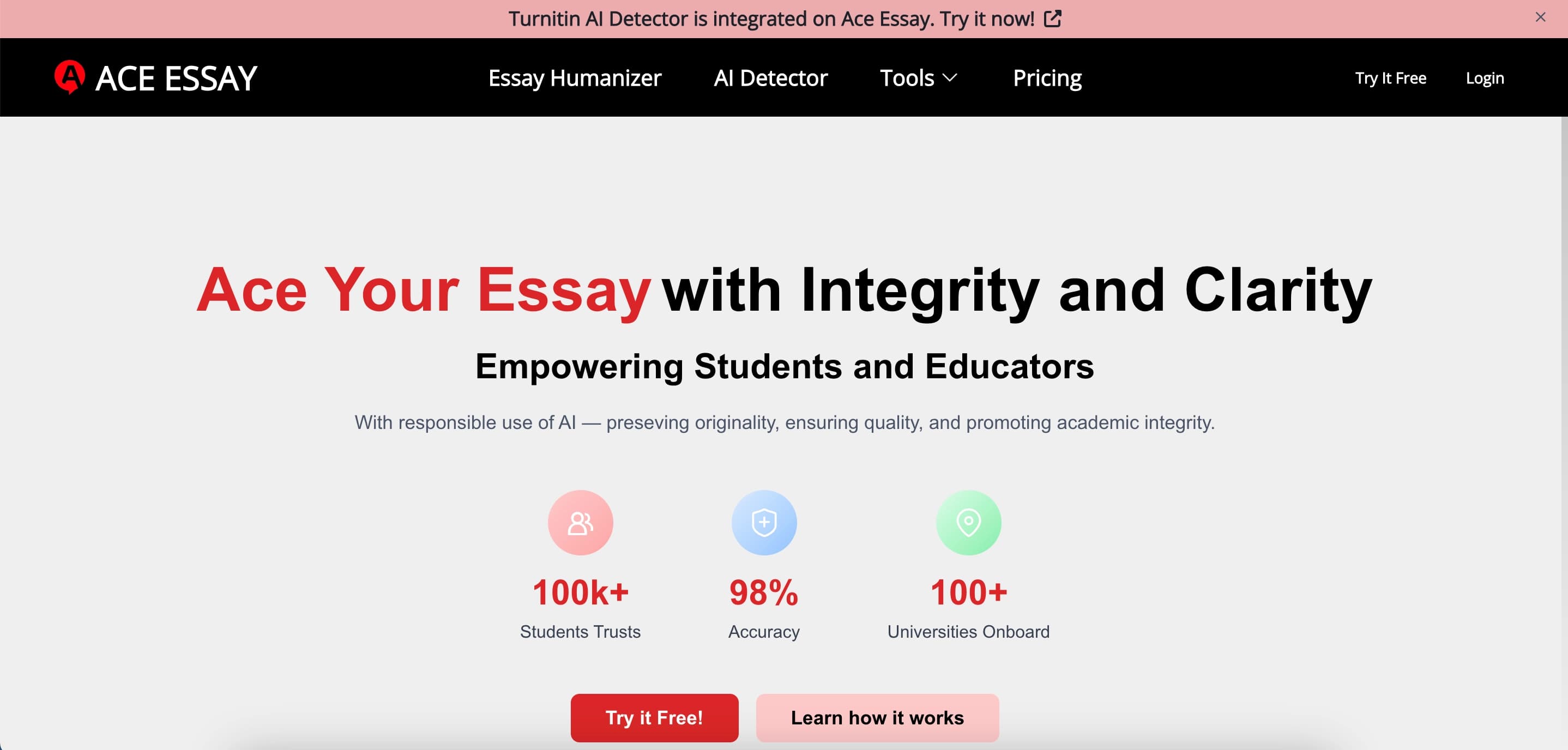

Онлайн-сервис для переписывания текстов, чтобы они выглядели написанными человеком и обходили детекторы ИИ.
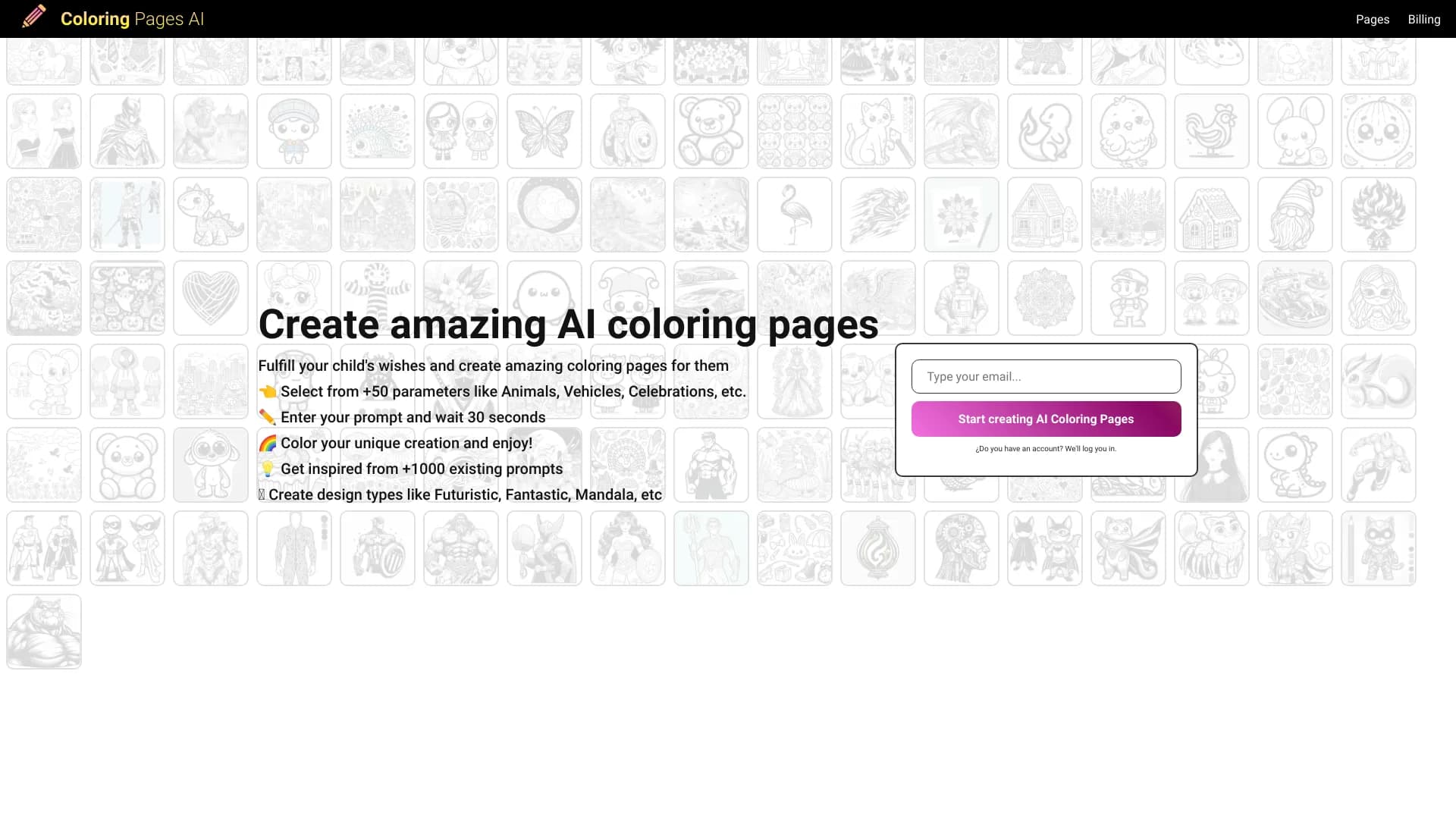

Генератор раскрасок, создающий контурные рисунки из фотографий или текстовых описаний.
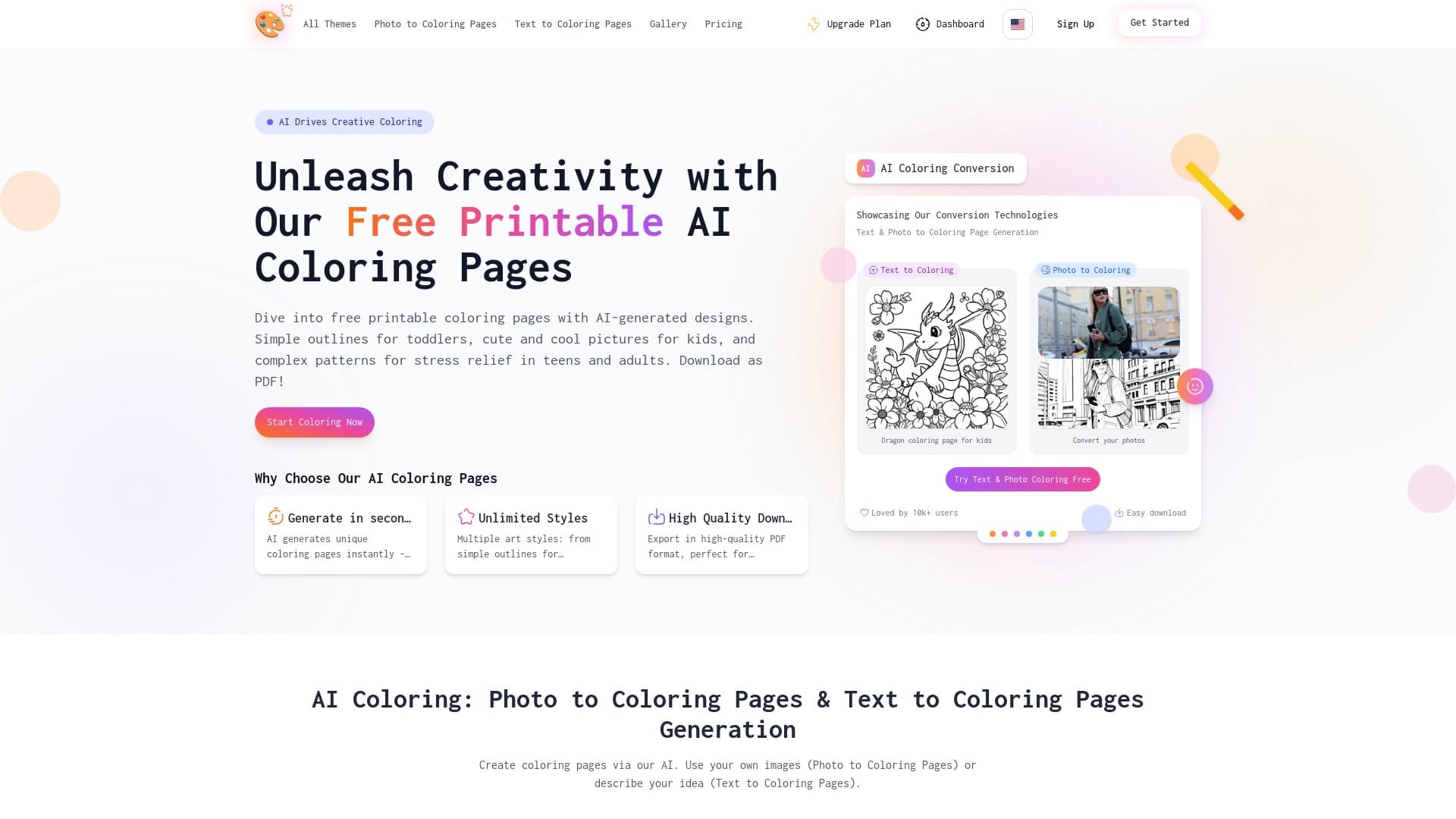

Сервис для создания раскрасок с помощью ИИ по текстовому описанию или загруженному изображению.


Нейросеть Google для генерации и редактирования изображений по текстовому описанию на базе моделей Gemini.
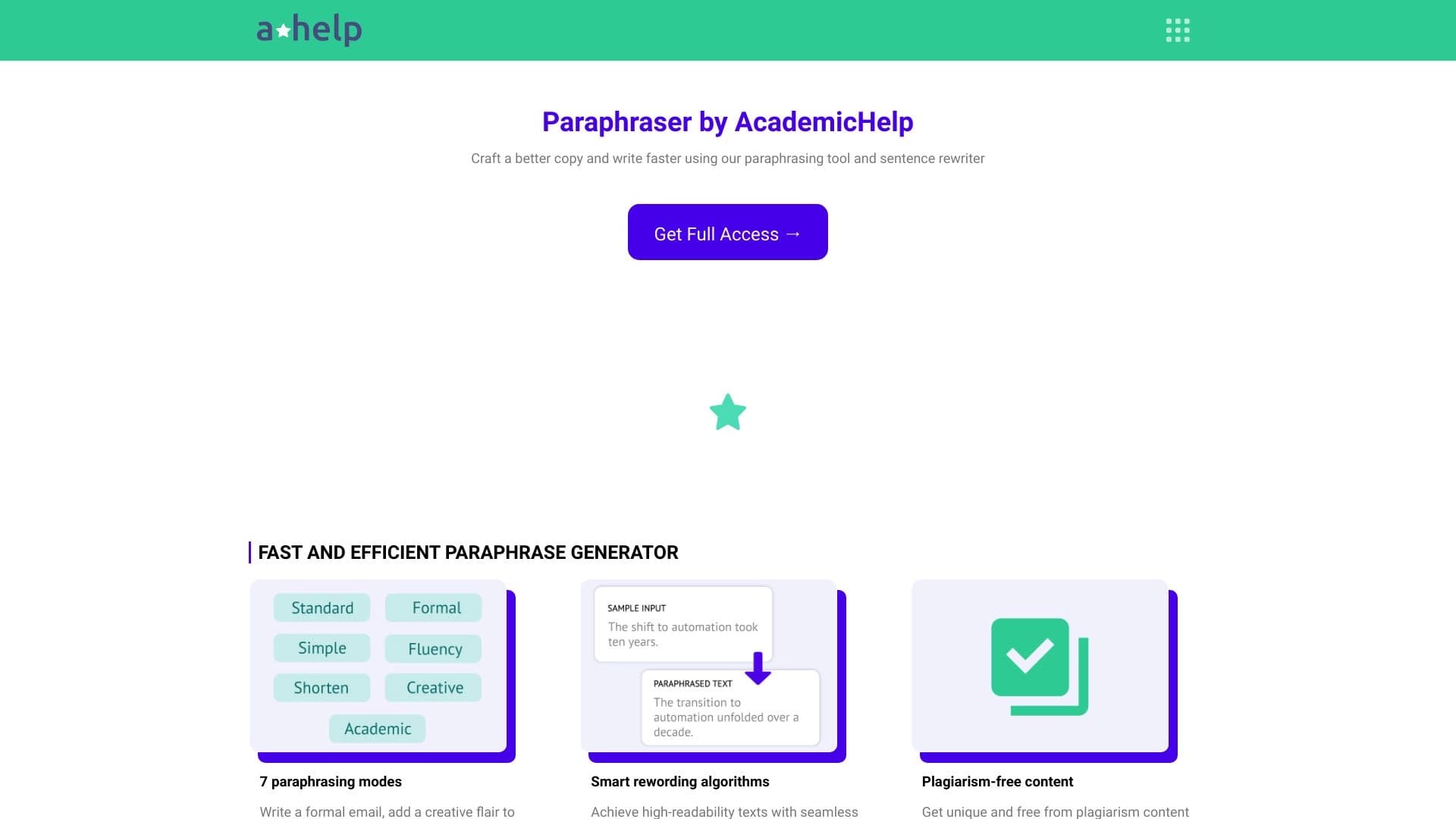

Онлайн-сервис для перефразирования текста с семью режимами, помогающий создавать уникальный контент.

Cabina AI — это единая платформа для работы с разными генеративными нейросетями, позволяющая создавать тексты, изображения и видео.

Каталог AI-инструментов с обучающими материалами и руководствами для подбора нейросетей.