
3D Scan Pro
Мобильное приложение для iPhone с LiDAR, создающее точные 3D-модели объектов с помощью фотограмметрии.

Обзор
Описание нейросети 3D Scan Pro
3D Scan Pro — это мобильное приложение для iPhone, которое превращает реальные предметы в цифровые трехмерные модели. В основе работы лежит технология фотограмметрии, усиленная датчиком LiDAR: камера снимает объект с разных ракурсов, а встроенные алгоритмы нейросети сшивают кадры в единую копию. Весь процесс занимает несколько минут, после чего модель можно вращать, рассматривать или дорабатывать.
Приложение не требует ручного моделирования — пользователь просто водит камерой вокруг предмета, а готовый результат сохраняется в одном из популярных форматов. Это решение ориентировано на скорость и точность: вместо часов работы в 3D-редакторе вы получаете цифровую копию практически сразу. Разработчиком выступает компания PixSkan Technologies, а само приложение доступно по модели freemium с возможностью расширения функционала за подписку.
Характеристики 3D Scan Pro
| Характеристика | Значение |
|---|---|
| Тип | Приложение |
| Категория | Генераторы 3D моделей из изображений |
| Разработчик | PixSkan Technologies |
| Ежемесячные посещения | 97.4K |
| Бесплатный тариф | Да (ограниченный доступ к основным функциям) |
| Форматы экспорта | USDZ, STL, OBJ |
| Технология | Фотограмметрия на базе LiDAR |
| Целевая аудитория | Дизайнеры, архитекторы и специалисты, работающие с объемными моделями |
| Поддерживаемые устройства | iPhone с LiDAR (начиная с iPhone 12 Pro) |
| Работа в офлайн-режиме | Да |
Для кого подходит нейросеть 3D Scan Pro?
Дизайнеры и архитекторы
Тем, кто ежедневно работает с трехмерными формами, приложение позволяет быстро перенести физический объект в цифровую среду. Дизайнеры интерьеров могут оцифровать мебель или декор для последующей вставки в проекты, а архитекторы — создавать заготовки для планировок и визуализаций без ручного построения геометрии с нуля.
Специалисты по 3D-печати
Если вам нужно напечатать копию существующей детали или прототипа, 3D Scan Pro заметно упрощает задачу. Вместо сложных замеров и моделирования по чертежам достаточно отсканировать оригинал и отправить полученный STL-файл на печать. Формат STL напрямую поддерживается большинством слайсеров.
Работники музеев и коллекционеры
Приложение полезно для сохранения культурных ценностей в цифровом виде. Старинные вазы, скульптуры или артефакты можно оцифровать для виртуальных выставок, каталогов или архивов, не рискуя повредить оригинал. Это также удобный способ делиться экспонатами с удаленной аудиторией через AR-просмотр.
Как использовать нейросеть 3D Scan Pro?
Пошаговая инструкция по сканированию
Откройте приложение и выберите режим 3D-сканирования. Наведите камеру на предмет, который хотите оцифровать, и начните медленно обходить его по кругу, удерживая объект в поле зрения. Приложение использует LiDAR для определения глубины, поэтому важно, чтобы объект находился на расстоянии вытянутой руки. Через пару минут программа завершит обработку и покажет готовую модель на экране.
После завершения сканирования
Полученную модель можно детально рассмотреть: вращать, приближать, проверять качество передачи мелких элементов. Если результат удовлетворяет, экспортируйте файл в нужном формате — USDZ, STL или OBJ. Для доработки модели можно импортировать ее в сторонние приложения для 3D-редактирования.
Основные функции 3D Scan Pro
Преобразование объектов в 3D-модели
Главная функция приложения — сканирование реальных предметов с помощью фотограмметрии и LiDAR. Камера захватывает текстуру, а датчик глубины фиксирует геометрию, что в совокупности дает точную копию объекта с детализированной поверхностью.
Экспорт в популярные форматы
Готовые модели можно сохранять в трех основных форматах: USDZ (для интеграции в экосистему Apple и AR-приложения), STL (для 3D-печати) и OBJ (универсальный формат для импорта в большинство редакторов). Это обеспечивает совместимость с широким спектром профессиональных инструментов.
Просмотр в дополненной реальности
Приложение позволяет размещать отсканированные модели в реальном пространстве через AR-режим. Это удобно для предварительной оценки того, как предмет будет смотреться в интерьере, или для демонстрации клиентам.
Офлайн-работа
Все вычисления выполняются непосредственно на устройстве, поэтому для сканирования и обработки не требуется подключение к интернету. Это делает приложение пригодным для использования в поездках, мастерских или на выездных объектах.
Преимущества 3D Scan Pro
Детализация благодаря LiDAR
Использование датчика LiDAR в сочетании с фотограмметрией обеспечивает высокую точность при захвате мелких деталей и сложных поверхностей. По сравнению с чисто фотографическим методом, модель получается геометрически более корректной.
Мгновенный результат
Скорость создания модели очень высокая — в среднем процесс занимает всего пару минут. Это позволяет сканировать объекты прямо «на лету», не отвлекаясь от основного рабочего процесса.
Простая интеграция и экспорт
Отсутствие проблем при выгрузке файлов в сторонние программы — одно из ключевых преимуществ. Поддержка распространенных форматов упрощает передачу моделей коллегам, заказчикам или в производственные цепочки.
Автономность
Работа без постоянного интернет-соединения расширяет сферу применения. Приложение можно использовать в удаленных локациях, на складах, в полевых условиях.
Недостатки 3D Scan Pro
Жесткие требования к устройствам
Приложение работает исключительно на iPhone с датчиком LiDAR — начиная с модели 12 Pro и новее. Владельцы более старых устройств или Android-смартфонов не смогут воспользоваться инструментом.
Потеря мелких деталей
Несмотря на высокую точность в целом, алгоритм иногда не справляется с мелкими элементами или сложными текстурами. Тонкие детали могут «слипаться» или превращаться в неразличимую кашу, особенно при неблагоприятных условиях съемки.
Чувствительность к условиям съемки
Качество модели напрямую зависит от освещения и возможности обойти объект со всех сторон. При недостатке света или наличии препятствий, мешающих полному обзору, итоговая модель может содержать искажения или «кривые» участки.
Какие задачи решает 3D Scan Pro
Быстрая оцифровка без ручного моделирования
Основное назначение приложения — избавление пользователя от трудоемкого процесса ручного 3D-моделирования. Простые и средние по сложности объекты переносятся в цифровой вид одним сканированием.
Подготовка моделей для 3D-печати и AR
Отсканированные объекты можно напрямую использовать для печати на 3D-принтере, размещения в виртуальных выставках или демонстрации через дополненную реальность.
Создание заготовок для дизайнерских проектов
Модель, полученная в 3D Scan Pro, может служить основой для дальнейшей доработки в профессиональных редакторах — от импровизированного «черновика» до финального элемента.
Сохранение деталей в цифровом виде
Приложение позволяет создавать цифровые копии уникальных предметов — например, антиквариата или редких вещей — для архивного хранения, каталогизации или передачи в цифровых коллекциях.
Цены 3D Scan Pro
Приложение распространяется по модели freemium. Бесплатный тариф предоставляет ограниченный доступ к основным функциям, чего достаточно для знакомства с инструментом и базовых задач.
Для получения полного доступа ко всем профессиональным возможностям предлагаются две подписки:
- Ежемесячная подписка — 99 рублей в месяц;
- Годовая подписка — 999 рублей в год.
Обе подписки открывают одинаковый набор функций, но годовой вариант выгоднее по средней стоимости месяца. Точный перечень того, что именно входит в платный функционал, в доступных источниках не детализирован.
Условия использования 3D Scan Pro
Явные условия использования в открытых источниках не указаны. Единственное жесткое требование — наличие устройства с поддержкой LiDAR, то есть iPhone 12 Pro или более новой модели. Без этого датчика приложение не сможет выполнять свои функции, поскольку технология захвата глубины является основополагающей.
Доступность 3D Scan Pro
Приложение доступно для скачивания и работает на iPhone с LiDAR — начиная с iPhone 12 Pro и новее. Установка производится через официальный магазин приложений. Все функции работают в офлайн-режиме, что подтверждает возможность использования в любых условиях без привязки к сети. Для старых моделей iPhone поддержка не предусмотрена.
Чем отличается 3D Scan Pro от аналогов
Мобильность и скорость
В отличие от большинства сервисов генерации 3D-моделей, которые работают преимущественно в браузере и требуют загрузки фотографий на сервер, 3D Scan Pro выполняет все вычисления локально на устройстве. Это обеспечивает мгновенный результат и полную автономность без необходимости в стабильном интернет-соединении.
Технологическая база
Ключевое отличие — использование LiDAR в паре с фотограмметрией. Конкурирующие решения, такие как Meshcapade, Kaedim или Tripo AI, строят модели исключительно на основе анализа плоских изображений, что часто дает менее точную геометрию. LiDAR позволяет захватывать глубину напрямую, что особенно заметно на сложных поверхностях и мелких деталях.
Целевое назначение
Многие аналоги ориентированы на генерацию моделей «с нуля» по текстовому описанию или эскизу. 3D Scan Pro решает обратную задачу — перенос существующего физического объекта в цифровой мир. Это делает его специализированным инструментом для оцифровки, а не универсальным генератором. В то же время ограничение на устройства Apple существенно сужает аудиторию по сравнению с веб-решениями, доступными на любых платформах.
Заключение
3D Scan Pro — практичное решение для быстрого сканирования реальных предметов в цифровые 3D-модели, использующее преимущества LiDAR и фотограмметрии. Приложение будет полезно дизайнерам, архитекторам и всем, кто работает с объемными объектами: оно избавляет от ручного моделирования и позволяет получить готовую копию за несколько минут. Однако стоит учитывать два ограничения: инструмент работает только на современных iPhone с LiDAR, а качество результата напрямую зависит от освещения и возможности свободно обойти объект. При соблюдении этих условий 3D Scan Pro станет надежным помощником в оцифровке, подготовке файлов для 3D-печати и создании AR-контента.
Тарифы
Часто задаваемые вопросы
Смотрите также


Инструмент для генерации 3D-моделей на основе текстового описания, изображений или набросков.

Облачный сервис на основе нейросетей для генерации 3D-моделей, текстур и анимаций по текстовому описанию или изображению.


Нейросеть для генерации коротких видео по текстовым описаниям или изображениям.
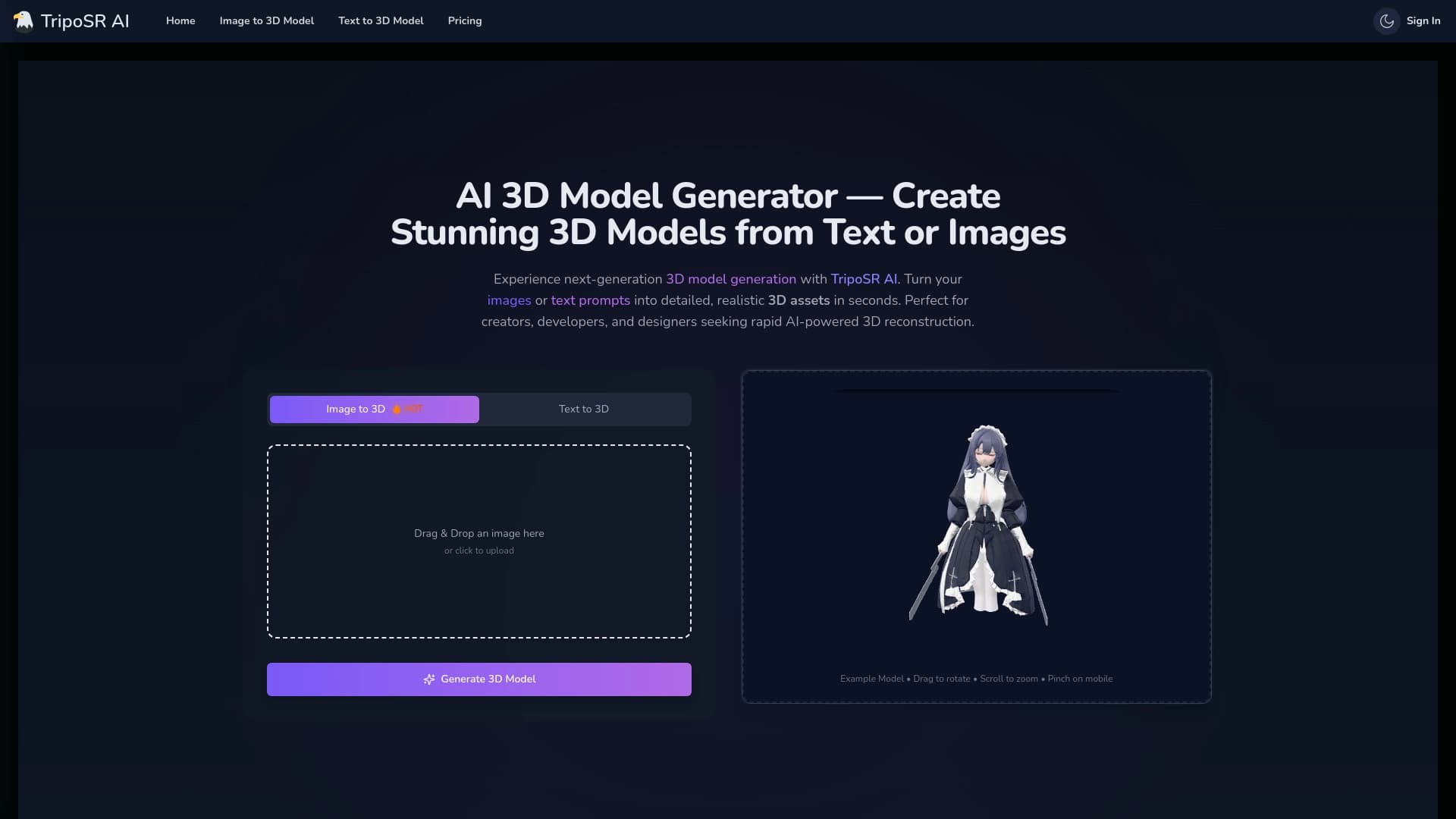

Инструмент с открытым исходным кодом для быстрого преобразования одного изображения в 3D-модель.
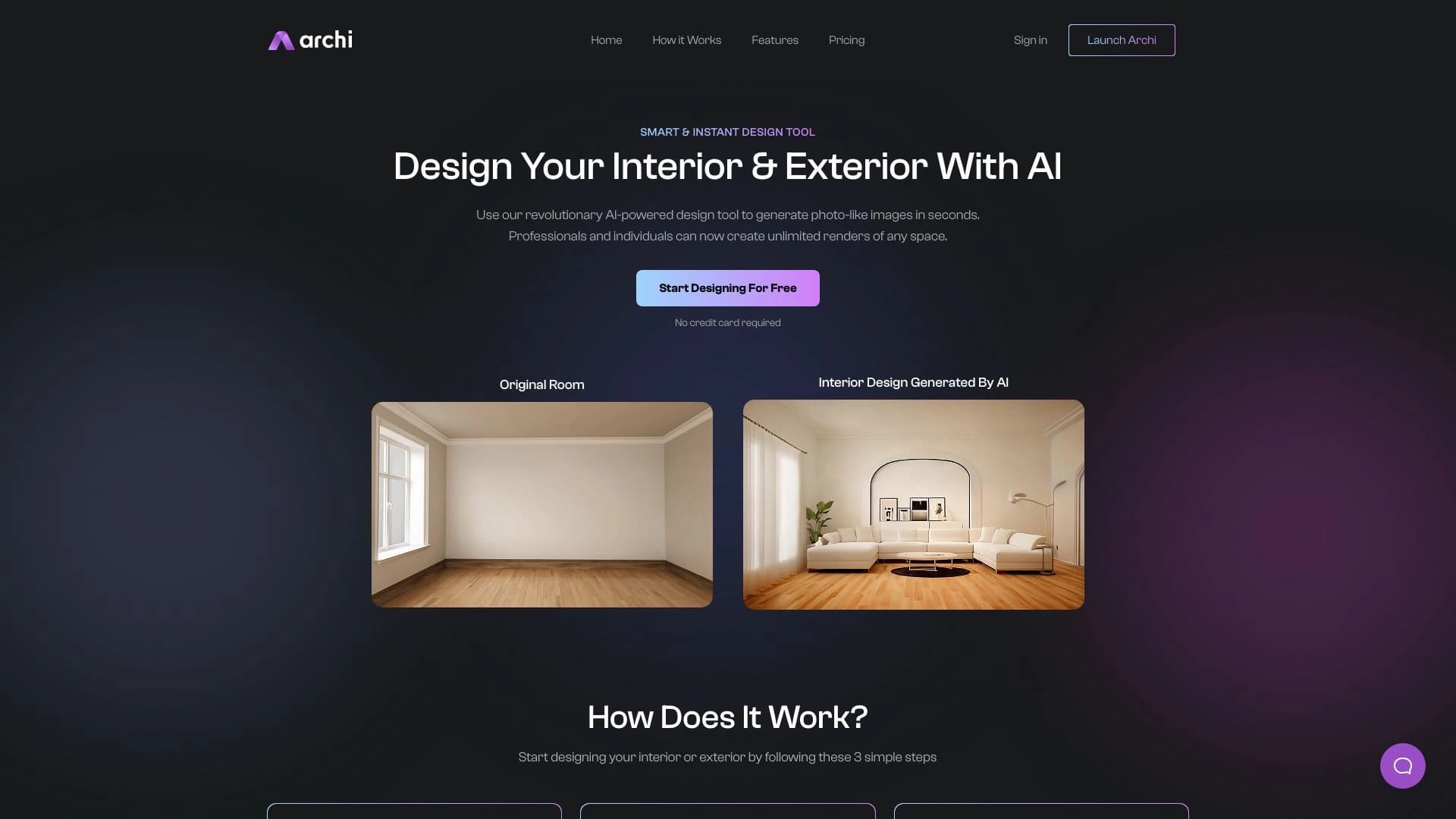
AI-инструмент для дизайнеров интерьера и экстерьера, который преобразует загруженные фотографии помещений в новые дизайнерские изображения на основе выбранных стилей.

ИИ-ассистент для риелторов, ускоряющий подбор недвижимости и анализ данных MLS.

Инструмент для создания 3D-модели человека по фотографии в полный рост.
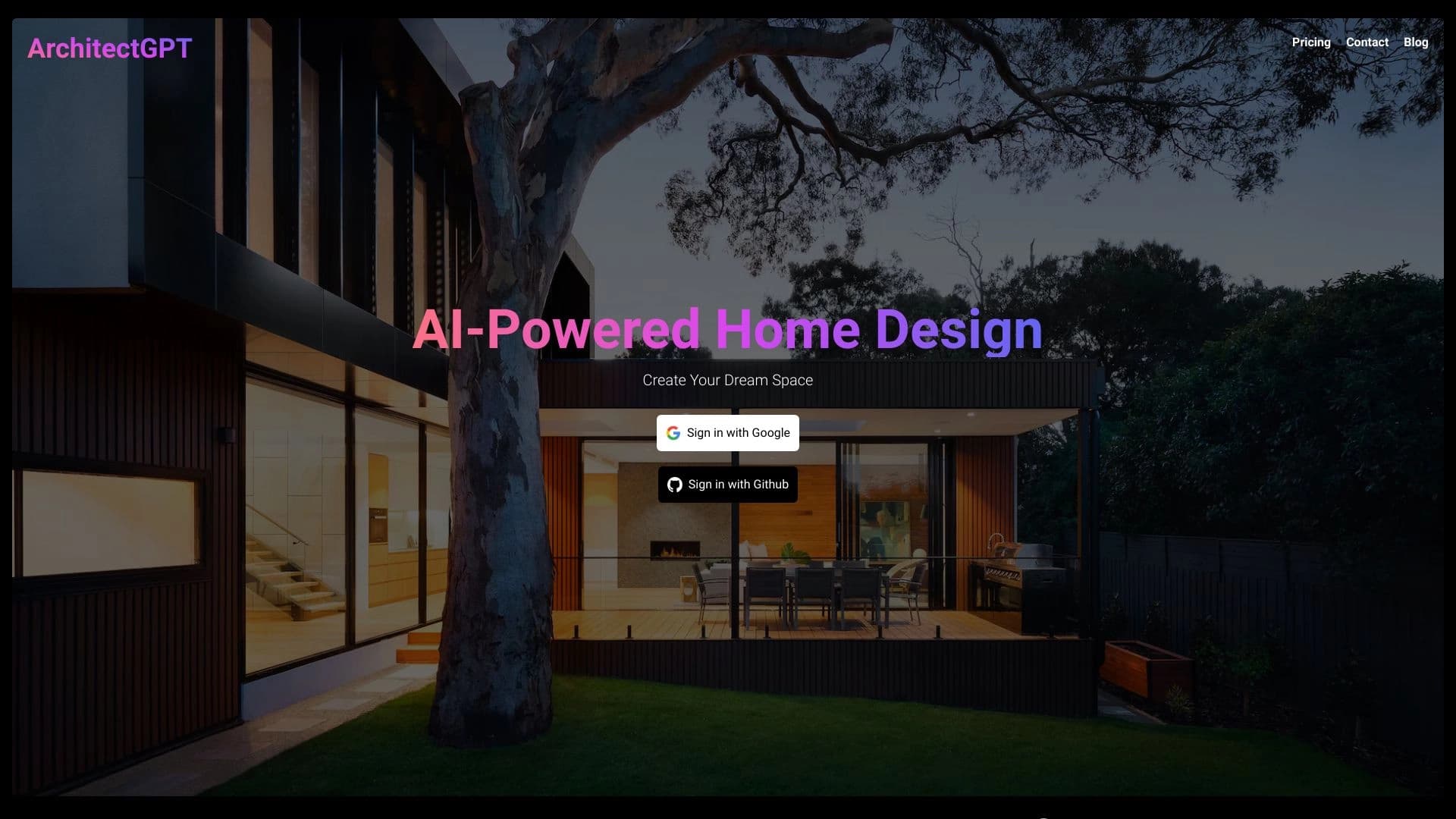
Онлайн-платформа для генерации дизайна интерьеров и экстерьеров с помощью ИИ.