
3D Object from text
Генерация воксельных 3D-моделей по текстовому описанию.
Обзор
Описание нейросети 3D Object from text
Что это такое?
3D Object from text — это экспериментальный инструмент на базе искусственного интеллекта, который преобразует текстовые описания в трёхмерные воксельные модели. Простыми словами, вы пишете, что хотите получить, например, «красный стул» или «дерево с зелёной кроной», а нейросеть создаёт объёмную модель, состоящую из кубиков (вокселей).
Как это работает
В основе лежат нейросети, обученные на больших наборах данных. Инструмент не требует установки сложного ПО: всё запускается в среде Google Colab. Это облачная платформа, которая предоставляет вычислительные ресурсы и позволяет работать с нейросетью прямо в браузере. Такой подход делает технологию доступной для широкого круга пользователей, даже если у них нет мощного компьютера.
Характеристики 3D Object from text
| Характеристика | Значение |
|---|---|
| Тип инструмента | Генератор 3D-моделей по текстовому описанию |
| Формат результата | Воксельная 3D-модель |
| Среда запуска | Google Colab (облачная среда) |
| Требования к оборудованию | Низкие, достаточно браузера и доступа в интернет |
| Модель распространения | Free (бесплатная) |
| Язык интерфейса | Английский (стандартный для Colab) |
| Сложность освоения | Средняя, требует базового понимания работы в Colab |
Для кого подходит нейросеть 3D Object from text?
Разработчикам и 3D-художникам
Инструмент может быть полезен как вспомогательное средство для быстрой генерации черновых моделей. Вместо того чтобы тратить часы на создание простой заготовки, можно описать её словами и получить отправную точку для дальнейшей доработки в профессиональных редакторах.
Исследователям и студентам
Для тех, кто изучает нейросети, компьютерное зрение или 3D-графику, этот проект — наглядный пример использования ИИ в трёхмерном моделировании. Он подходит для экспериментов, изучения принципов работы генеративных моделей и создания учебных проектов.
Как использовать нейросеть 3D Object from text?
Пошаговая инструкция
- Перейдите на страницу проекта в Google Colab.
- Следуйте инструкциям в ноутбуке: обычно нужно запустить ячейки с кодом по порядку.
- Введите текстовое описание желаемой модели в соответствующее поле.
- Запустите процесс генерации и дождитесь результата.
- Скачайте полученную воксельную модель в нужном формате.
Практические рекомендации
- Для лучшего результата старайтесь описывать объект максимально конкретно: указывайте цвет, форму, количество деталей.
- Начинайте с простых описаний, чтобы понять, как нейросеть реагирует на разные формулировки.
- Учитывайте, что генерация может занять время, зависящее от загруженности облачных серверов.
Основные функции 3D Object from text
Генерация по тексту
Ключевая функция — создание объёмных моделей на основе текстового запроса. Пользователь формирует описание, а нейросеть интерпретирует его и строит воксельную структуру.
Работа в облачной среде
Все вычисления происходят на серверах Google, поэтому пользователю не нужно заботиться о мощности своего ПК. Это позволяет использовать инструмент на любом устройстве, где есть браузер и интернет.
Преимущества 3D Object from text
Доступность
Инструмент бесплатный и работает в облаке, что снимает барьеры для входа. Для начала работы не нужно покупать дорогое оборудование или программное обеспечение.
Быстрое прототипирование
Текстовое описание позволяет получить черновую 3D-модель за короткое время. Это удобно на ранних этапах работы, когда нужно быстро оценить идею или проверить концепцию.
Лёгкий старт
Благодаря среде Colab нет необходимости настраивать окружение — всё уже предустановлено в ноутбуке. Достаточно открыть проект и следовать инструкциям.
Недостатки 3D Object from text
Воксельное представление
Модели создаются в виде вокселей (кубов), что накладывает ограничения на детализацию и гладкость поверхностей. Такие модели не подходят для задач, требующих высокой точности или сложной геометрии.
Ограниченная точность
Результаты генерации могут быть неточными или не полностью соответствовать описанию. Нейросеть не всегда корректно интерпретирует сложные или абстрактные запросы.
Требуется опыт работы с Colab
Для эффективного использования нужно хотя бы минимально понимать, как работают блокноты Colab и как запускать код. Новичкам, не знакомым с этой средой, может понадобиться дополнительное время на освоение.
Какие задачи решает 3D Object from text
Ускорение предварительного моделирования
Инструмент помогает быстро получить базовую форму объекта, которую затем можно дорабатывать в полноценных 3D-редакторах. Это экономит время на начальных этапах.
Обучение и эксперименты
Технология подходит для изучения возможностей ИИ в области трёхмерной генерации, а также для создания простых визуализаций в образовательных целях.
Быстрая проверка идей
Если нужно визуально оценить, как будет выглядеть объект, описанный словами, инструмент позволяет сделать это без длительного моделирования вручную.
Цены 3D Object from text
Бесплатная модель распространения
Инструмент распространяется по модели free, то есть является полностью бесплатным. Это означает, что пользователи могут запускать генерацию без оплаты, подписок или покупки лицензии.
Ограничения бесплатного доступа
Стоит учитывать, что работа в Google Colab может иметь свои лимиты на использование вычислительных ресурсов в зависимости от текущей политики платформы. Конкретные объёмы бесплатных квот не указаны в исходных данных, поэтому точные цифры уточнить нельзя.
Условия использования 3D Object from text
Инструмент работает в среде Google Colab, поэтому на него распространяются правила и условия использования этой платформы. Поскольку модель распространения обозначена как free, для доступа к основному функционалу не требуется оплата. Код проекта, размещённый в открытом доступе, можно запускать и модифицировать в личных или образовательных целях, однако точные условия лицензирования в исходных данных не описаны. Для коммерческого использования проекта может потребоваться отдельное изучение условий его лицензии.
Доступность 3D Object from text
Платформа доступа
Инструмент доступен через браузер благодаря использованию Google Colab. Это значит, что он работает на операционных системах Windows, macOS и Linux, а также на устройствах с планшетным или мобильным интерфейсом, поддерживающих браузеры.
Глобальная доступность
Поскольку Colab — это облачный сервис, доступ к нему возможен из большинства регионов мира при наличии интернет-соединения. Ограничения по географическому признаку в исходных данных не упоминаются.
Чем отличается 3D Object from text от аналогов
Фокус на воксельную графику
В отличие от многих современных генераторов 3D, которые производят гладкие полигональные сетки, этот инструмент работает исключительно с вокселями. Это делает его результаты специфичными, но при этом открывает возможности для стилизованной графики в духе пиксель-арта, только в трёх измерениях.
Облачный запуск
Большинство альтернативных решений могут требовать установки локальных программных комплексов с высокими требованиями к видеокарте. Проект работает в облаке, что снимает эти ограничения и делает его более доступным для пользователей со слабым оборудованием.
Экспериментальный характер
Инструмент позиционируется скорее как экспериментальная площадка для генеративного моделирования, а не как полноценный продакшн-инструмент. Отдельные аналоги могут предлагать более точный контроль над параметрами модели или расширенные возможности постобработки.
Заключение
3D Object from text — это простой и доступный способ получить воксельную 3D-модель, просто описав её словами. Благодаря запуску в Google Colab, он не требует мощного компьютера и доступен бесплатно. Основная ценность инструмента — в быстром прототипировании и экспериментах с генеративным моделированием. Однако стоит помнить о его ограничениях: воксельном формате, не всегда точных результатах и необходимости базового знакомства с Colab. Для быстрой проверки идей, обучения или создания черновых заготовок этой функциональности может быть вполне достаточно.
Часто задаваемые вопросы
Смотрите также

Облачная платформа для создания видео с помощью ИИ-аватаров, синтезированной речи и автоматического перевода роликов на десятки языков.


Платформа на основе ИИ для генерации, редактирования изображений и создания рекламных креативов.


Нейросеть, которая генерирует изображения и иллюстрации на основе текстового описания.
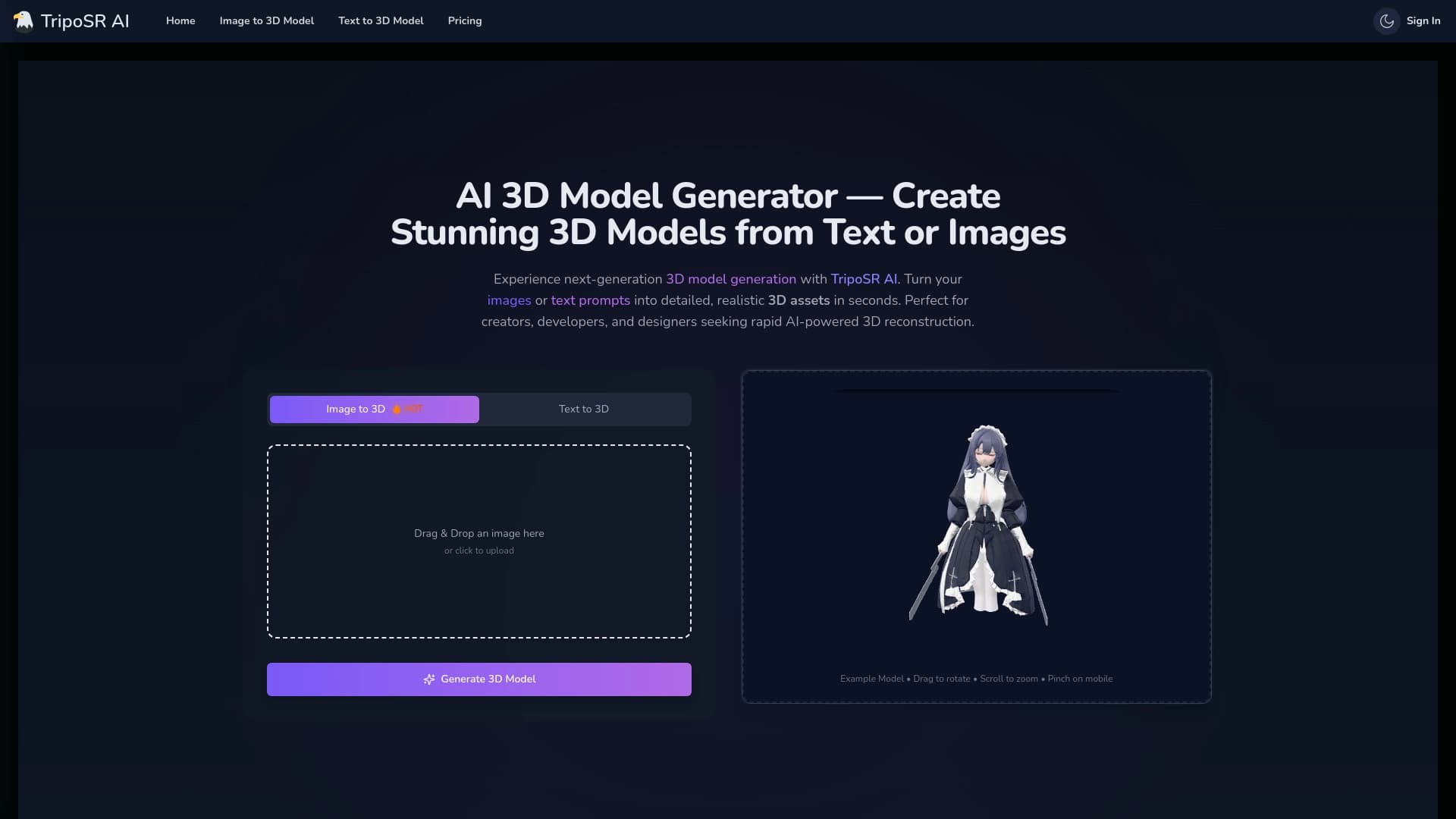

Инструмент с открытым исходным кодом для быстрого преобразования одного изображения в 3D-модель.

Многофункциональная AI-платформа для создания контента, объединяющая синтез речи, генерацию текста, создание аватаров и редактирование видео.


Open-source AI-агент для разработки, который помогает генерировать, дорабатывать и отлаживать код прямо в IDE.
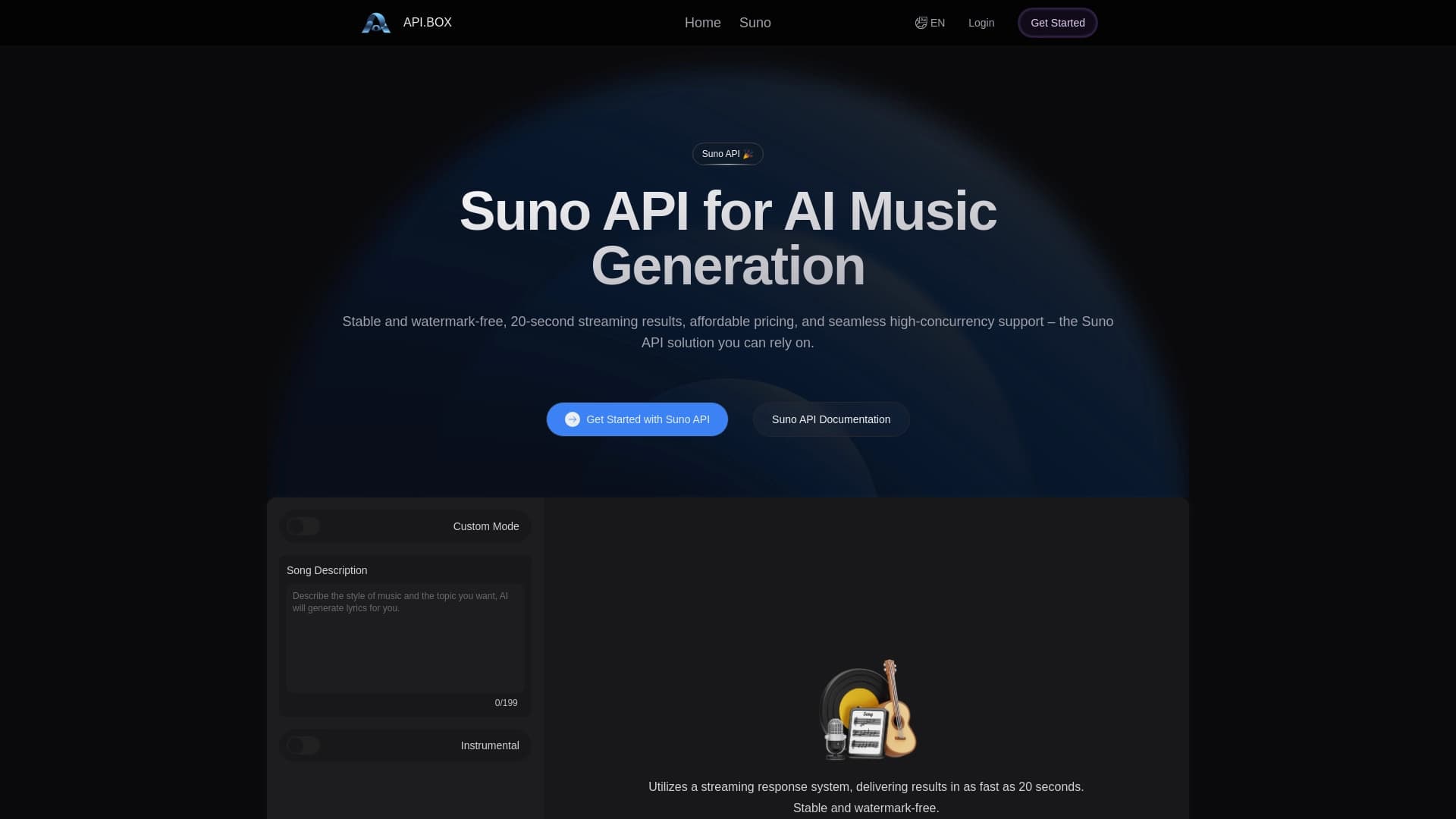
Неофициальный API-доступ к Suno AI для генерации музыки и интеграции в приложения.

Облачный сервис на основе нейросетей для генерации 3D-моделей, текстур и анимаций по текстовому описанию или изображению.