

3D Measure Me
An app for creating a 3D body avatar from two photos and automatically taking measurements for clothing fitting and tracking body changes.
Overview
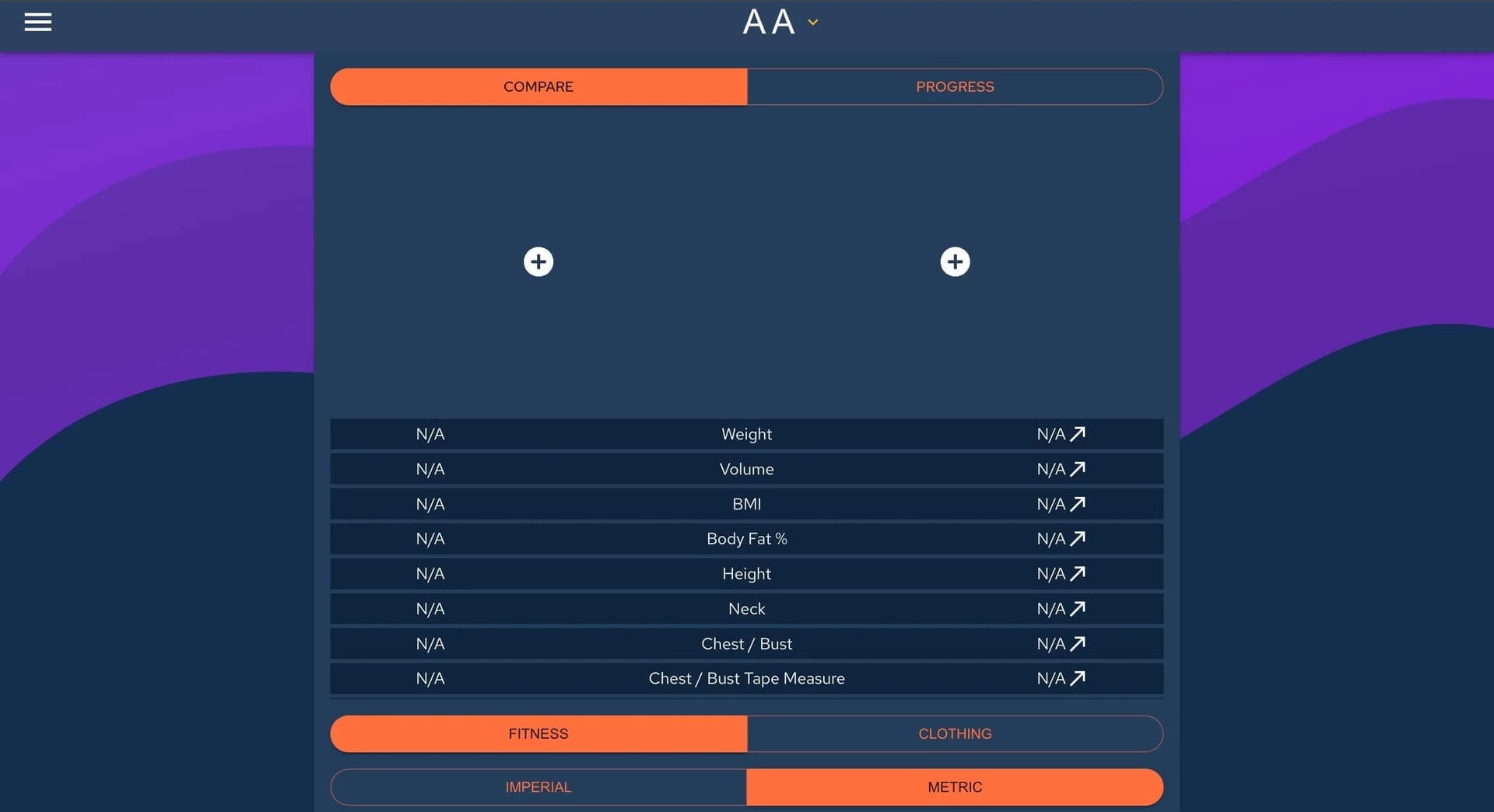
3D Measure Me is a mobile app that turns two ordinary photos into a full three-dimensional body model. Just take a front-facing and a profile shot, and the neural network will build a volumetric avatar and automatically take more than 70 different measurements from it.
The key feature of the technology is high measurement accuracy. The developers claim up to 99% accuracy on key areas, making the tool useful not only for clothing fitting but also for regularly tracking changes in your physique. At the same time, the app does not store or use the real photo of your face: instead, a stylized image is displayed on the avatar, providing additional privacy.
Why do you need a 3D body avatar?
The resulting 3D body model becomes a versatile tool for everyday tasks. You can use it for online clothing try-ons, tracking workout progress, or sharing precise measurements with a tailor or trainer. Built-in integration with the Meshcapade service lets you animate your avatar and use it in more advanced scenarios, such as virtual fittings or creating a digital character.
Who is behind the development
The tool is aimed at the mass user, so the interface is built around a simple and intuitive process: download the app, take a photo, get the result. No complex settings or calibration are required. All image processing happens automatically, and the results can be saved and used in digital form.
3D Measure Me Specifications
| Specification | Value |
|---|---|
| Type | Mobile app for 3D body scanning |
| Category | Avatars and portraits |
| Platforms | Android, iOS |
| Interface languages | Not specified |
| Free tier | Free version available with a limited number of profiles |
| Measurement accuracy | Up to 99% on key areas (per developer claims) |
| Number of photos | 2 (front and side) |
Who is 3D Measure Me for?
For those who track their physique
If you work out regularly or simply monitor changes in your body, the app becomes a convenient replacement for manual tape measurements. You can record exact measurements on any date and track long-term progress without relying on rough "eyeball" estimates or scale readings.
For online clothing shoppers
Buying clothes online often feels like a lottery due to inconsistent size charts across brands. Having precise digital measurements lets you compare your parameters against a specific manufacturer's chart and pick the right size the first time. This saves time on exchanges and reduces returns.
For trainers, tailors, and stores
For professionals who work with bodies and clothing, the app is a quick way to get a full set of accurate client measurements. Instead of spending time on manual measurements or asking clients to fill out tables, you simply get access to their digital measurements. What's more, you don't have to measure the client yourself — the person and their smartphone do all the "work."
How to use 3D Measure Me?
Preparation and shooting conditions
To get correct measurements, you need to follow a few simple conditions. Wear tight-fitting clothing (no shoes) and stand in front of a contrasting, solid-colored wall. Your posture should be straight: feet shoulder-width apart, arms slightly away from your body so they don't cover it. Make sure your entire body fits in the frame.
The scanning process
Download the app to your smartphone and take two photos: one strictly from the front, the second strictly from the side. No circling around or video recording is needed — just two frames. After that, the app automatically builds the 3D model and takes all necessary measurements. This takes some time, so you'll need to wait a bit.
Using the results
The created avatar and measurements stay in the app. You can view them, compare them with previous results, and send them to trainers or stores. For avatar animation and more advanced scenarios, use the integration with the Meshcapade service.
Key features of 3D Measure Me
Building a 3D body model
The app's main function is creating a volumetric body avatar from two photos. The neural network analyzes body geometry and then builds a three-dimensional model you can view from all angles.
Automatic measurement
More than 70 different parameters are automatically taken from the built model — from chest and waist circumference to arm length and other specific measurements. The user doesn't need to mark or specify anything manually.
Clothing size recommendations
Based on the measurements taken, the app suggests recommended clothing sizes. This helps make more informed choices when ordering online and reduces the risk of sizing errors.
Tracking changes and sharing
The app lets you keep a history of changes in body shape and size. You can observe your progress over time. You can also share your measurements with a trainer, tailoring shop, or store without manually rewriting numbers.
Animation via Meshcapade
Integration with the Meshcapade service takes functionality to the next level: your created avatar can be animated. This can be useful in gaming, marketing, or applied scenarios.
Advantages of 3D Measure Me
High measurement accuracy
The claimed accuracy of up to 99% on key areas makes measurements reliable enough for most practical tasks. This is a significant advantage over visual estimates or approximate manual measurements.
Simplicity and convenience
The main advantage is speed and simplicity. Instead of complex 3D scanners or lengthy manual measurements, you just take two photos with your smartphone. This is accessible to everyone.
Privacy and data control
The app does not store your exact face or skin tone; a stylized image is displayed on the 3D avatar instead. This reduces privacy risks. You can also delete all your data through the app settings at any time.
Help for businesses
Clothing stores and tailors can use the app to reduce returns and speed up work: they receive accurate client measurements in digital form, simplifying size selection and reducing errors.
Disadvantages of 3D Measure Me
Free version limitations
The free tier limits the number of profiles you can create. For unlimited avatars and access to progress tracking features, you need a paid subscription.
Shooting condition requirements
The app requires specific conditions to work correctly: tight-fitting clothing, a contrasting solid background, and good lighting. Failing to meet these requirements negatively affects measurement quality and accuracy.
Sensitivity to interference
The algorithm can make errors in poor light, with a busy or unsuitable background, or if hair covers the face. This means you won't get a quality measurement in every environment.
What problems does 3D Measure Me solve?
Getting accurate body measurements
The app replaces manual tape measurements. The user gets dozens of precise body parameters in digital form in a couple of minutes, without any help.
Tracking fitness progress
People who watch their shape and exercise can regularly take measurements and track changes over time. This gives an objective picture of progress that the scale won't show.
Finding the right clothing size
With accurate digital measurements, it's easier to navigate the size charts of different brands and stores. This reduces the chance of mistakes when buying clothes online.
Quick measurement sharing
The app simplifies communication with professionals: trainers, tailoring shops, and stores. Just provide access to your measurements, saving time for both sides.
Reducing return rates
For clothing retailers, using accurate digital customer measurements helps cut the number of returns caused by ill-fitting sizes.
3D Measure Me Pricing
Currently, the pricing information is as follows: there is a free version with a limited number of profiles. To remove restrictions, create unlimited avatars, and track changes over time, a paid subscription is required.
The specific subscription price is not listed on the source page. It is recommended to check current prices directly in the app on Google Play or the App Store, as they may change and vary by region.
Terms of use for 3D Measure Me
Usage requirements
To use the app, you need to download it to a device running Android or iOS. Registration appears to involve creating an account, though the details of this process are not disclosed. Users can delete all their data through the app settings.
Conditions for accurate measurements
To get correct measurements, you need to follow the recommendations: wear tight-fitting clothing, shoot without shoes, and stand in front of a contrasting background with good lighting. Violating these conditions can reduce measurement accuracy.
Data management
Users retain control over their data: they can view, use, and delete it. It is noted that the avatar does not store the exact face or skin tone, and all data can be deleted through the app settings.
Availability of 3D Measure Me
The app is available for download on two major mobile platforms: Android (via Google Play) and iOS (via the App Store). No official interface languages are specified.
Information about specific countries and regions where the app is available is not provided. VPN usage is also not mentioned. It is recommended to check the app's availability in official app stores for your region.
How 3D Measure Me differs from alternatives
The source page does not provide a direct comparison with competitors. However, based on the description, several key differences from many other apps can be highlighted:
- Simple process: Creating an avatar requires just two photos, while many alternatives require walking around the body on video or using specialized equipment.
- High accuracy: The claimed 99% accuracy on key areas puts it on par with professional 3D scanning solutions while remaining accessible to the average user.
- Focus on privacy: Unlike many services, the app does not store the real photo of your face or skin tone, which is a competitive advantage for privacy-conscious users.
A direct counterpart the app integrates with is the Meshcapade service. Other alternatives are not listed.
Conclusion
3D Measure Me is a practical mobile app that lets you get accurate body measurements and a three-dimensional avatar from just two photos. It will be useful for anyone tracking their physique and athletic progress, as well as those tired of inaccurate sizes when shopping for clothes online. The tool offers a simple, convenient, and private way to store and share your body measurements with trainers, tailors, and stores, and also includes avatar animation via Meshcapade integration. Despite some limitations of the free version and shooting condition requirements, the app successfully fills the need for digital body measurements for a wide range of users.
Frequently asked questions
See also

AI tool for product image processing and generating professional photos with virtual models.
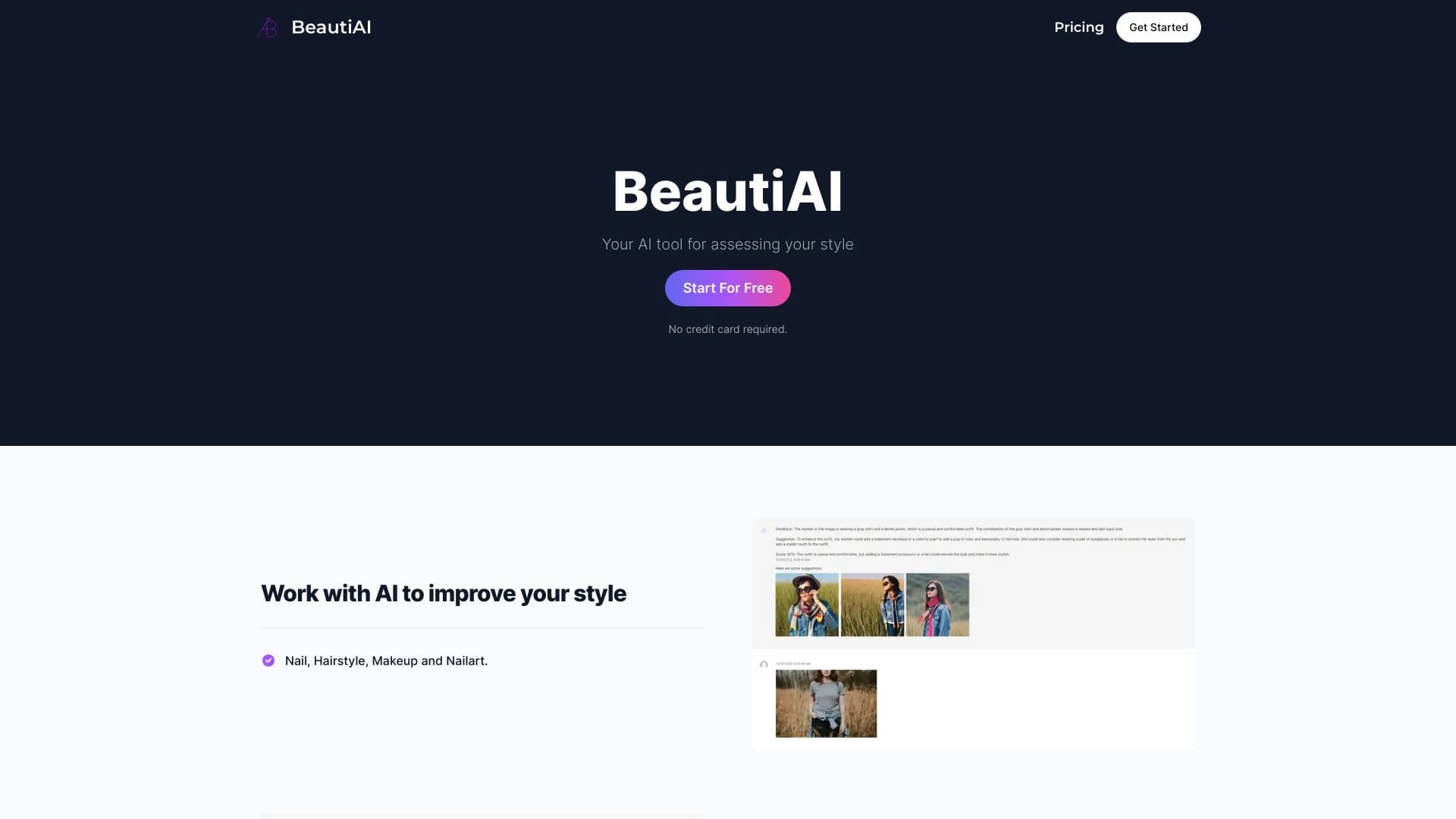
Service analyzes photos of your appearance and clothing, providing personalized style advice.


A tool for generating 3D models based on text descriptions, images, or sketches.


AI-powered virtual clothing try-on service.

A neural network-powered cloud service for generating 3D models, textures, and animations from text descriptions or images.


A neural network for generating short videos from text descriptions or images.
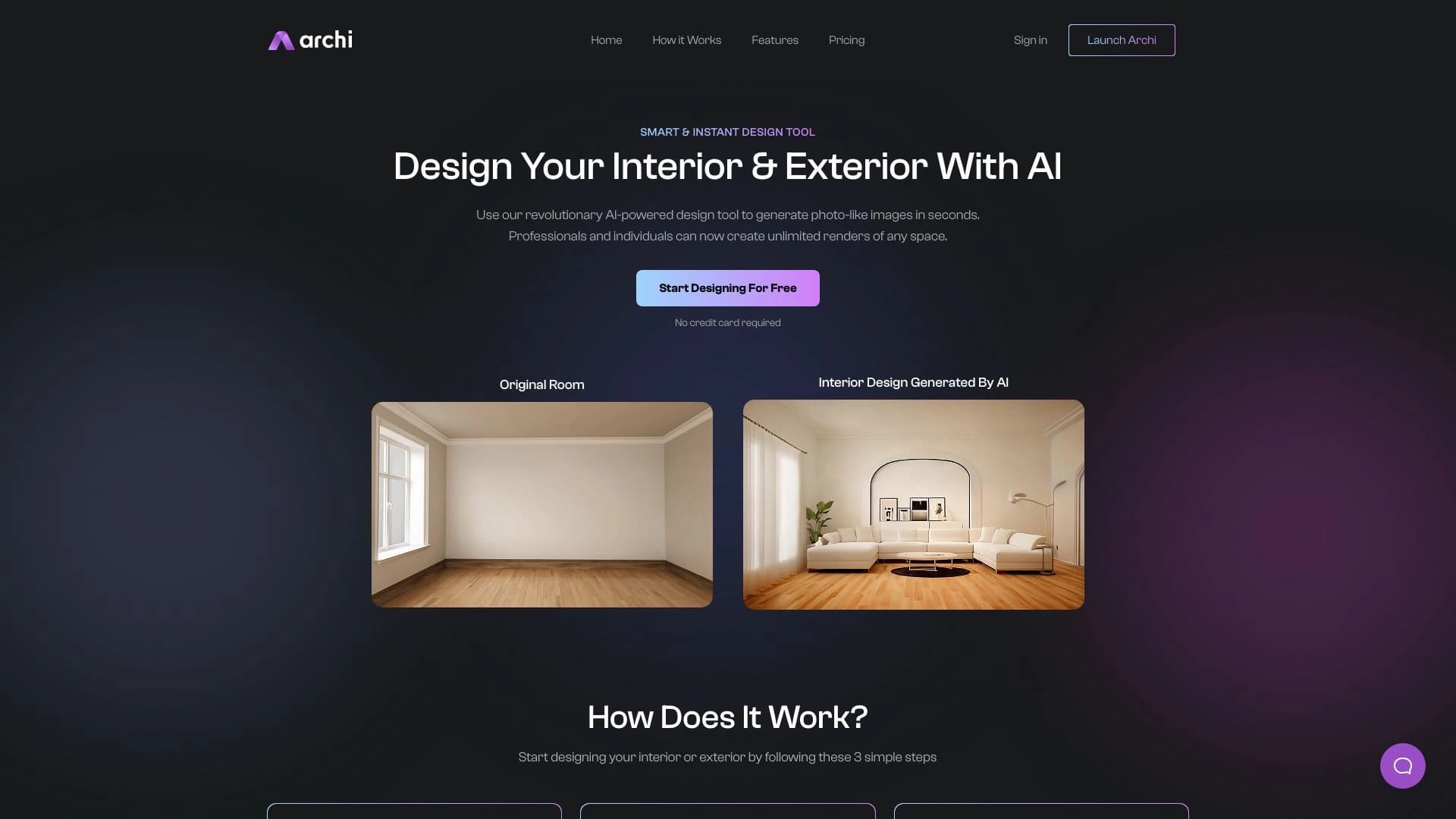
AI tool for interior and exterior designers that transforms uploaded room photos into new design images based on selected styles.


AI assistant for realtors, accelerating property matching and MLS data analysis.