

1st things 1st
Онлайн-ассистент для приоритизации задач и принятия решений на основе нейросети.

Обзор
Описание нейросети 1st things 1st
1st things 1st — это онлайн-сервис, который помогает расставлять приоритеты в задачах и целях с помощью нейросети. Инструмент создан для тех, кто хочет быстро понять, за что взяться в первую очередь, будь то рабочие проекты или личные дела. Вместо того чтобы вручную перебирать длинные списки, пользователь загружает задачи в сервис, а алгоритм на основе заданных ценностей и критериев предлагает порядок выполнения. Подход двойной: можно использовать интуитивное попарное сравнение, когда система показывает две задачи и просит выбрать более важную, или довериться интеллектуальному режиму с автоматическими рекомендациями. Результаты сортировки легко сохранить, скачать или отправить на электронную почту, а гибкие шаблоны помогают адаптировать процесс под разные типы проектов.
Характеристики 1st things 1st
| Характеристика | Значение |
|---|---|
| Тип | Онлайн-сервис для стратегической приоритизации задач и целей |
| Категории | Инструменты для управления задачами, генераторы описаний товаров, инструменты для повышения продуктивности |
| Платформы | Сайт |
| Разработчик | Websightful UG |
| Ежемесячные посещения | 62,1 тыс. |
| Наличие бесплатного тарифа | Да |
| Базовый тариф | Бесплатно |
| Стандарт тариф | 5 400 рублей за 6 месяцев |
| Профессиональный тариф | 7 560 рублей за 6 месяцев |
Для кого подходит нейросеть 1st things 1st?
Для личного планирования
Сервис подойдёт тем, кто регулярно сталкивается с необходимостью выбирать, чему уделить время: семья, здоровье, саморазвитие, хобби. Если целей много, а ресурс ограничен, 1st things 1st помогает честно оценить, какие из них действительно важны на текущем этапе, и не распыляться по мелочам.
Для командной работы
Инструмент также рассчитан на команды, которые совместно определяют приоритеты в проектах. Можно использовать общий список задач, задать общие критерии оценки и получить согласованный порядок выполнения работ без долгих совещаний и споров о том, что важнее.
Для работы в условиях дедлайнов
Особую ценность сервис представляет для людей с плотным графиком: фрилансеров, менеджеров, владельцев малого бизнеса. Когда на столе несколько горящих задач, быстрая приоритизация позволяет не тратить время на размышления и сразу переходить к действию.
Как использовать нейросеть 1st things 1st?
Шаг 1: Внесите задачи
Для начала работы нужно составить список задач или целей, которые необходимо отсортировать по приоритету. Это может быть всё, что угодно: от «подготовить отчёт» до «записаться к врачу».
Шаг 2: Выберите режим приоритизации
Сервис предлагает два основных подхода. Интуитивный режим предполагает последовательное попарное сравнение задач: система показывает две позиции, а пользователь выбирает, какая из них важнее. Интеллектуальный режим подключает нейросеть, которая выдаёт рекомендации автоматически на основе загруженных критериев и ценностей.
Шаг 3: Настройте критерии и получите результат
При необходимости можно детализировать собственные критерии оценки — например, «срочность», «влияние на доход» или «личная значимость». После обработки сервис выдаёт отсортированный список, который остаётся скачать либо отправить на почту, чтобы использовать его в работе или поделиться с командой.
Основные функции 1st things 1st
Приоритизация с помощью ИИ
Главная функция сервиса — ранжирование задач и целей с использованием искусственного интеллекта. Нейросеть анализирует введённые данные и предлагает оптимальный порядок выполнения, опираясь на заданные пользователем ценности.
Интуитивный и умный режимы
Пользователь может выбрать один из двух режимов. Первый — интуитивный, когда задачи сравниваются попарно вручную. Второй — интеллектуальный, где используются настраиваемые шаблоны и автоматические ИИ-подсказки, ускоряющие процесс сортировки.
Настройка критериев и работа с результатами
Сервис позволяет создавать собственные критерии для оценки задач, что делает его гибким инструментом для разных проектов. Готовые приоритеты можно экспортировать, скачивать и отправлять по электронной почте, а также использовать в командной работе, чтобы все участники видели единый порядок действий.
Преимущества 1st things 1st
Быстрое принятие решений
Сервис помогает в короткий срок определить, что делать сейчас, а что может подождать. Это особенно ценно при жёстких дедлайнах и высокой нагрузке, когда важно фокусироваться на главном и не отвлекаться на второстепенное.
Гибкость и простота
Пользователь может настроить систему под себя: задать свои критерии, создать шаблоны под разные типы задач. При этом интерфейс остаётся понятным и не перегруженным, что снижает порог входа даже для неопытных пользователей.
Экономия времени
Благодаря автоматическим подсказкам нейросети отпадает необходимость вручную перебирать и сравнивать все варианты. Это ускоряет процесс приоритизации и освобождает время для непосредственного выполнения задач.
Недостатки 1st things 1st
Ограничения в настройках
Набор параметров и возможностей конфигурации может оказаться недостаточным для сложных проектов с нестандартными требованиями. Если процессы компании выходят за рамки стандартных шаблонов, инструмент может не покрыть всех потребностей.
Ручное обновление и зависимость от интернета
Сервис не обновляет список задач автоматически — пользователю нужно регулярно вносить изменения вручную. Кроме того, все расчёты происходят на сервере, поэтому без подключения к интернету воспользоваться сервисом невозможно.
Какие задачи решает 1st things 1st
Приоритизация личных целей
Сервис помогает определить, какие из личных стремлений действительно значимы в данный момент. Это особенно полезно, когда кажется, что нужно делать всё сразу, и легко потерять фокус.
Сортировка рабочих задач
При завале на работе инструмент позволяет быстро решить, над какими проектами работать в первую очередь. Это снижает стресс и повышает эффективность, когда времени на раздумья нет.
Упорядочивание любых списков
1st things 1st подходит для сортировки любых списков — от мелких бытовых дел до крупных стратегических инициатив. Универсальность сервиса делает его полезным в самых разных жизненных и рабочих ситуациях.
Цены 1st things 1st
Сервис предоставляет три тарифных плана. На бесплатном тарифе доступен один личный и один рабочий проект, а также поддержка по электронной почте с ответом в течение двух рабочих дней. Платный тариф «Стандарт» стоит 5 400 рублей за шесть месяцев и включает до 10 проектов, поддержку в течение одного рабочего дня. Самый продвинутый тариф «Профессиональный» обойдётся в 7 560 рублей за шесть месяцев: он даёт неограниченное количество проектов, функцию оценки времени и приоритетную поддержку с ответом в течение рабочего дня.
Условия использования 1st things 1st
Для работы с сервисом необходимо создать учётную запись. Бесплатный тариф ограничивает пользователя одним личным и одним рабочим проектом. Важно понимать, что приоритеты не обновляются автоматически — пользователю нужно регулярно вносить изменения вручную, чтобы рекомендации оставались актуальными, а список задач соответствовал текущей ситуации.
Доступность 1st things 1st
1st things 1st доступен исключительно как веб-сервис, работающий в браузере. Для использования требуется стабильное подключение к интернету, поскольку все вычисления выполняются на удалённом сервере. На странице сервиса не указано, какие языки и регионы поддерживаются, однако стоимость тарифов обозначена в рублях, что может указывать на ориентацию на российский рынок.
Чем отличается 1st things 1st от аналогов
Основное отличие сервиса от таких инструментов, как Gemini, ChatGPT, DeepSeek, Notion.AI, Grok или Mistral Large, — это узкая специализация. 1st things 1st не позиционирует себя как универсальный ИИ-ассистент для любых задач, а сфокусирован именно на приоритизации. Его подход включает попарное сравнение задач и адаптацию под заявленные пользователем ценности и критерии. Благодаря такой направленности сервис предлагает более структурированный и предсказуемый результат для задачи «что делать дальше», чем широкие языковые модели, которые требуют более тщательной формулировки запросов и не всегда дают упорядоченный ранжированный ответ.
Заключение
1st things 1st — это практичный онлайн-ассистент для приоритизации задач, который помогает быстро и гибко сортировать дела как индивидуально, так и в команде. Сервис объединяет интуитивный режим попарного сравнения с интеллектуальными рекомендациями нейросети, позволяет настраивать критерии и шаблоны, а также экспортировать результаты. Наличие бесплатного тарифа делает его доступным для первичного знакомства, однако для сложных проектов с нестандартными требованиями возможностей может не хватить. Кроме того, необходимо учитывать, что сервис требует регулярного ручного обновления данных и не работает без интернета. В целом 1st things 1st будет полезен тем, кто ищет удобный и понятный способ расстановки приоритетов без лишней бюрократии и сложных настроек.
Тарифы
Часто задаваемые вопросы
Смотрите также


BannsAi — сервис с использованием ИИ для быстрого создания рекламных баннеров по текстовому описанию или референсу.


Нейросеть для генерации SEO-оптимизированных статей и автоматизации ведения блогов.

Платформа с искусственным интеллектом для анализа финансовых данных и поддержки инвестиционных решений.
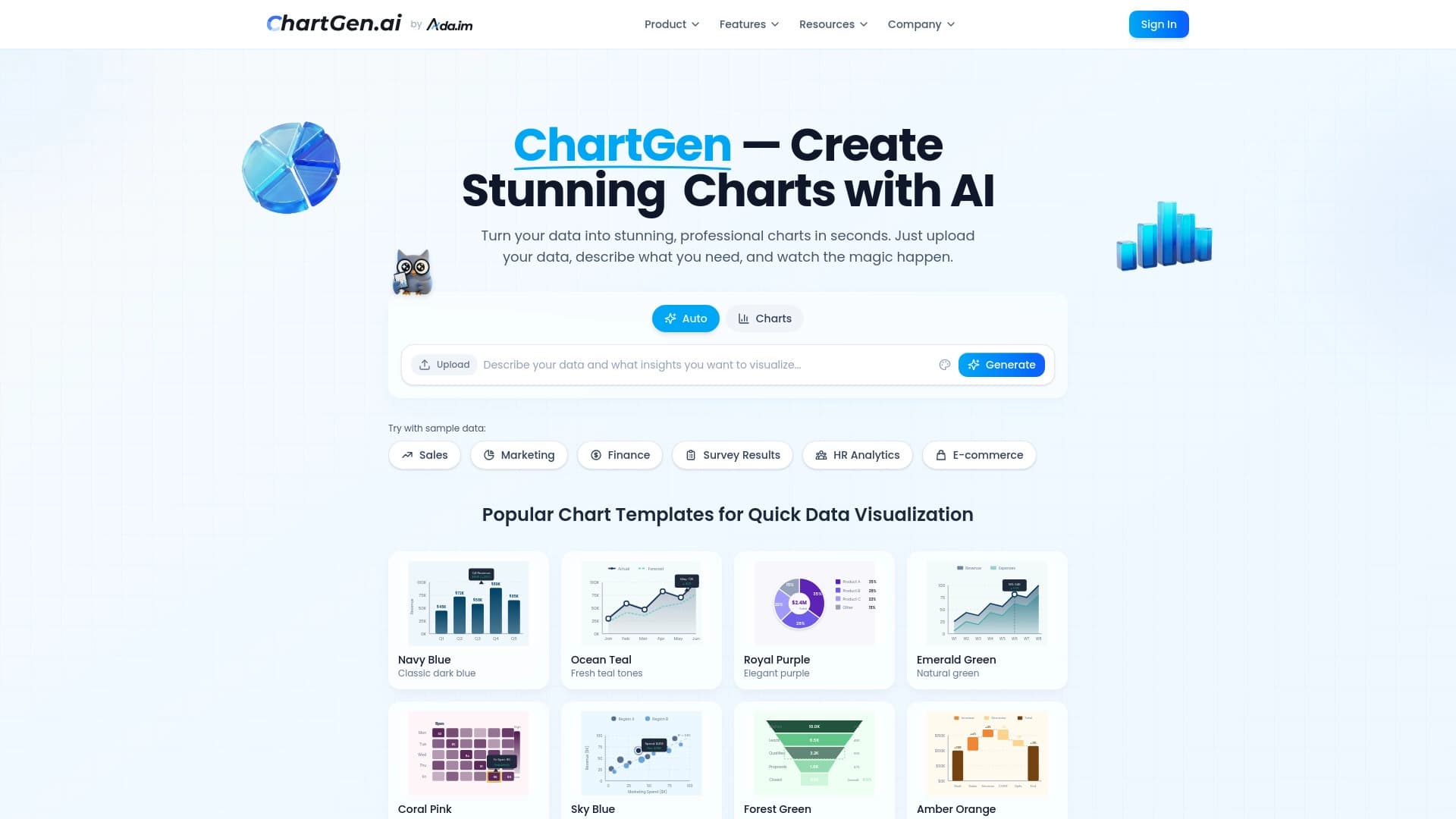

Генератор диаграмм и графиков из загруженных данных по текстовому описанию на естественном языке.


Платформа на основе ИИ для создания и редактирования изображений и видео товаров для продавцов в электронной коммерции.


Инструмент, встраиваемый в Microsoft Word, который с помощью нейросетей автоматизирует создание, редактирование и анализ юридических контрактов.
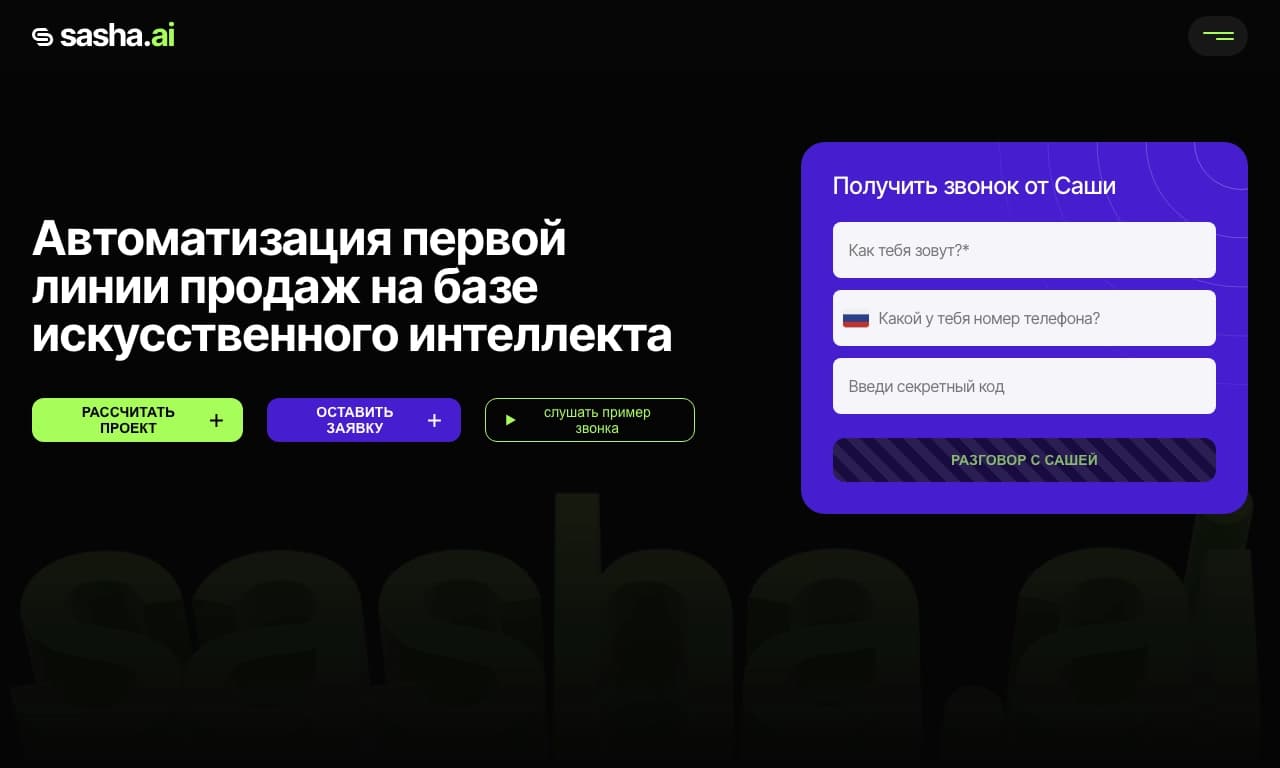
Сервис для автоматизации первого контакта с клиентами в продажах.

AI-помощник для автоматизации задач розничной торговли и оптимизации работы колл-центров.