
007Hub - Chrome Extension
Chrome extension that combines access to multiple AI systems through pluggable plugins.
Overview
007Hub - Chrome Extension Description
007Hub is a Chrome browser extension that combines access to popular artificial intelligence systems through a single interface with pluggable plugins. Instead of opening multiple tabs with different services, users can work with ChatGPT, DALL-E 2, and Stable Diffusion directly from one extension window.
The key feature of the tool is that it is not a standalone neural network but acts as a universal hub-constructor. You connect the AI modules you need through plugins, enter your own OpenAI and Replicate API keys, and get access to chat communication and image generation without needing to switch between services.
All data, including conversation history, is stored locally on the user's device via IndexDB. This approach ensures privacy and control over information that is not transmitted to third-party servers, except for cases of direct API calls to the neural networks themselves to complete tasks.
007Hub - Chrome Extension Features
| Feature | Value |
|---|---|
| Type | Browser extension |
| Category | Miscellaneous |
| Platforms | Chrome |
| Free tier | Available |
| Monthly visits | 96.0K |
| Developer | 007Hub |
| Required API keys | OpenAI and Replicate |
| Data storage | Local (IndexDB) |
| Supported plugins | ChatGPT, DALL-E 2, Stable Diffusion |
Who is 007Hub - Chrome Extension suitable for?
For users working with multiple AI services simultaneously
If you regularly use ChatGPT for communication and DALL-E 2 or Stable Diffusion for image creation, 007Hub eliminates the need to switch between different web interfaces. Everything is gathered in one place, saving time and streamlining your workflow. The tool works well for both quick short conversations and extended discussions with AI.
For professionals who value privacy
Since the extension stores user history and data locally via IndexDB, it suits those who do not want their conversations and generated images saved on third-party servers. This is especially relevant for those working with confidential information or who simply prefer to keep their data under control.
For users who need configuration flexibility
Plugins work on a modular principle. No programming skills are required — you simply select the module you need from the list. This is convenient for those who like to customize tools for their own scenarios and change the set of functions depending on current tasks.
How to use 007Hub - Chrome Extension
Installation and initial setup
To get started, you need to install the extension in the Chrome browser. After installation, you will need to enter your own OpenAI and Replicate API keys — these are entered in the right part of the extension interface. Without these keys, the tool cannot perform its functions, so it is important to have active accounts on the respective platforms.
Everyday work with the tool
After entering the keys, the extension is ready to use. You can communicate with the artificial intelligence through chat plugins, ask questions, and conduct short or long conversations. To generate images, simply select the appropriate plugin — DALL-E 2 or Stable Diffusion — and send a request. Everything works directly in the browser, without needing to install additional applications or switch between tabs.
Managing plugins
The plugin system is the central element of 007Hub. Adding or disabling the modules you need takes just a couple of clicks. You can combine chatbots and image generators by connecting multiple plugins simultaneously. The extension supports a dark theme and works correctly on mobile devices, making it a flexible tool for different scenarios.
Key features of 007Hub - Chrome Extension
Working with chat plugins
The extension supports connecting ChatGPT and other AI systems for communication. Users can conduct both short exchanges and extended conversations without leaving the browser. This is convenient for quick questions, getting assistance, or more in-depth consultations with the neural network.
Image generation
Through 007Hub, you can create images on the fly using DALL-E 2 and Stable Diffusion. Batch generation is supported — meaning you can send multiple requests in a row. This is useful for tasks that require quickly obtaining many image variations: gathering ideas, creating concepts, or illustrations for work projects.
Local data storage
User history and data are saved in IndexDB on the device. This means information is not transmitted to third-party servers and remains accessible only to the extension owner. This feature sets the tool apart from many cloud services and provides an additional level of confidentiality.
Advantages of 007Hub - Chrome Extension
Quick plugin connection
You can connect the AI modules you need — ChatGPT, DALL-E 2, Stable Diffusion, and others — in just a couple of clicks directly in the browser. No need to deal with complex settings or have technical skills. Plugins work like building blocks, allowing you to assemble your own set of tools for specific tasks.
Privacy and data storage
All data and conversation history are stored locally on the user's device and do not go to third-party servers. This is an important advantage for those who need to keep their information confidential. The only exception is data transmitted directly to the OpenAI or Replicate API at the moment a specific task is executed.
Versatility of use
The tool suits different scenarios, from quick messaging to image generation. The ability to work with multiple neural networks simultaneously through one interface allows for more efficient use of resources and independence from a single service. The dark theme and mobile support add comfort during use.
Disadvantages of 007Hub - Chrome Extension
Dependence on external services
The extension requires your own OpenAI and Replicate API keys to work. Without them, the tool simply will not start. Additionally, if these services change their policies or experience outages, some extension functions may stop working correctly. Users will need to monitor changes on the API providers' side.
Security and performance
Although data is stored locally, there is a risk of information leakage if the device becomes infected with malware. Additionally, some data is still transmitted to OpenAI and Replicate servers during generation. On weaker devices, when multiple plugins are connected simultaneously, the tool may run slowly and lag, reducing productivity.
What tasks does 007Hub - Chrome Extension solve?
Communication with artificial intelligence
The extension allows you to hold conversations with AI through chat plugins. This solves the task of getting answers to questions, searching for information, or discussing ideas without leaving the browser. Short exchanges work just as well as extended consultations.
One-click image generation
Through DALL-E 2 and Stable Diffusion, you can create images directly in the browser without switching between services. Image generation tasks are solved on the fly, including creating multiple variations in batches. This is useful for designers, marketers, and anyone who regularly needs visual content.
Combining different neural network capabilities
The main task of 007Hub is quickly connecting and combining various neural networks in one place. Instead of working with each service separately, users can combine chatbots with image generators. This simplifies the workflow and saves time when completing complex tasks.
007Hub - Chrome Extension Pricing
The tool offers several pricing plans:
- Free plan — provides access to basic features and chat. Suitable for getting familiar with the extension and basic usage scenarios.
- Premium — includes advanced image generation capabilities and support for multiple plugins simultaneously.
- Business — adds priority support and unlimited use of all extension features.
For exact details on free plan limitations and the full list of features for each plan, please check the developer's official resources.
Terms of use for 007Hub - Chrome Extension
To use the extension, you need to install it in the Chrome browser. A mandatory requirement is having active OpenAI and Replicate API keys. Users must have accounts on these platforms, as the keys are an integral part of the tool's operation.
The extension uses APIs of external services, so users should review the terms of use of OpenAI and Replicate. Data sent to these platforms for generation is processed in accordance with their policies. Disabling or blocking the API by these services may affect the extension's functionality.
Availability of 007Hub - Chrome Extension
The extension is designed for the Chrome browser and is available through the extension store. No regional restrictions are officially stated; however, actual availability depends on the ability to access OpenAI and Replicate APIs in a given country. In some countries, working with these services is restricted or prohibited, which automatically makes using 007Hub impossible.
A stable internet connection is required for full functionality, since image generation and AI communication occur through cloud APIs. On mobile devices, the extension works through the mobile version of the Chrome browser with dark theme support.
How 007Hub - Chrome Extension differs from alternatives
The main difference between 007Hub and alternatives lies in its approach to data storage and interface organization. The extension saves user history and data locally via IndexDB, whereas many similar tools use cloud storage. This provides a higher level of privacy and full user control over their data.
Another distinguishing feature is the pluggable plugin architecture. Users can independently assemble their own set of tools, connecting only the neural networks they need at the moment. This sets the extension apart from monolithic services where the set of functions is fixed. The ability to combine chatbots and image generators in one interface with local storage makes 007Hub a unique solution in the browser extension market.
Conclusion
007Hub is a browser extension-constructor that allows you to connect various AI plugins, including ChatGPT, DALL-E 2, and Stable Diffusion, and work with them directly in Chrome. Its distinguishing feature is local data storage via IndexDB, which ensures privacy and control over information. The tool has a free plan; however, for full functionality, users need to have their own OpenAI and Replicate API keys. The solution suits those who regularly work with multiple neural networks and value configuration flexibility, but it is worth considering the dependence on external APIs and possible performance limitations on weaker devices.
Pricing
Frequently asked questions
See also


AI assistant for creating short summaries of videos, PDF documents, and web pages.
A catalog that organizes AI tools and services by category for quick search.

Online publication covering news, reviews, and analysis of artificial intelligence.
Intelligent assistant from Microsoft, built into the Bing search engine and Edge browser, powered by GPT-4.

A community platform for discovering, publishing, and sharing open AI image generation models.
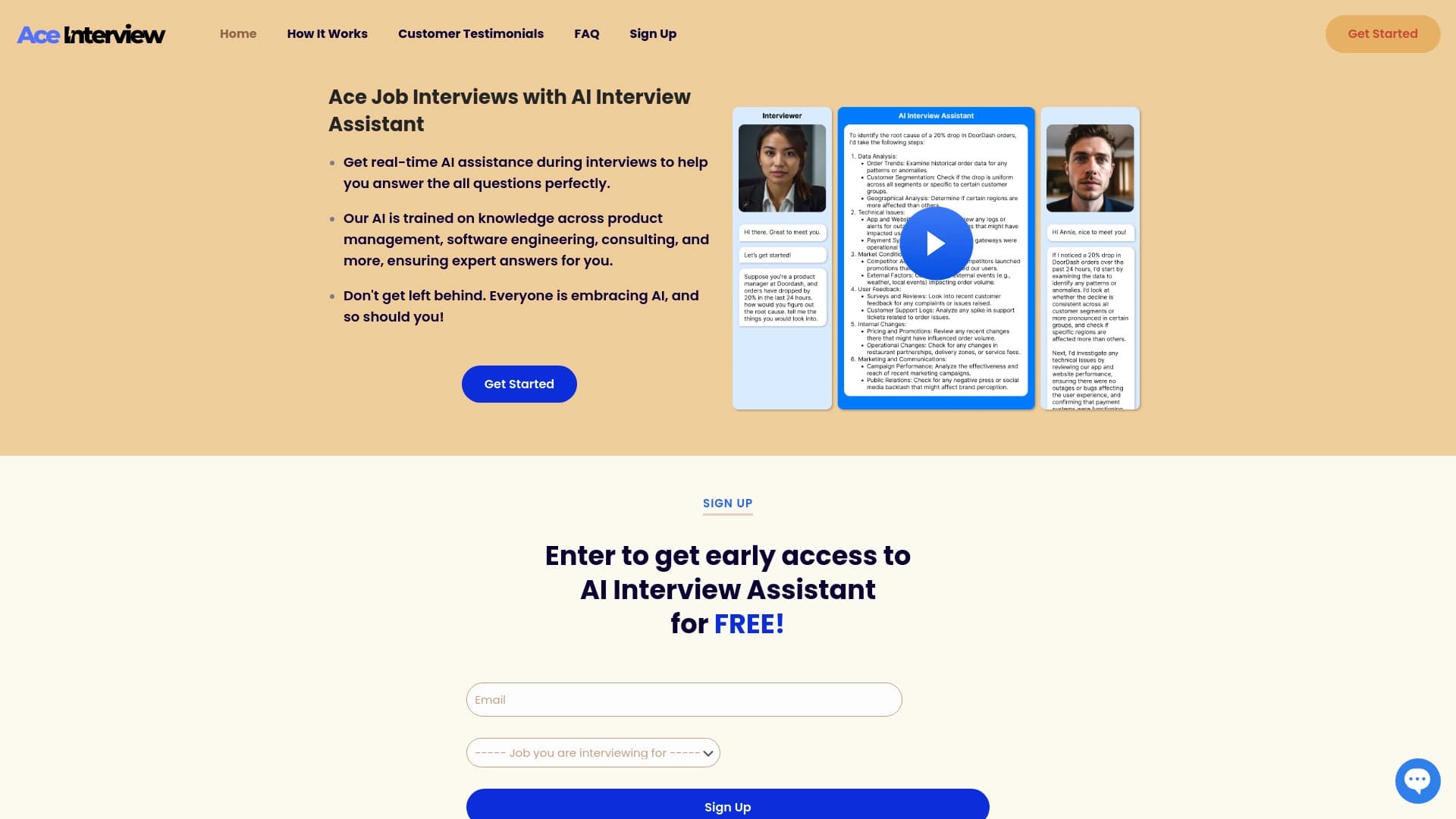

AI assistant for real-time hints during online interviews.


AI-powered online platform for quickly creating text content, including blogs, articles, and social media posts.

Generate advertising UGC videos with virtual actors without real filming.