MCP (Model Context Protocol) simplifies connecting external services to AI assistants. Instead of dozens of non-standard integrations, you get a single interface through which the application discovers tools and data. But which MCP server should you choose for working with popular editors? Let's figure it out.
What is MCP and how it works
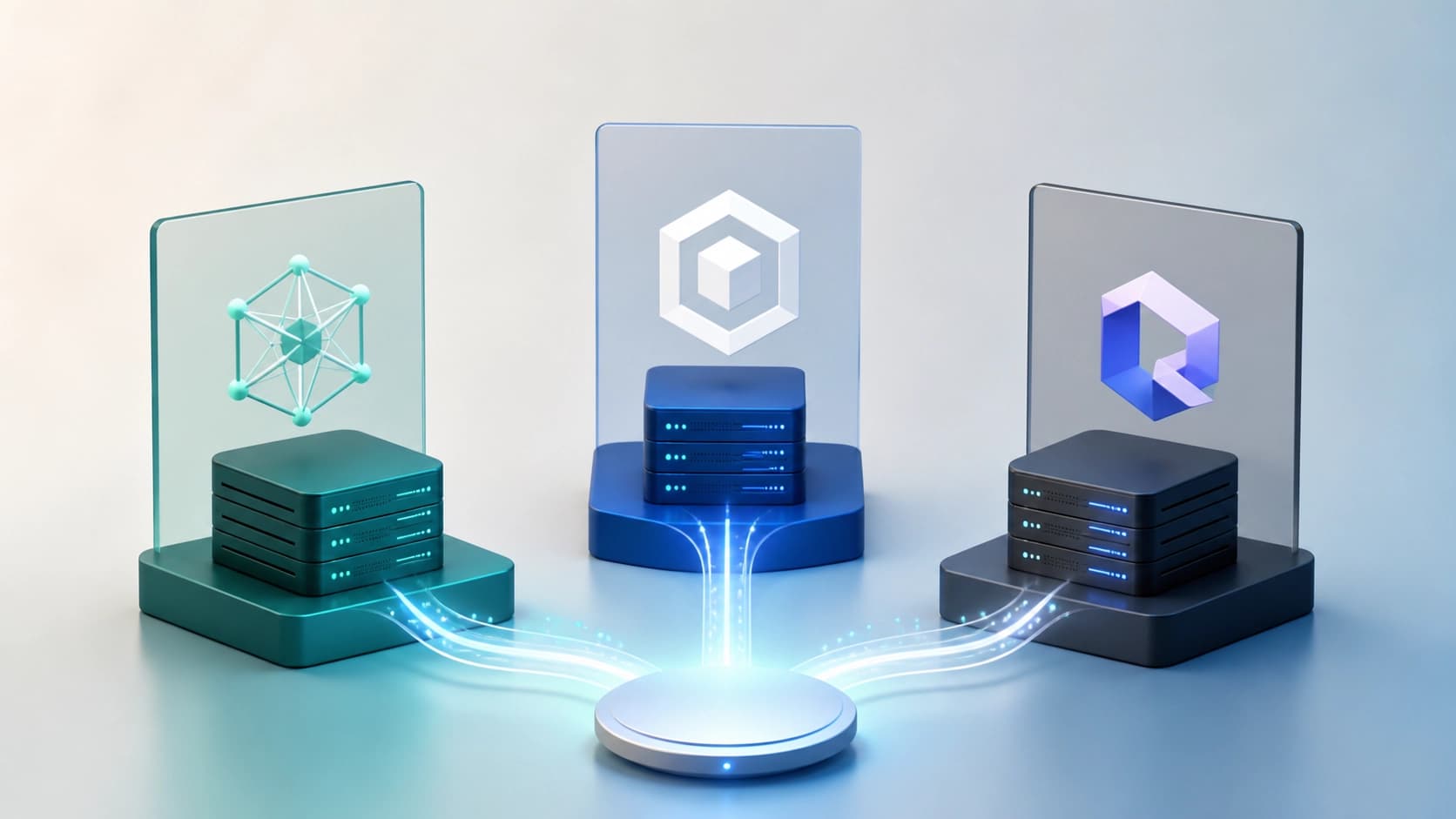
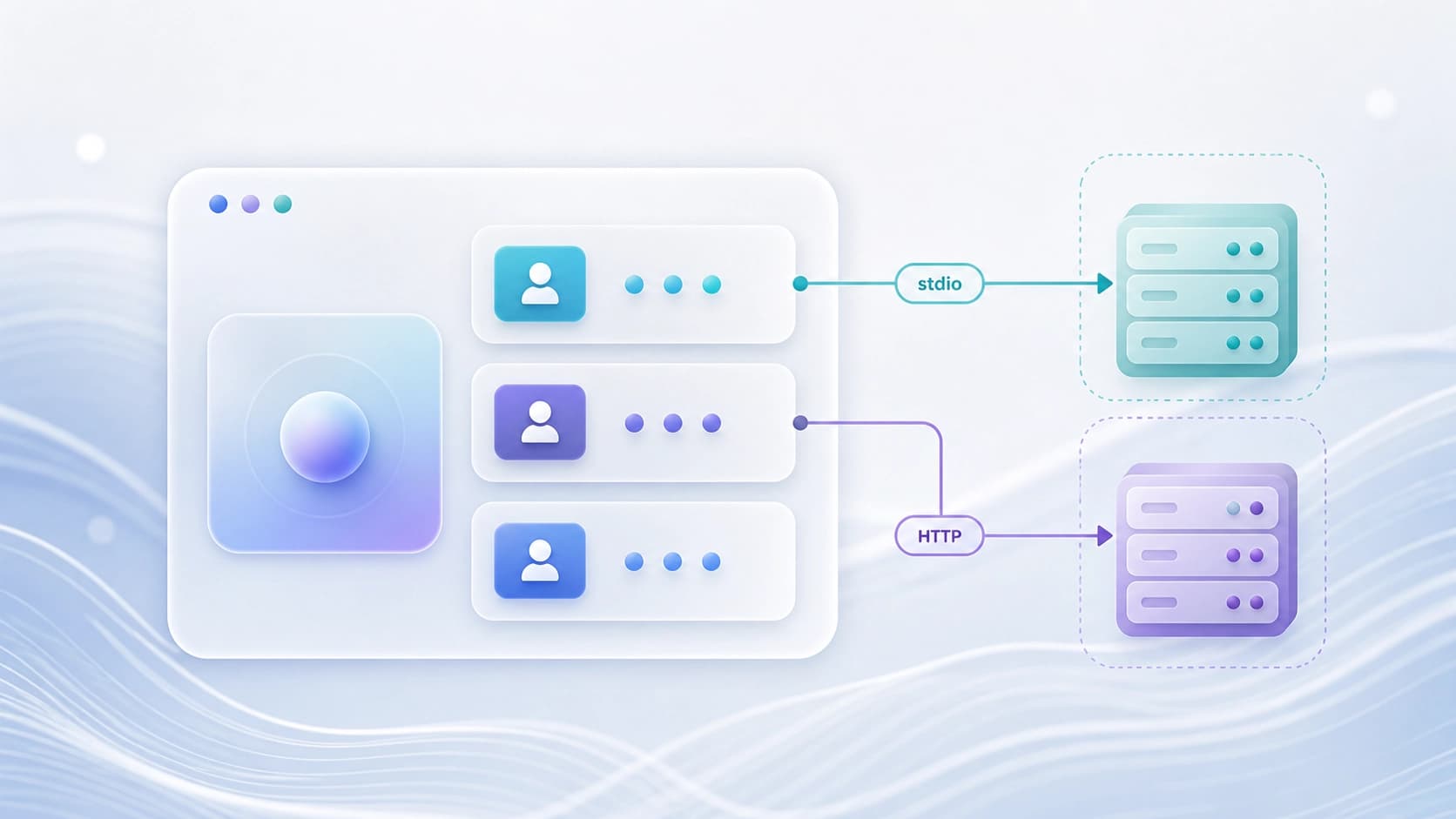
The MCP architecture is divided into three roles: host, client, and server. The host is the application you use: Claude Desktop, Cursor, or VS Code. Inside the host, a client responsible for message exchange runs for each configured server. The server, in turn, provides tools — actions the assistant can perform — as well as resources and prompts. Resources are convenient to use as context, and tools for active operations.
Local connections typically work via stdio: the host launches the server process and communicates with it through standard input/output. A remote server is accessible over Streamable HTTP. In the first case, the process gets the permissions of the current computer user; in the second, data arrives over the network, so separate authentication is required.
Criteria for choosing an MCP server
Before connecting a new server, ask yourself a few questions:
- What data does the server see?
- What actions does it perform?
- Where are secrets stored?
- Who confirms irreversible operations?
- Is a log kept?
If at least one point is unclear, it's better not to take the risk.
Also check the publisher and repository. An MCP server is not an official extension or an API key, but a software contract that runs code with local privileges. A server installed from a random README can do anything. Pay attention to dependencies, the update method, and the list of declared tools.
Popular MCP servers: what to connect first
First of all, it's useful to set up access to local files and one GitHub repository.
Filesystem and GitHub
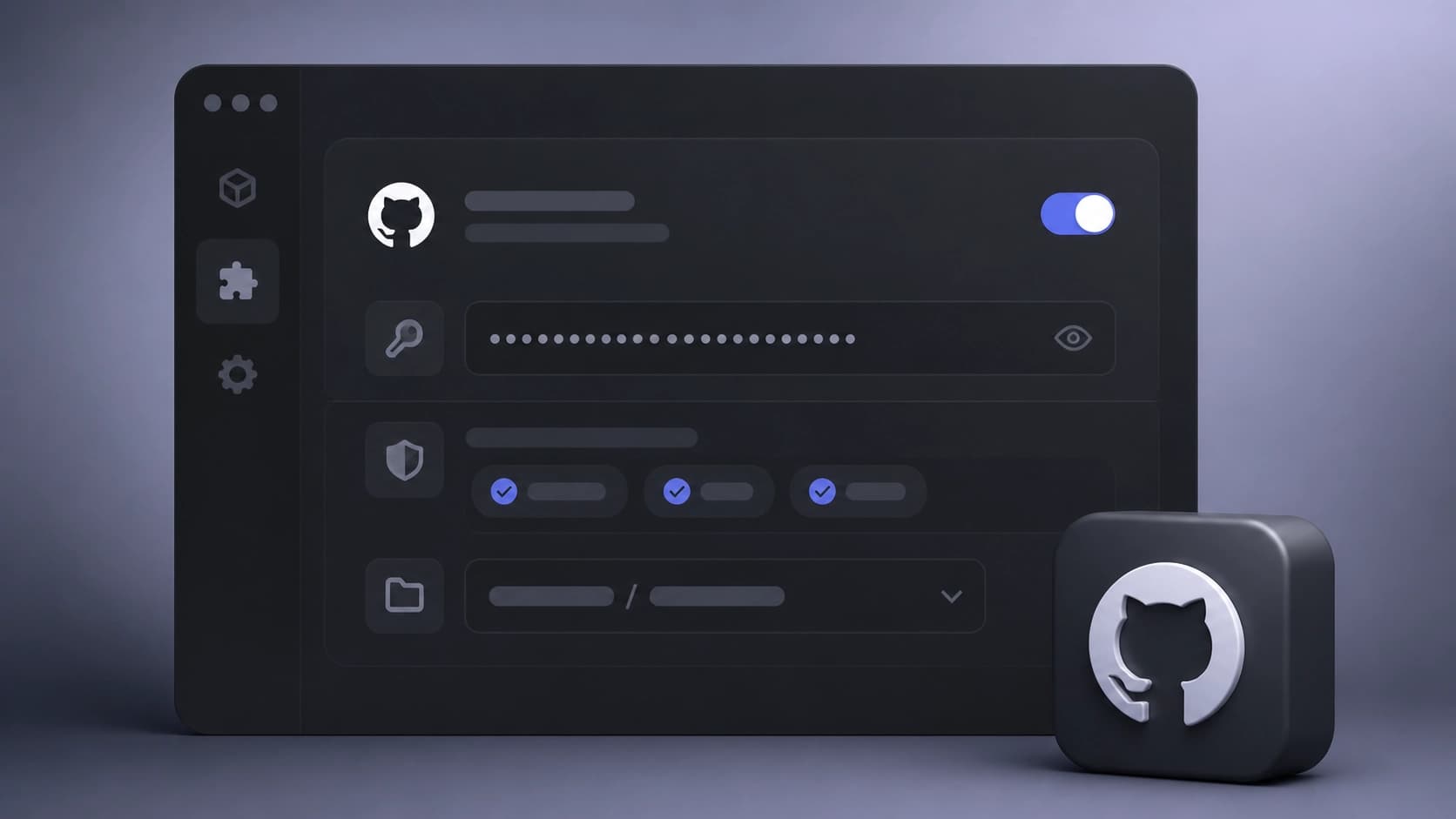
The Filesystem server enables reading a directory with a restricted root. This is a safe way to give the assistant access to projects without risking the entire system. The GitHub server works with issues, pull requests, and checks. It's useful for automating routine tasks: checking review status, finding a bug by issue, compiling a list of open tasks.
Actions that change the repository — creating branches, closing issues, merging — are better enabled separately, deliberately. For GitHub, it's worth setting up a separate account, granting minimal scopes, and working in a sandbox repository so you don't accidentally break production.
Databases, Slack, and Google Drive
The Postgres server is useful for reading schemas, diagnosing queries, and analyzing data. Here it's important to create a read-only user with real restrictions: statement timeout, a ban on sensitive schemas, auditing. This reduces the risk of accidentally modifying the database through the assistant.
Slack and Google Drive can expose messages and documents beyond the scope of the task. If you can't do without them, restrict workspaces, channels, and folders. And always remember: if a task can be solved with a read-only resource, don't hand out a tool with write access.
Browser and mobile devices
When you need access to web interfaces without an API, Browser MCP comes in handy — it lets the agent interact with a page. For Android devices, there's PhonePi MCP or similar. Such servers are convenient for checking the interface or working with a system that has no programmatic interface. But remember: UI automation is slower and more fragile than a direct API.
Security and threat model
MCP reduces integration costs but does not eliminate the threat model. The protocol itself does not create privileges or guarantee implementation quality. A server may require an API key, OAuth, or local authorization, but that doesn't make it secure automatically. Always think about what data ends up in the assistant's context and who might read that data.
Minimal setup and budget
For a developer, a reasonable starting setup is local files in an allowed root and one GitHub repository. Then you can add a browser for checks. Databases, chats, and cloud documents should only be connected for a specific repeatable scenario. After a week of use, remove everything that doesn't bring value. This approach saves budget and doesn't overload the assistant with unnecessary tools.