

Zeemo
Neural network-based web service for automatic video subtitling and transcription.
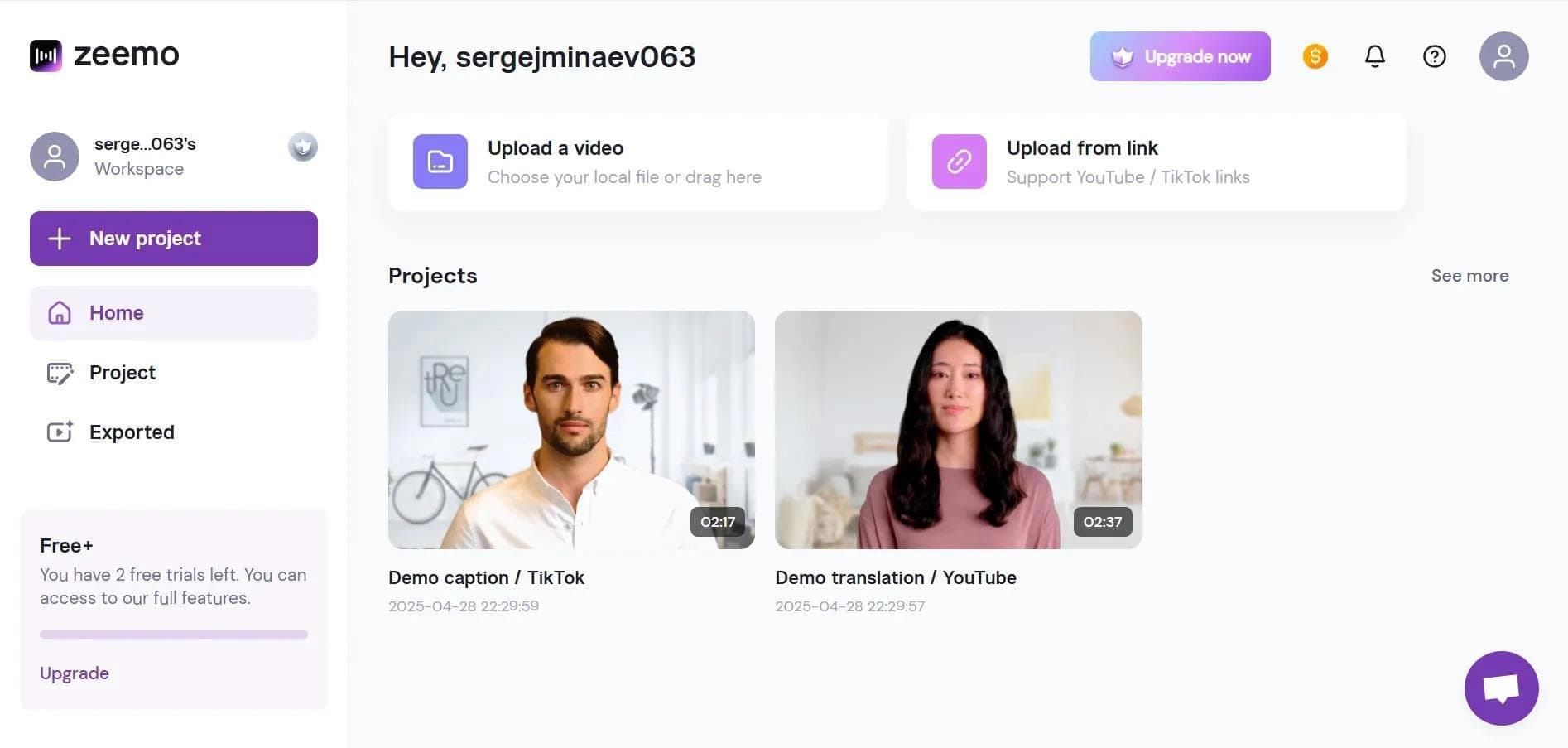
Overview
Zeemo
Description of the Zeemo neural network
Zeemo is a web-based neural network service that automatically creates subtitles for videos and performs speech-to-text transcription. The service recognizes speech in a large number of languages with a claimed accuracy of up to 98% and then generates subtitles that can be customized, translated, and exported.
In addition to creating subtitles, Zeemo allows you to change their style and display dynamics, translate finished subtitles into other languages, and export results in popular formats. The service also includes basic video editing tools, making it a comprehensive solution for preparing video content for publication. The tool operates on a freemium model: the free plan provides access to a limited number of videos per month.
Zeemo specifications
| Specification | Value |
|---|---|
| Type | Neural network for creating subtitles and transcribing video |
| Categories | Subtitles, Audio transcription, Video translation |
| Language support | Subtitle generation in 95 languages, translation into 113 languages, Russian language support |
| Platforms | Web platform, Android and iOS mobile apps |
| Maximum video duration | Up to 60 minutes (up to 3 minutes on the paid plan) |
| Maximum file size | 500 MB |
| Speech recognition accuracy | 98% |
| Subtitle export formats | SRT, ASS |
| Video export quality | Up to 1080p |
| Free plan | 3 videos per month up to 1 minute each |
Who is Zeemo for?
Video bloggers and content creators
Zeemo suits those who regularly publish videos and want to quickly add high-quality subtitles without spending time on manual timecode markup. Dynamic subtitles help make videos more engaging, including for short formats like TikTok.
Educators and marketers
The tool will be useful for educators preparing educational materials and for marketers working with video content. The ability to automatically generate subtitles and translate them makes videos accessible to a global audience without the extra cost of translators.
How to use Zeemo?
Step-by-step workflow
Working with Zeemo is simple. First, register on the service website, then upload a video file up to 500 MB. Next, choose the language in which you want to create subtitles.
Customization and export
After generating subtitles, you can customize their style and effects — fonts, colors, and animations. If necessary, the text can be edited manually. The final result can be downloaded as a video or as an SRT subtitle file, which is convenient for further use in other editors.
Key features of Zeemo
Subtitle generation and translation
Zeemo automatically creates subtitles in 95 languages with recognition accuracy of up to 98%. Finished subtitles can be translated into 113 languages, opening the door to an international audience. The service supports recognition of complex dialects and accents and automatically detects pauses in speech.
Style customization and editing
Subtitles are easy to customize: flexible font, color, and animation options are available. Users can manually adjust text and timecodes, and also edit subtitles in batch mode, which is especially convenient for long projects.
Video handling and export
The service includes basic video editing tools — trimming and adapting videos to different formats. Finished subtitles are exported in SRT and ASS formats, video is output in up to 1080p quality, and projects are stored in the cloud. Direct video upload to YouTube and integration with cloud storage are also available.
Zeemo advantages
High accuracy and language variety
The service's key advantage is its claimed speech recognition accuracy of up to 98% and broad language support: subtitle generation in 95 languages and translation into 113. The service handles complex dialects and accents, which is rare among competitors.
Scale and ease of use
Zeemo supports processing videos up to 60 minutes long, making it suitable for long-form content. Flexible subtitle styling, export in 1080p quality, integration with cloud storage, and cross-platform availability (web, Android, iOS) make work convenient in any environment.
Zeemo drawbacks
The main drawback of the service is the limitations of the free plan, which allows processing only three videos per month, each up to one minute long. A paid subscription is required for more active work.
Additionally, the service may have regional availability restrictions and may not always be reliably accessible in some regions, which is worth considering when choosing a tool.
What tasks does Zeemo solve?
Subtitles and content translation
Zeemo automatically creates subtitles for videos, translates video content into foreign languages, and transcribes audio tracks into text. This saves time on manual work and makes content more accessible.
Video adaptation and preparation
The tool helps adapt videos for social media, including platforms like TikTok, where dynamic subtitles boost engagement. Zeemo also prepares videos for a global audience by adding subtitles in the required languages and customizing the styling for a specific platform.
Zeemo pricing
Zeemo operates on a freemium model. The free plan includes three videos per month, each up to one minute long. For more active users, there is a paid Pro subscription costing $9.99 per month, which supports up to 50 videos of up to three minutes each.
Zeemo terms of use
Registration on the service website is required to get started. The uploaded video file is limited to 500 MB. Other terms of use, including data processing details and paid plan limitations, are not disclosed in detail in the available sources.
Zeemo availability
The service works through a web platform and is also available as a mobile app for Android and iOS. Zeemo supports English and 94 other languages, including Russian for subtitles and translation. However, access may be restricted in some regions.
How Zeemo differs from alternatives
Zeemo's main difference is its combination of high speech recognition accuracy (up to 98%), broad language support (generation in 95
Pricing
Frequently asked questions
See also

AI platform for creating and editing videos with automatic generation of subtitles, avatars, and voice translation.

A platform for creating talking videos with a teleprompter, AI-generated scripts, subtitles, and avatars.

AI-powered desktop video editor for automatic subtitle generation and basic video editing.

Online video editor with AI tools for creating and editing videos directly in the browser.

AI tool for creating short vertical videos with automatic subtitles, editing, and effects for social platforms.
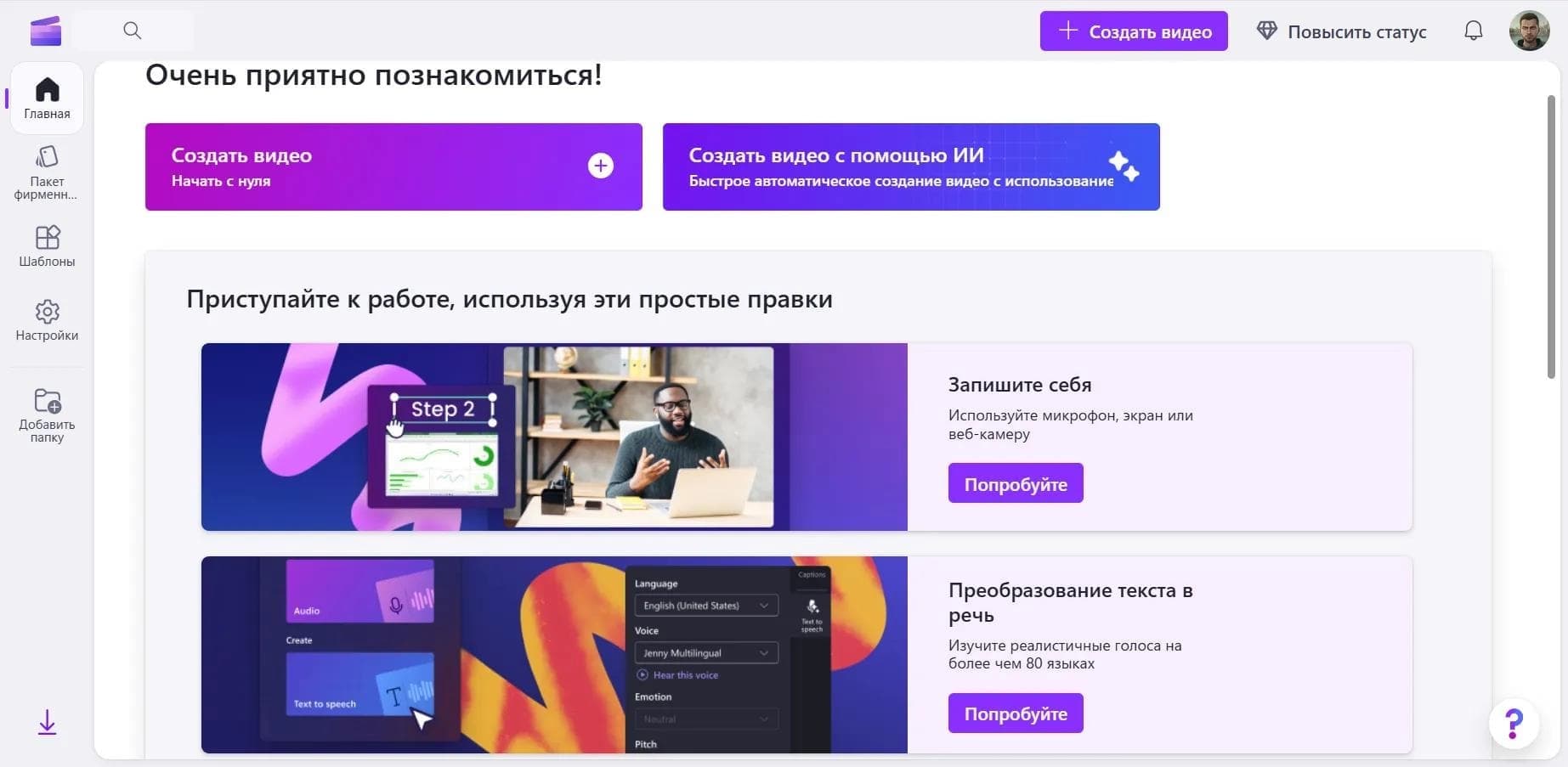

Online video editor from Microsoft with AI-powered features for quick editing right in your browser.
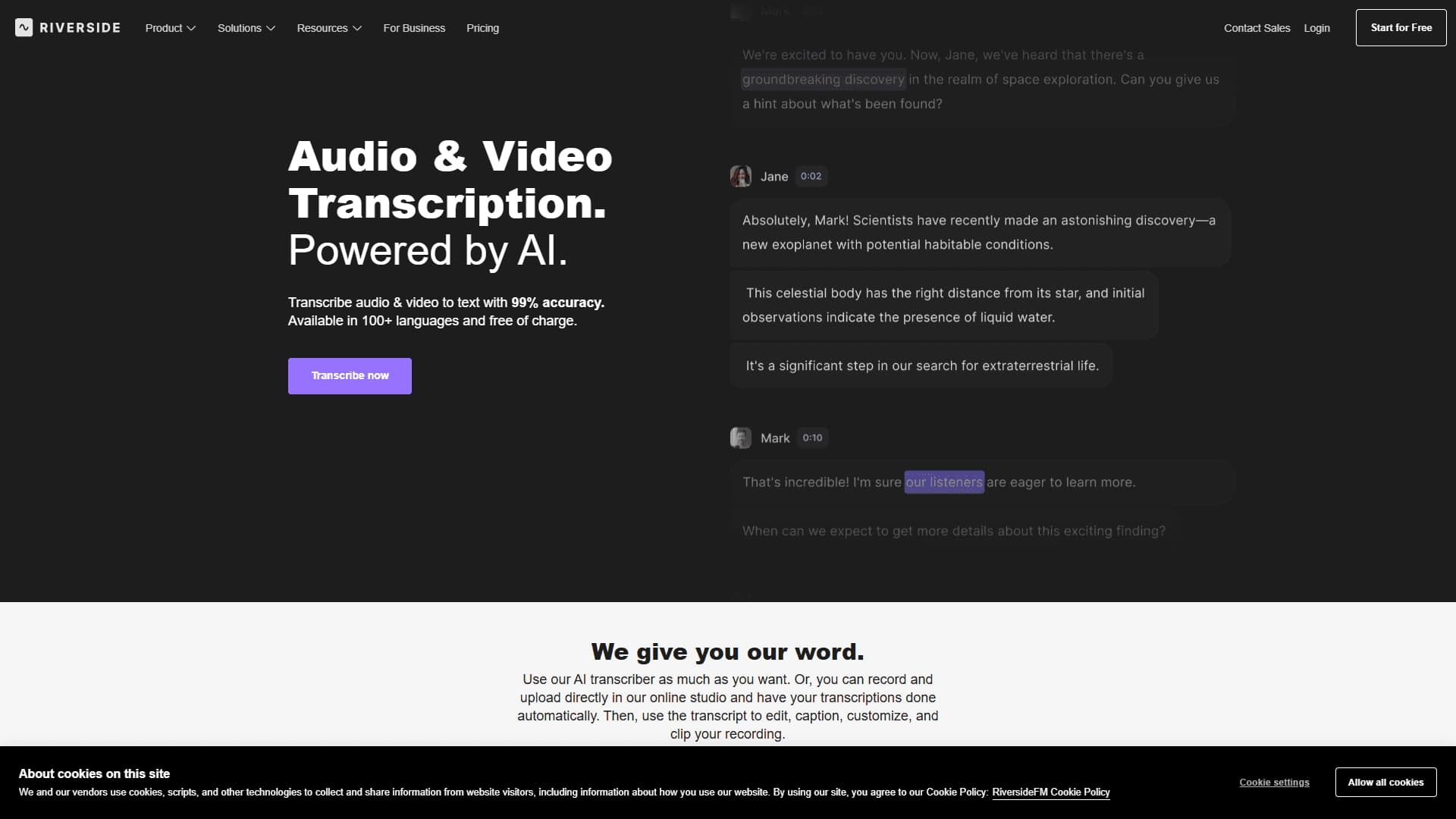

A tool for automatic transcription of audio and video into text with support for more than 100 languages and the ability to edit media files.

An AI tool that automatically cuts long videos into short clips for TikTok, YouTube Shorts, and Instagram Reels.