

Wand
Mobile app for iOS that turns hand sketches into detailed images with AI.
Overview
Wand
Description of the Wand AI
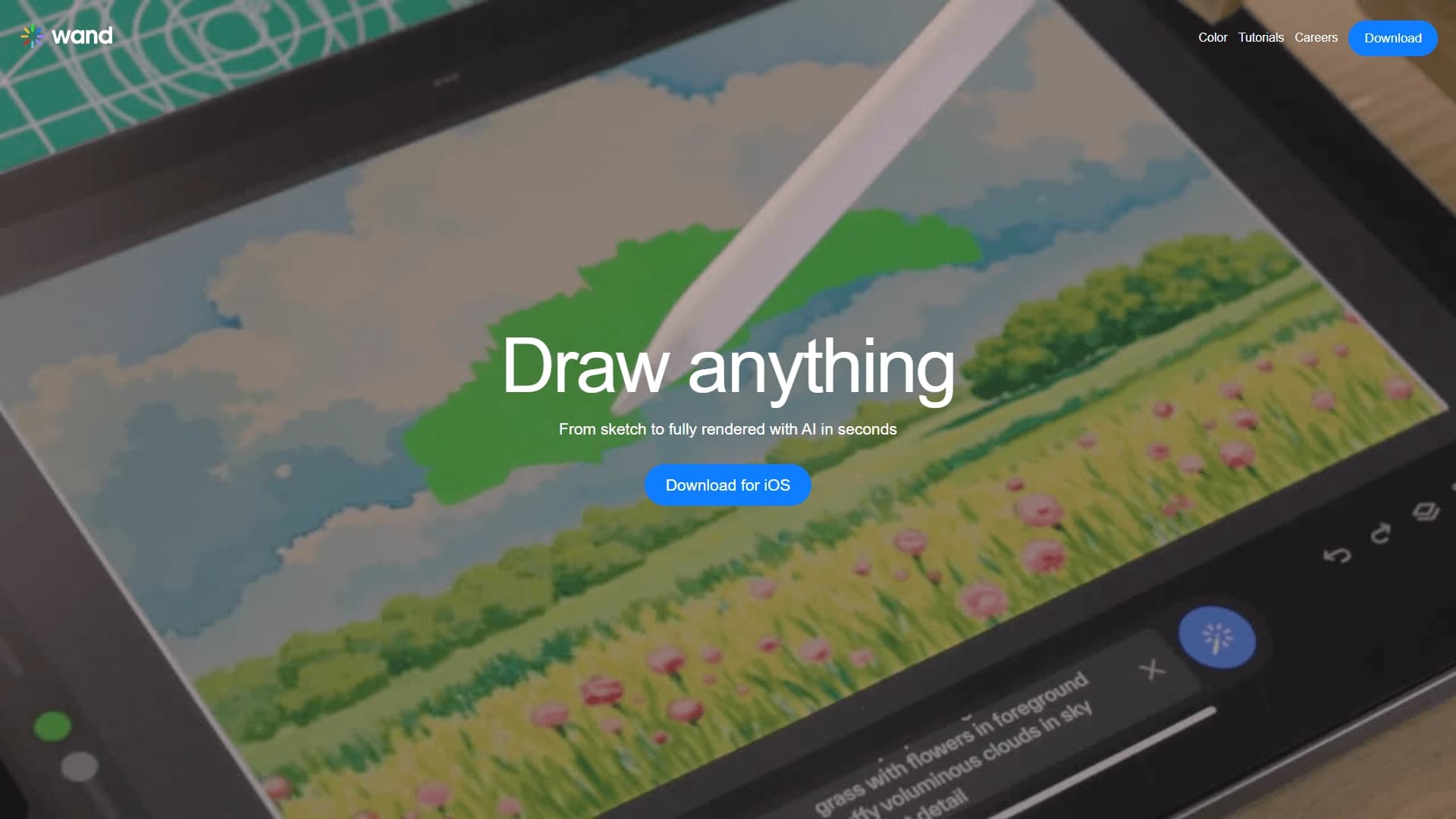
Wand is an iOS mobile app that uses artificial intelligence to turn hand-drawn sketches and simple doodles into full-fledged detailed images. The user only needs to draw the outlines of the intended image, and the algorithm independently adds color, light, and shadows, completing the work in a few seconds.
How it works
The app is built around a simple idea: the artist defines the shape of the future image, and the neural network handles the routine part — rendering details, filling in colors, and working with light. This approach makes it possible to quickly get finished art even from the most schematic sketch.
Who it's for
The tool is designed both for quick creative experiments and for more serious tasks — speeding up concept art preparation and exploring forms for concept artists and illustrators.
Wand characteristics
| Characteristic | Value |
|---|---|
| Type | Image generation |
| Category | Drawings and sketches, Image generation |
| Platforms | iOS (mobile app) |
Who is the Wand AI suitable for?
Artists and illustrators
Wand is suitable for both beginners and experienced artists, designers, and illustrators. For professionals, the app helps speed up concept art stages and quickly explore composition options, while beginners get beautiful results without lengthy manual rendering.
Those who want to quickly visualize an idea
The tool is also useful for anyone who wants to quickly turn a thought into a visual image without spending time on detailed hand-drawing. A simple sketch is enough to see how the idea might look in finished form.
How to use the Wand AI?
Creating a sketch
Getting started is simple: draw a sketch by hand right in the app. No special training or knowledge of complex software is required — you just define the outlines of the future image.
Automatic completion
After the sketch is created, the neural network automatically completes it into a full illustration. The algorithm adds details, color, light, and shadows on its own, and the whole process takes only a few seconds.
Main features of Wand
Turning sketches into images
The app's main function is turning simple hand-drawn sketches into detailed illustrations. The user draws the outlines, and the neural network finishes the work.
Automatic addition of details
The algorithm processes the image on its own, adding details, color, light, and shadows. This lets you get finished art without manual completion.
Generating variations and saving results
From a single sketch, the app can generate several execution variations at once. Finished results can be saved and refined in other editors.
Advantages of Wand
Speed and simplicity
The main advantage is speed: only a few seconds pass from sketch to finished art. The process doesn't require professional drawing skills.
Versatility for different skill levels
The tool is equally useful for beginners and professionals. Experienced creators can use it to speed up concept art and explore forms, while beginners can make neat drawings without a long learning curve.
Room for experimentation
Wand makes it easy to experiment with compositions and styles, trying out different visual solutions without spending significant time.
Disadvantages of Wand
There is not enough available data on obvious disadvantages of the tool. The main limitation is its platform lock-in: the app only works on Apple devices (iPhone and iPad), so users on other platforms can't use it. Information about regional restrictions or the need for a VPN is absent from the source data.
What tasks does Wand solve
Quick visualization of ideas
The tool lets you quickly turn ideas into detailed images, which is convenient in the early stages of a project.
Faster concept art
Wand makes it easier to create concept art and explore forms, allowing the creator to quickly test different options without manually rendering each one.
Creating drawings without skills
The app helps even those without professional drawing skills create neat and beautiful images, and also opens up room for experimenting with visual solutions.
Wand pricing
The provided data contains no information about the cost or payment terms for using Wand. Current pricing and the app's distribution model can be checked directly in official sources and the app store.
Wand terms of use
The source data does not specify the exact terms of service. Whether account registration is required, what restrictions apply to the use of generated images, and whether any regional restrictions are in effect — none of this is stated in the provided information.
Wand availability
At present, Wand is known to be available only as a mobile app for iOS, running on iPhone and iPad. The sources contain no data on regional distribution restrictions or any need to use a VPN.
How Wand differs from alternatives
Specifics of how it works
The key difference between Wand and most image generators is its focus on working with sketches. Instead of creating an image from a text description, the app completes what the user drew by hand, preserving the author's original intent as the foundation.
Comparison with other tools
Close alternatives include Kolors by Kuaishou, Erasio, AI Image Prompts, Nano Banana AI, Plexigen AI, and Veevid AI. At the same time, it is the combination of a hand-drawn sketch and automatic completion with color, light, and shadows that sets Wand apart from these solutions, although the source materials do not provide detailed comparative data on differences in their capabilities.
Conclusion
Wand is an iOS app that quickly transforms hand-drawn sketches into detailed images with the help of artificial intelligence. Thanks to its ease of use and processing speed, it suits both beginners and experienced creators, helping speed up the creative process and turn ideas into finished illustrations faster.