

Vizcom
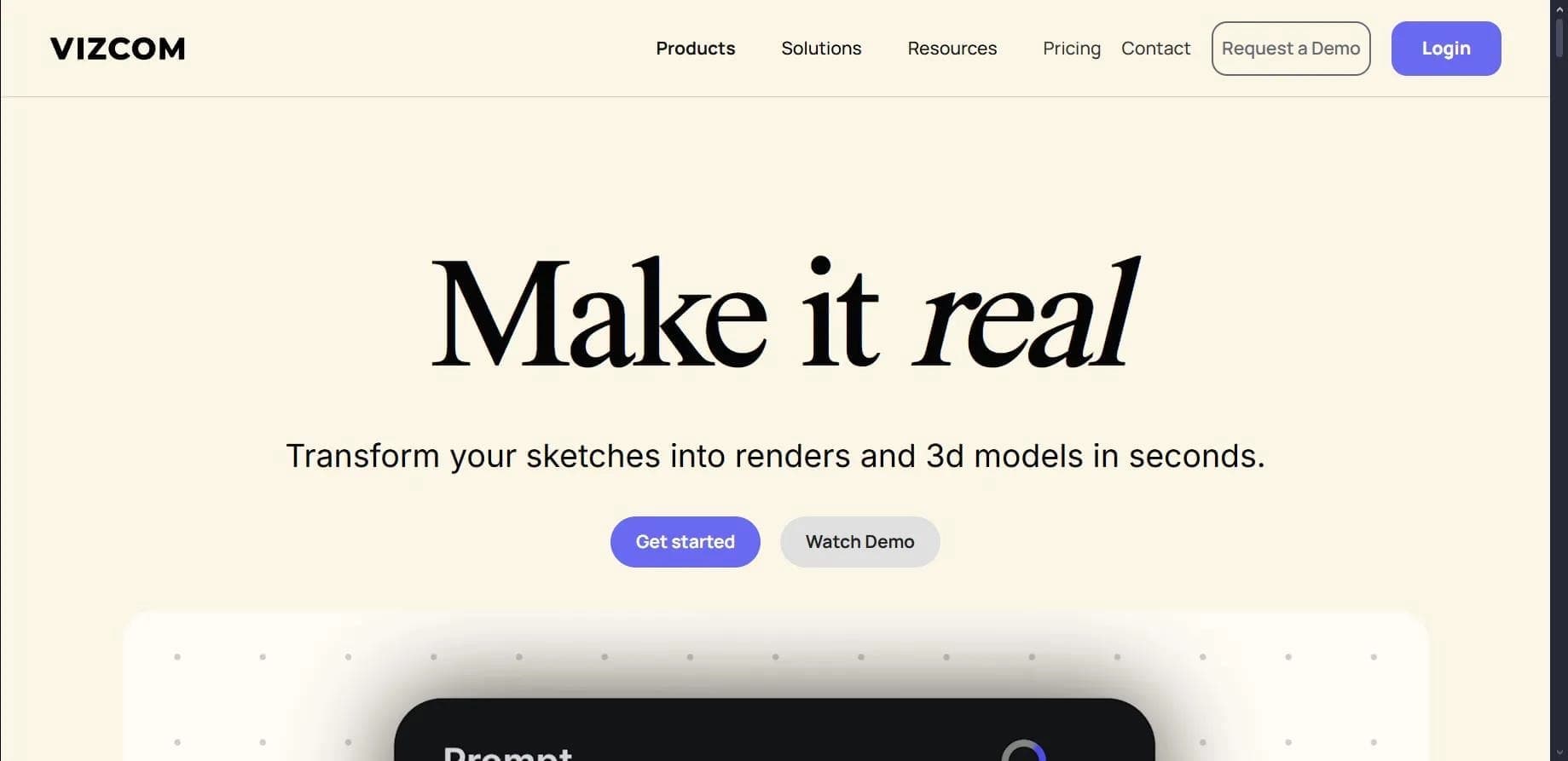
Platform for transforming sketches into photorealistic renders and 3D models.
Overview
Vizcom
Vizcom Neural Network Description
Vizcom is a platform designed for designers and creative professionals that turns hand-drawn sketches and drafts into detailed photorealistic renders and 3D models in just a few seconds. Instead of manually working through every stage of visualization, a designer uploads or draws a sketch, and the neural network refines it into a finished concept.
The tool's key feature is the Modify function, which lets you edit existing concepts right on the canvas without creating new sketches or coming up with new prompts. This is especially handy when working with client revisions, when you need to quickly rethink an idea in real time.
The platform offers a Workbench environment with an infinite canvas for collaborative work, supports texture application, the creation of custom style palettes, and the import of 3D objects from third-party software. The combination of speed and flexibility makes Vizcom a tool that significantly shortens the path from idea to final render or prototype.
Vizcom Characteristics
| Characteristic | Value |
|---|---|
| Type | Neural network for designers and creative professionals |
| Categories | 3D models and objects, photorealistic images, image generation |
| Platforms | Web application, desktop program for Windows and macOS |
| Interface languages | English only |
| Free plan | Yes (2 editors, 10 renders per month) |
| Distribution model | Freemium |
| Developer | Vizcom Technologies, Inc. |
| Launch year | 2022 |
| Number of users | Over 500,000 |
| Export formats | USDZ, 4K |
Who Is Vizcom Neural Network Suitable For?
Industrial Designers
The tool is primarily designed for professionals in industrial design who need to quickly turn rough sketches into convincing product and object visualizations. The generation speed allows clients to see finished concepts as early as the initial stages of work.
Architects
For architects, Vizcom helps visualize forms and volumes from simple sketches, as well as obtain 3D models based on 2D drawings. This speeds up the development and presentation stage of ideas.
Concept Artists and Creative Professionals
Artists and designers working with sketches and concepts can use the platform to quickly generate detailed images and edit finished works without fully redrawing them, saving time on routine stages.
How to Use Vizcom Neural Network?
Registration and Sketch Upload
To get started, you need to register on the vizcom.ai website. After that, a sketch is uploaded in PNG or JPEG format — or you can draw directly in the platform's studio.
Render Settings
Next, you should choose one of the 15 available rendering styles, add a text prompt if necessary, and adjust parameters: lighting, textures, and level of detail.
Generation and Export
The system generates a render or 3D model based on the sketch. The finished result can be exported in USDZ and 4K formats, including for viewing in augmented reality or preparing for 3D printing.
Key Vizcom Features
Sketch Conversion and 3D Generation
The platform turns handwritten sketches into photorealistic renders in about 5 seconds and also creates 3D models based on 2D drawings. It supports processing sketches up to 8K resolution and generating up to 4 renders simultaneously.
Working with Textures and Styles
By selecting zones, you can apply textures to individual areas of the model. You can also create custom rendering style palettes and automatically adjust lighting and shadows.
Editing Tools
The toolkit includes brushes, lasso, Bezier curves, and a "smart brush" mode for detailing. The Modify function allows you to edit finished concepts directly on the canvas, while real-time mode speeds up the rendering process. Hand-drawn line recognition is supported, along with compatibility with Wacom and Huion tablets.
Vizcom Advantages
Speed and Ease of Work
The main advantage is the rapid conversion of sketches into renders in just 5 seconds. The Modify function saves time by allowing edits to a finished concept without creating a new sketch or selecting prompts, which is especially valuable when working with client revisions.
Integrations and Collaboration
The tool supports import from SketchUp and Rhino3D and provides a Workbench environment with an infinite canvas for real-time collaborative work. There is also Discord integration for community communication.
Reliability and Development
Data is encrypted to the SOC 2 standard. Algorithms are regularly updated approximately every 3 months, ensuring continuous improvement in output quality.
Vizcom Drawbacks
Availability Limitations
As of April 2025, the platform has no mobile version. The interface and support service are available only in English.
Free Plan Limitations
The free plan is limited to 10 renders per month and only 2 editors, which may not be enough for active work.
What Tasks Does Vizcom Solve?
Accelerating Visualization
The tool solves the designer's main task — it speeds up the process of visualizing ideas, turning rough sketches into finished photorealistic images in a matter of seconds.
Creating 3D and Working with Reality
Vizcom creates 3D models based on 2D drawings, allows viewing them in augmented reality via USDZ export, and prepares models for 3D printing.
Collaboration and Revisions
The platform solves the tasks of quickly editing designs without redrawing and organizing collaborative work on concepts in real time.
Vizcom Pricing
Free Plan
A starter plan is available with basic tools, standard rendering speed, and community support. It includes 2 editors and 10 renders per month.
Paid Plans
The Professional plan costs about $40 per month with annual billing (or from $49 per month depending on the billing option) and adds design privacy, fast renders, custom palettes, up to 50 3D models and 10 videos per month, as well as 5 hours of live rendering. The most expensive plan — Enterprise — costs up to $199 per month.
Terms of Use for Vizcom
Registration on the vizcom.ai website is required to get started. The free plan has limits on the number of renders (10 per month) and editors (2). The platform operates on a freemium model: some core features are available for free, while advanced functions are unlocked in paid plans.
Vizcom Availability
The tool is available as a web application via browser, as well as a desktop program for Windows and macOS. There is no mobile version as of April 2025. The interface and support are provided only in English.
How Vizcom Differs from Alternatives
The key difference between Vizcom and many other image generation tools is its focus on the designer's work with sketches and 3D. Instead of simply creating pictures from a prompt, the platform turns hand-drawn sketches into photorealistic renders and full-fledged 3D models, including export for augmented reality and 3D printing.
Another distinguishing feature is the Modify function, which allows editing finished concepts directly on the canvas without redrawing or selecting new prompts. This capability is not found in all competitors, which usually require regenerating the image to make changes. Combined with the Workbench environment for collaborative work, this makes Vizcom more of a tool for a real design process than simply an image generator.
Conclusion
Vizcom is a specialized neural network for designers and creative professionals that significantly speeds up the transition from a hand-drawn sketch to a detailed render and 3D model. The tool offers a wide range of features: from applying textures and working with style palettes to editing finished concepts and collaborating in the Workbench environment. At the same time, the platform has obvious limitations — an English-only interface and no mobile version, while the free plan allows no more than 10 renders per month. Nevertheless, for those who work with sketches and concepts on a daily basis, Vizcom can become an effective assistant that reduces the time needed to visualize ideas.
Pricing
Frequently asked questions
See also
No-code platform for creating AI-powered 3D character animations.

3D model generator combining AI with a parametric engine for creating and customizing objects right in the browser.
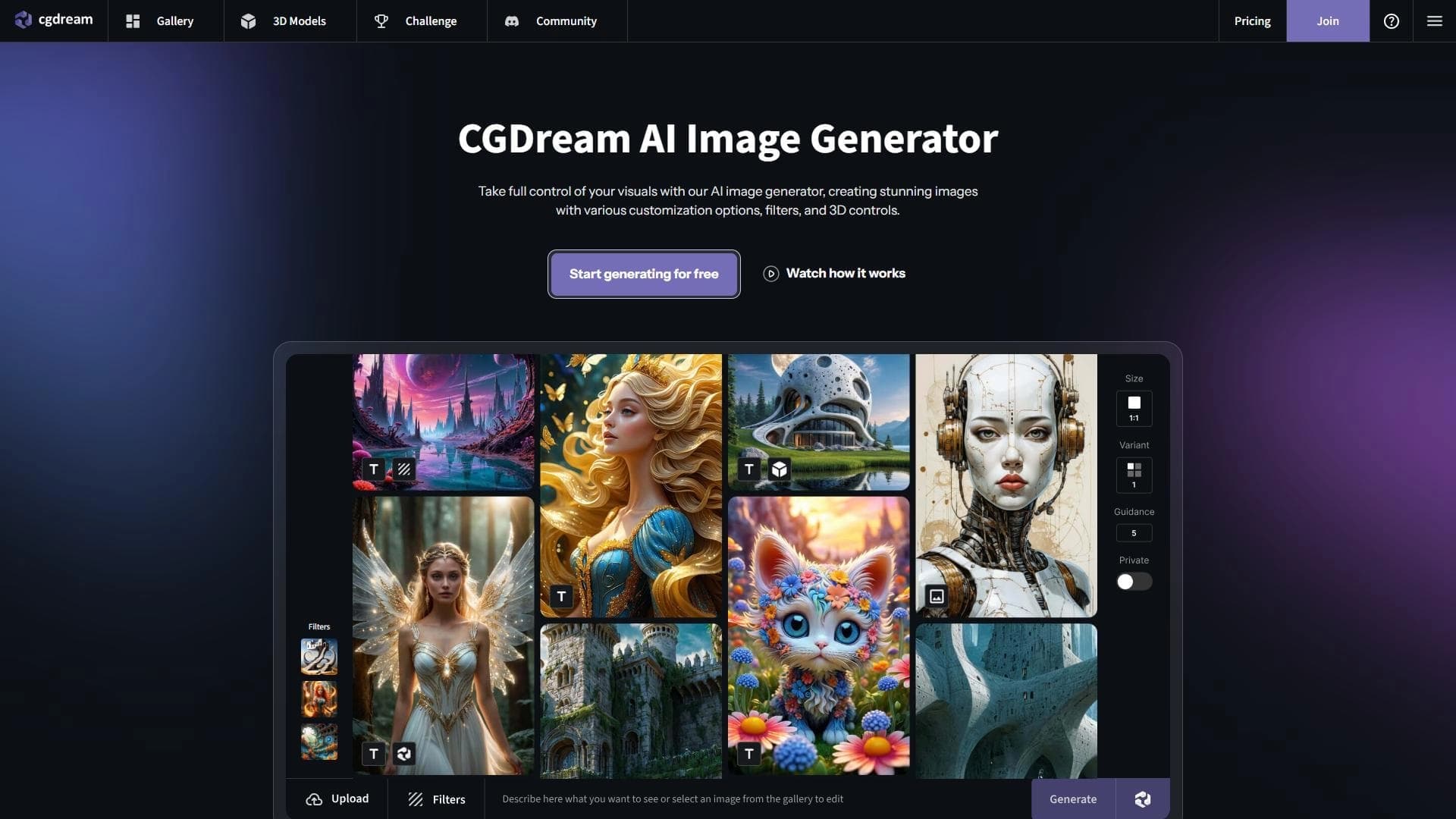

AI-powered image generation platform that combines 3D models with generative technologies to create illustrations from text, photos, or 3D objects.
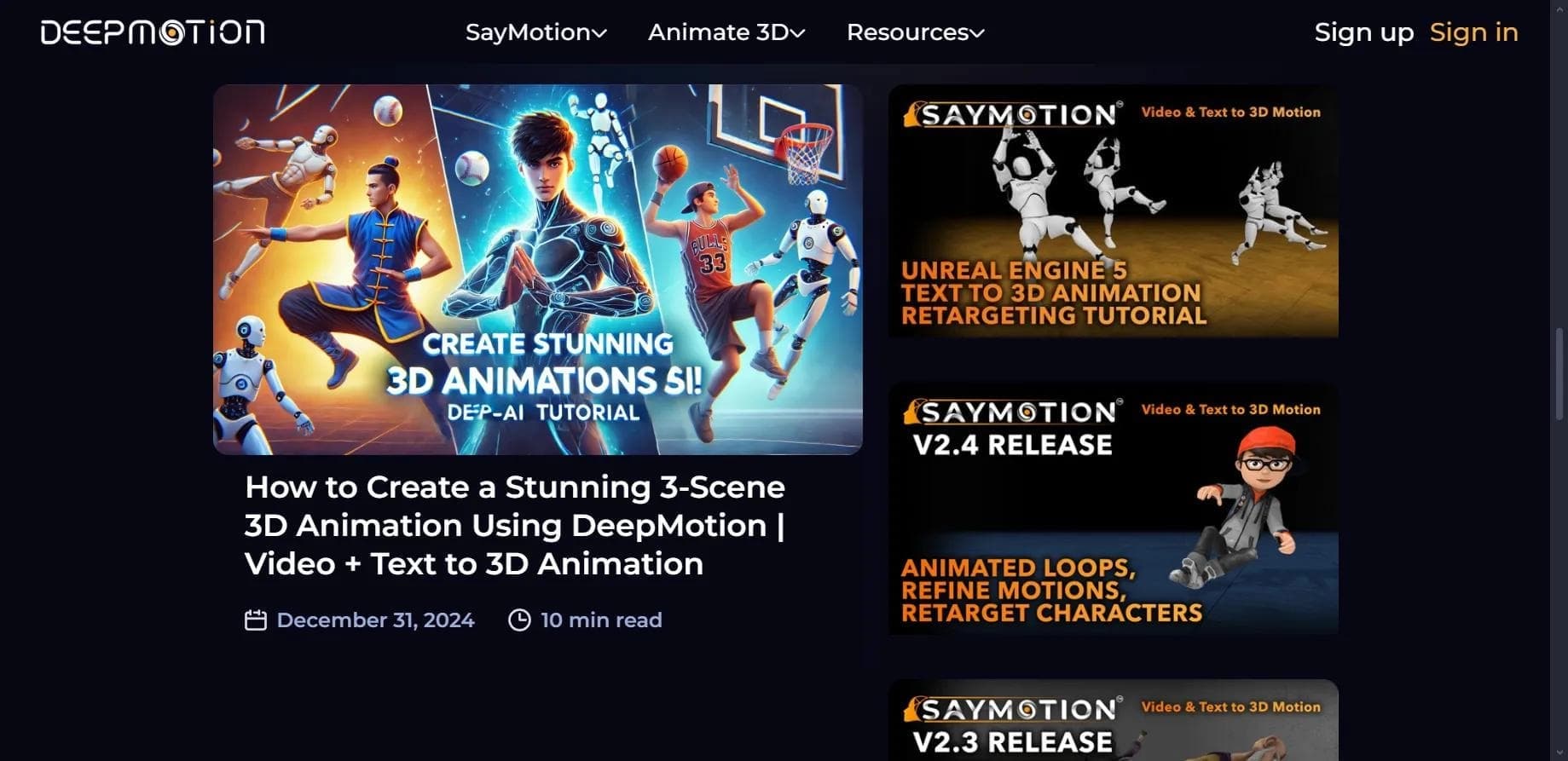

Web service for creating 3D animation based on video, text descriptions, or motion capture data without special equipment.

Browser-based platform for creating 3D objects, animations, and textures using AI from a text prompt.
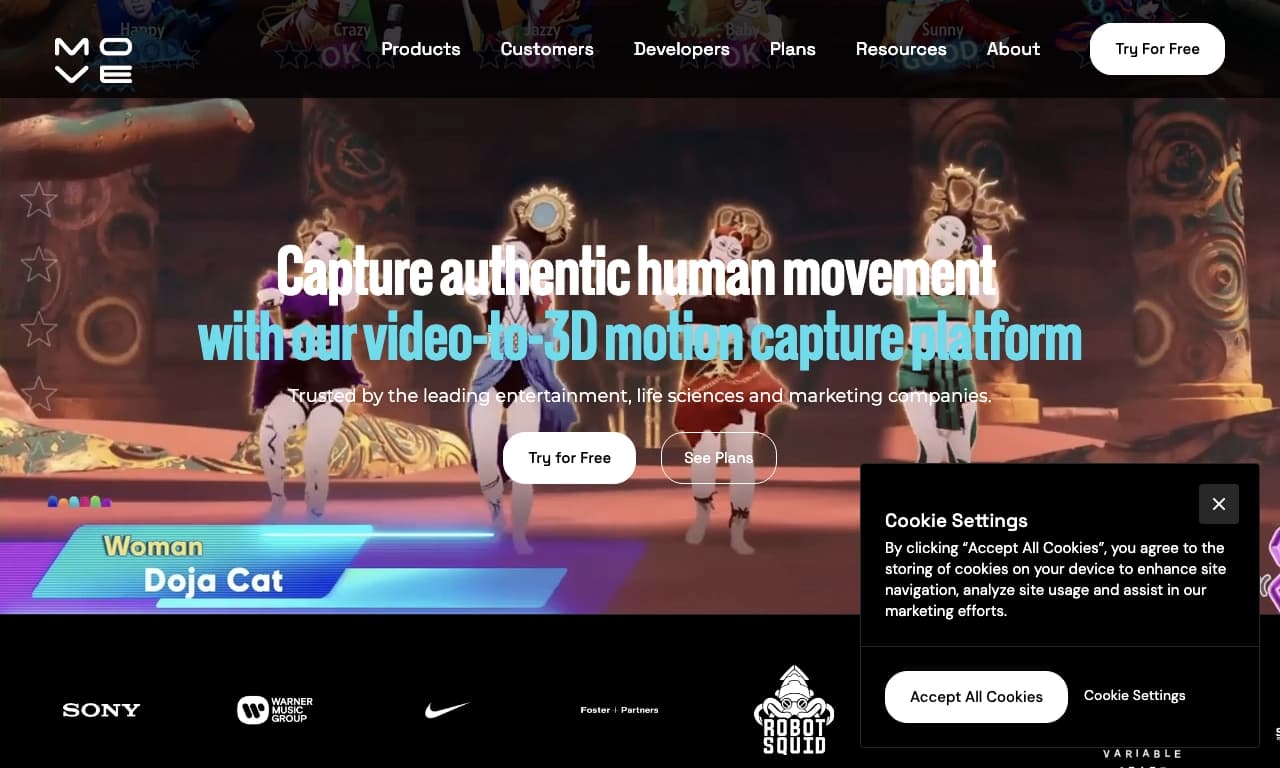

AI-powered tool for capturing human motion from ordinary 2D video recordings and converting it into 3D animation.
An AI-based web tool that turns ordinary 2D images into animated 3D scenes with a parallax effect.

Mobile app for creating detailed 3D models of real objects and scenes using regular video recording.