

Vid.AI
A web service for automated video creation and editing directly in the browser.
Overview
Vid.AI
Description of the Vid.AI neural network
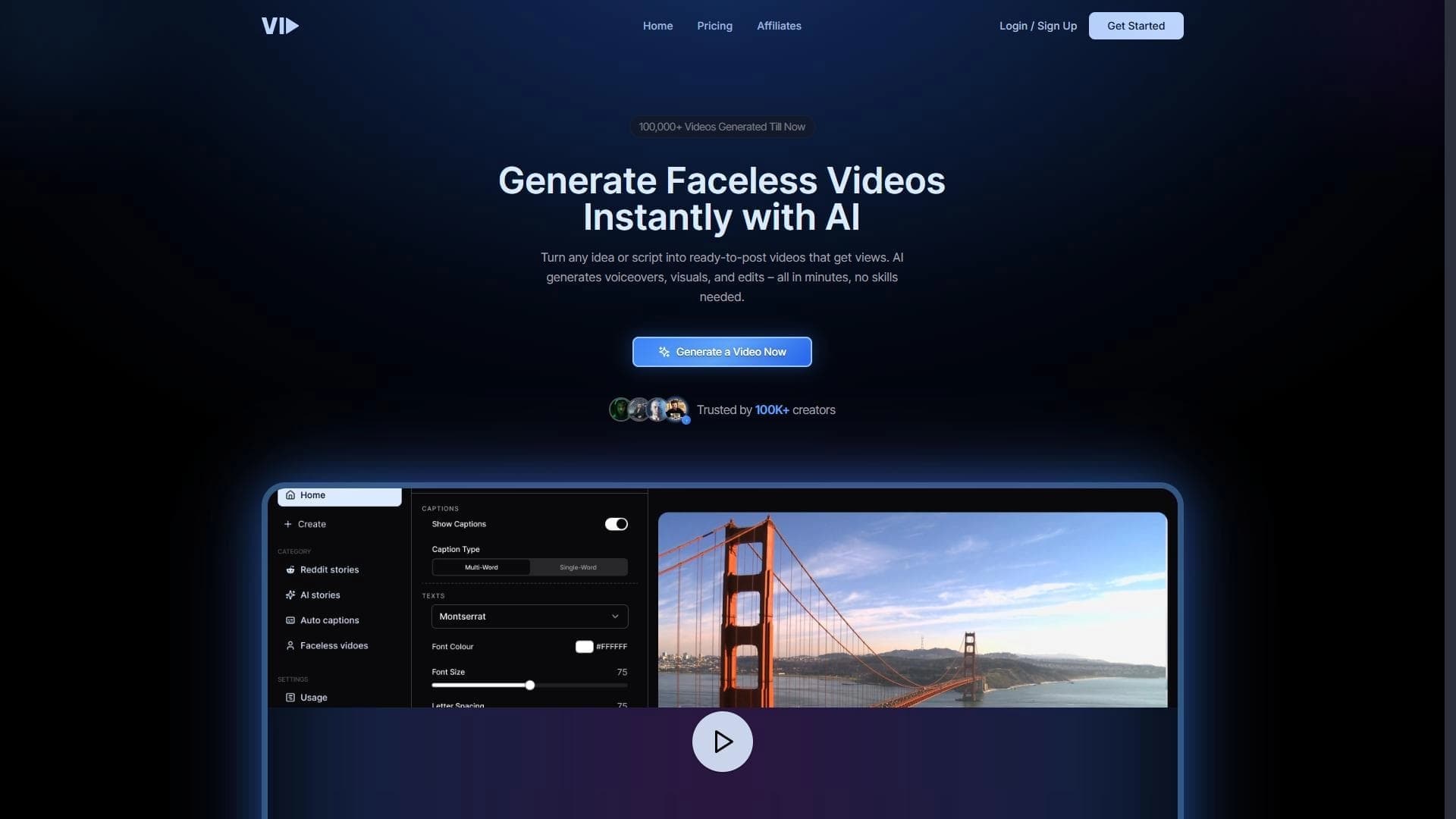
Vid.AI is a web service that automates the process of creating and editing videos. Instead of manually assembling clips in specialized programs, users can upload source materials in the browser, choose a suitable template, and set parameters for the future video. The neural network takes over the rest of the work — cutting, stitching, and styling.
The service solves the main problem of content creators: video production takes a lot of time and technical skills. Vid.AI minimizes manual labor and lets you get a finished video in a short time. The main focus is on speed and simplicity — the entire process happens online, and file processing is done server-side.
Vid.AI’s approach can be called a “video constructor” — the user acts as the task setter, while the neural network does the technical work: selecting good fragments, editing scenes, and applying visual styling.
Vid.AI characteristics
| Characteristic | Value |
|---|---|
| Type | Online service |
| Category | Editing and post-production, YouTube and blogging, Short videos and clips |
| Platforms | Web browser |
| Free tier | Not specified |
Who is the Vid.AI neural network suitable for?
Marketers and SMM specialists
For this audience, content production speed matters. Vid.AI makes it possible to quickly turn source materials into finished videos for advertising campaigns, social media, and promos — without having to go to an editor every time.
Bloggers and content creators
Authors of YouTube channels, TikTok, and Instagram can use the service to publish videos regularly. Automated processing helps maintain a consistent posting schedule and avoid spending hours on routine editing.
Content specialists
Content managers, editors, and producers who need to prepare videos for publication quickly can rely on Vid.AI as a pre-processing tool. It automates routine operations and frees up time for creative tasks.
How to use the Vid.AI neural network?
Uploading source files
The user uploads video materials to the service through the browser interface. No special software needs to be installed — everything happens right on the website.
Choosing a template and parameters
After uploading, the user selects a design template and specifies parameters for the future video. At this stage, the style, formats, and other settings that affect the final result are determined.
Automatic processing by the neural network
The artificial intelligence performs the editing on its own: it cuts, stitches, and styles the video according to the selected settings. The user only needs to wait for the processing to finish and get the final file.
Key features of Vid.AI
- Automatic video editing and stitching. The neural network itself identifies good fragments and joins them into a single sequence.
- Quick selection of styles and templates. The user gets a set of ready-made styles and templates — no need to configure everything manually.
- Exporting videos in popular formats. The finished video can be saved in common video formats for further publication.
- Minimal technical skill requirements. The interface is designed so that even a beginner can create a video without prior editing training.
Advantages of Vid.AI
- Speeds up video content production. Tasks that used to take hours of manual work are now done in minutes.
- Reduces editing costs. There is no need for expensive software or professional editors for basic tasks.
- Intuitive interface. The service is easy to learn. The workflow is clear — upload, choose a template, get the result.
- No software installation required on your device. All operations are performed in the browser.
- Server-side processing saves user resources. You don’t need a powerful computer — all computations happen remotely.
Disadvantages of Vid.AI
The main limitation of the service is a modest set of integrations with other services. This means it may not always be possible to fully connect Vid.AI with other workflow tools, so some tasks may have to be done manually or with additional programs.
What problems does Vid.AI solve?
Automating video creation and editing
The service handles the technical side of editing that previously required a human. This is especially valuable for routine tasks: cutting long recordings, selecting good takes, and stitching finished scenes.
Speeding up video content production
Vid.AI is designed to reduce the time from idea to finished video. This directly affects the productivity of content teams that publish videos on a regular basis.
Reducing editing costs
Using the neural network helps cut content production budgets — there’s no need for large investments in editing software or ongoing labor costs for specialists.
Vid.AI pricing
Pricing information is not disclosed either on the service website or in available external sources. There is also no data on a free plan or trial period. To find out current terms, you need to contact the Vid.AI developers directly.
Vid.AI terms of use
The section describing the terms of use is also undisclosed. Details about the service rules, licensing, and restrictions on commercial use of videos uploaded as source materials have not been published.
Vid.AI availability
Vid.AI is a fully cloud-based service; there is no need to deploy software locally. It works in the browser and requires no additional programs to be installed on your device. This means the service can be used from any device with internet access and an up-to-date browser, from a desktop computer to a laptop.
How is Vid.AI different from alternatives?
Compared with other video editing tools, Vid.AI stands out with its fully automated approach. While many services provide a set of manual tools and AI features to assist with work, Vid.AI works on the “upload and forget” principle — the user sets the parameters, and the neural network does all the editing without further human involvement.
This approach minimizes the number of manual actions and lowers the entry barrier for users without specialized editing skills.
Conclusion
Vid.AI is an online service for automating video creation and editing, aimed at marketers, bloggers, and other content professionals. Its main strength is fully automated editing with minimal user involvement at every stage. The tool helps speed up video content production and reduce editing-related costs, all without overloading the user’s device or requiring technical skills to operate.
Frequently asked questions


See also
A sales and marketing automation platform that unifies data from multiple sources for lead processing.

Platform for automating cold email campaigns and mailbox warming with AI.

An AI-powered service that turns a brief topic description or bullet points into a structured business presentation in seconds.


AI-based tool for generating and optimizing text content.

Platform for creating AI chatbots without coding, targeted at businesses and agencies.

AI-powered content marketing platform that automatically extracts key moments from live streams, podcasts, and Q&A sessions to create marketing materials.


AI tool for B2B cold outreach that automates contact search and personalized email generation.

AI-based platform for generating text content: articles, advertisements, social media posts, and product descriptions.